



Foxy Shaders for Minecraft 26.2
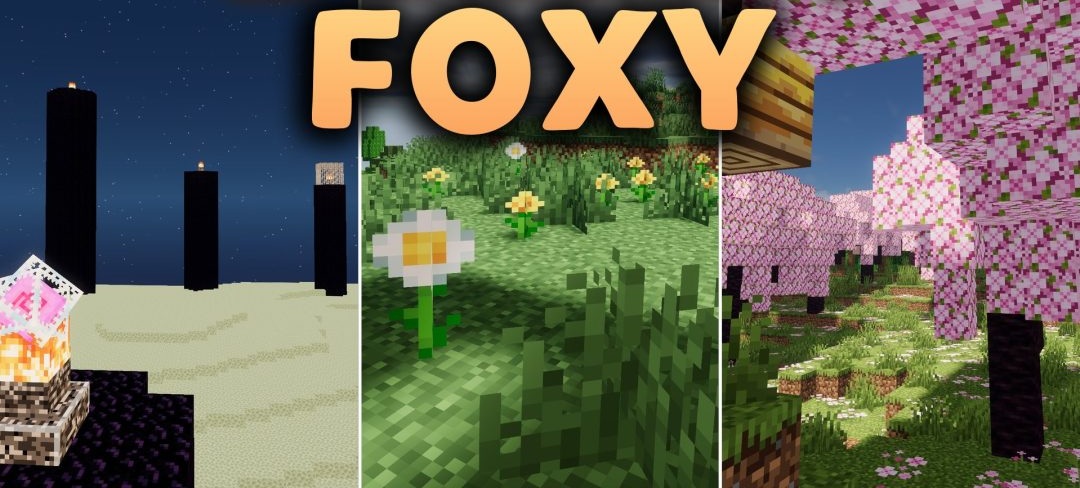
Foxy Shaders focuses on ray tracing and the interaction of colored light with surrounding surfaces. Glowing blocks tint the nearby space, while the spread of lighting and reflected light creates a more realistic image both indoors and in open areas.
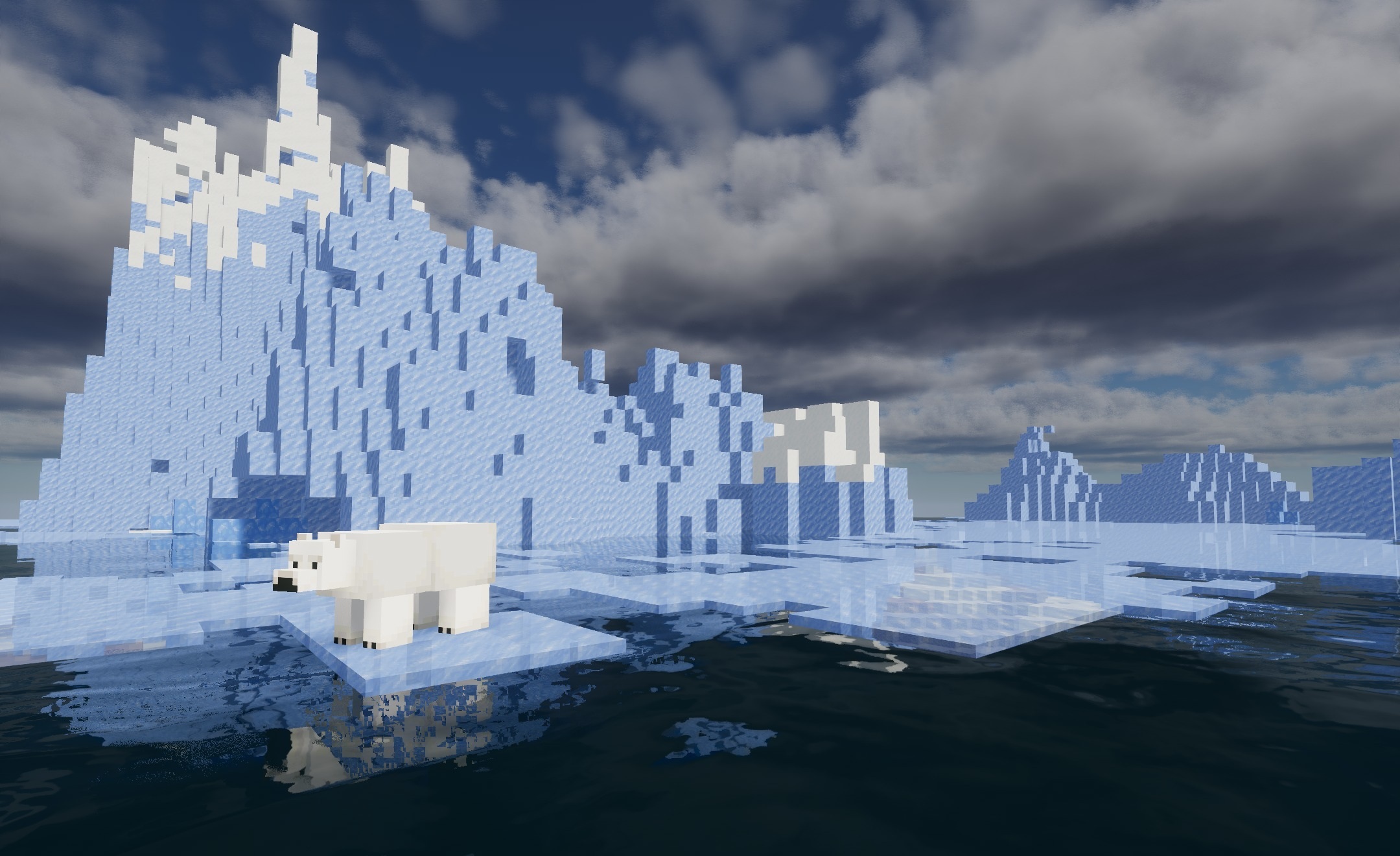
The pack is compatible with the modern Voxy, Flywheel, and Veil rendering systems, expanding the possibilities for using its effects together with other graphical technologies. The load can be adjusted through several ready-made profiles for low-end, mid-range, and powerful configurations, allowing the level of processing to be adapted to specific hardware.
How to install a shader:
First step: download the shader package from the link below.
Second step: Unpack the downloaded archive and copy the Foxy Shaders folder to c:\Users\User\AppData\Roaming\.minecraft\shaderpacks\(if this folder does not exist, create it yourself) (For Windows)
Third step: In the game, go to Settings, then to Graphics Settings. Select the "shaders" section and activate the shader pack of your choice.
Comments (0)