



Fullbright Plus Shaders for Minecraft 26.2

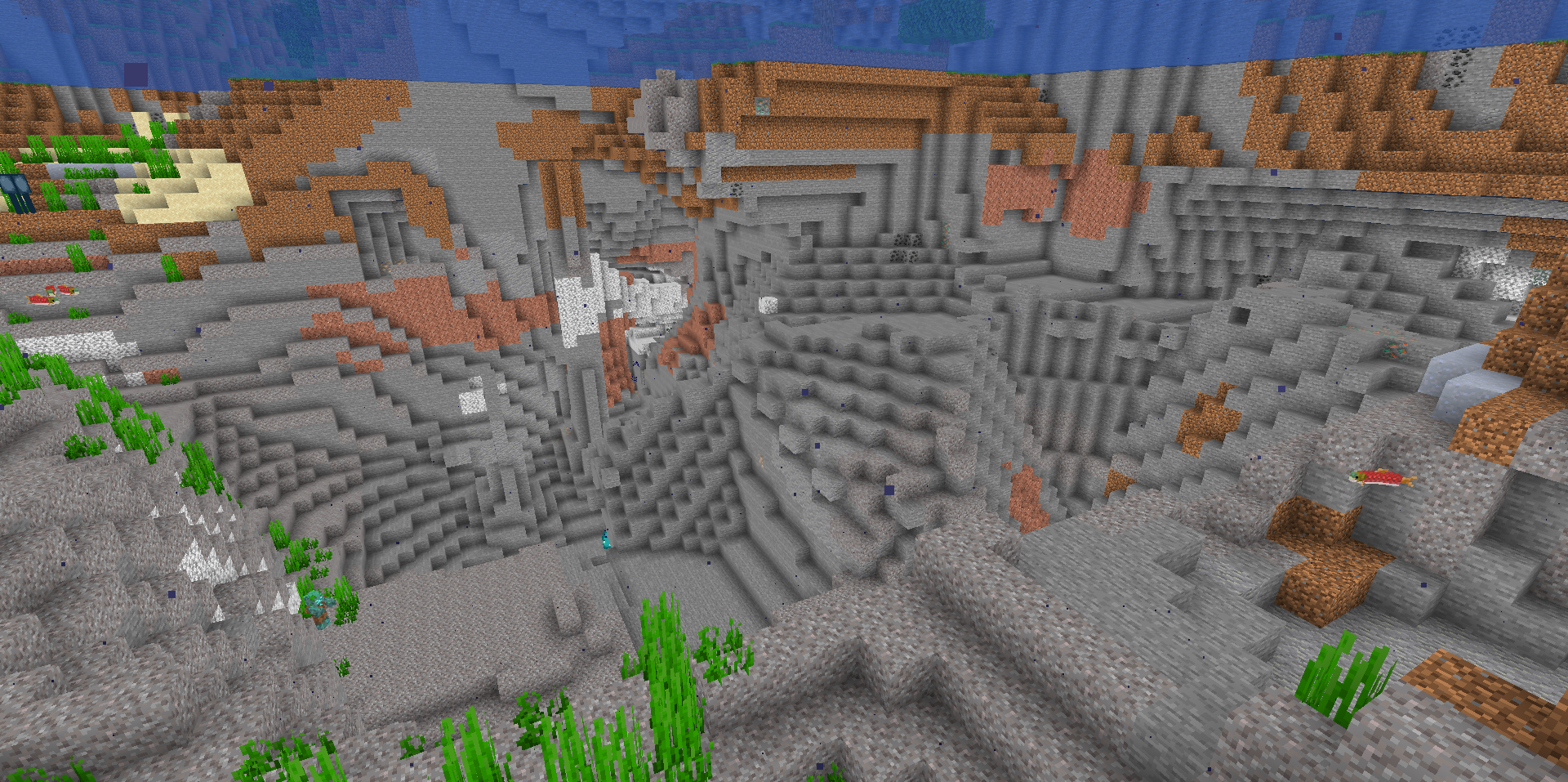
Darkness in caves, at night, and underwater usually forces players to constantly keep track of their torches. Fullbright Plus Shaders eliminates this problem by applying full brightness to the entire world: deep mines, the ocean floor, and nighttime areas become clearly visible without additional light sources.
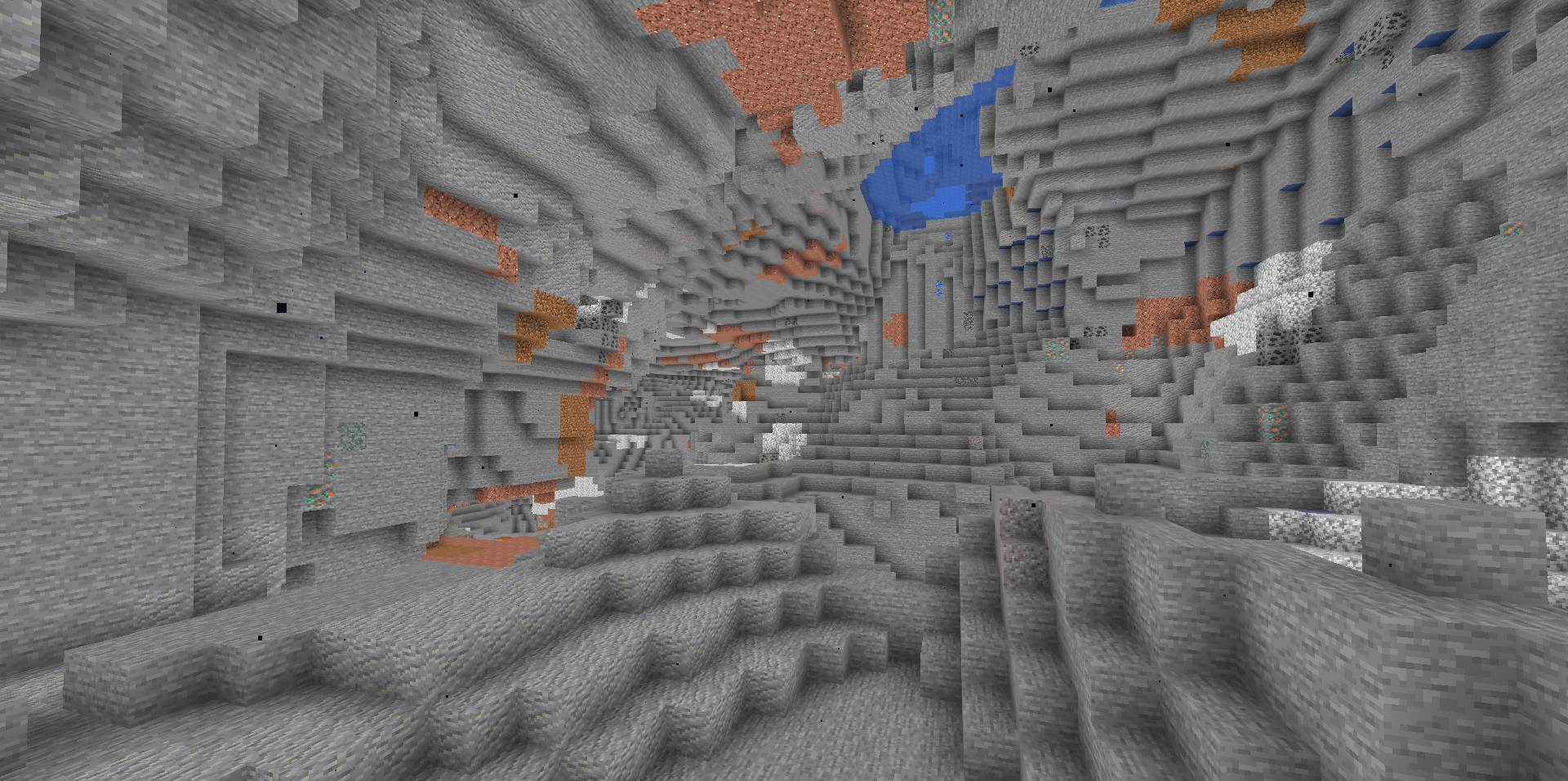
The shader does not create complex lighting and simply makes the image readable under any conditions. Because of this, it remains fast and does not consume resources for shadows, reflections, or volumetric effects. Underwater ruins, cave passages, and dark corridors become easier to notice immediately, while nighttime looks almost like daytime. The pack includes different color profiles, such as a warmer or brighter screen tint.
How to install a shader:
First step: download the shader package from the link below.
Second step: Unpack the downloaded archive and copy the Fullbright Plus Shaders folder to c:\Users\User\AppData\Roaming\.minecraft\shaderpacks\(if this folder does not exist, create it yourself) (For Windows)
Third step: In the game, go to Settings, then to Graphics Settings. Select the "shaders" section and activate the shader pack of your choice.
Comments (0)