



Gradius Vibrantshader Shaders for Minecraft 26.2
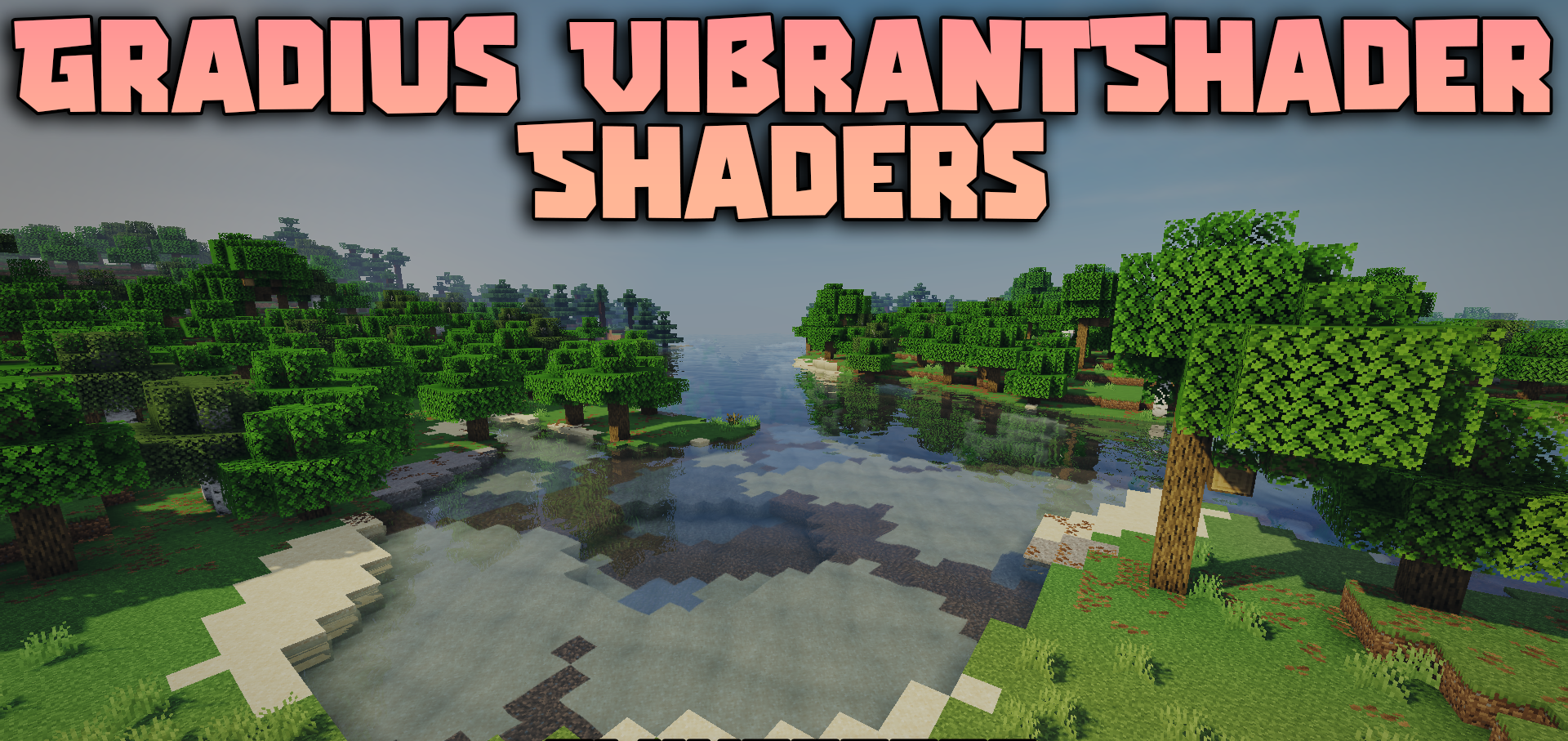
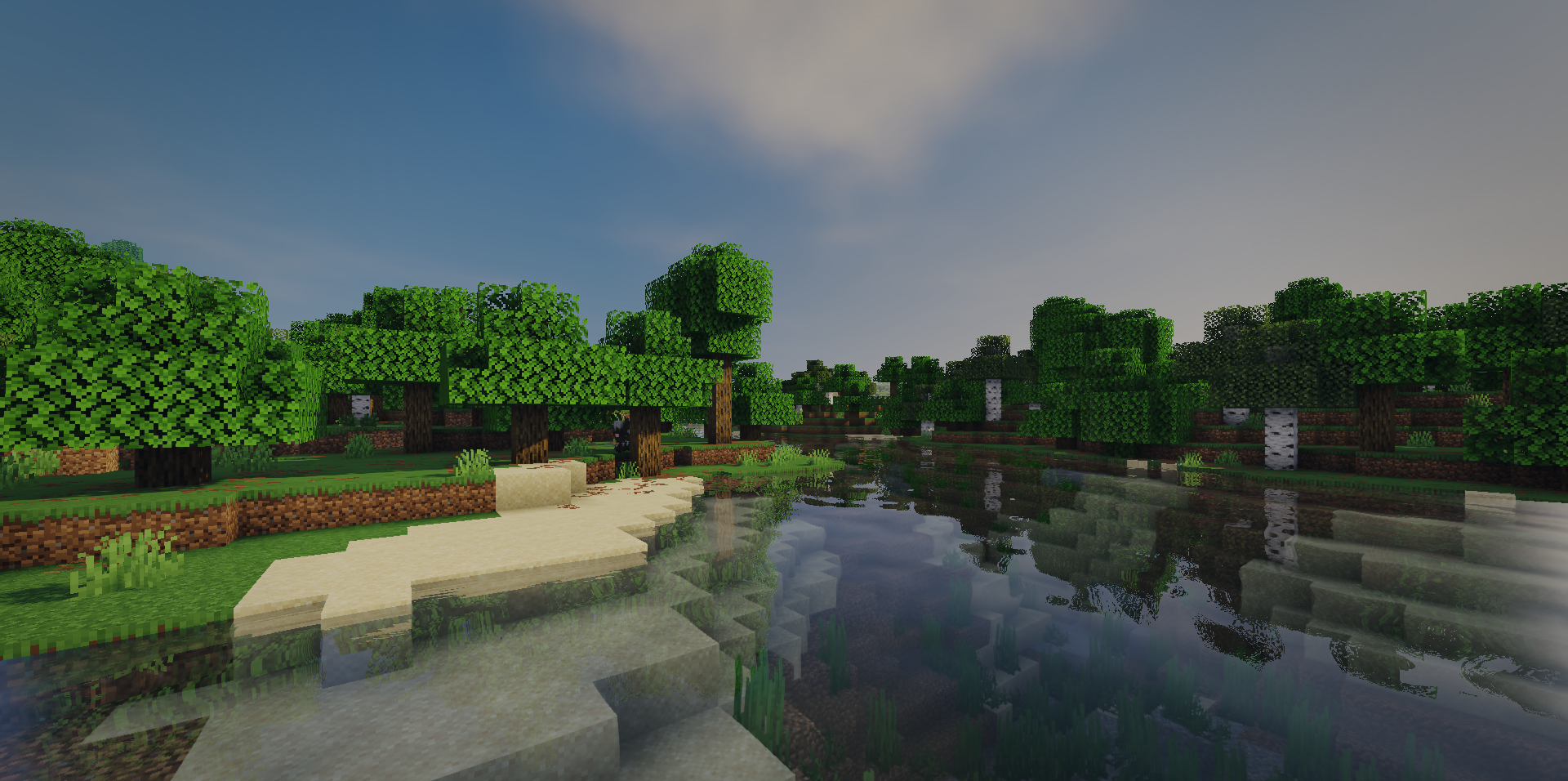
Bright lighting, water, and soft shadows are configured here with low-end hardware in mind. Gradius Vibrantshader Shaders makes the daytime world cleaner and more vibrant by adding sunlight streaming through trees, reflections in the water, and a smoother image through anti-aliasing.
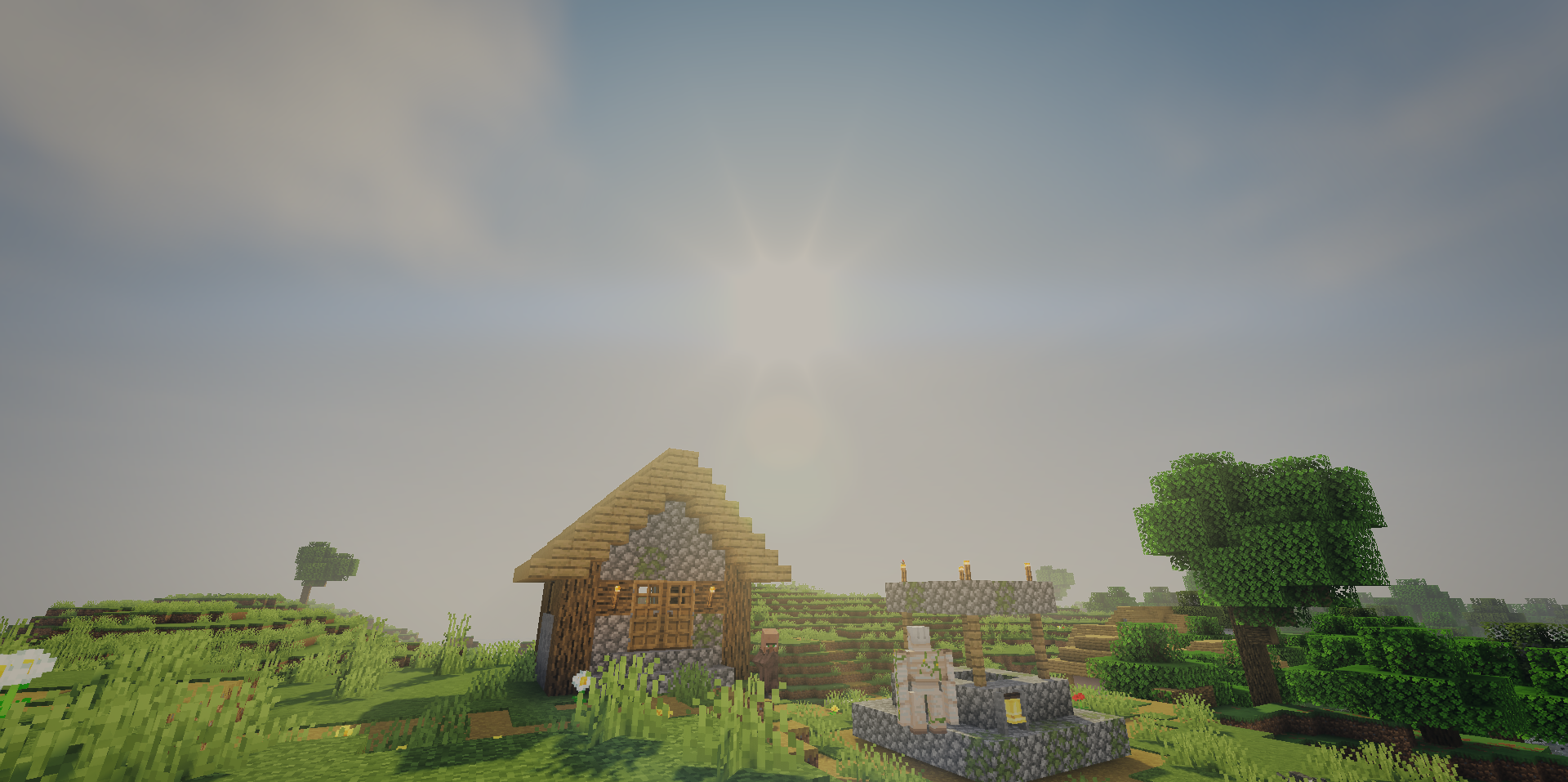
Leaves, grass, and trees sway slightly, but without heavy physics that would significantly reduce the frame rate. At night, the sky becomes darker and more unsettling, while raindrops appear on the screen during rain, reinforcing the feeling of bad weather. There are cinematic lens flares when looking at bright light sources, but the overall style remains fairly lightweight.
How to install a shader:
First step: download the shader package from the link below.
Second step: Unpack the downloaded archive and copy the Gradius Vibrantshader Shaders folder to c:\Users\User\AppData\Roaming\.minecraft\shaderpacks\(if this folder does not exist, create it yourself) (For Windows)
Third step: In the game, go to Settings, then to Graphics Settings. Select the "shaders" section and activate the shader pack of your choice.
Comments (0)