



HalcyonShaders for Minecraft 26.2
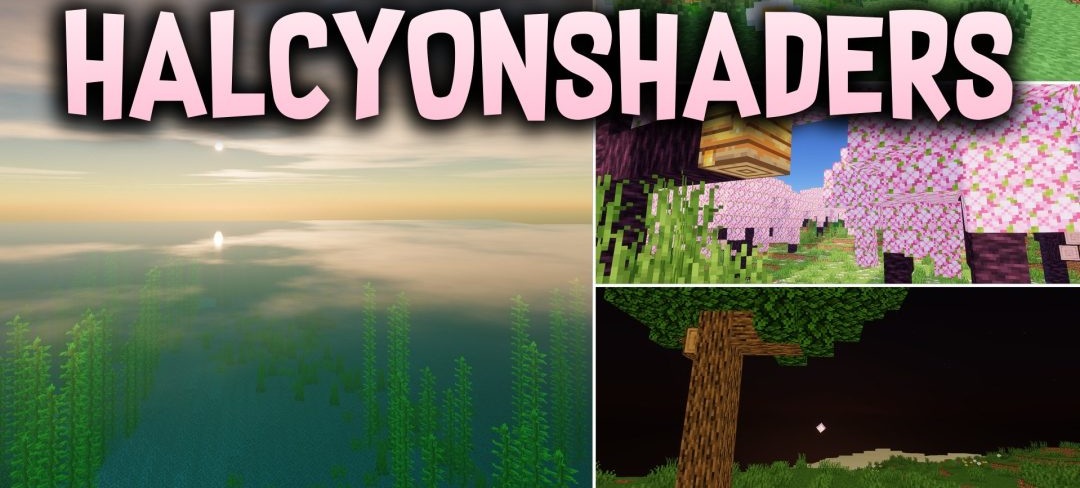
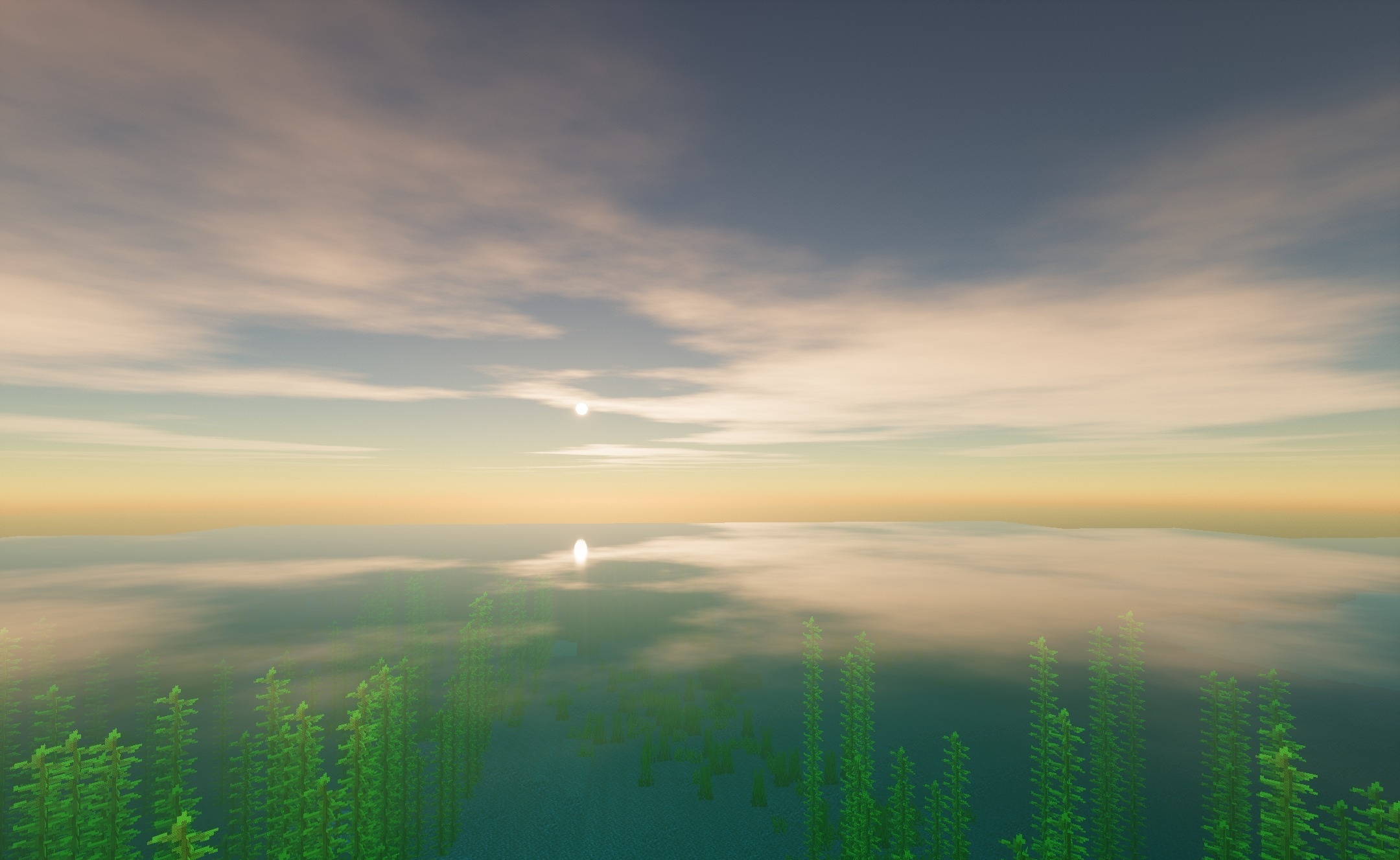
Warm transitions between day and night define the atmosphere of HalcyonShaders. During sunrise and sunset, the horizon is colored with golden light that spreads across the surrounding biomes and gives the landscapes soft fantastical shades.
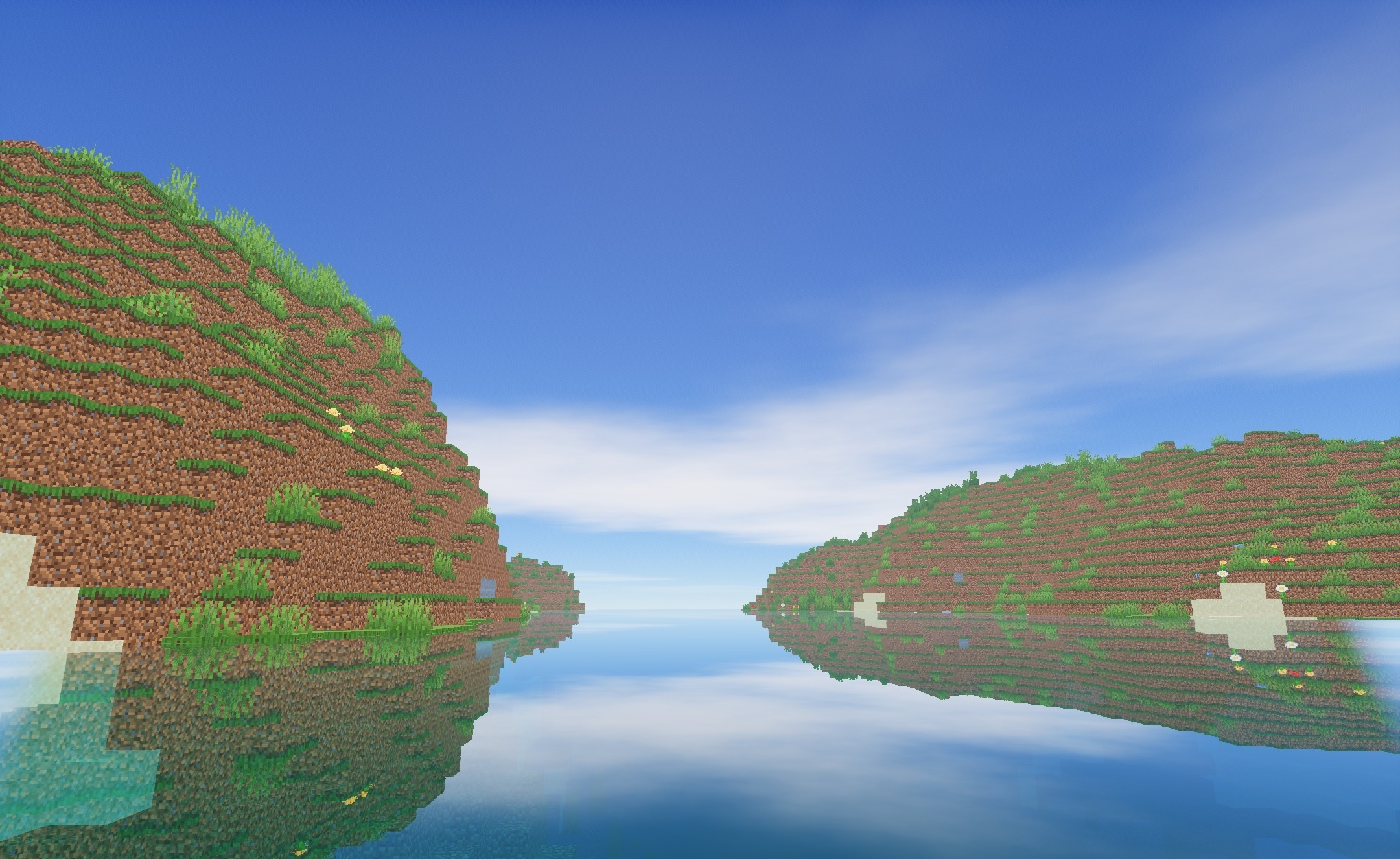
During the day, the changes become calmer: clouds gain a smoother, fluffier shape and blend naturally into the bright sky. Water in lakes, rivers, and oceans is also processed more softly, making the surface look smoother and visually calmer. The changes are focused on atmosphere, sky color, water, and a softer presentation of natural lighting.
How to install a shader:
First step: download the shader package from the link below.
Second step: Unpack the downloaded archive and copy the HalcyonShaders folder to c:\Users\User\AppData\Roaming\.minecraft\shaderpacks\(if this folder does not exist, create it yourself) (For Windows)
Third step: In the game, go to Settings, then to Graphics Settings. Select the "shaders" section and activate the shader pack of your choice.
Comments (0)