



Hex’s Default Rewrite Shaders for Minecraft 26.2
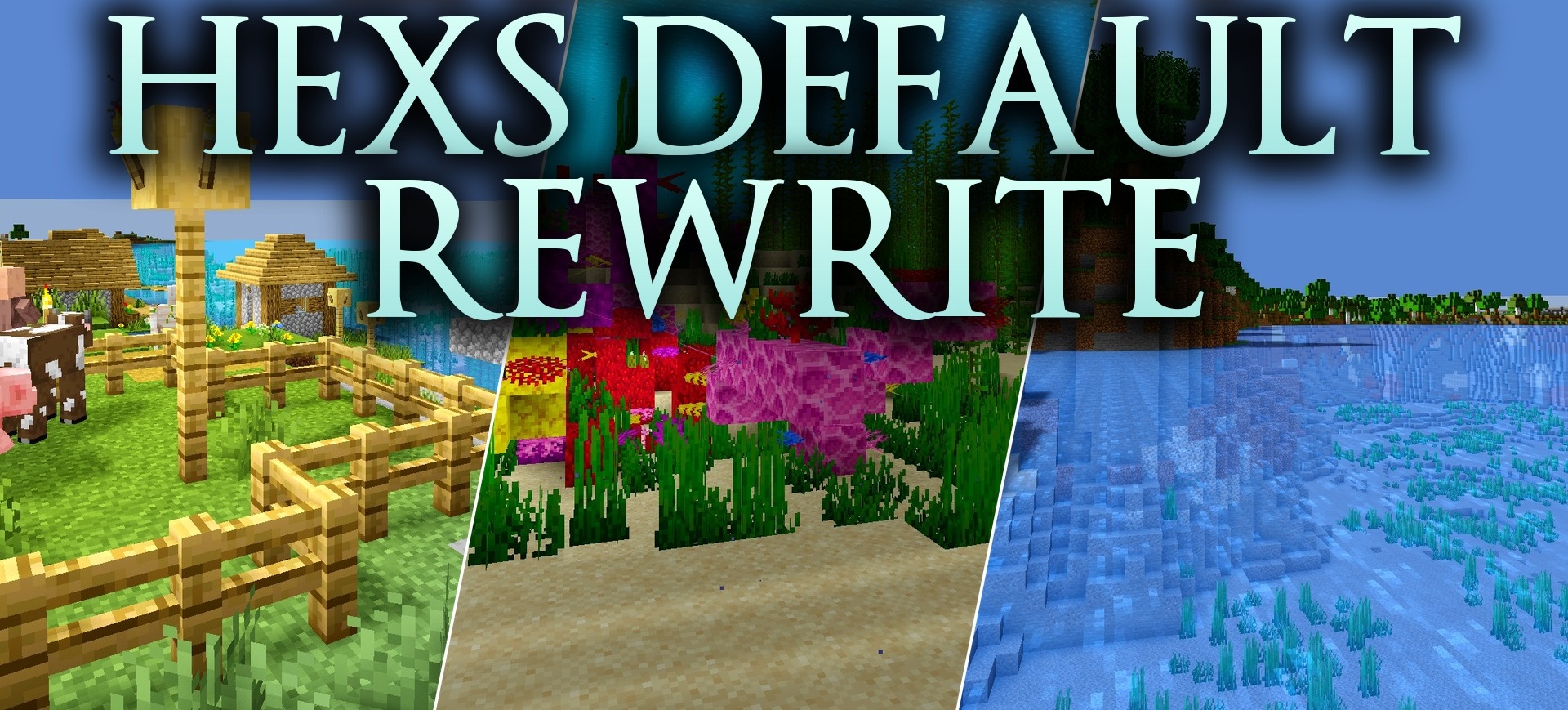
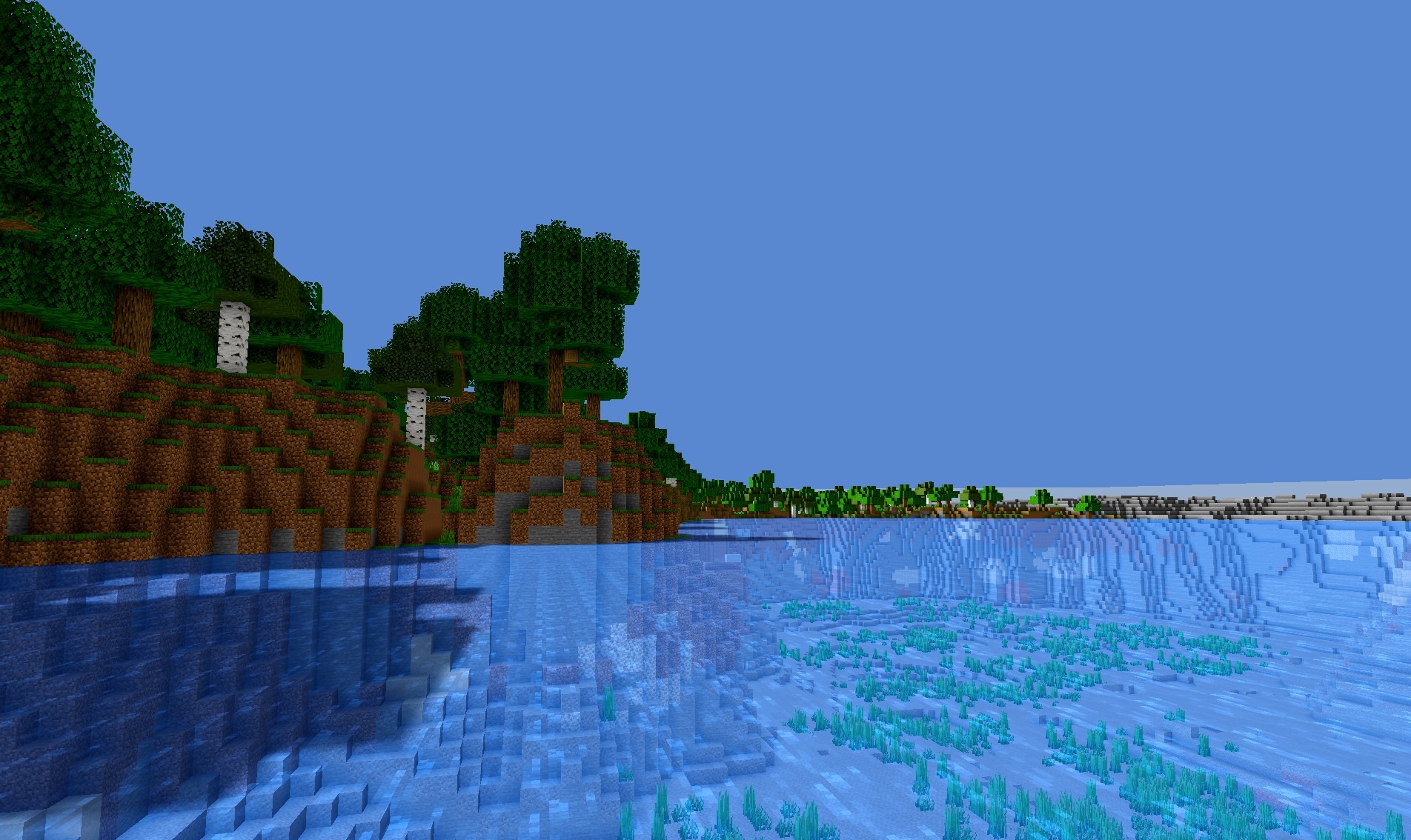
Hex’s Default Rewrite Shaders preserves Minecraft’s recognizable graphics while making the lighting noticeably deeper and more expressive. Blocks receive rich shadows that make terrain, walls, and large structures easier to distinguish from a distance.
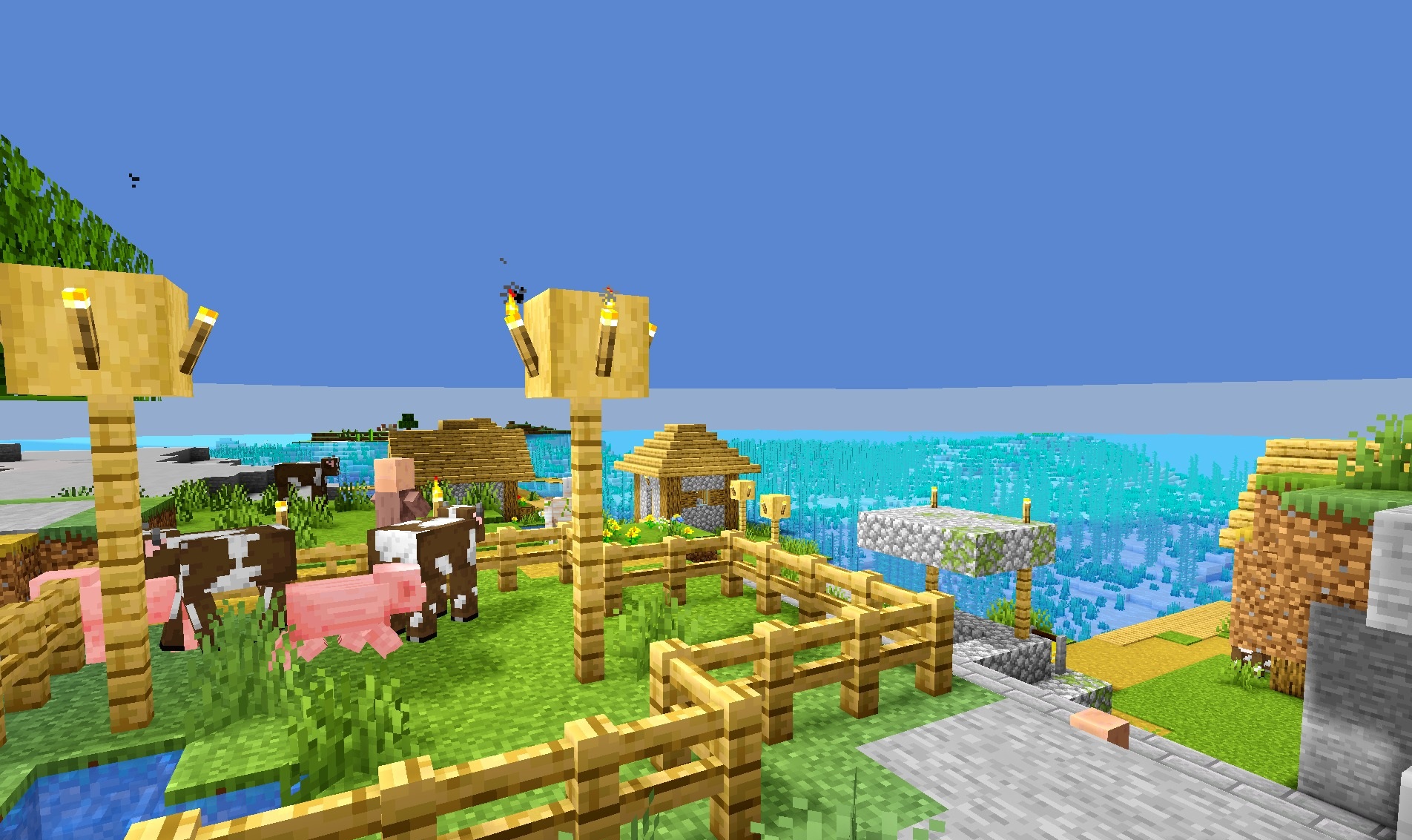
The shader is designed not only for regular gameplay but also for creating impressive screenshots, so at high settings it can produce an especially clean and high-contrast image. At the same time, it does not hide the pixelated nature of the world or turn surfaces into realistic materials. Several unusual visual solutions give the environment its own distinctive character.
How to install a shader:
First step: download the shader package from the link below.
Second step: Unpack the downloaded archive and copy the Hex’s Default Rewrite Shaders folder to c:\Users\User\AppData\Roaming\.minecraft\shaderpacks\(if this folder does not exist, create it yourself) (For Windows)
Third step: In the game, go to Settings, then to Graphics Settings. Select the "shaders" section and activate the shader pack of your choice.
Comments (0)