



Horizon Reimagined Shaders for Minecraft 26.2
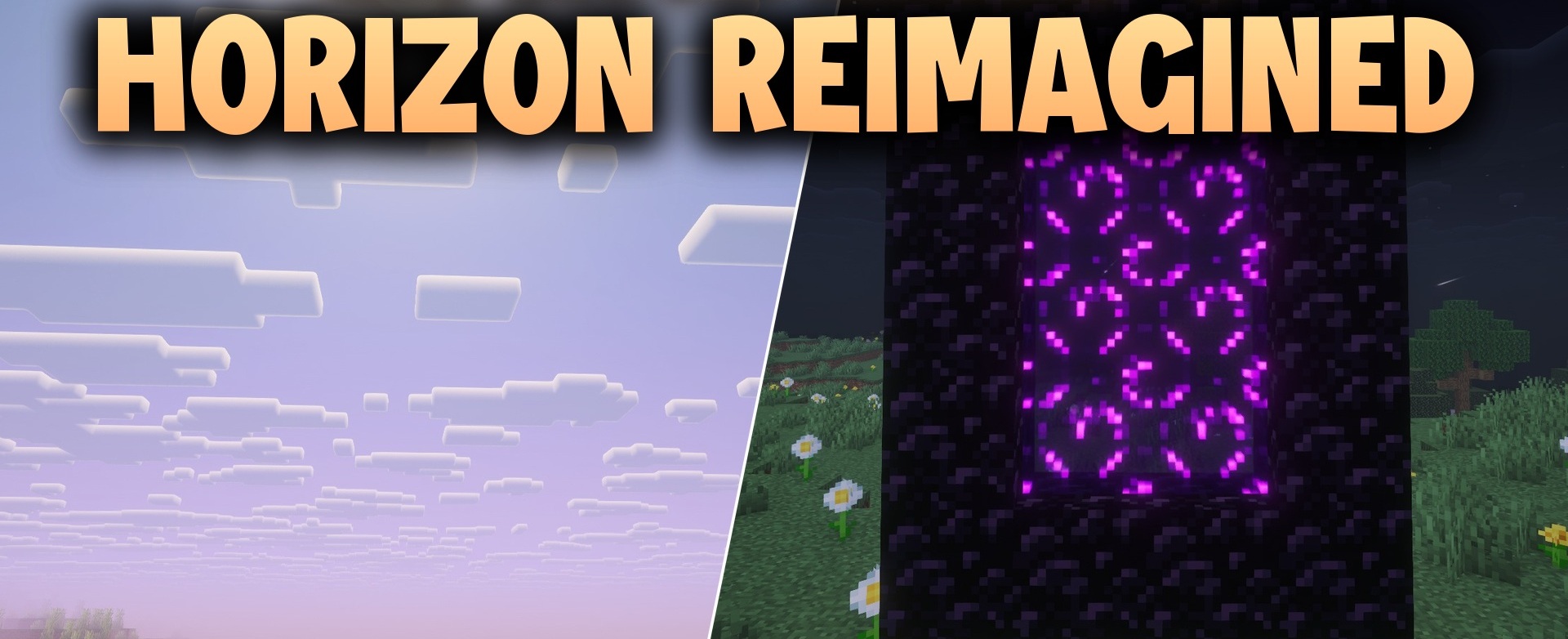
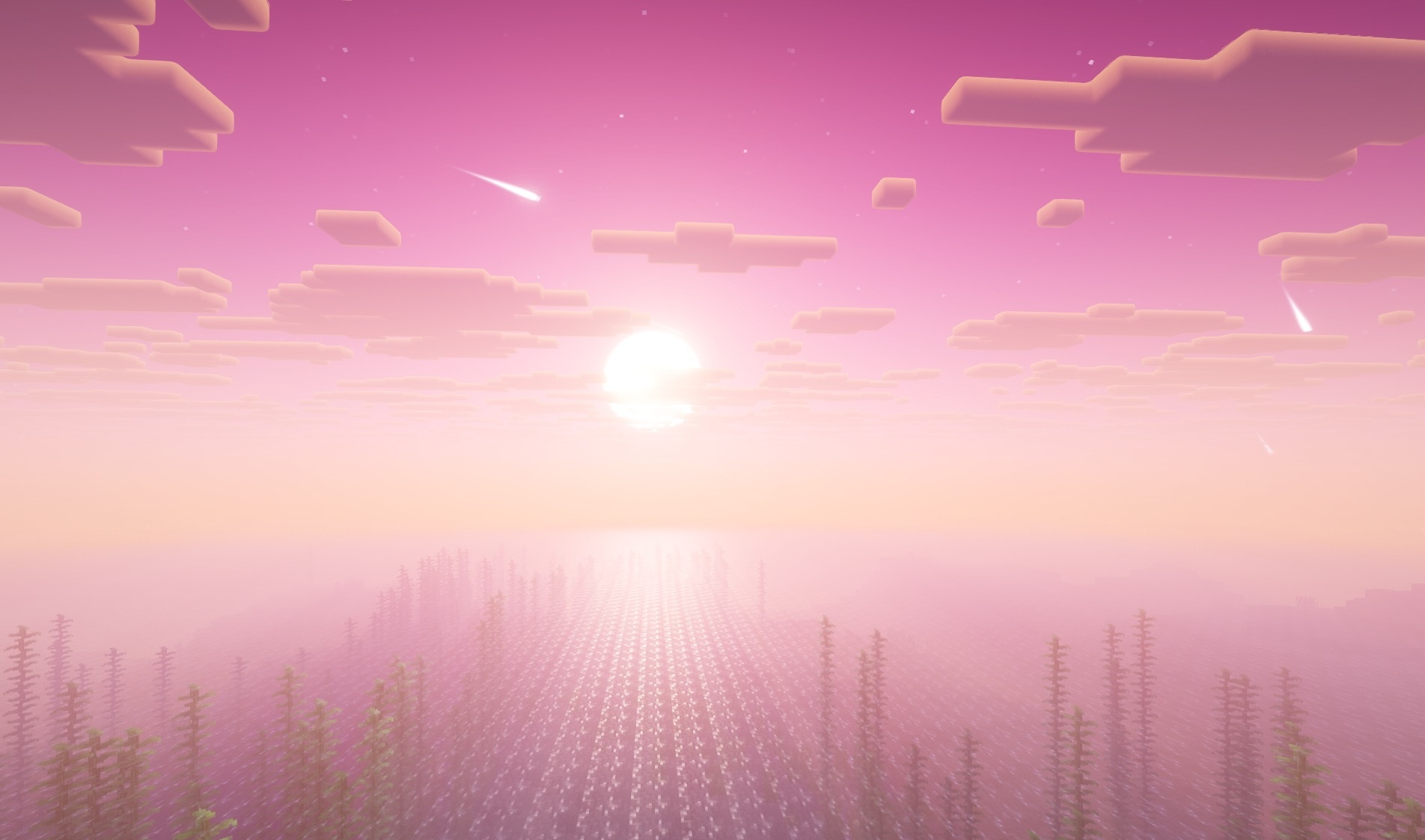
Horizon Reimagined Shaders reworks the sky, sunlight, and shadows while preserving a visual connection with classic Minecraft. The standard sky is replaced with a more detailed version, while daytime lighting takes on warm shades.
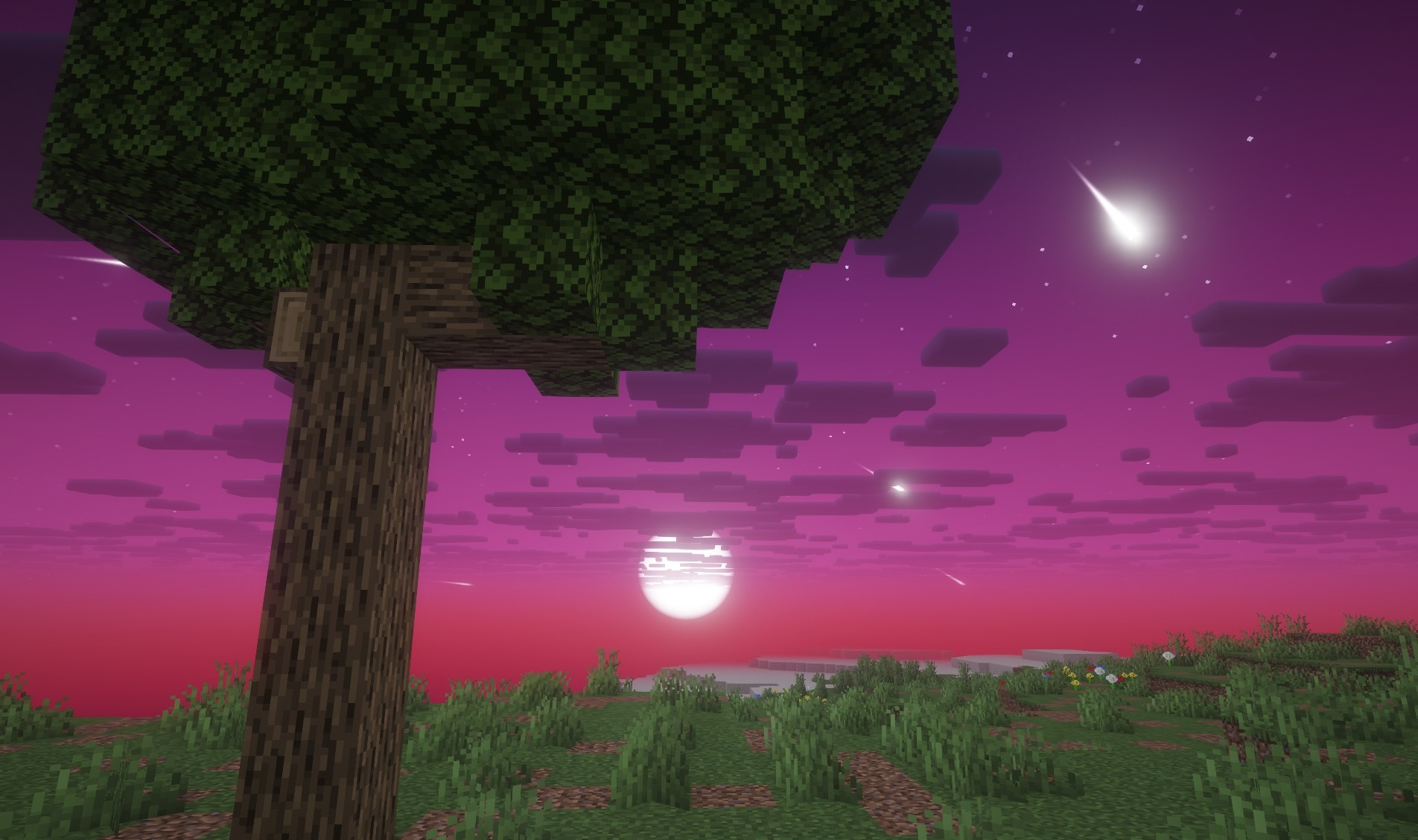
When night arrives, the palette shifts toward cooler tones, making the change in time of day have a stronger effect on the appearance of the environment. Shadows gain additional depth and convey the shape of buildings, trees, and uneven terrain more clearly. Colors remain fairly saturated, but the main materials do not lose their familiar appearance. The pack updates the graphics through work with lighting and atmosphere without turning biomes into a different visual system.
How to install a shader:
First step: download the shader package from the link below.
Second step: Unpack the downloaded archive and copy the Horizon Reimagined Shaders folder to c:\Users\User\AppData\Roaming\.minecraft\shaderpacks\(if this folder does not exist, create it yourself) (For Windows)
Third step: In the game, go to Settings, then to Graphics Settings. Select the "shaders" section and activate the shader pack of your choice.
Comments (0)