



I Am Not Okay Shaders for Minecraft 26.2
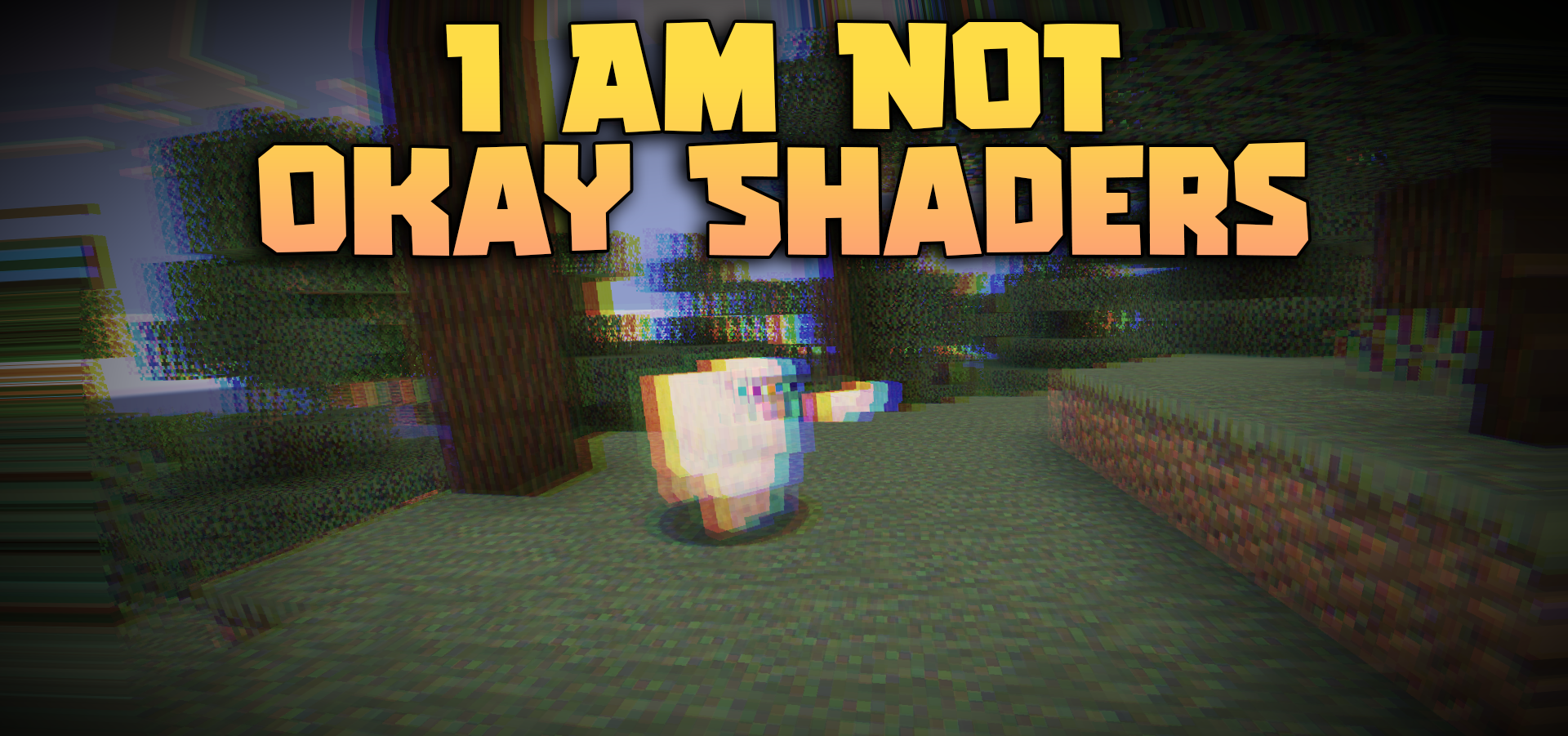
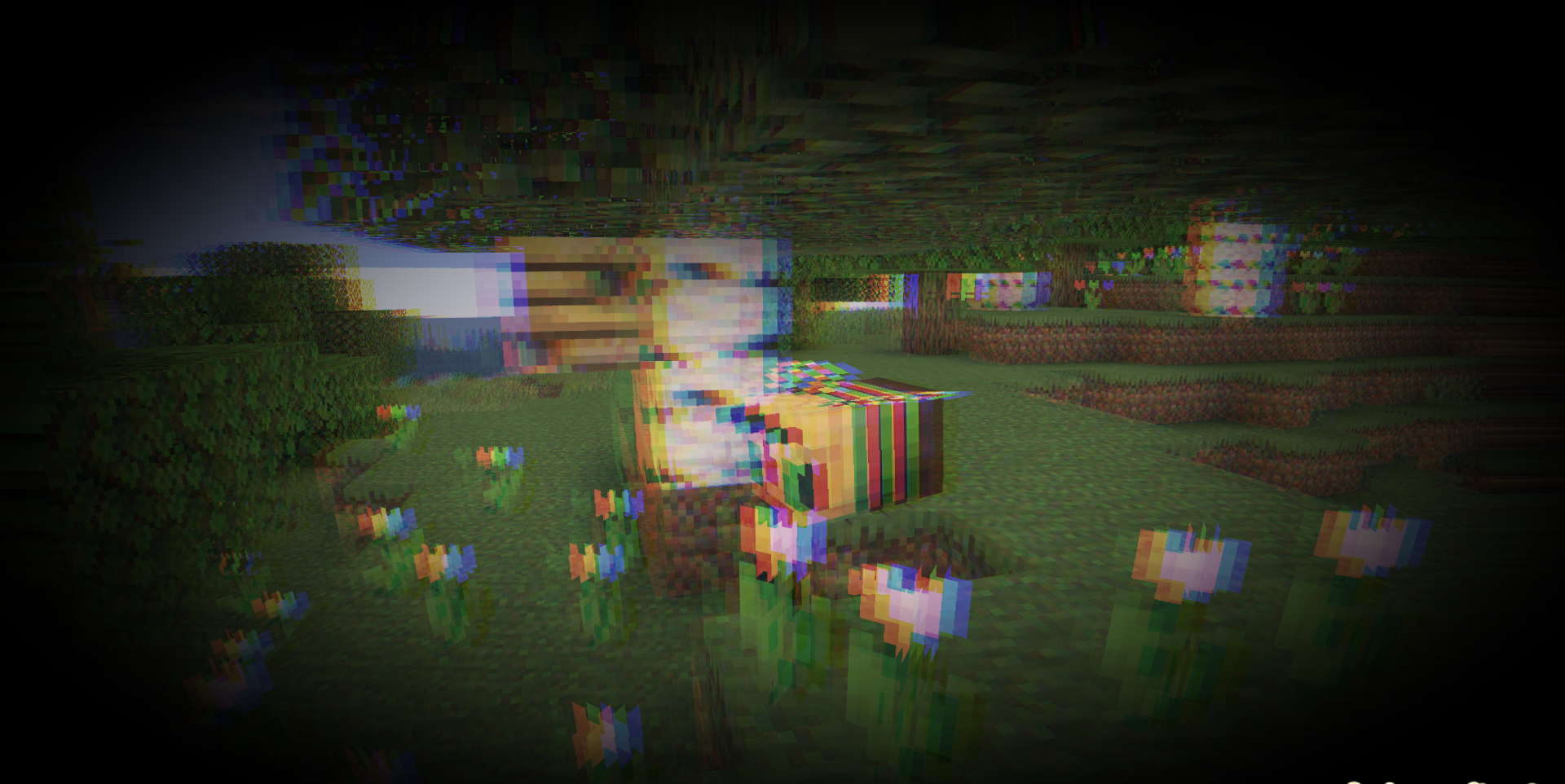
Sometimes a shader changes not the beauty of the world, but the very feeling of control over the screen. I Am Not Okay Shaders distorts the camera as if the character feels unwell or has lost their balance. The image smoothly sways in different directions, the center of the screen bends like a lens, double vision appears, and the red and blue channels separate.
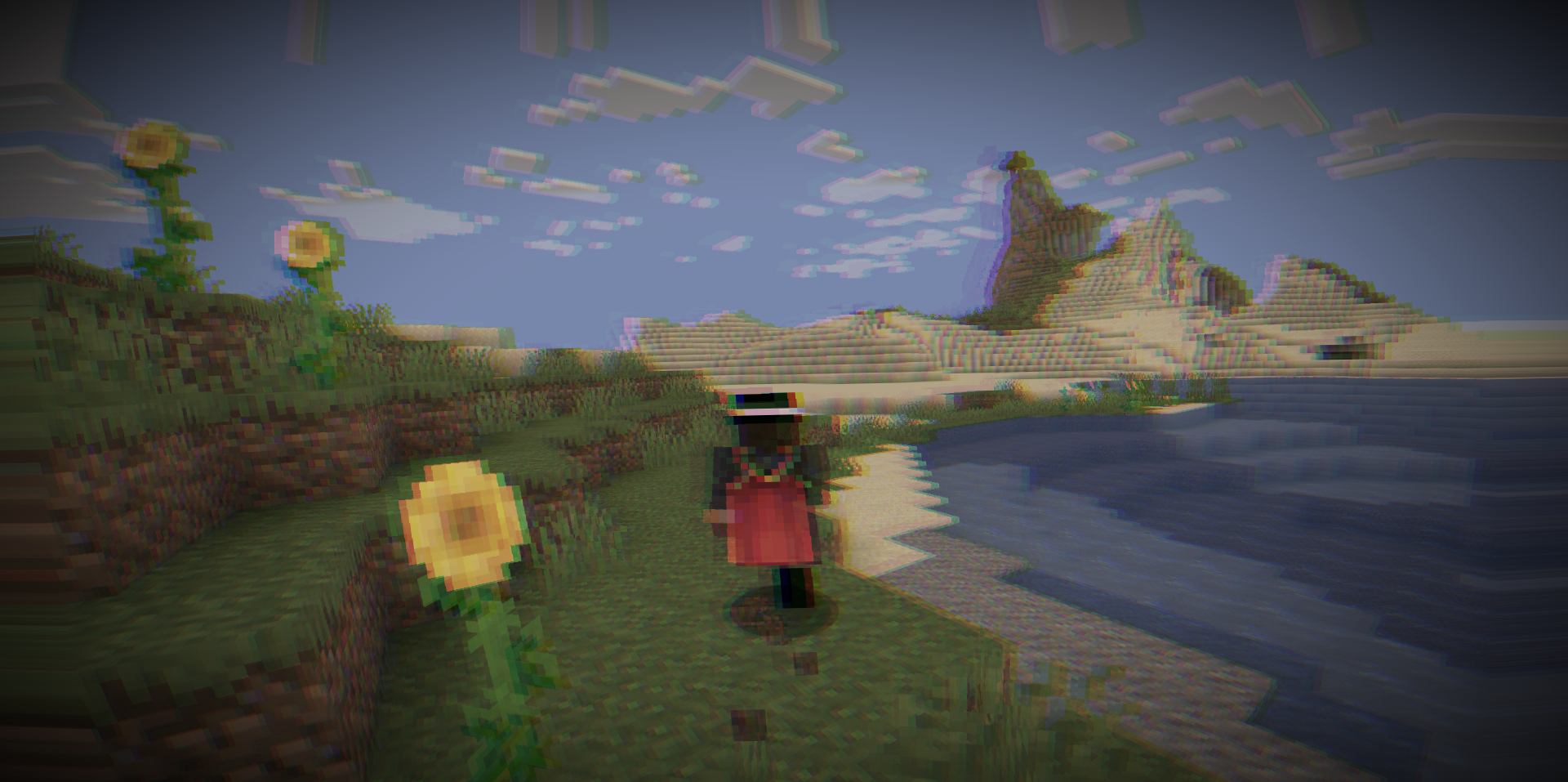
The edges darken and pulsate, imitating tunnel vision, while the brightness seems to “breathe,” increasing and decreasing. The game’s regular shadows, water, and lighting remain almost unchanged, as the effect comes specifically from the screen filter. Because of this, the shader remains lightweight but strongly affects the perception of movement.
How to install a shader:
First step: download the shader package from the link below.
Second step: Unpack the downloaded archive and copy the I Am Not Okay Shaders folder to c:\Users\User\AppData\Roaming\.minecraft\shaderpacks\(if this folder does not exist, create it yourself) (For Windows)
Third step: In the game, go to Settings, then to Graphics Settings. Select the "shaders" section and activate the shader pack of your choice.
Comments (0)