



Karma Shaders for Minecraft 26.2
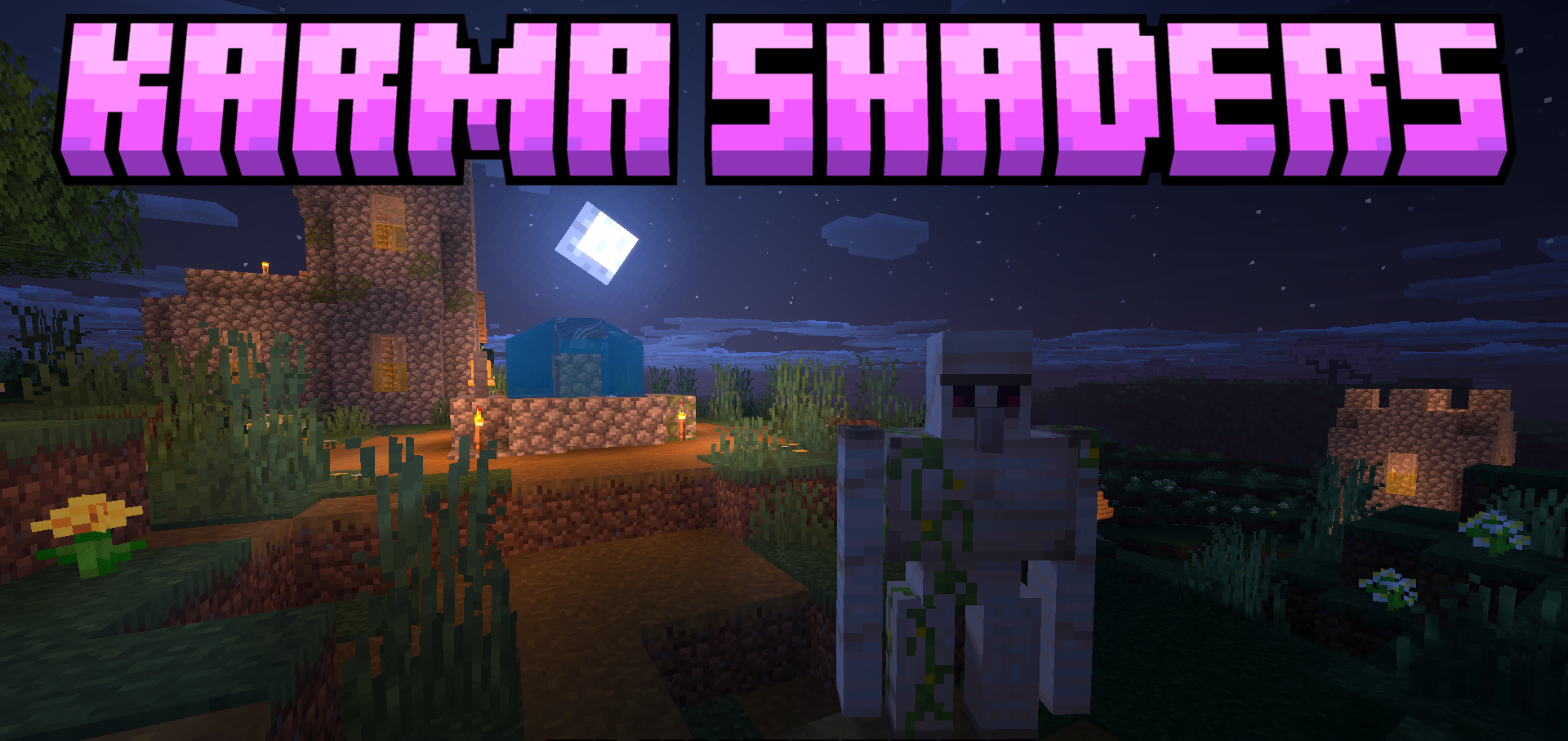
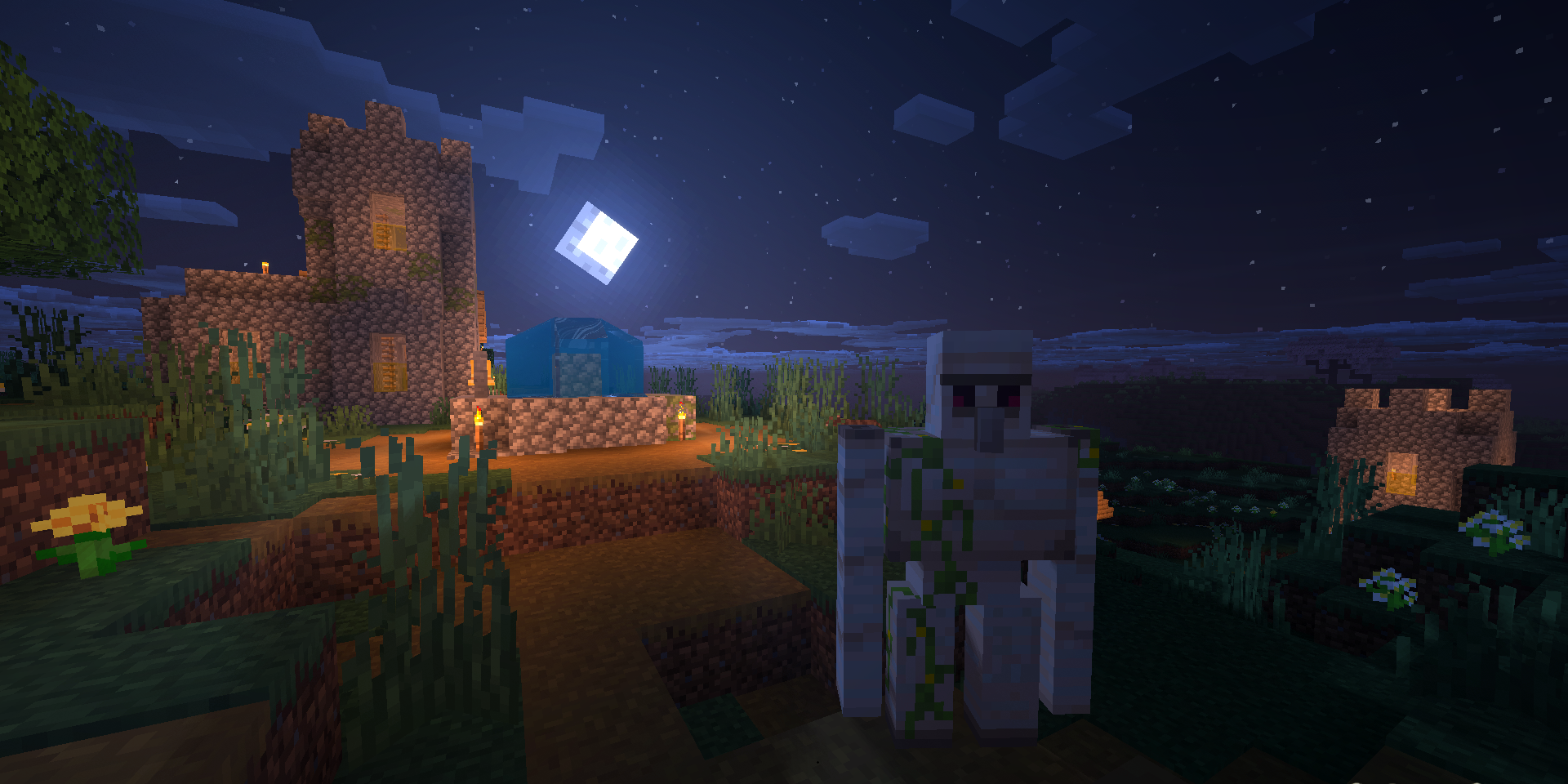
Karma Shaders significantly changes the sky, water, and atmosphere of the dimensions. Dense 3D clouds, sun rays, cloud shadows, and bright turquoise water with reflections appear in the Overworld. Grass, crops, and leaves move slightly in the wind, making the landscape look less static.
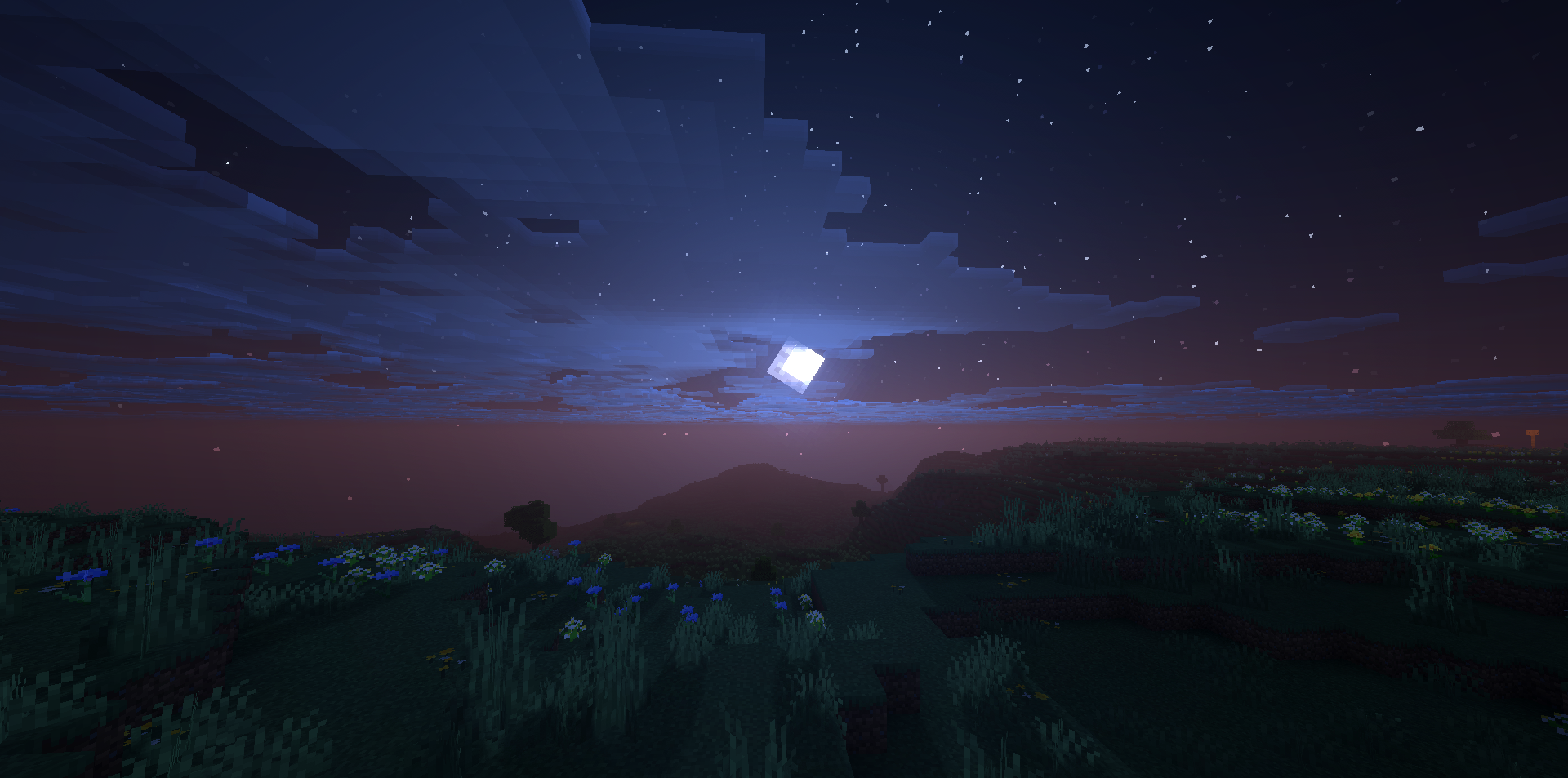
Light passes through tree canopies and water, adding more depth to scenes during both day and night. Instead of thick, blinding fog, the Nether receives warm lava vapor and the feeling of superheated air. The End becomes more cosmic: the sky fills with shooting stars, glowing lights, and colored clouds. The pack removes unnecessary haze in the distance and makes each dimension more distinct through its lighting and atmosphere.
How to install a shader:
First step: download the shader package from the link below.
Second step: Unpack the downloaded archive and copy the Karma Shaders folder to c:\Users\User\AppData\Roaming\.minecraft\shaderpacks\(if this folder does not exist, create it yourself) (For Windows)
Third step: In the game, go to Settings, then to Graphics Settings. Select the "shaders" section and activate the shader pack of your choice.
Comments (0)