



Kyoko’s Shaders for Minecraft 26.2
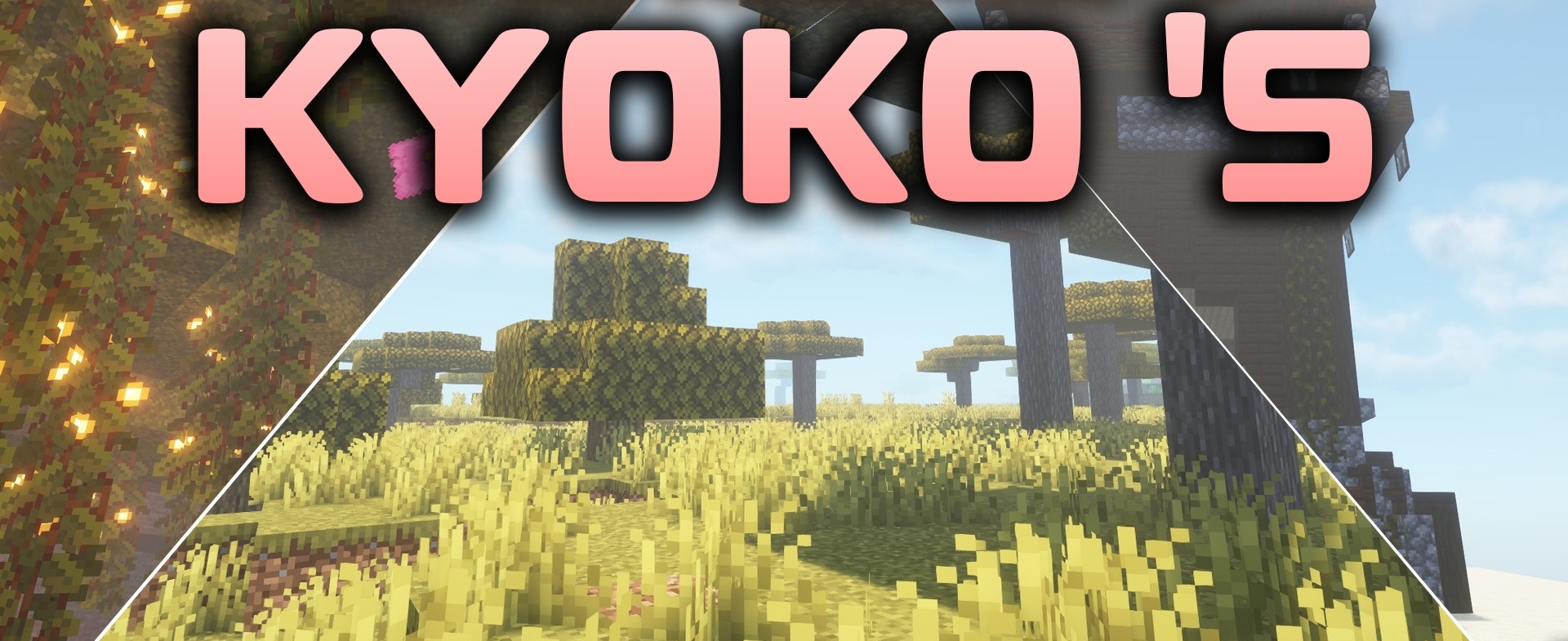
Kyoko’s Shaders handles lighting carefully and without moving too far away from the vanilla style. Colored light sources appear in dark places, causing torches, lamps, and other glowing blocks to change the shade of surrounding surfaces. Water receives reflections of the sky and landscape, while the sun, moon, and tall objects create more pronounced shadows.
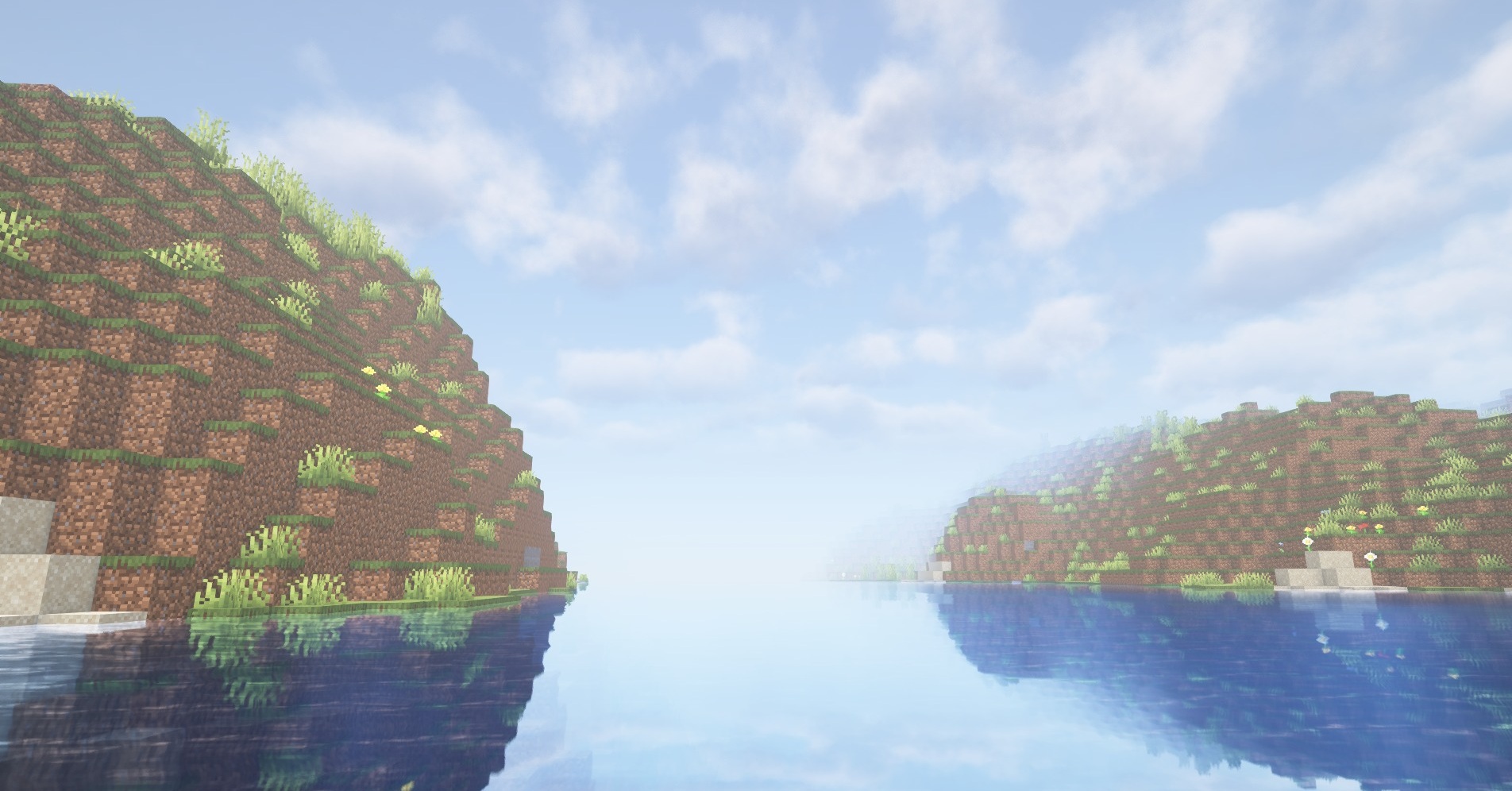
The settings can be simplified for a weak computer or, on the contrary, the graphics quality can be increased on a high-performance system. Thanks to this range, the shader preserves the familiar structure of the world both on old PCs and on more powerful setups where additional lighting effects are available.
How to install a shader:
First step: download the shader package from the link below.
Second step: Unpack the downloaded archive and copy the Kyoko’s Shaders folder to c:\Users\User\AppData\Roaming\.minecraft\shaderpacks\(if this folder does not exist, create it yourself) (For Windows)
Third step: In the game, go to Settings, then to Graphics Settings. Select the "shaders" section and activate the shader pack of your choice.
Comments (0)