



LAN Shaders for Minecraft 26.2
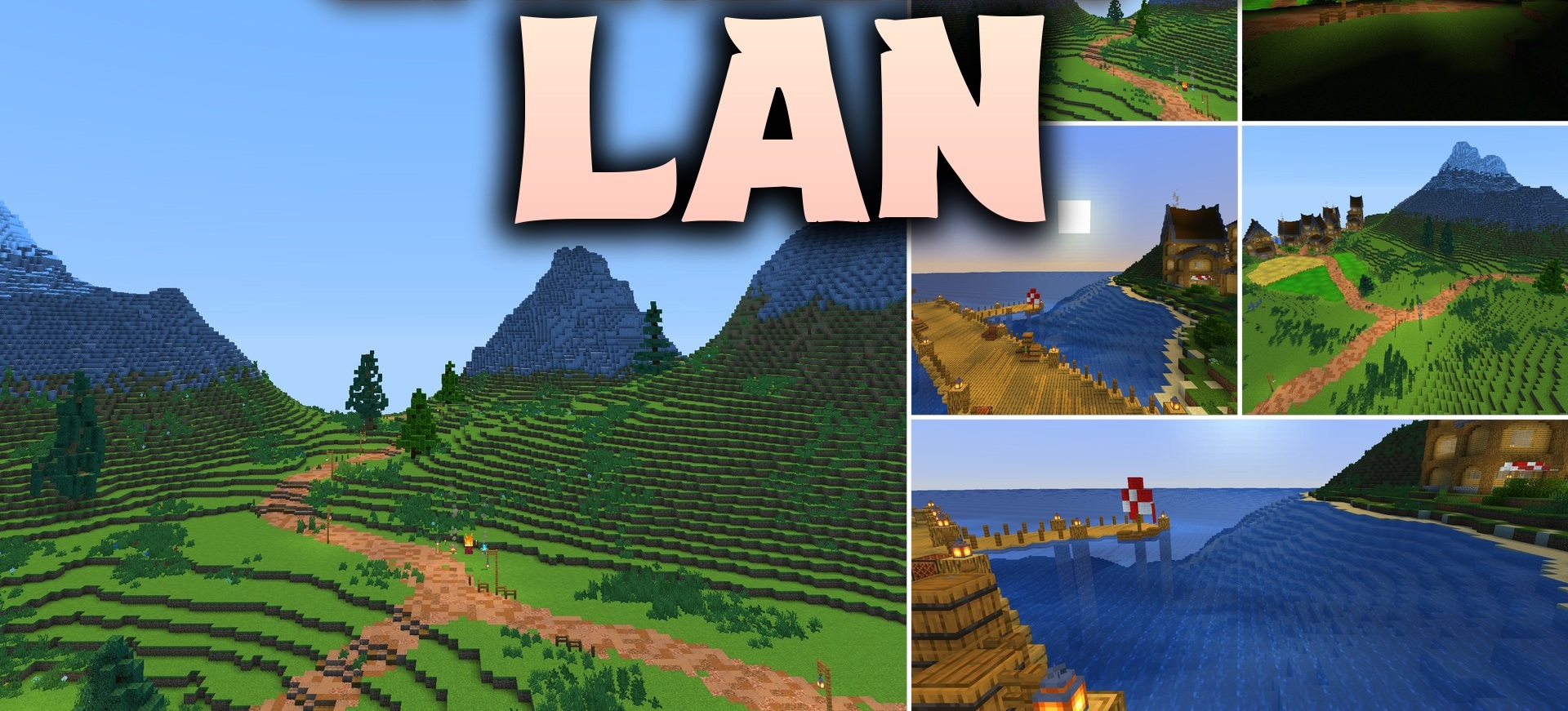
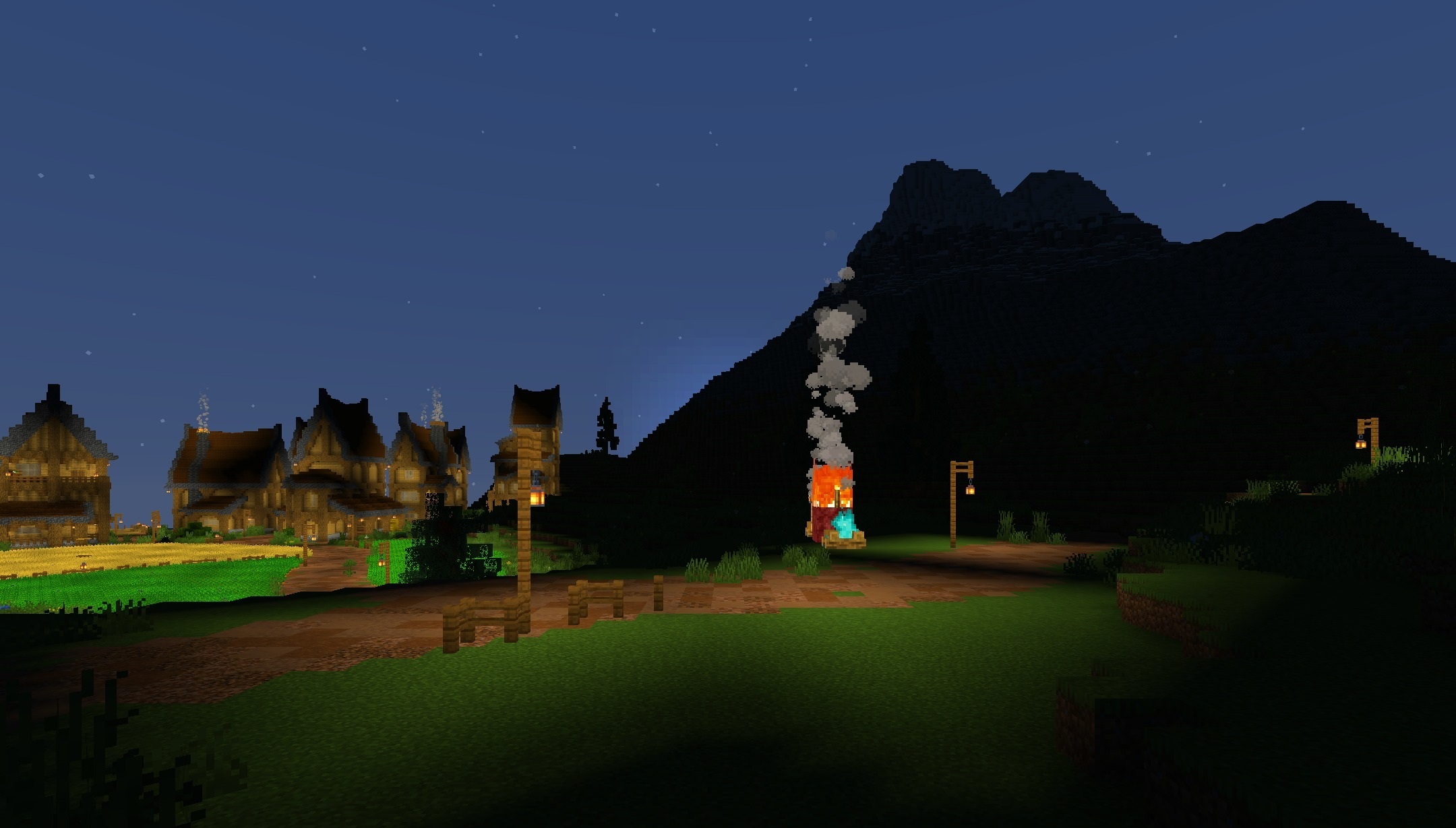
LAN Shaders offers lighting that is as close as possible to the standard graphics. The pack barely interferes with Minecraft’s familiar appearance and is limited to subtle lighting adjustments. Blocks become slightly brighter and more expressive, while water, textures, and the overall color palette remain virtually unchanged.
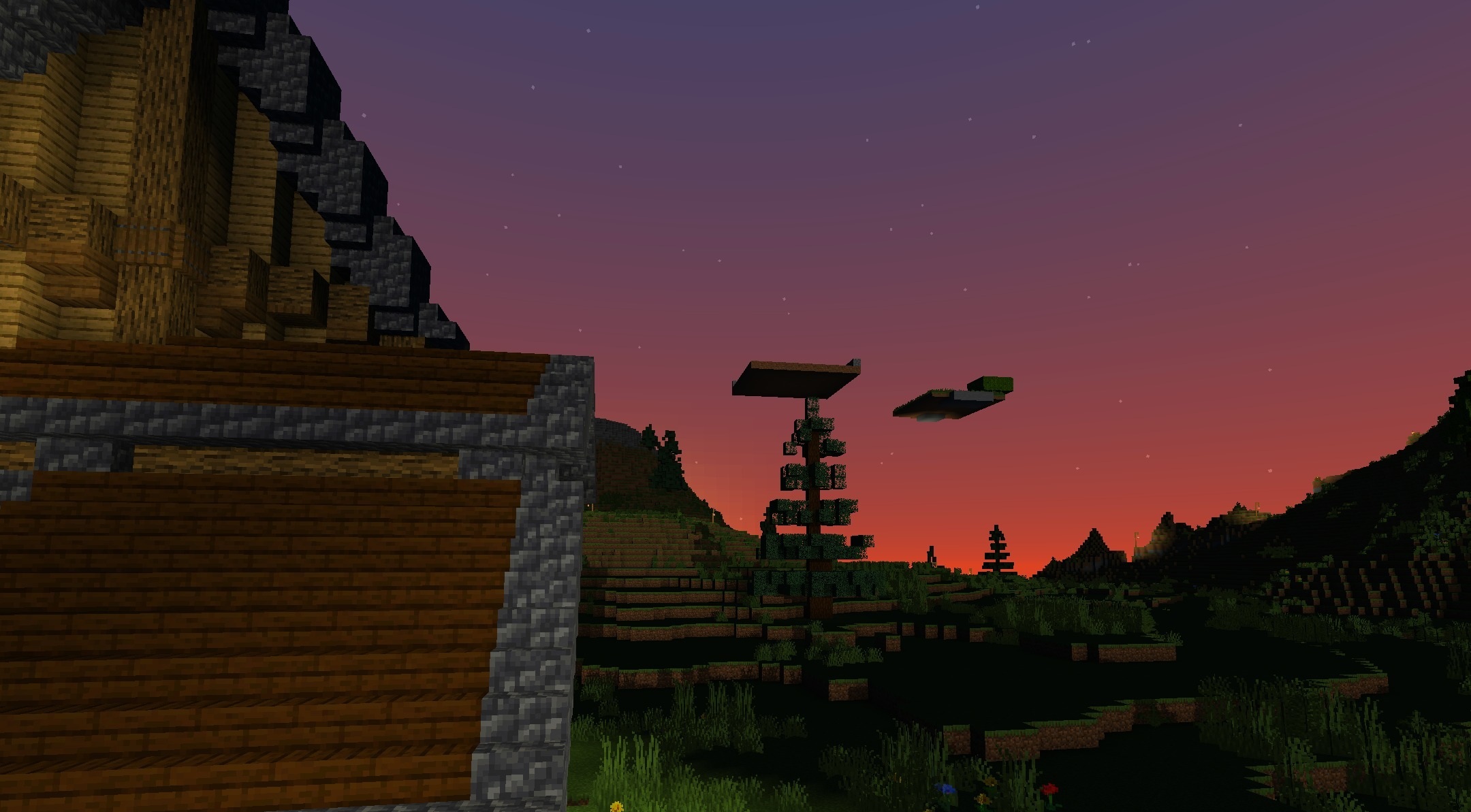
There are no heavy reflections, volumetric fog, or other effects that could noticeably reduce performance. Thanks to this, the shader works well even on older computers and weak graphics cards. It is suitable for those who find the standard graphics too flat but do not need a complete visual overhaul.
How to install a shader:
First step: download the shader package from the link below.
Second step: Unpack the downloaded archive and copy the LAN Shaders folder to c:\Users\User\AppData\Roaming\.minecraft\shaderpacks\(if this folder does not exist, create it yourself) (For Windows)
Third step: In the game, go to Settings, then to Graphics Settings. Select the "shaders" section and activate the shader pack of your choice.
Comments (0)