



Lucidus Shaders for Minecraft 26.2
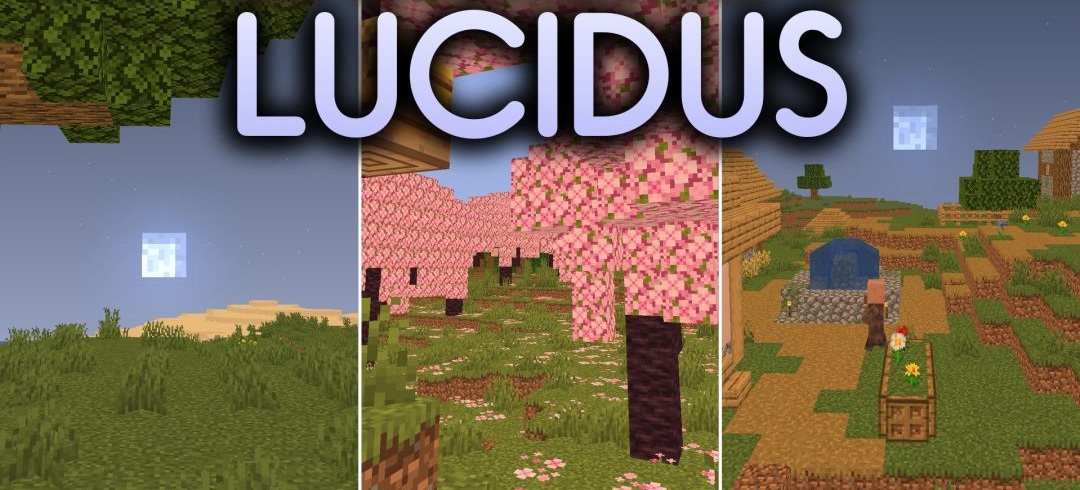
Colored light sources become the central feature of Lucidus Shaders. Torches, lanterns, and other glowing blocks tint the surrounding space with soft shades, making nighttime structures and underground areas look brighter without completely reworking the lighting.
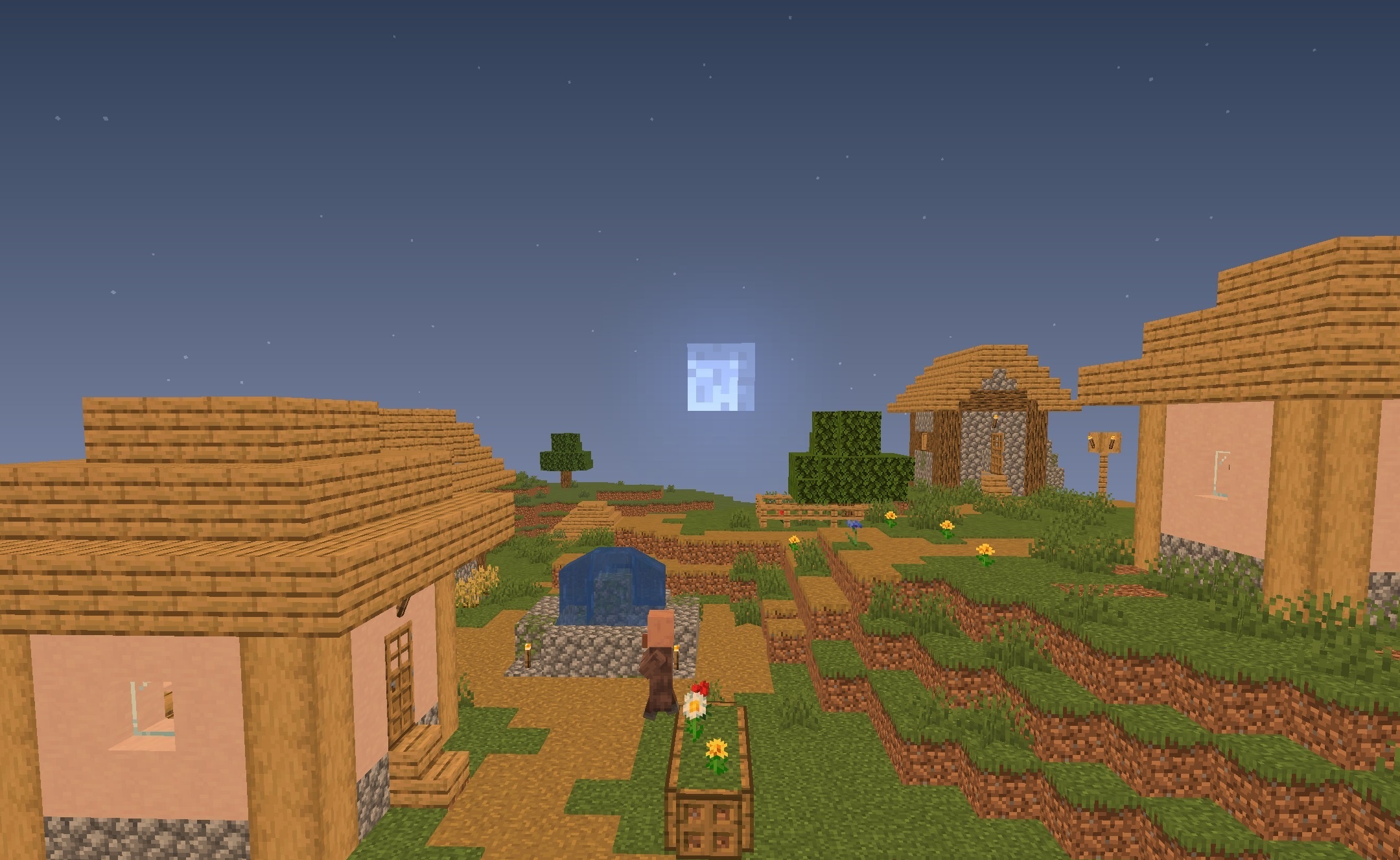
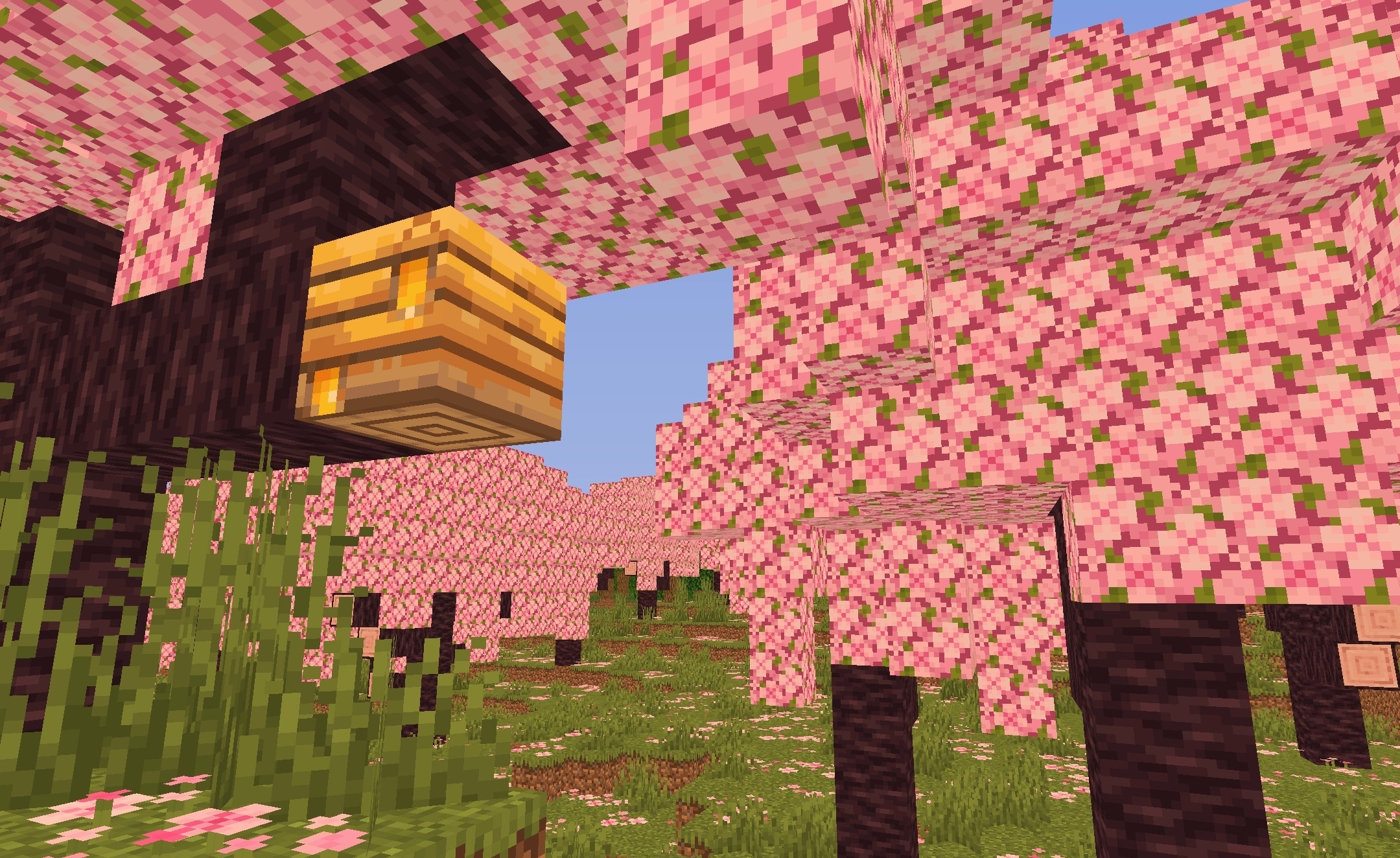
In caves, the colored glow helps distinguish nearby surfaces, while at night it makes individual light sources stand out more clearly against the dark surroundings. The pack does not use blurred filters, so standard textures and block outlines retain their original sharpness. The effects are intentionally lightweight: the shader is designed for low-end and budget computers where maintaining a high frame rate is more important.
How to install a shader:
First step: download the shader package from the link below.
Second step: Unpack the downloaded archive and copy the Lucidus Shaders folder to c:\Users\User\AppData\Roaming\.minecraft\shaderpacks\(if this folder does not exist, create it yourself) (For Windows)
Third step: In the game, go to Settings, then to Graphics Settings. Select the "shaders" section and activate the shader pack of your choice.
Comments (0)