



Lumina Lite Shaders for Minecraft 26.2
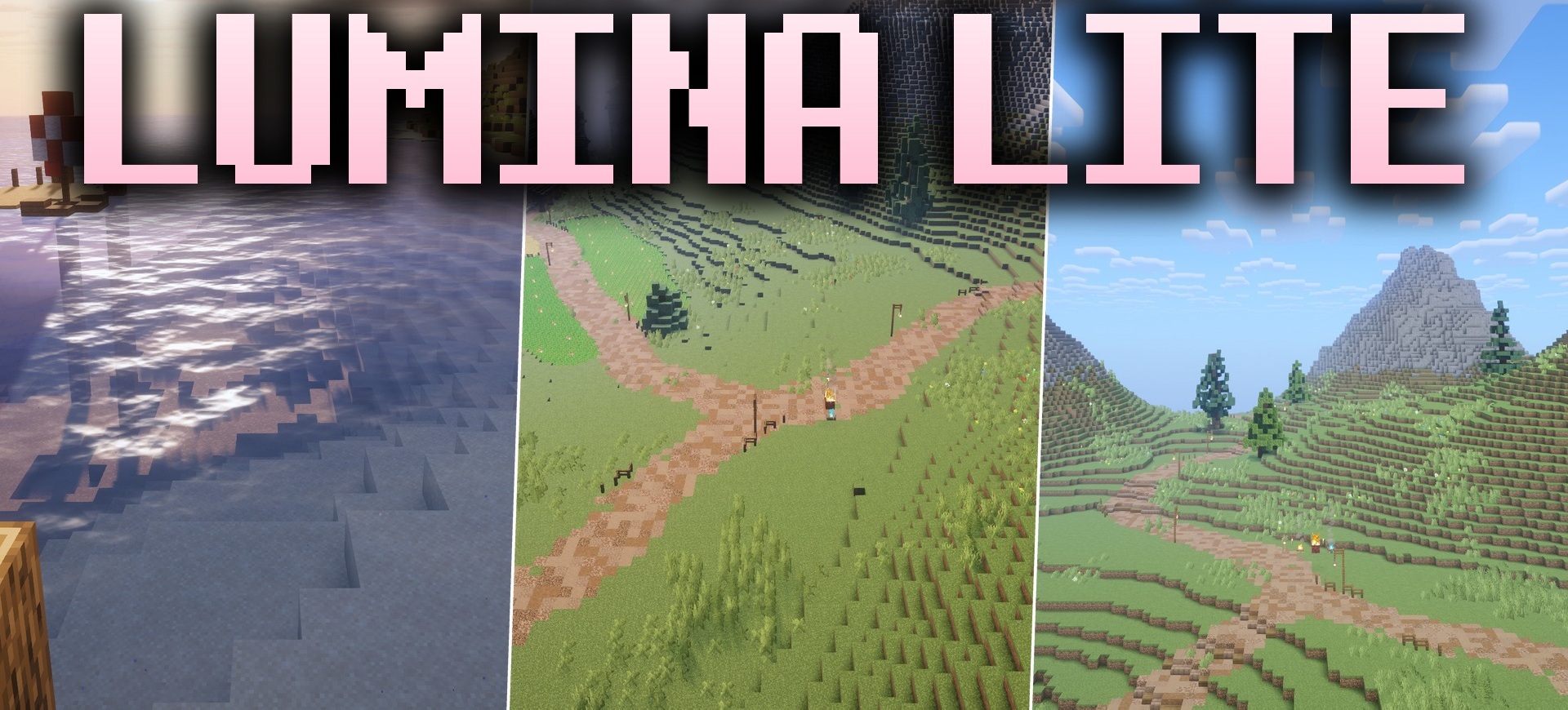
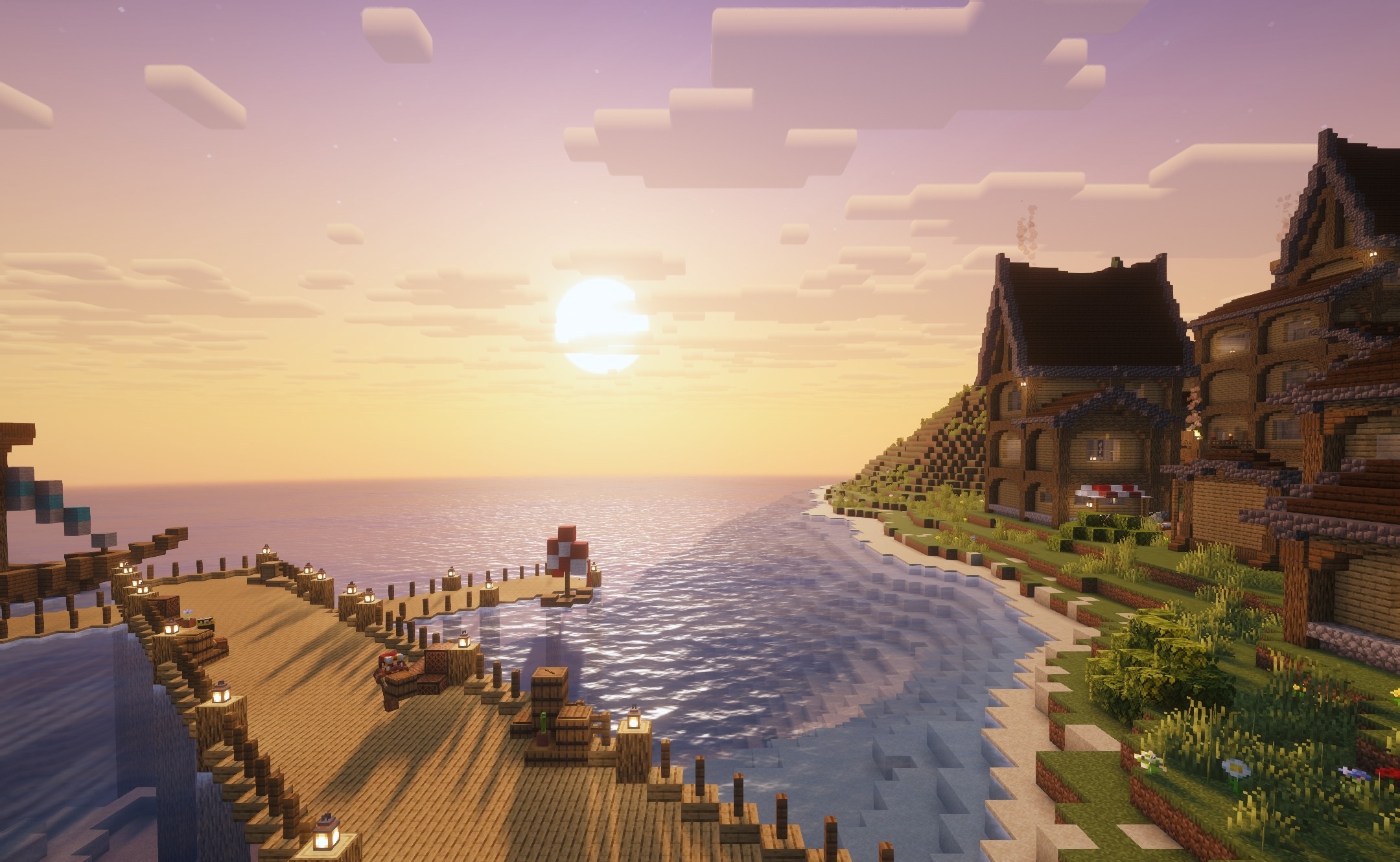
Lumina Lite Shaders is designed for players who want to improve the lighting without putting a serious load on their computer. The shader makes colors brighter, adds a more natural distribution of light, and emphasizes the volume of structures, but does not change Minecraft's familiar style.
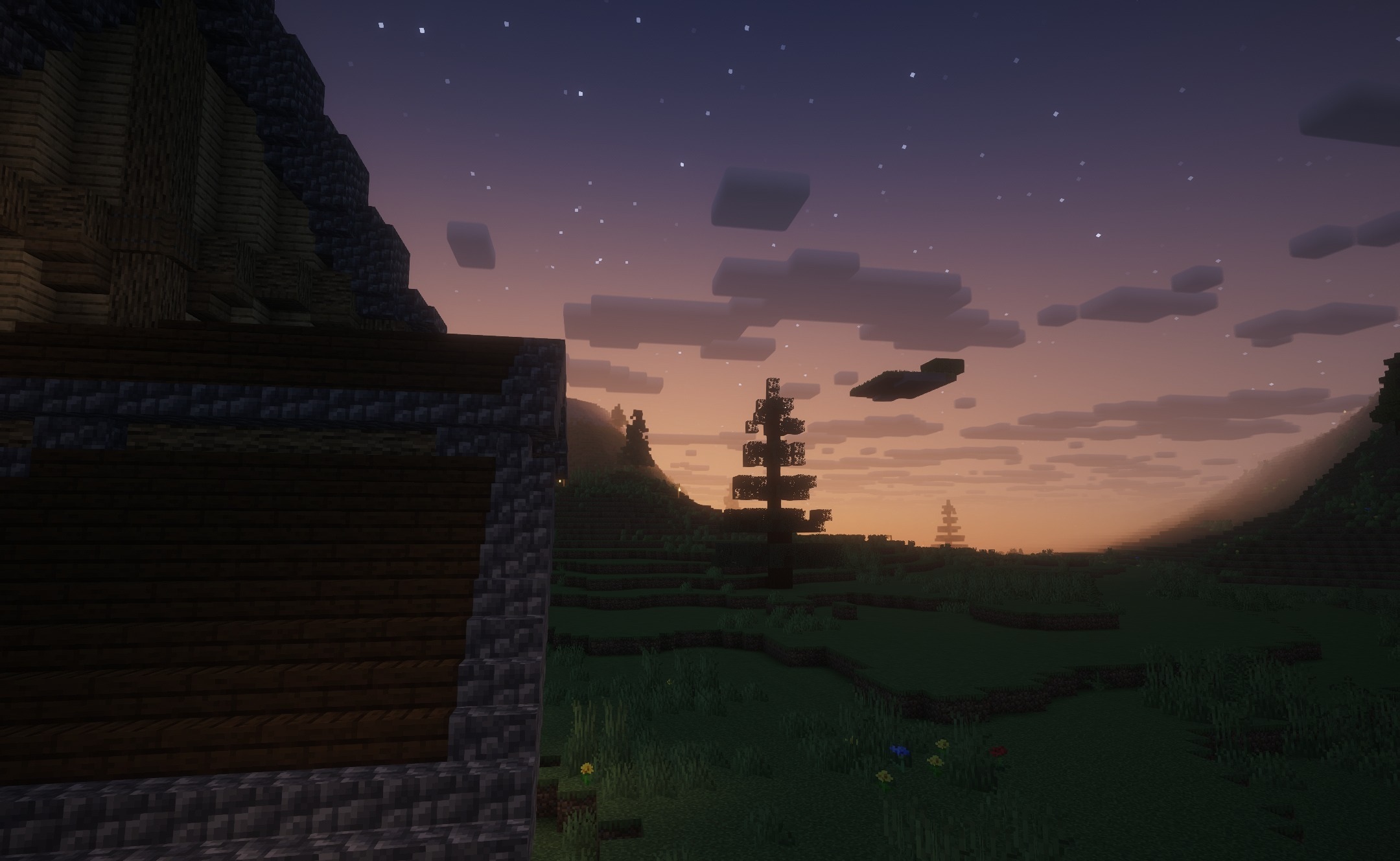
It works reliably on older graphics cards and integrated graphics, so it is suitable for low-end devices where heavy visual packs noticeably reduce the frame rate. During the day, the world becomes more vivid, while light sources stand out better against the surroundings. At the same time, blocks, biomes, and items retain their familiar appearance.
How to install a shader:
First step: download the shader package from the link below.
Second step: Unpack the downloaded archive and copy the Lumina Lite Shaders folder to c:\Users\User\AppData\Roaming\.minecraft\shaderpacks\(if this folder does not exist, create it yourself) (For Windows)
Third step: In the game, go to Settings, then to Graphics Settings. Select the "shaders" section and activate the shader pack of your choice.
Comments (0)