



Lux V1 Shaders for Minecraft 26.2
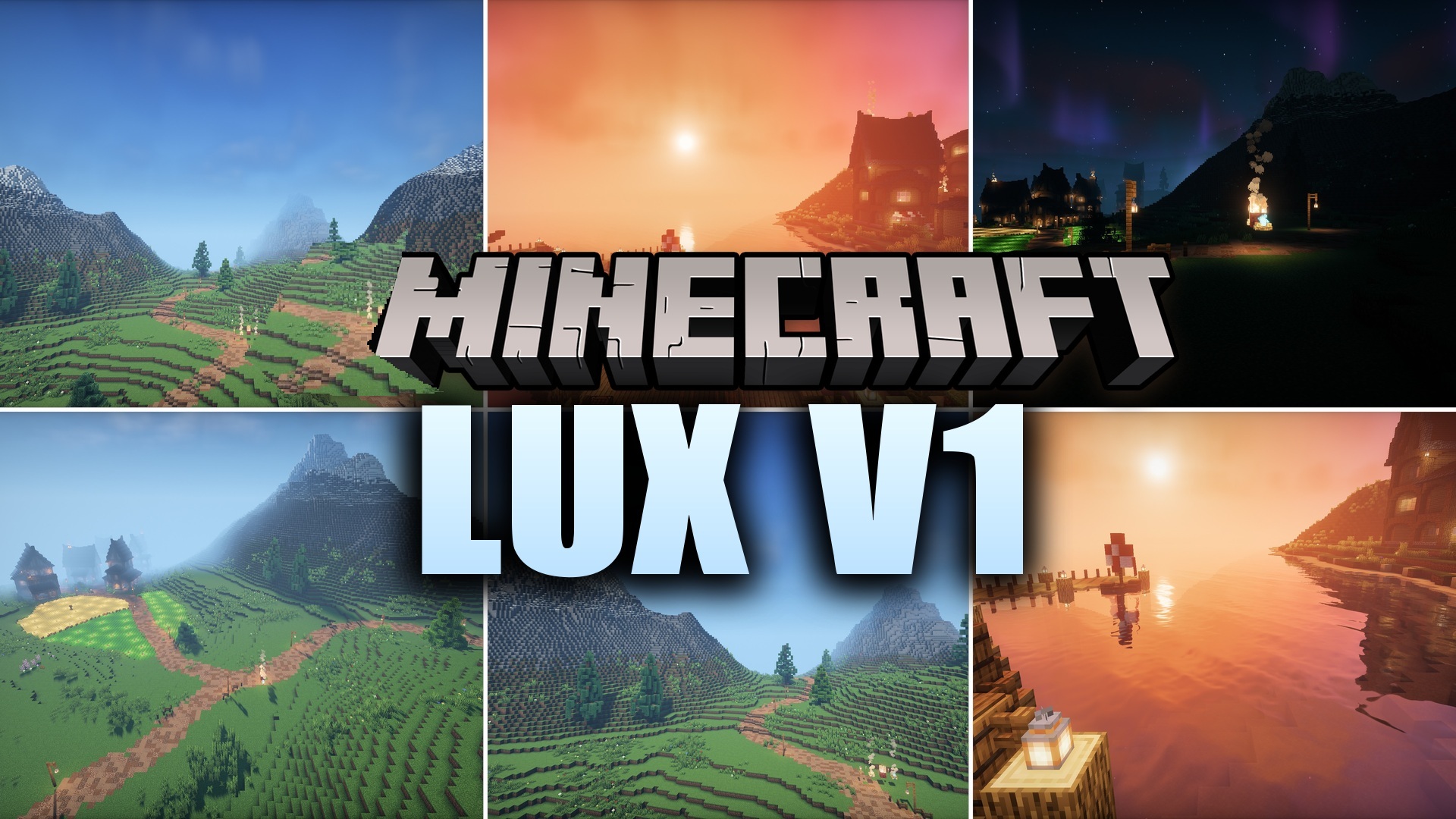
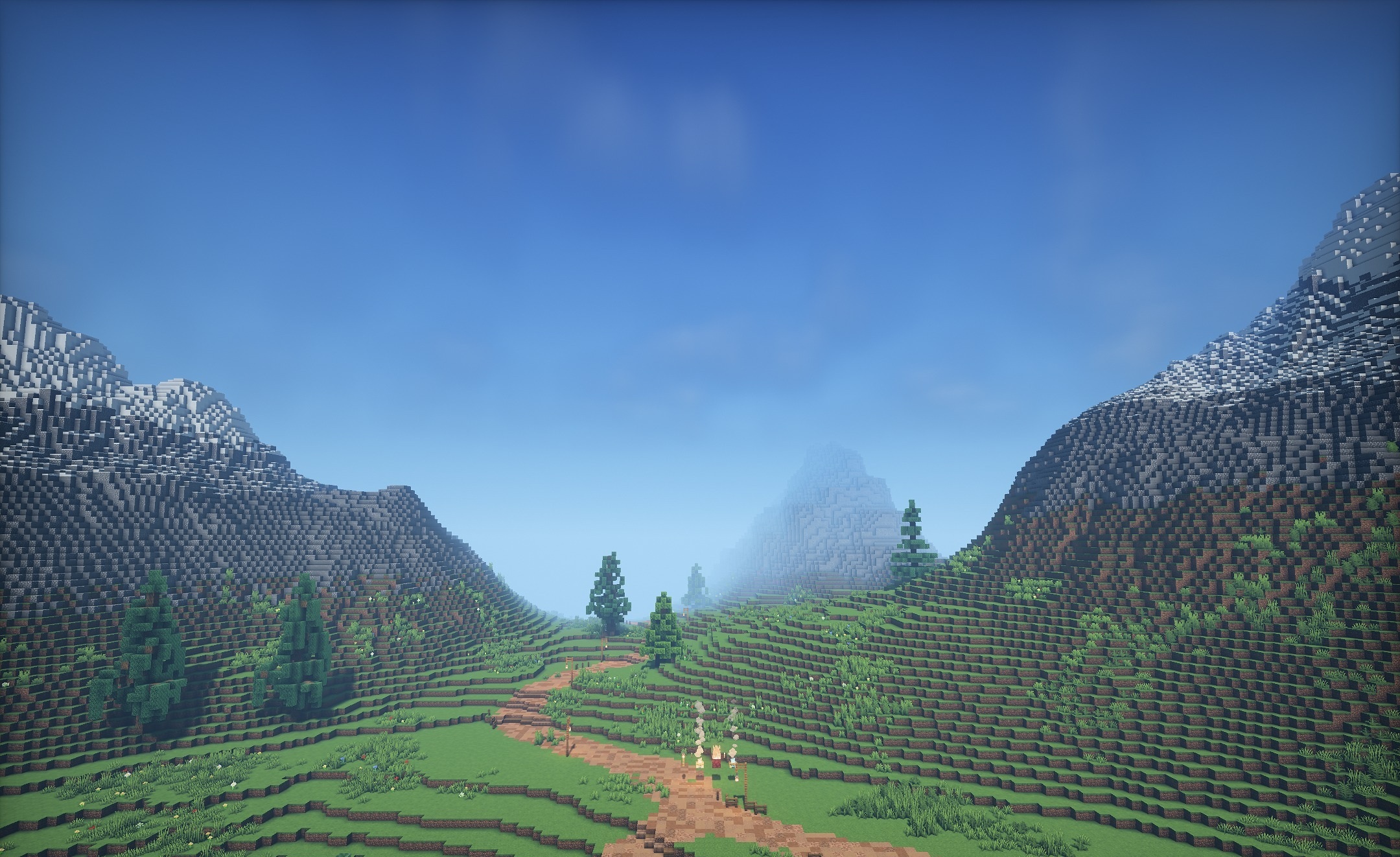
Bright fantasy visuals are combined with a cartoon-like palette and realistic graphical effects in Lux V1 Shaders. The pack is based on BSL and adds clear shadows, reflections on water, and support for materials with relief and shine. Foliage, trees, and grass move in the wind, making natural scenes feel livelier.
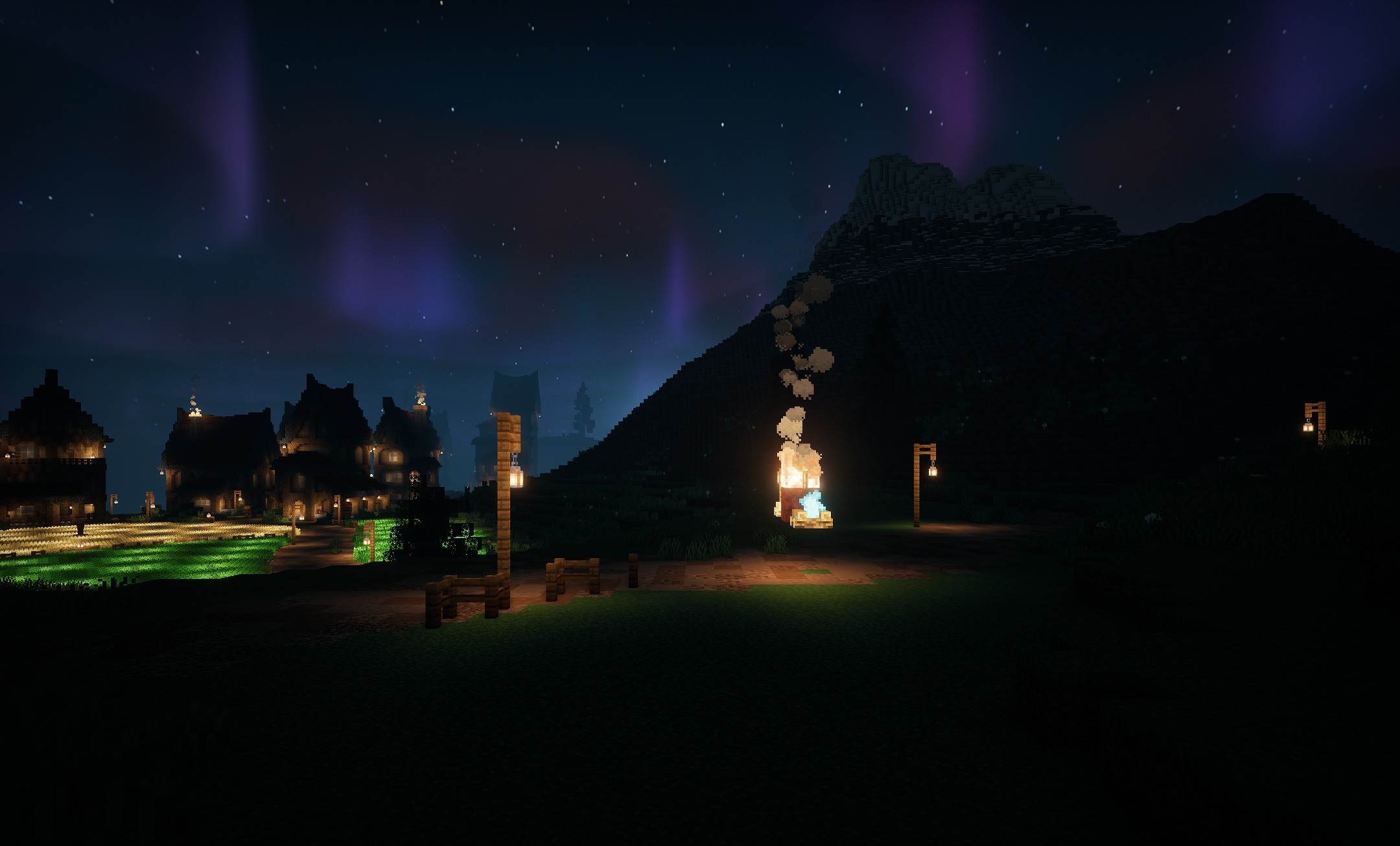
With a suitable resource pack, stone, metal, and wood gain additional depth thanks to PBR textures. Water becomes brighter and reflects the sky and surrounding objects more clearly. The shader is designed for mid-range computers and maintains stable performance without sudden spikes in load.
How to install a shader:
First step: download the shader package from the link below.
Second step: Unpack the downloaded archive and copy the Lux V1 Shaders folder to c:\Users\User\AppData\Roaming\.minecraft\shaderpacks\(if this folder does not exist, create it yourself) (For Windows)
Third step: In the game, go to Settings, then to Graphics Settings. Select the "shaders" section and activate the shader pack of your choice.
Comments (2)