



Lyrae Shaders for Minecraft 26.2
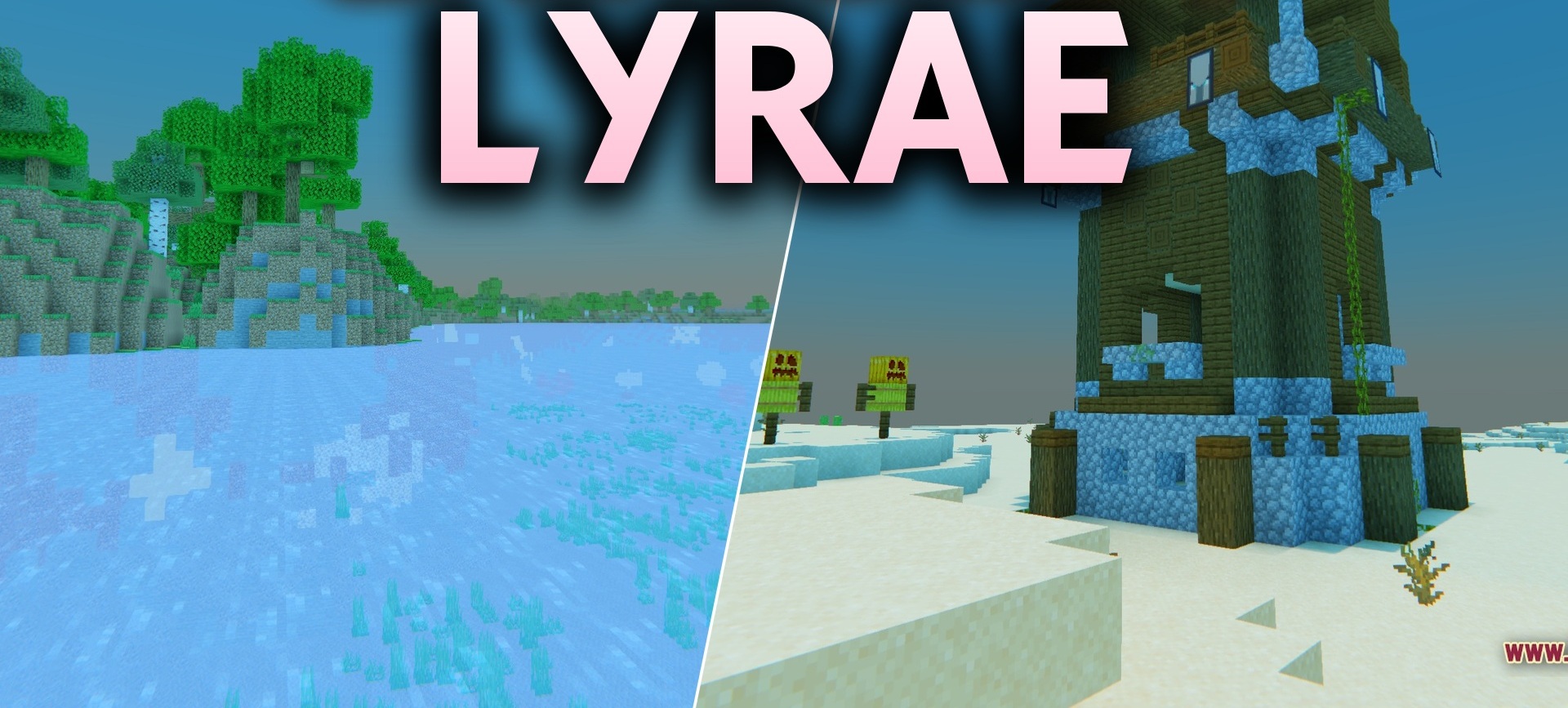
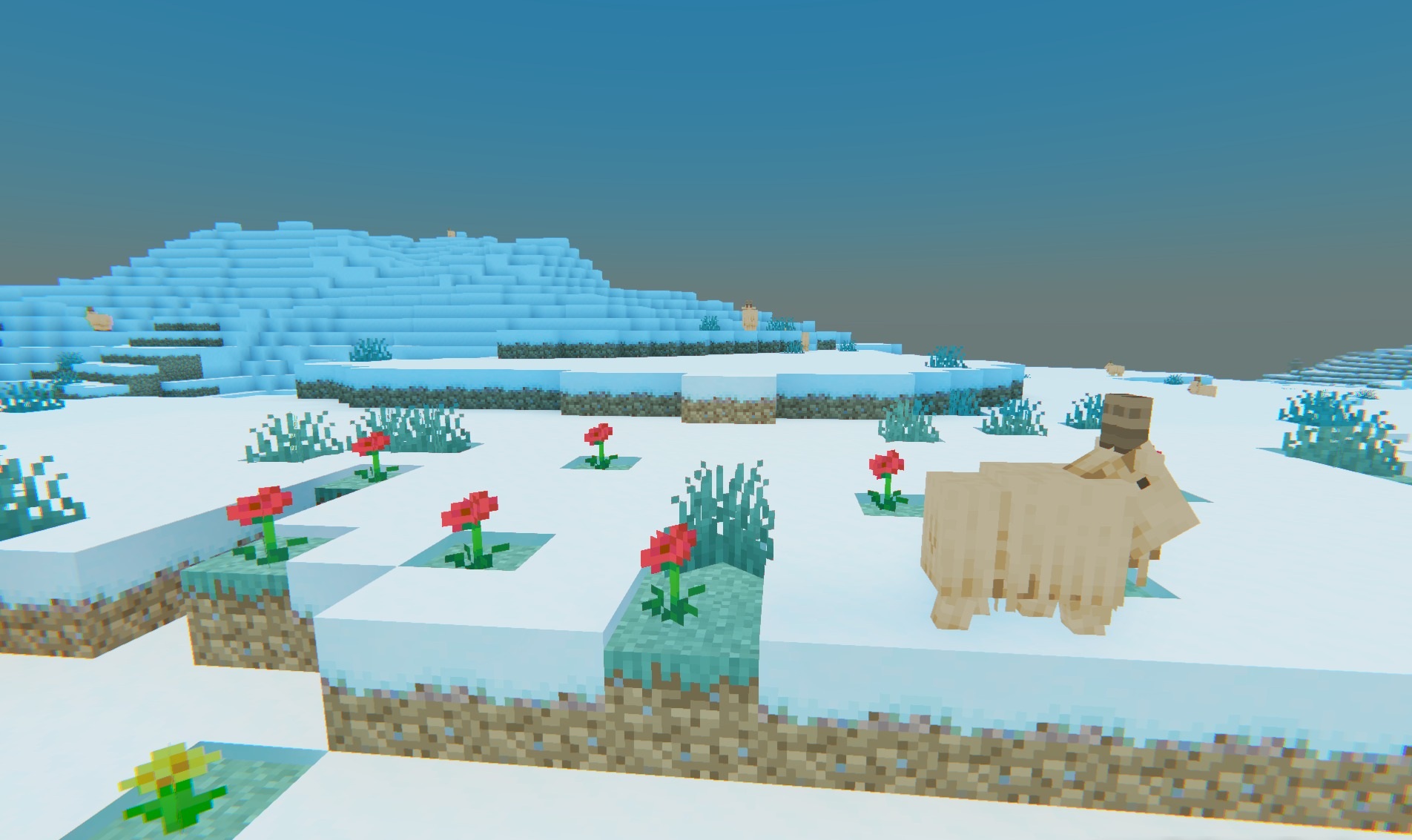
Lyrae Shaders uses physically accurate ray tracing to make the lighting significantly more realistic than the standard graphics. Light reflects from surfaces and colors the surroundings depending on the source: torches, redstone lamps, and other glowing blocks cast their own tint onto nearby walls.
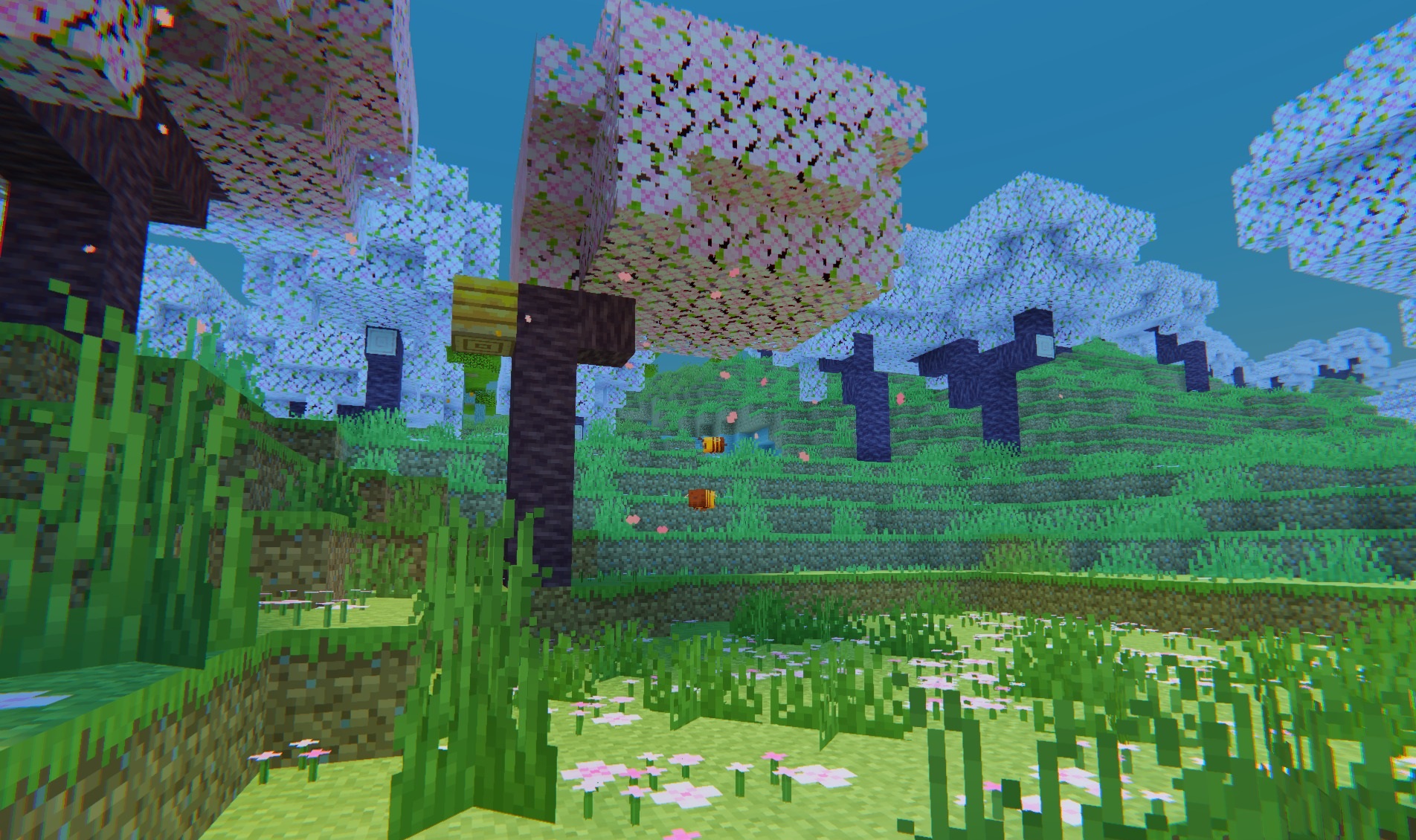
When PBR textures are used, surface irregularities, cracks, metallic shine, and other material properties become visible. Water, glass, and glossy surfaces receive clear reflections, while the position of the sun and moon affects the shape of shadows. The complex global illumination and reflections come at the cost of a high load on the graphics card.
How to install a shader:
First step: download the shader package from the link below.
Second step: Unpack the downloaded archive and copy the Lyrae Shaders folder to c:\Users\User\AppData\Roaming\.minecraft\shaderpacks\(if this folder does not exist, create it yourself) (For Windows)
Third step: In the game, go to Settings, then to Graphics Settings. Select the "shaders" section and activate the shader pack of your choice.
Comments (0)