



Make Your Own RT Shaders for Minecraft 26.2
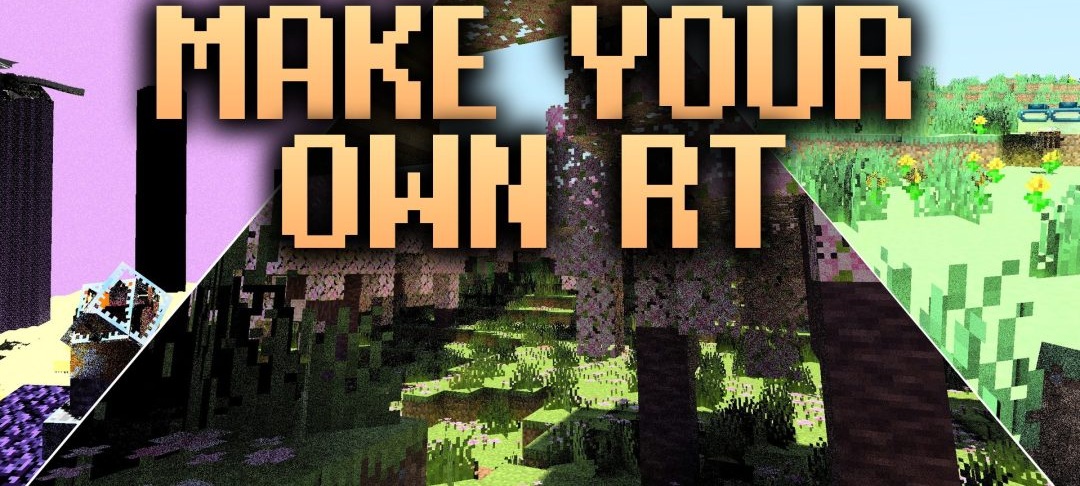
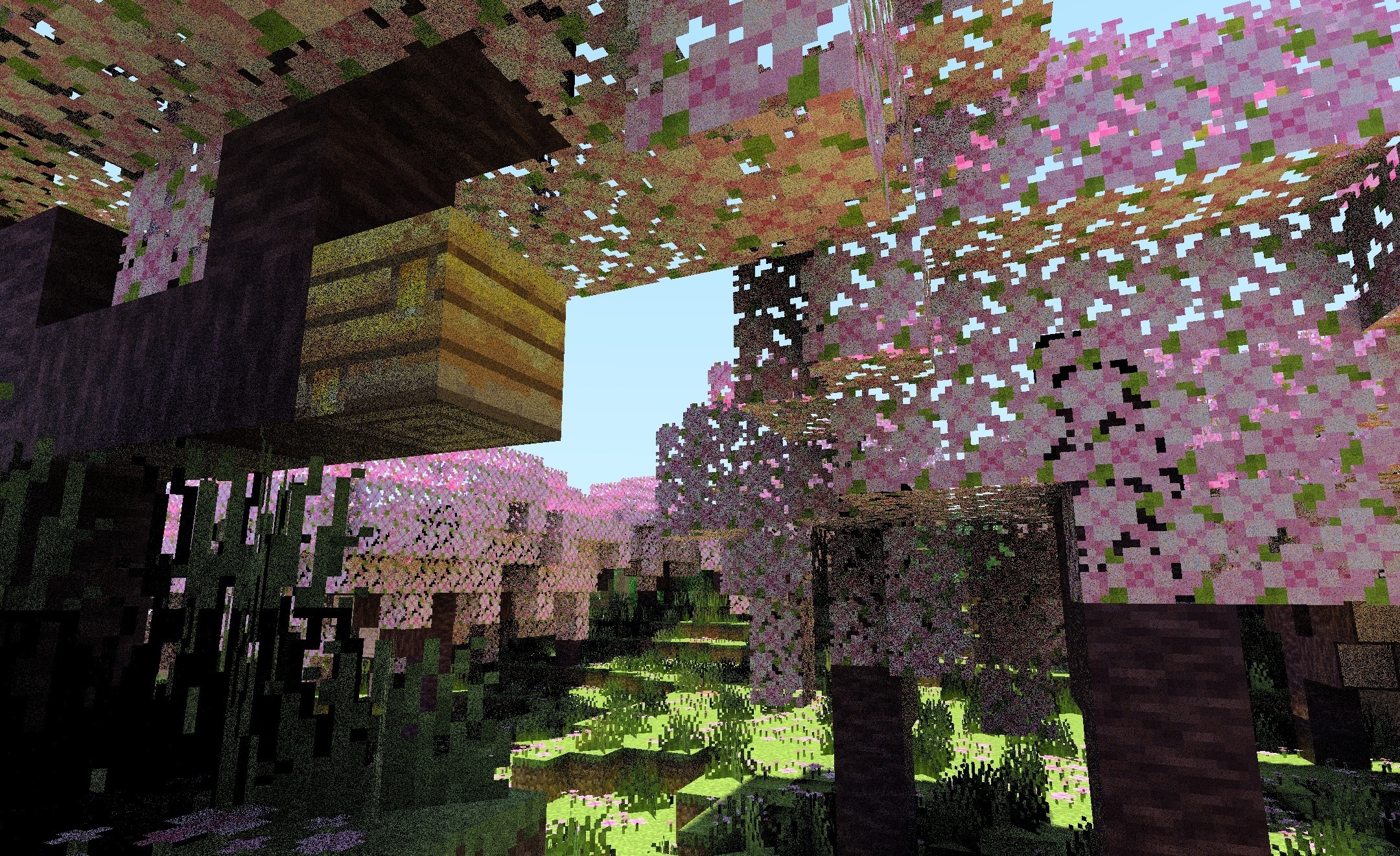
Make Your Own RT Shaders works both as a shader and as a foundation for learning how to configure Minecraft graphics yourself. The pack demonstrates ray-traced lighting, including light reflected from neighboring blocks and surfaces, soft natural shadows, and environmental reflections on water.
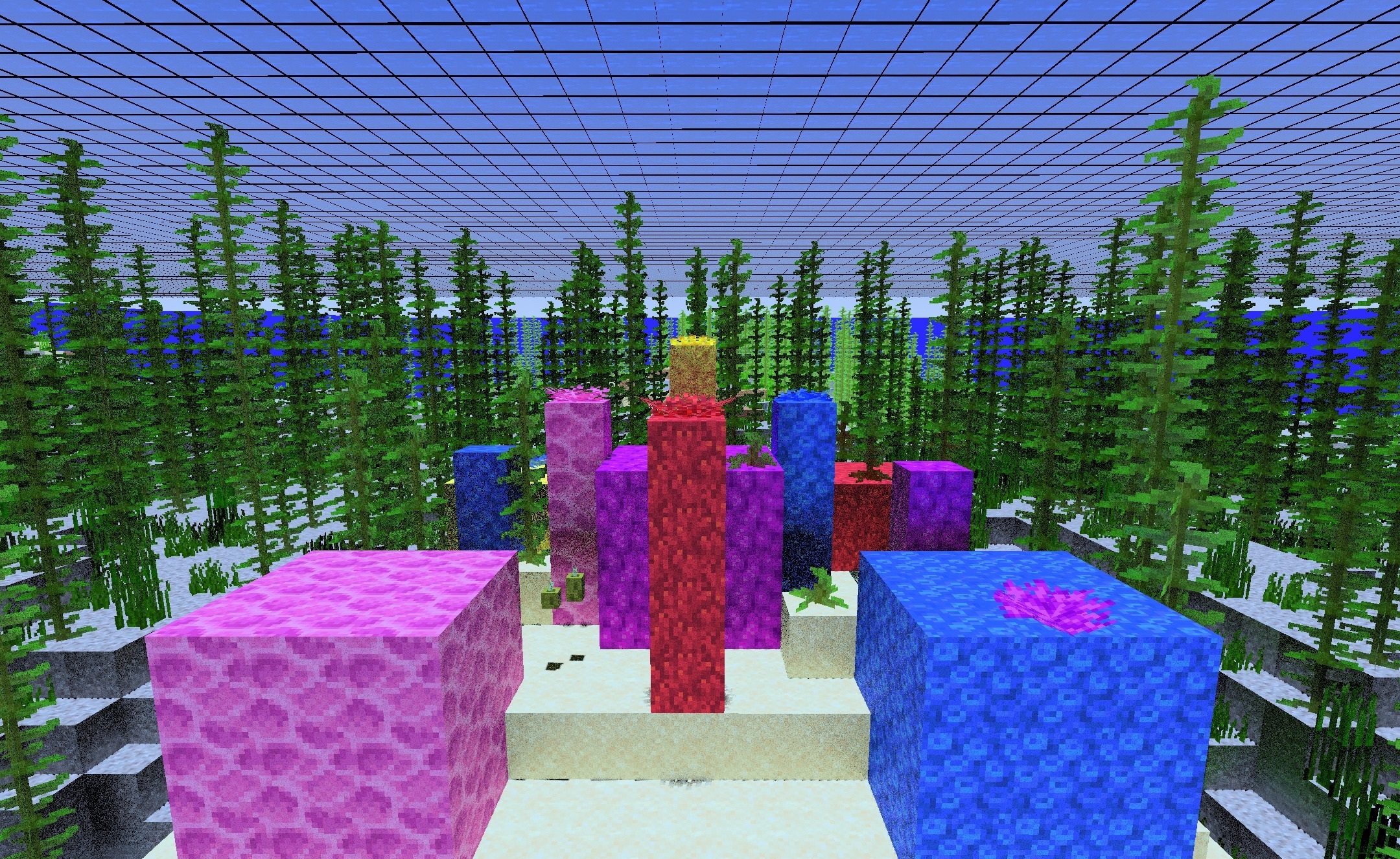
At the same time, its possibilities are not limited to ready-made effects: the structure can be used as a template for editing and creating your own shader variants. Individual parts of the code are accompanied by step-by-step video guides explaining how specific elements work.
How to install a shader:
First step: download the shader package from the link below.
Second step: Unpack the downloaded archive and copy the Make Your Own RT Shaders folder to c:\Users\User\AppData\Roaming\.minecraft\shaderpacks\(if this folder does not exist, create it yourself) (For Windows)
Third step: In the game, go to Settings, then to Graphics Settings. Select the "shaders" section and activate the shader pack of your choice.
Comments (0)