



Miasma Shaders for Minecraft 26.2
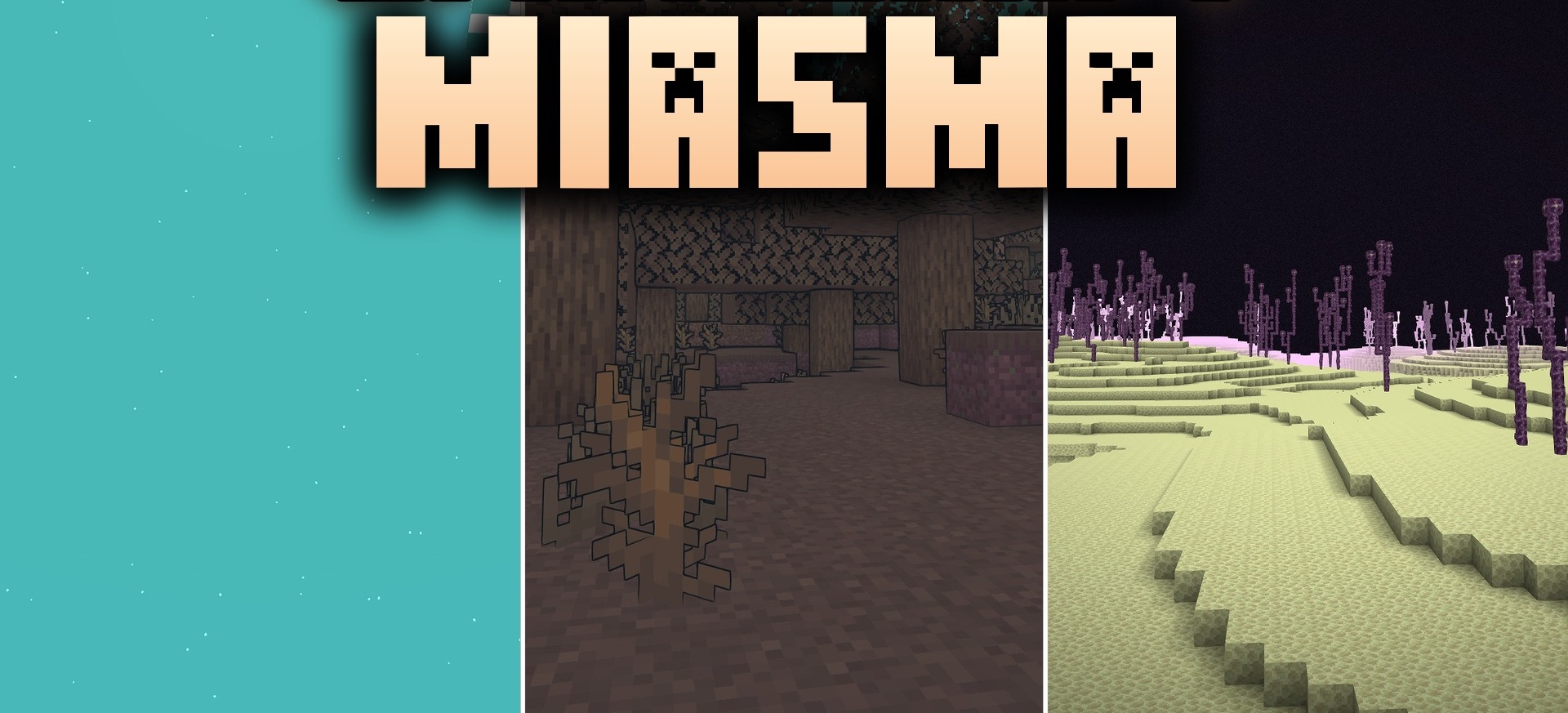
Miasma Shaders offers a completely different style, turning the world into a toxic alien wasteland. Its main feature is cel shading with dark outlines around blocks, creatures, and items, making the image resemble a hand-drawn comic book or Borderlands.
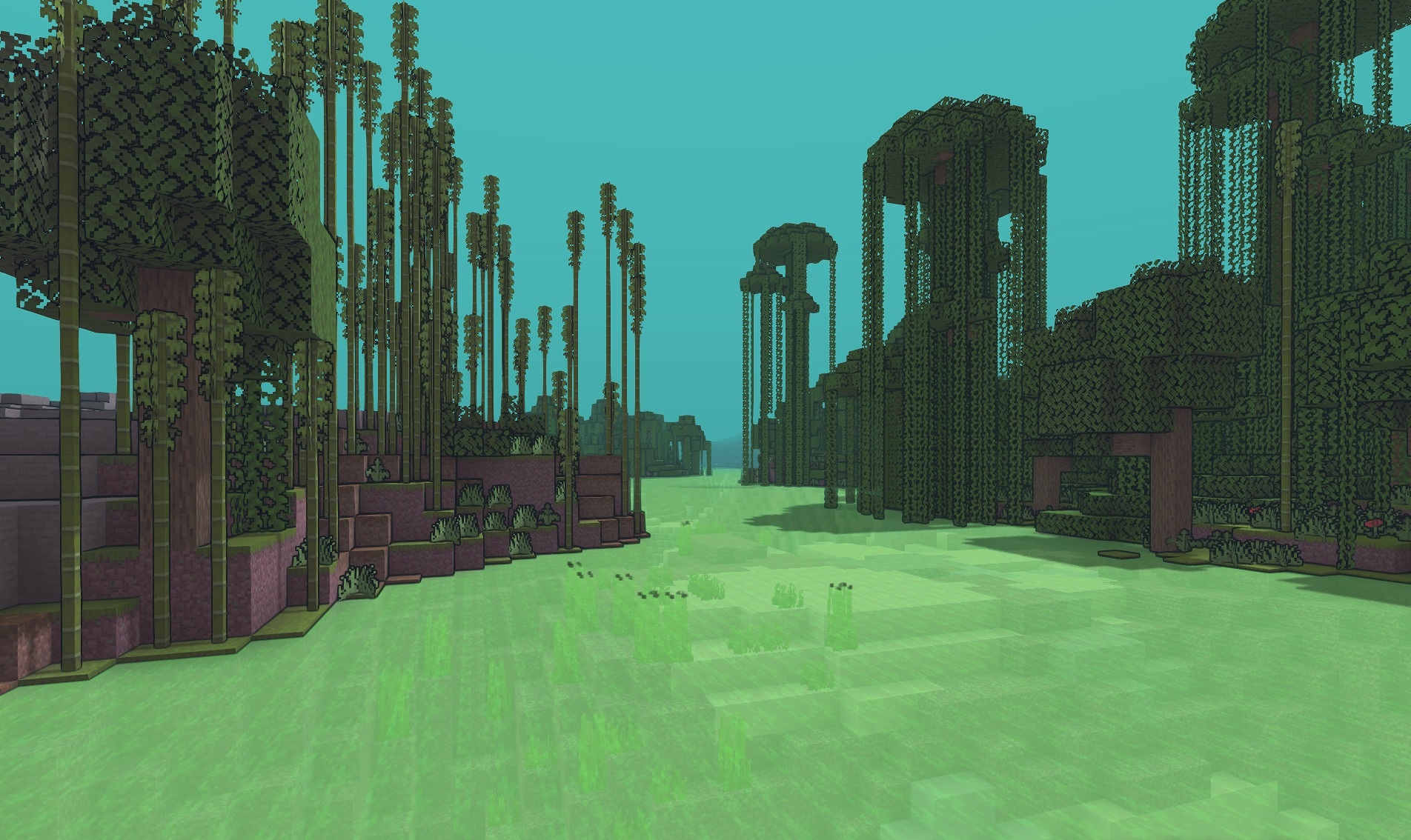
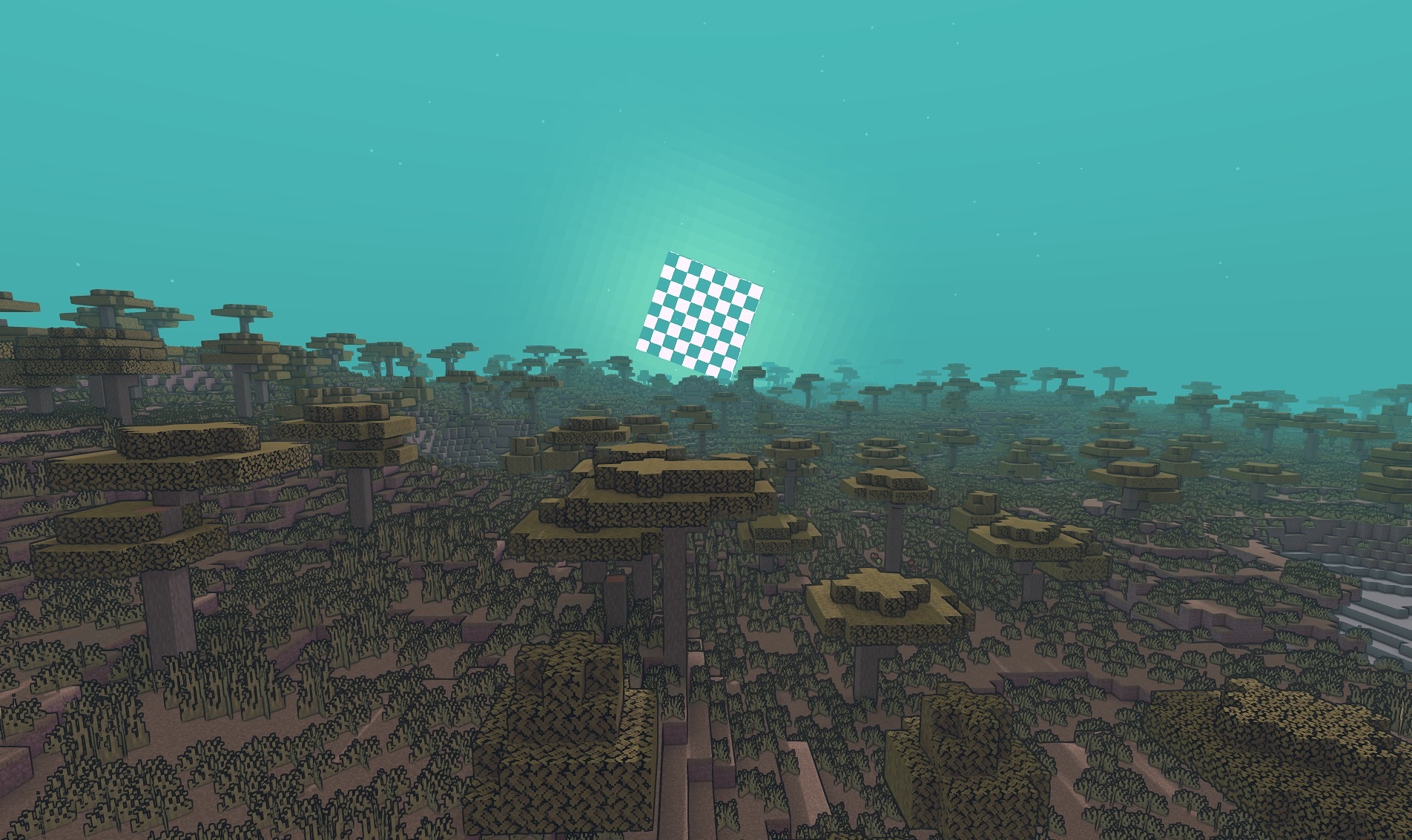
The sky and environment are colored in unusual fantasy shades, creating the feeling of a dangerous alien planet. At the same time, sunlight and general lighting remain natural enough that the stylization does not make the world look completely flat. The shapes of standard blocks are preserved, and familiar biomes remain easy to recognize even after the strong color transformation.
How to install a shader:
First step: download the shader package from the link below.
Second step: Unpack the downloaded archive and copy the Miasma Shaders folder to c:\Users\User\AppData\Roaming\.minecraft\shaderpacks\(if this folder does not exist, create it yourself) (For Windows)
Third step: In the game, go to Settings, then to Graphics Settings. Select the "shaders" section and activate the shader pack of your choice.
Comments (0)