



Moon Shaders for Minecraft 26.2
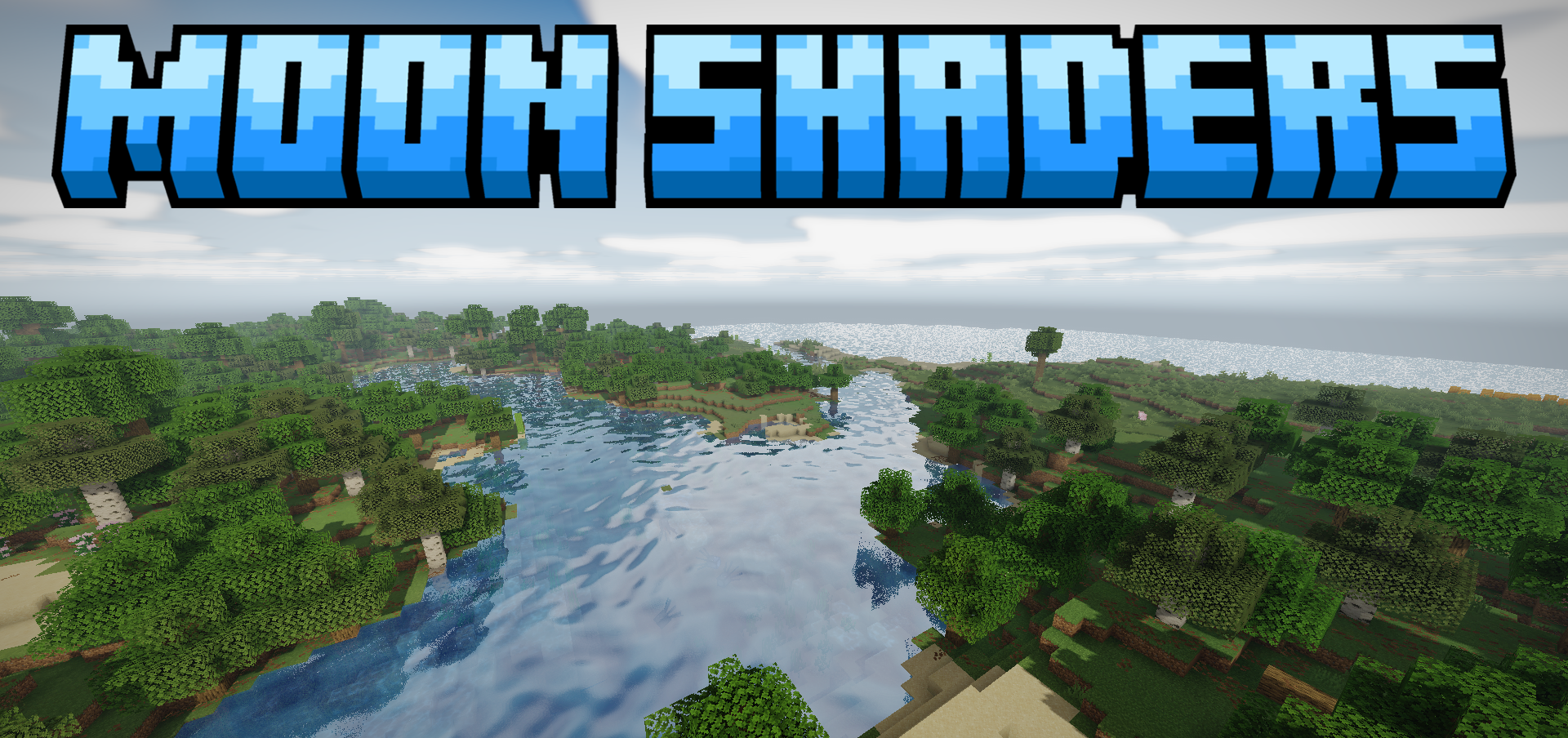
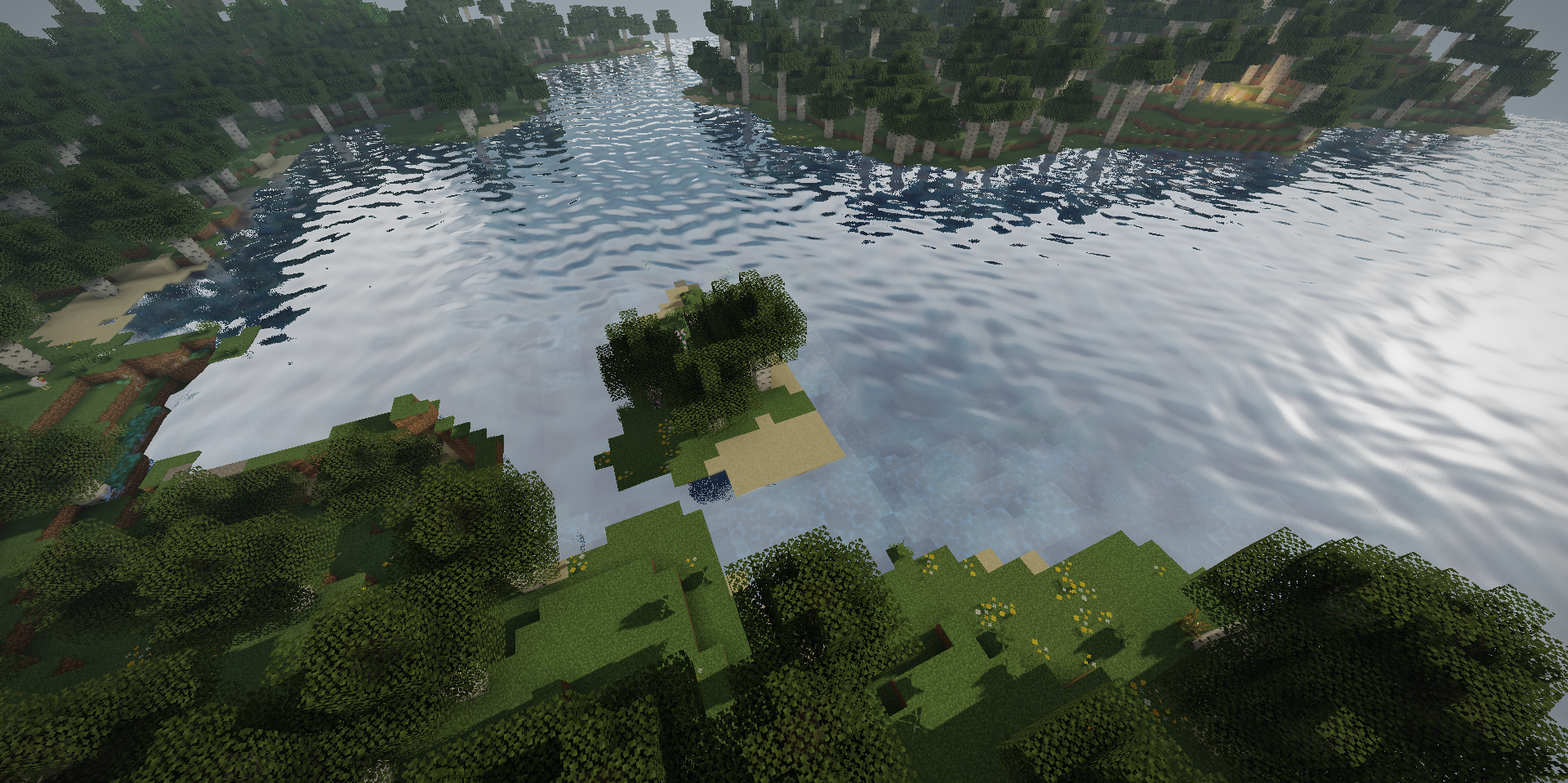
Moon Shaders improves the image without heavily rebuilding the entire lighting system. Water receives reflections, making lakes and oceans look cleaner and deeper. Light from the sun, torches, and other sources becomes softer, while shadows no longer look too harsh.
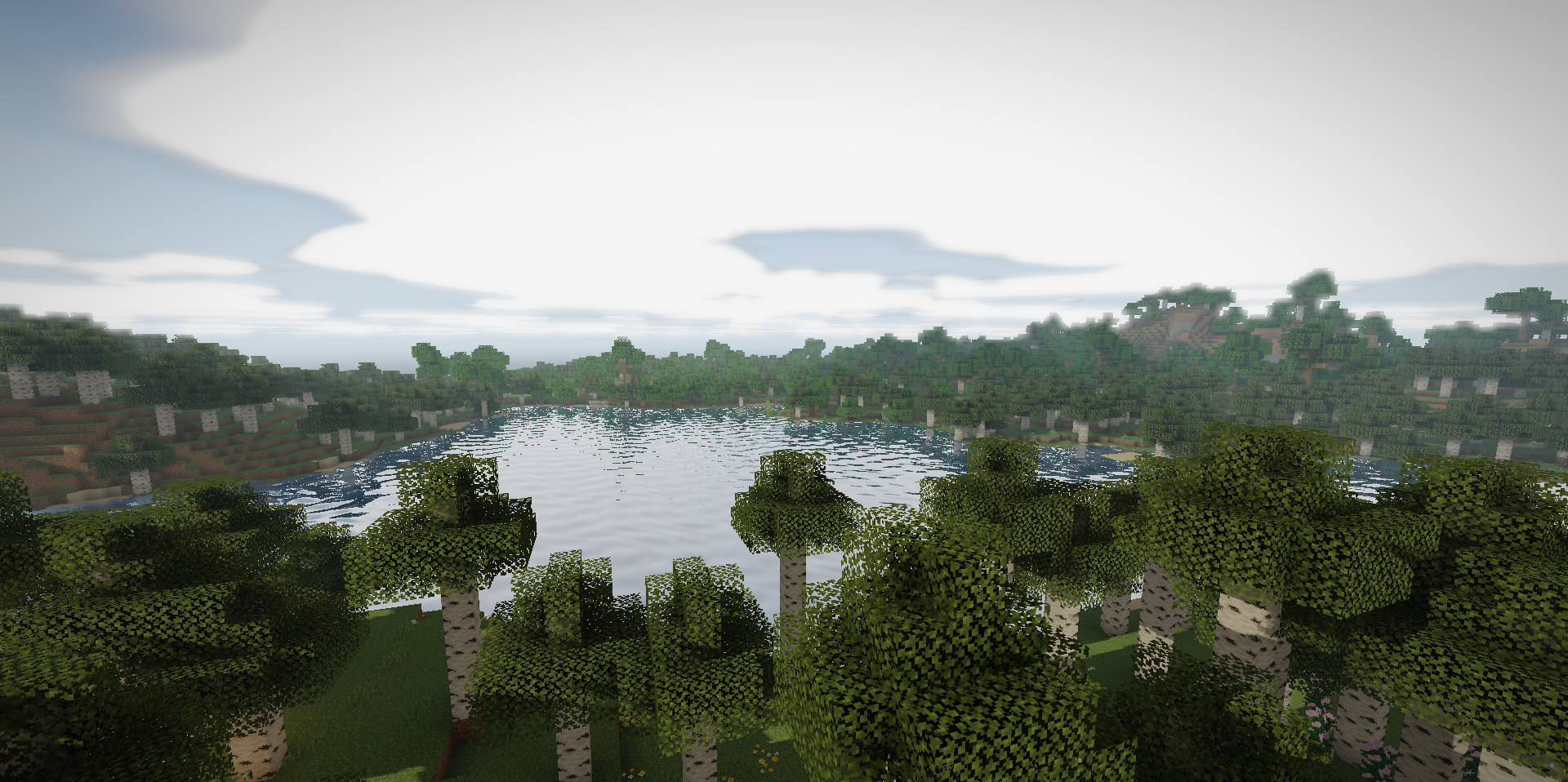
Bright objects receive a subtle glow that is noticeable in the dark but does not overwhelm the screen. The sky has also been reworked: the clouds and daytime colors look more expressive, while the passage of time feels calmer. The shader does not overload the world with reflections and complex effects, but carefully improves the water, lighting, sky, and overall readability of the scene.
How to install a shader:
First step: download the shader package from the link below.
Second step: Unpack the downloaded archive and copy the Moon Shaders folder to c:\Users\User\AppData\Roaming\.minecraft\shaderpacks\(if this folder does not exist, create it yourself) (For Windows)
Third step: In the game, go to Settings, then to Graphics Settings. Select the "shaders" section and activate the shader pack of your choice.
Comments (0)