



Musk Rose Je Shaders for Minecraft 26.2
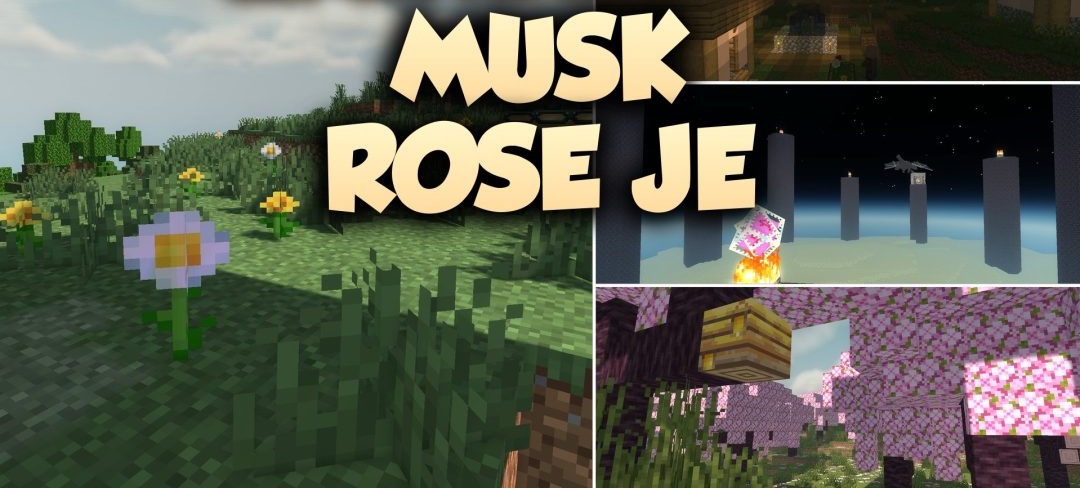
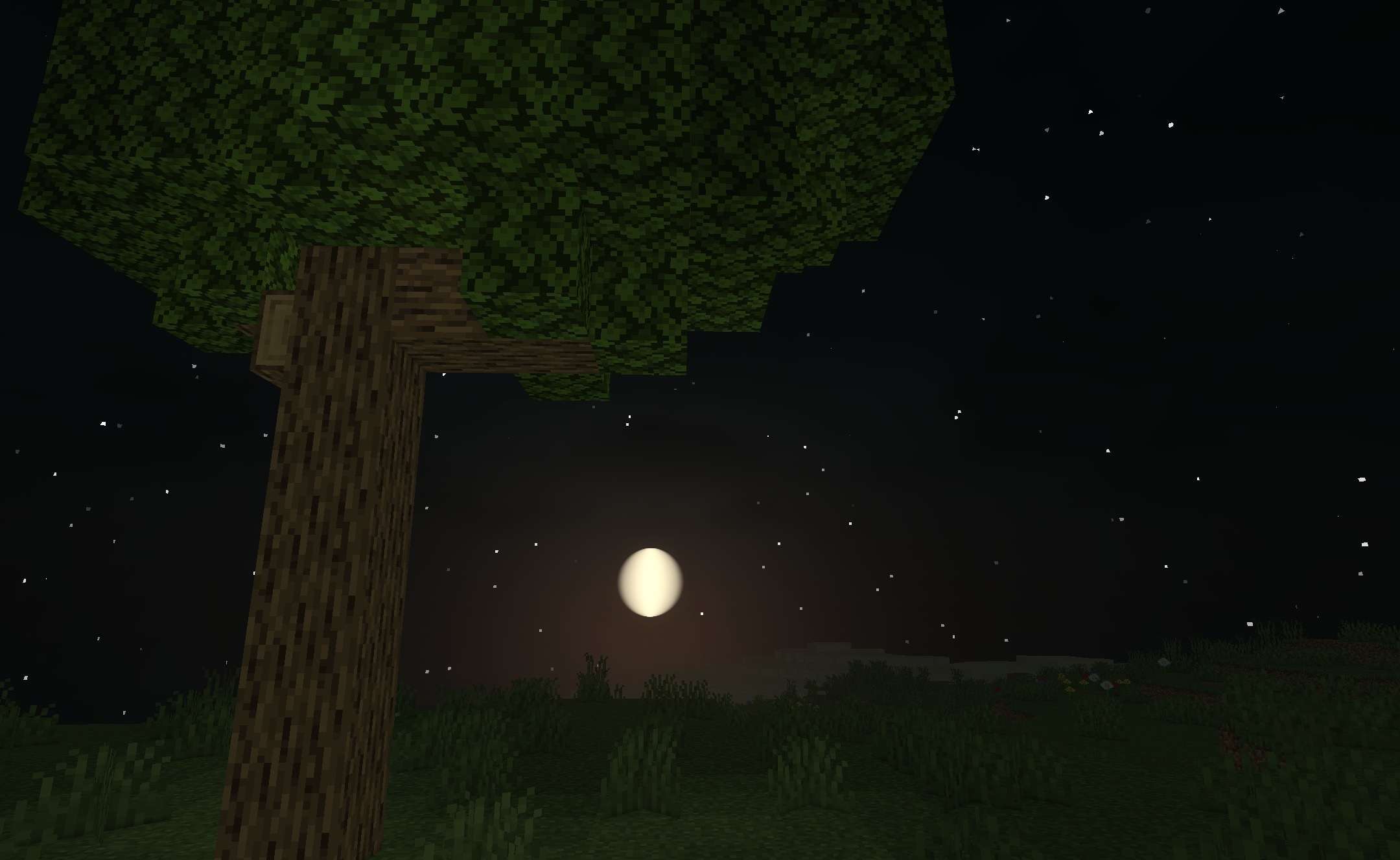
Soft daylight and warmer light sources shape the visuals of Musk Rose Je Shaders. Sunlight and moonlight affect the surroundings differently depending on the time of day, while shadows smoothly react to nearby light sources. Lanterns and glowing items held in the hands create a warm glow in caves and other dark places.
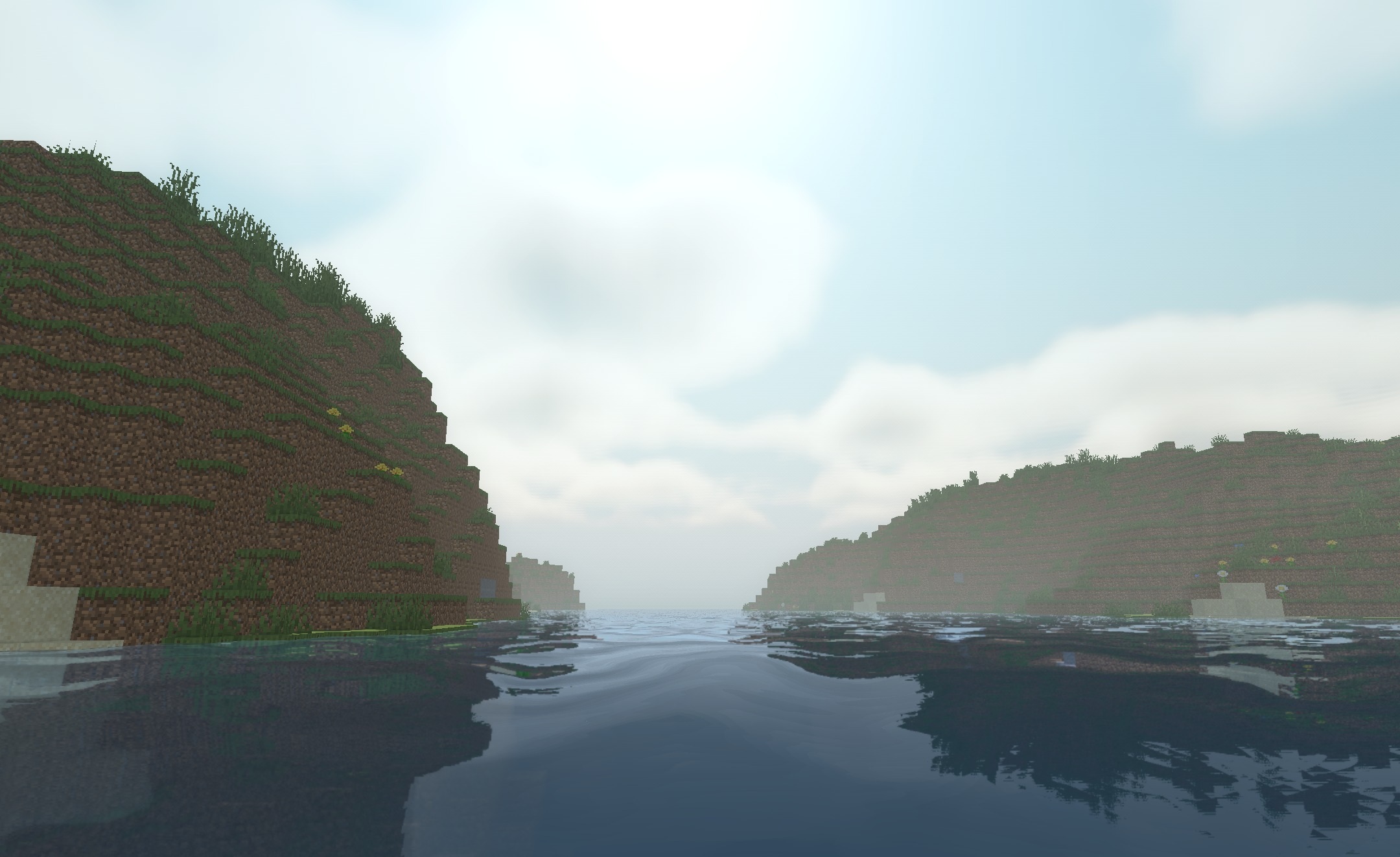
Water reflects the shades of the sky while still maintaining a sufficiently clear view beneath the surface. The changes also affect vegetation: grass and foliage slightly adjust their color depending on weather conditions. The updated shadows, water, and lighting do not lead to unstable frame rates during normal exploration of the world.
How to install a shader:
First step: download the shader package from the link below.
Second step: Unpack the downloaded archive and copy the Musk Rose Je Shaders folder to c:\Users\User\AppData\Roaming\.minecraft\shaderpacks\(if this folder does not exist, create it yourself) (For Windows)
Third step: In the game, go to Settings, then to Graphics Settings. Select the "shaders" section and activate the shader pack of your choice.
Comments (0)