



NostaLens Shaders for Minecraft 26.2
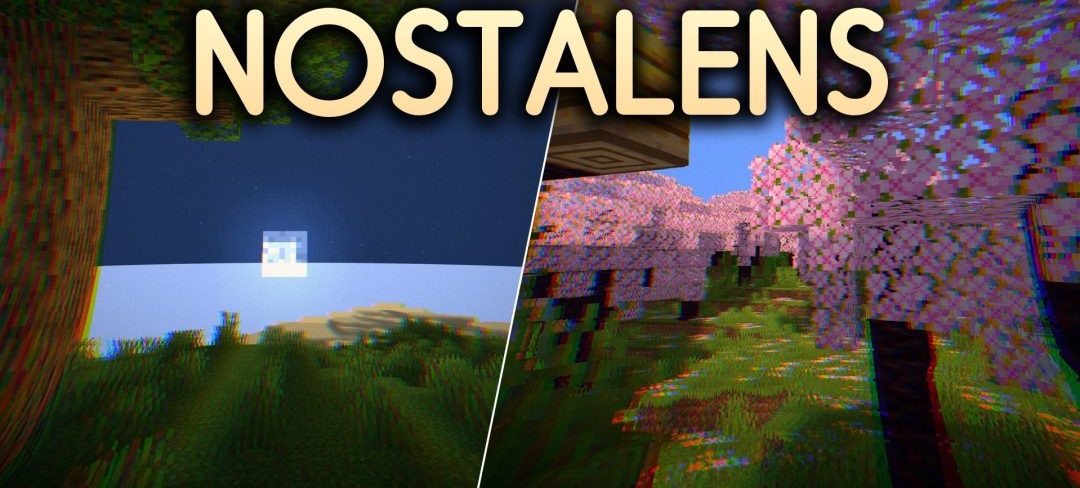
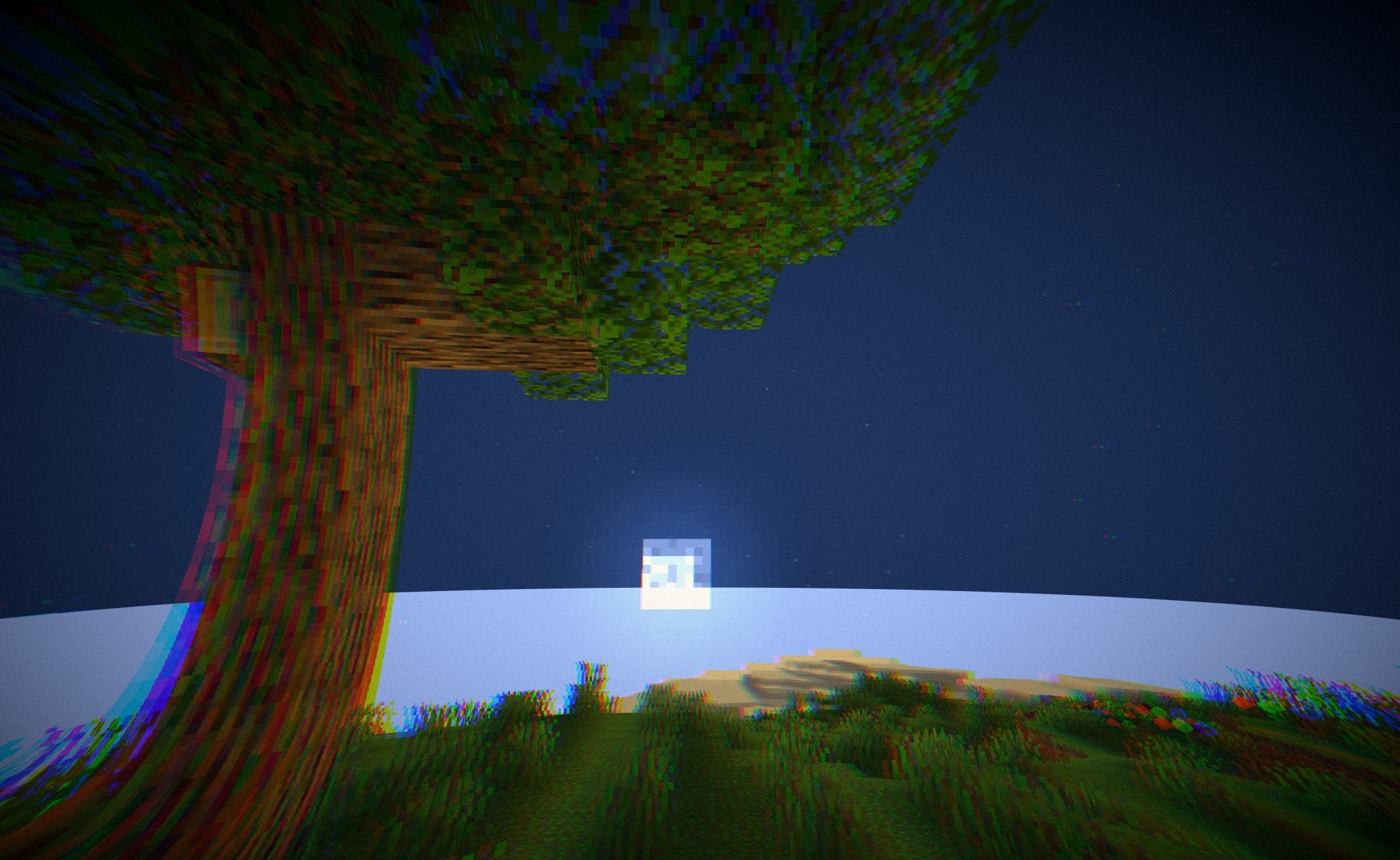
Filming through an old camera becomes the main visual technique of NostaLens Shaders. The image receives a characteristic fisheye distortion that bends the edges of the frame and makes Minecraft’s familiar perspective look like footage captured through a wide-angle lens.
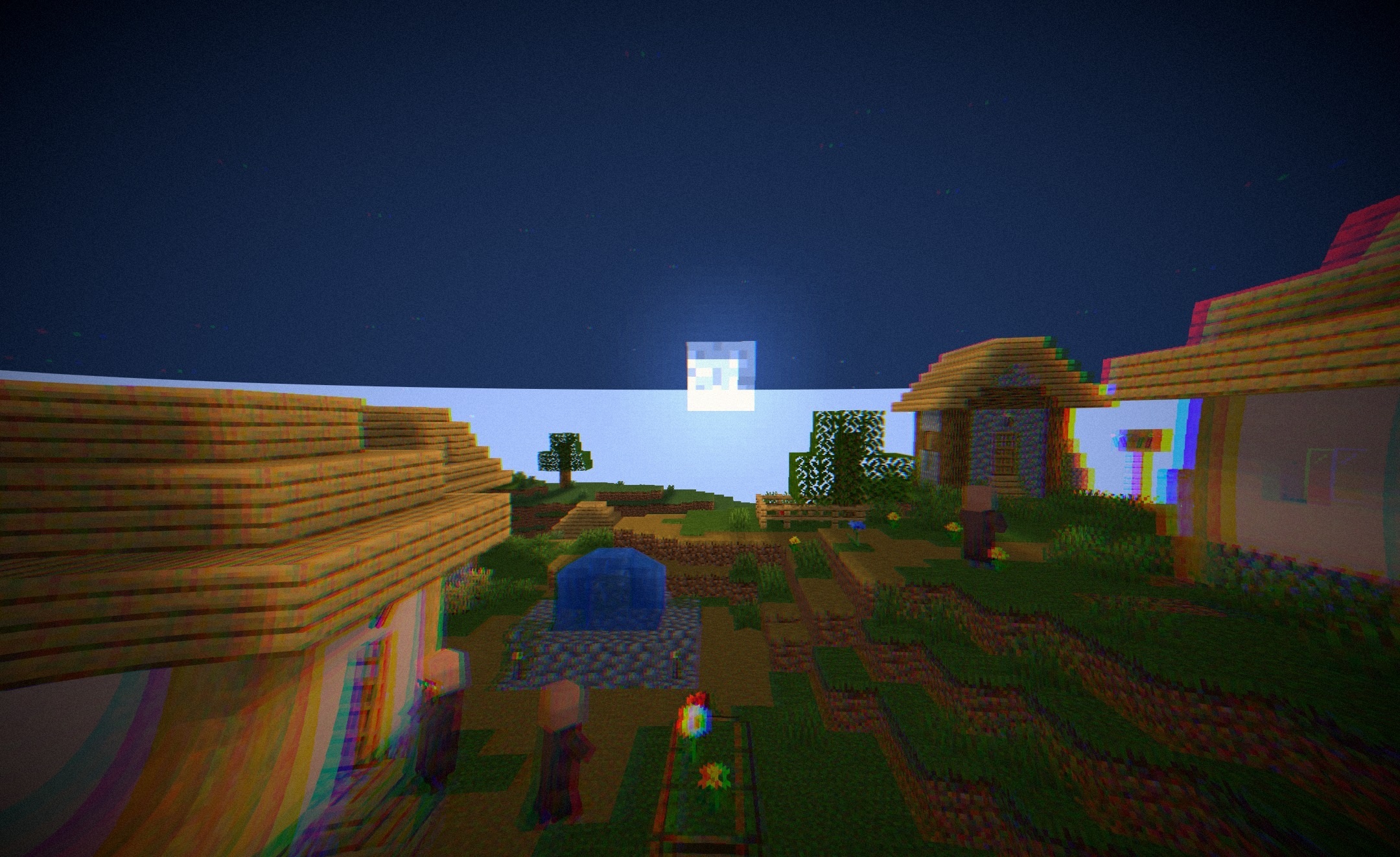
The color grading shifts toward warm vintage tones, while light VHS noise is layered over the scene. At the same time, the effect does not indiscriminately cover the entire image: the interface, text, inventory icons, and items held in the hands remain straight and readable. Because of this, the retro processing does not interfere with using the main elements of the game.
How to install a shader:
First step: download the shader package from the link below.
Second step: Unpack the downloaded archive and copy the NostaLens Shaders folder to c:\Users\User\AppData\Roaming\.minecraft\shaderpacks\(if this folder does not exist, create it yourself) (For Windows)
Third step: In the game, go to Settings, then to Graphics Settings. Select the "shaders" section and activate the shader pack of your choice.
Comments (0)