



Nova’s Vibrant Lite for Minecraft 26.2
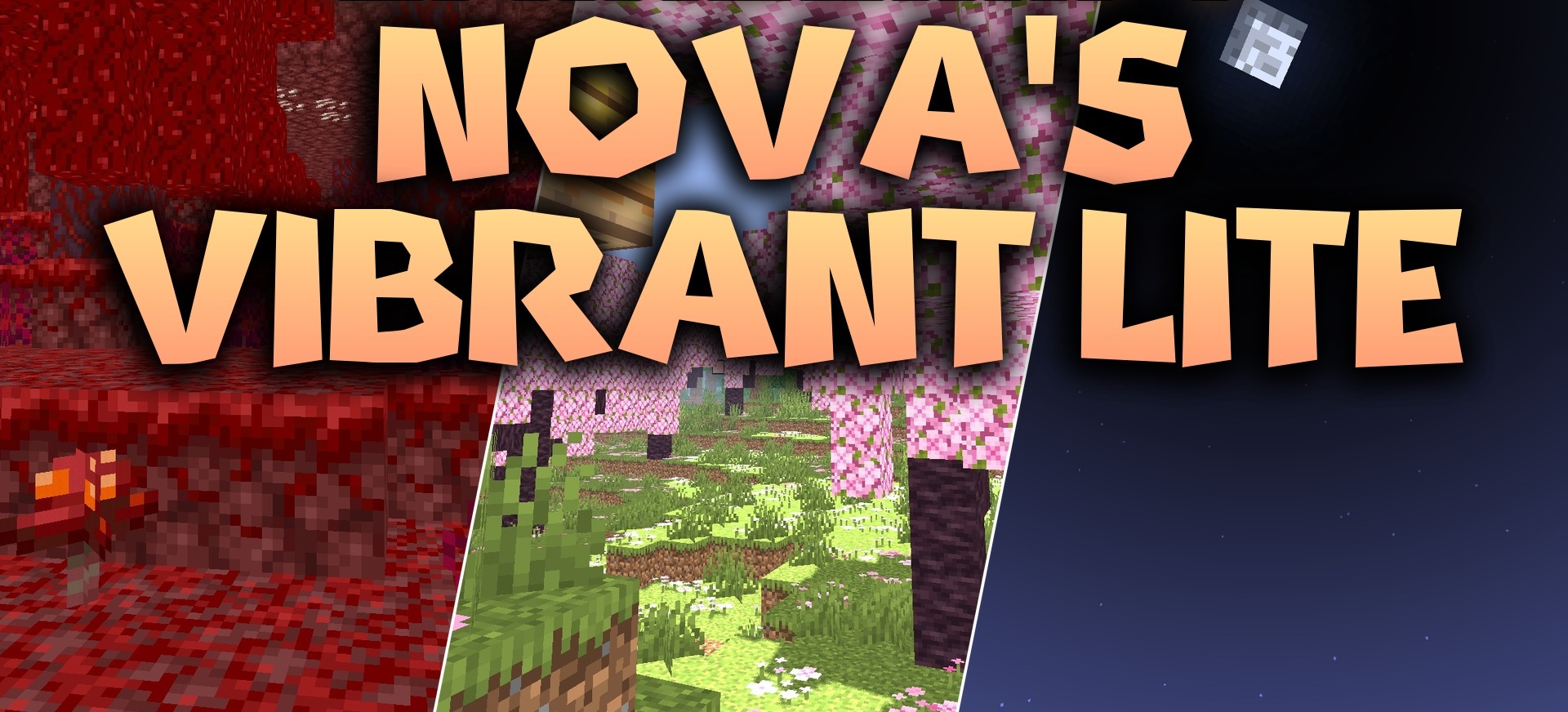
Nova’s Vibrant Lite adds dynamic shadows, bright daylight, and reflections on water while keeping the load on the system relatively low. As the sun moves, shadows naturally shift across the ground and buildings, making the time of day easier to recognize visually. Rivers and lakes receive a shiny reflective surface, while open biomes look brighter than in the standard version.
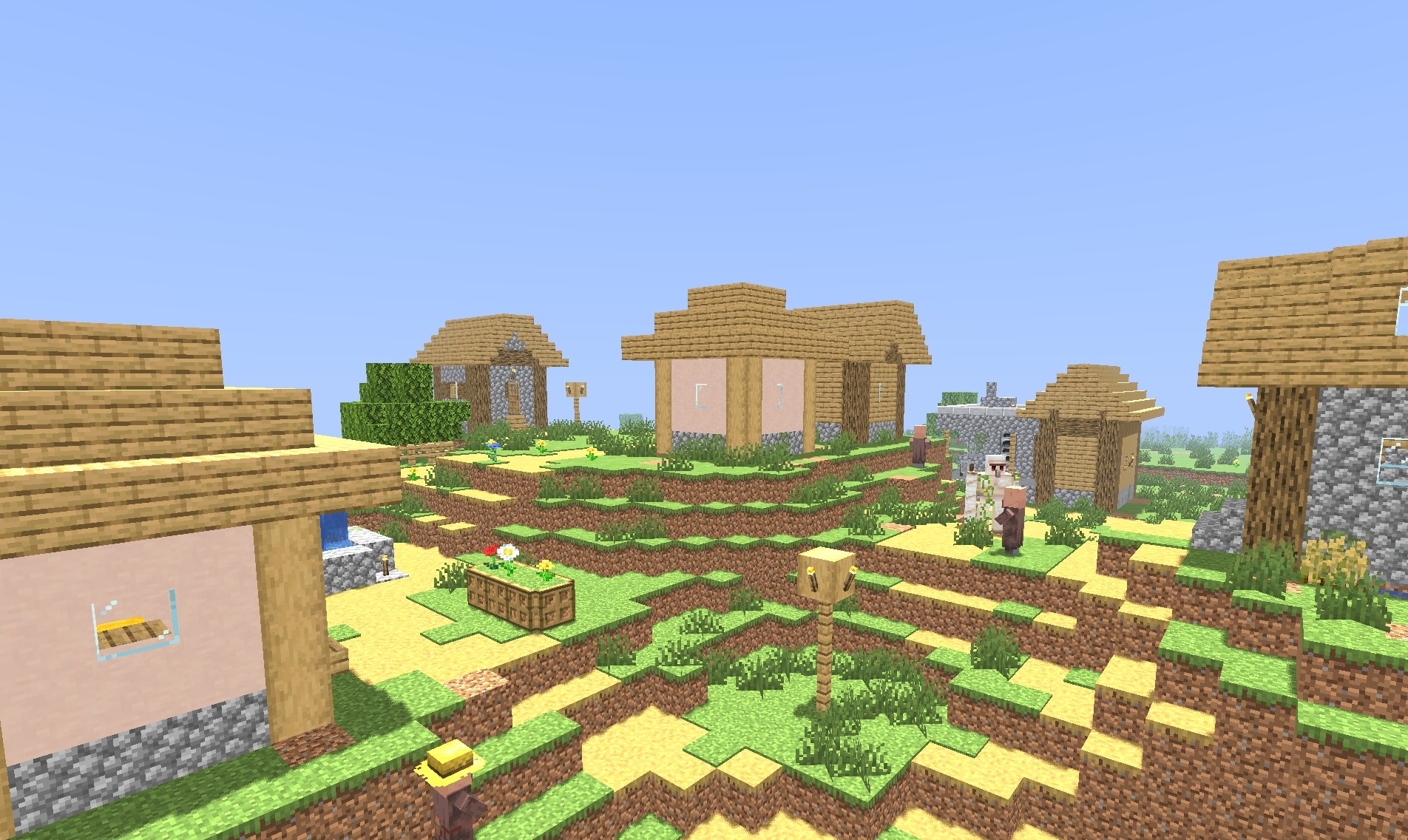
The shader loads quickly through Iris and is aimed at older computers where heavy graphics packs usually run unstably. At the same time, the main effects remain in place: the sky, lighting, water, and shadows are changed, but without complex ray tracing, dense fog, and other resource-intensive technologies.
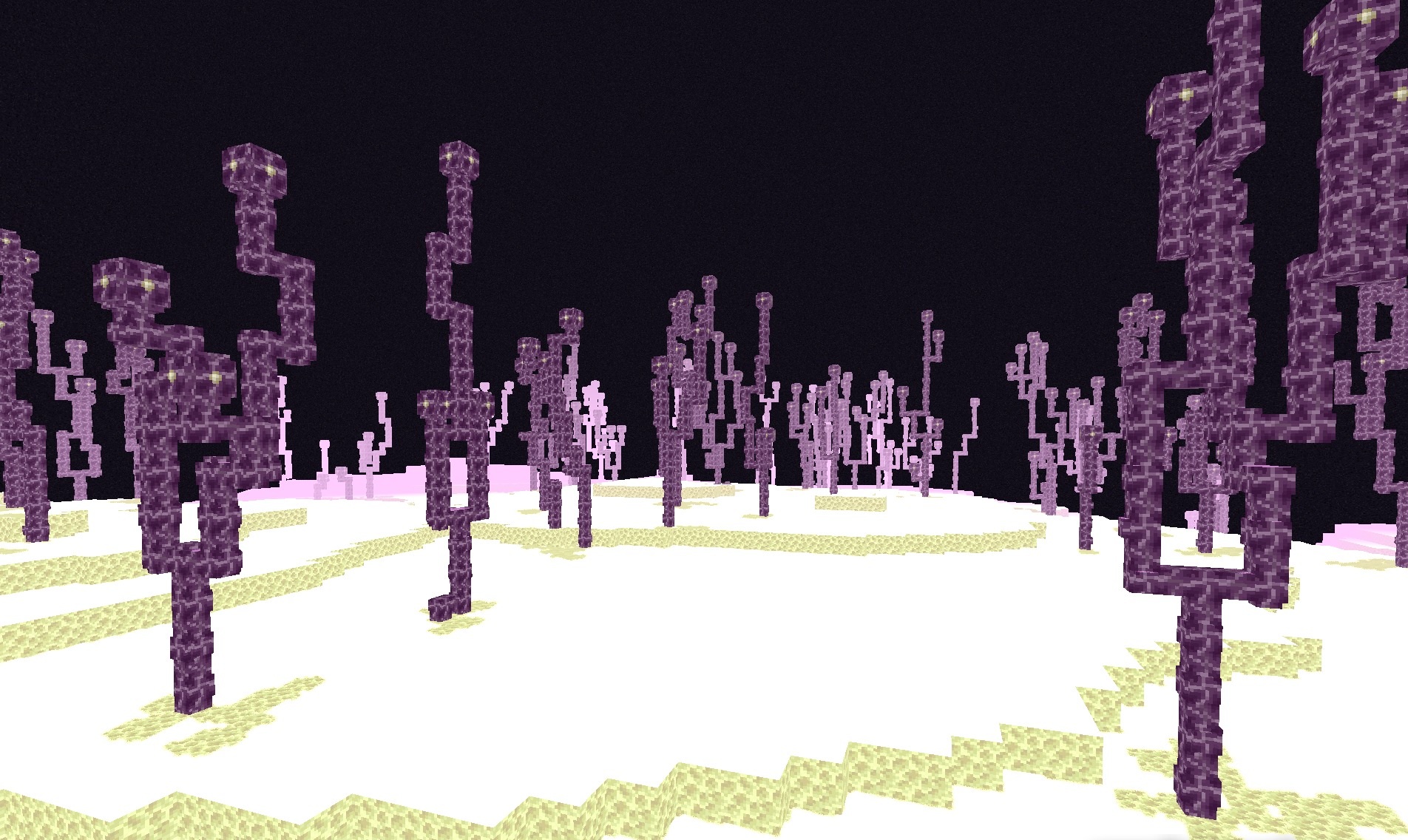
How to install a shader:
First step: download the shader package from the link below.
Second step: Unpack the downloaded archive and copy the Nova’s Vibrant Lite folder to c:\Users\User\AppData\Roaming\.minecraft\shaderpacks\(if this folder does not exist, create it yourself) (For Windows)
Third step: In the game, go to Settings, then to Graphics Settings. Select the "shaders" section and activate the shader pack of your choice.
Comments (0)