



OffShades Shaders for Minecraft 26.2
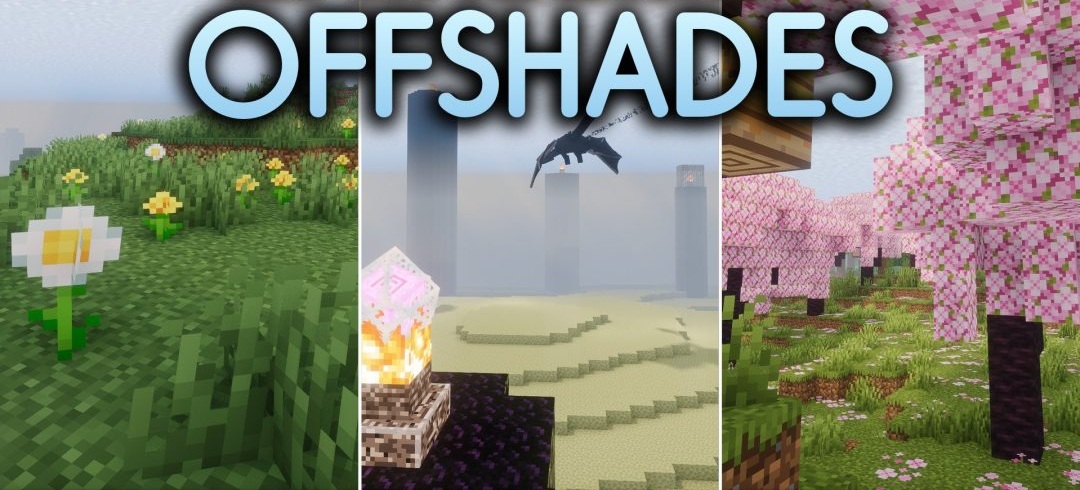
Instead of creating a completely separate visual direction, OffShades Shaders combines elements from three shader projects at once — Photon, Complementary, and Iteration. Photon contributes its characteristic lighting solutions and effects, while the influence of Complementary appears in the clean rendering of the environment and the more pronounced geometry of blocks.
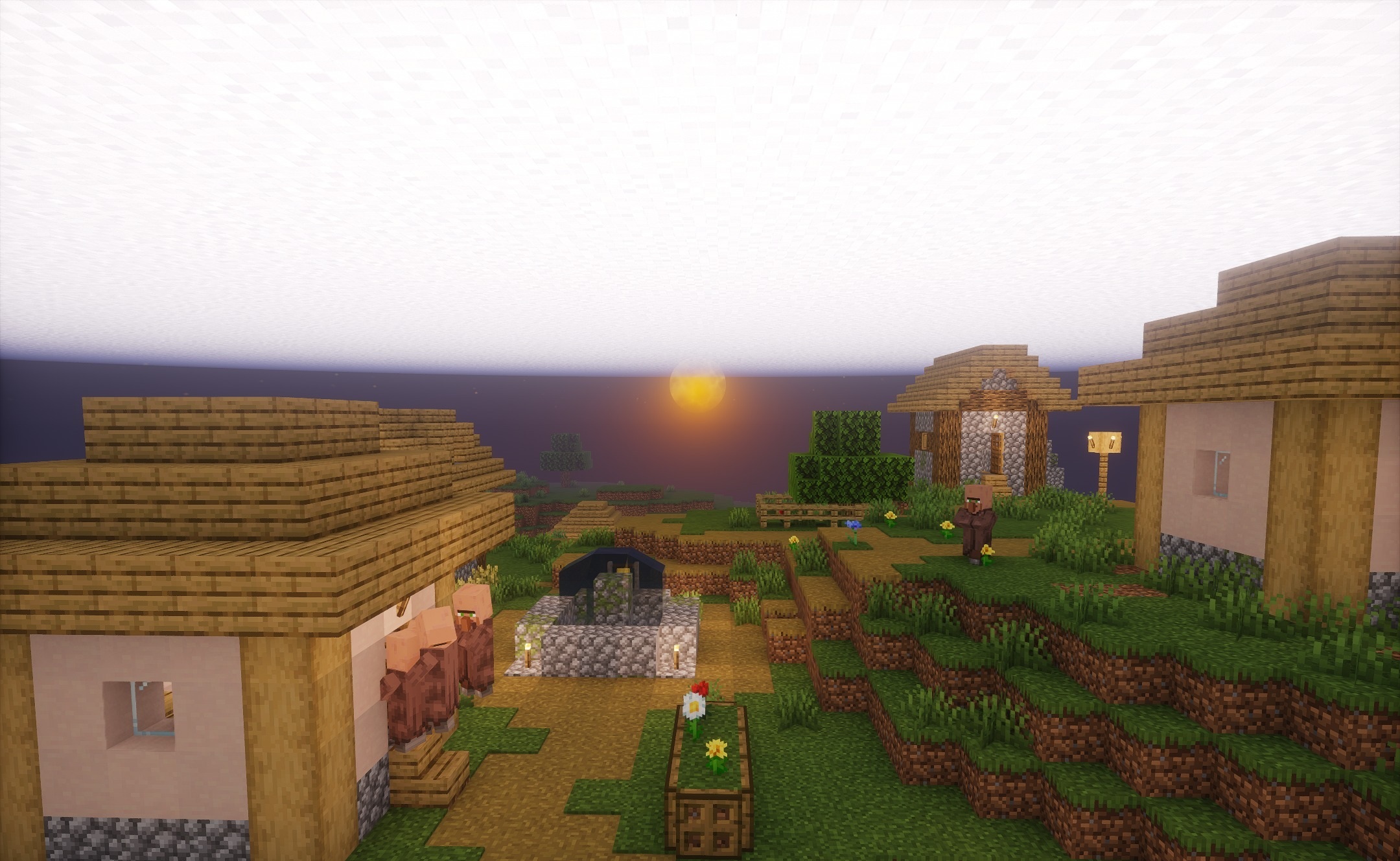
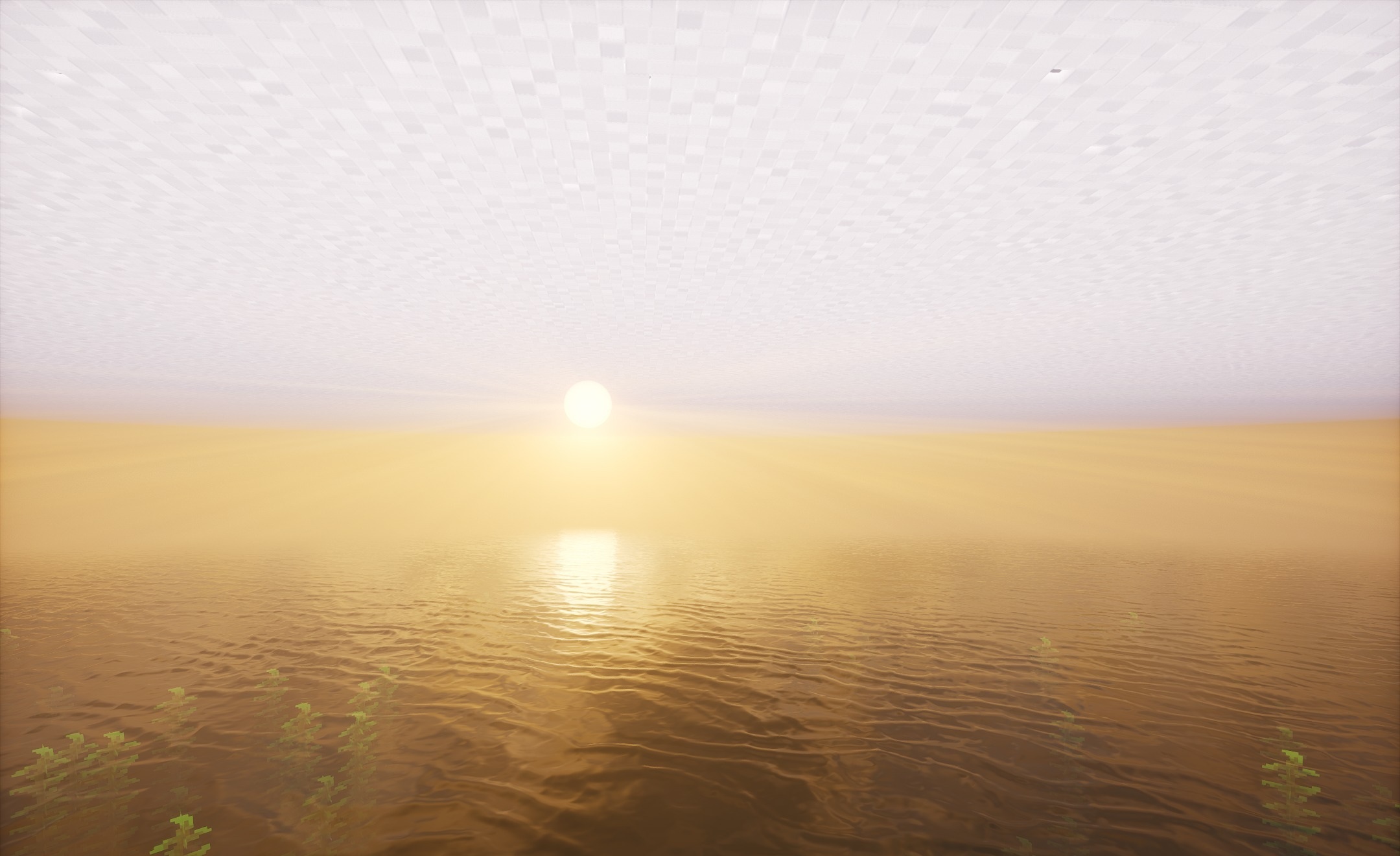
Iteration complements the image with its own atmospheric tones and color processing. All these elements are brought together into a single visual style without using an excessive number of effects. As a result, the lighting becomes more expressive, shading becomes cleaner, and environmental details remain clearly distinguishable.
How to install a shader:
First step: download the shader package from the link below.
Second step: Unpack the downloaded archive and copy the OffShades Shaders folder to c:\Users\User\AppData\Roaming\.minecraft\shaderpacks\(if this folder does not exist, create it yourself) (For Windows)
Third step: In the game, go to Settings, then to Graphics Settings. Select the "shaders" section and activate the shader pack of your choice.
Comments (0)