



Phoxel PT Shaders for Minecraft 26.2
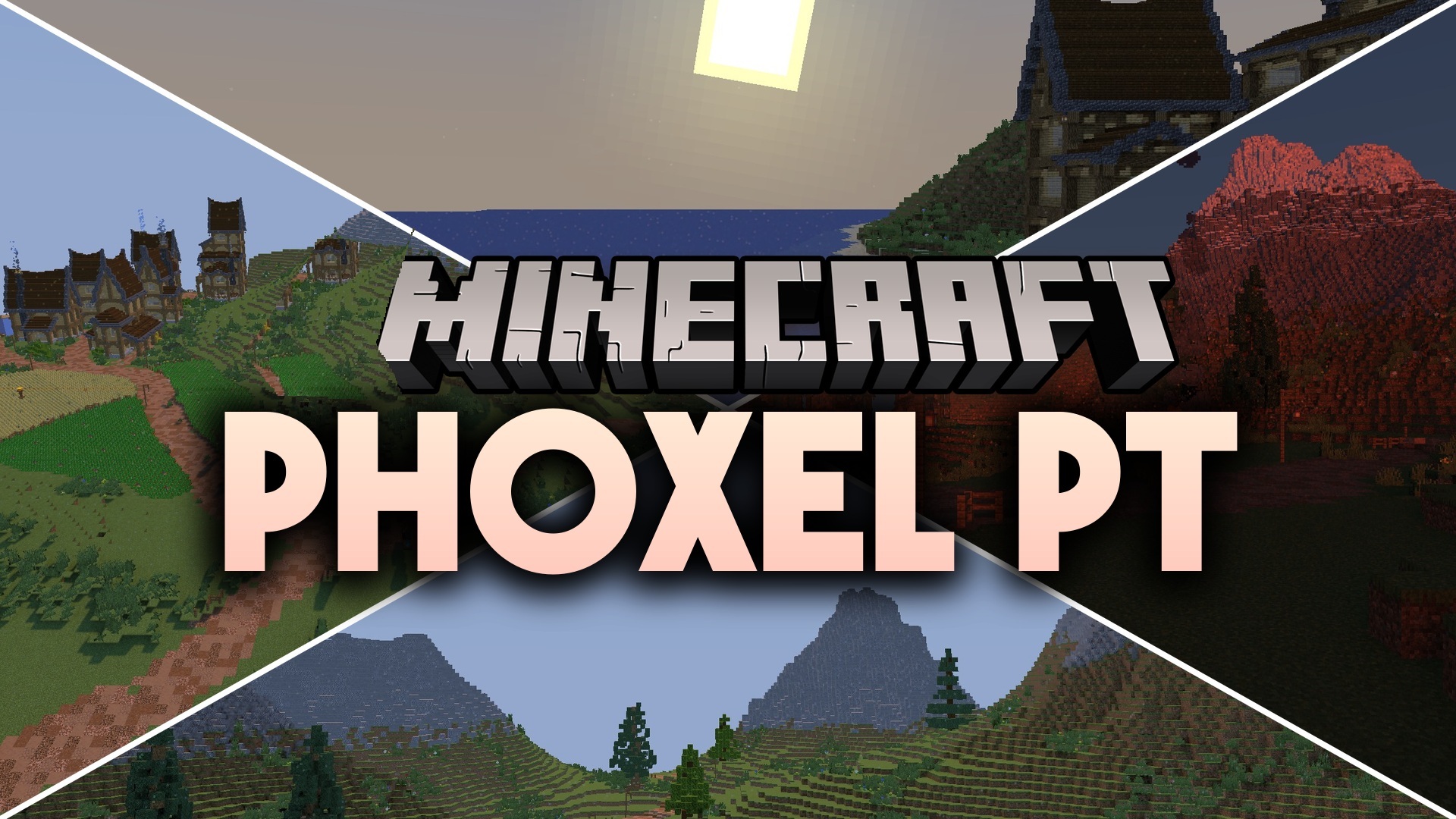
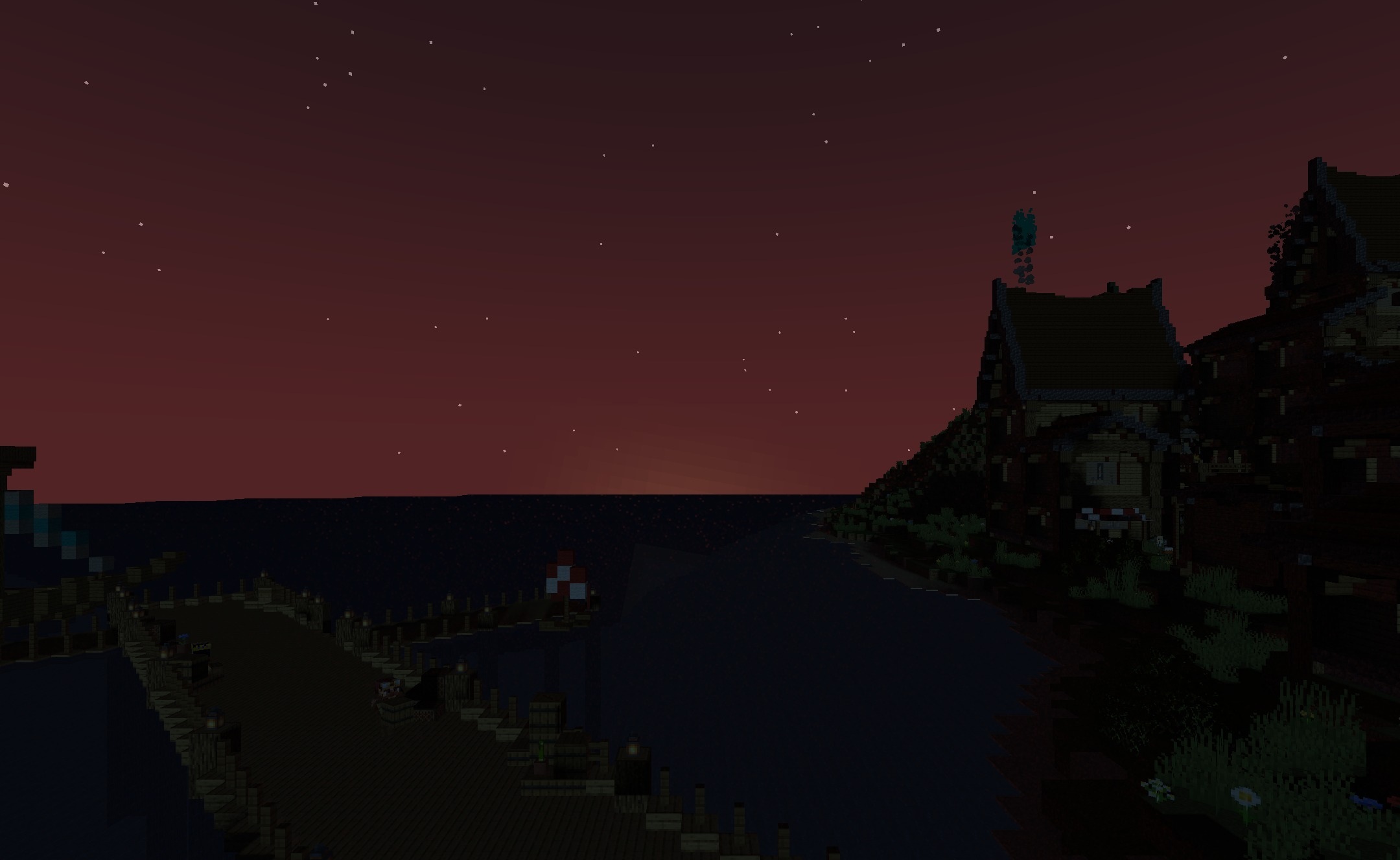
Phoxel PT Shaders combines reflections, colored shadows, and ray-traced lighting. Light rays take the position of blocks into account and reflect off surfaces, giving interiors and open spaces more convincing depth. Water shows clear reflections, while wet or shiny materials noticeably react to the surrounding light.
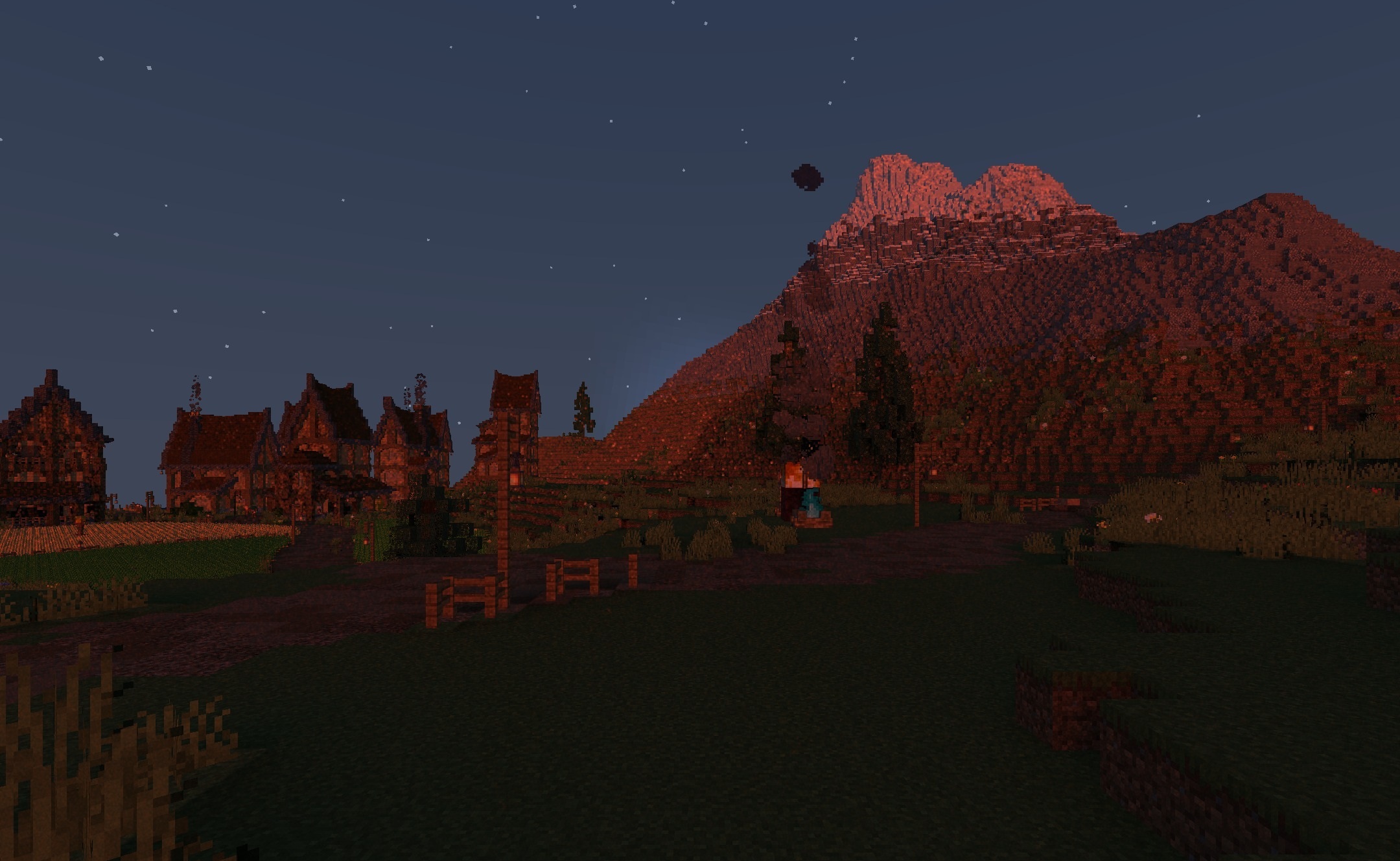
When using a suitable resource pack, PBR support is enabled: blocks can look rough, embossed, or metallic. The color of shadows depends on the surrounding lighting, so they do not always remain ordinary gray patches. Despite the realistic effects, the shader preserves Minecraft's shapes and textures.
How to install a shader:
First step: download the shader package from the link below.
Second step: Unpack the downloaded archive and copy the Phoxel PT Shaders folder to c:\Users\User\AppData\Roaming\.minecraft\shaderpacks\(if this folder does not exist, create it yourself) (For Windows)
Third step: In the game, go to Settings, then to Graphics Settings. Select the "shaders" section and activate the shader pack of your choice.
Comments (0)