



PineShaders for Minecraft 26.2
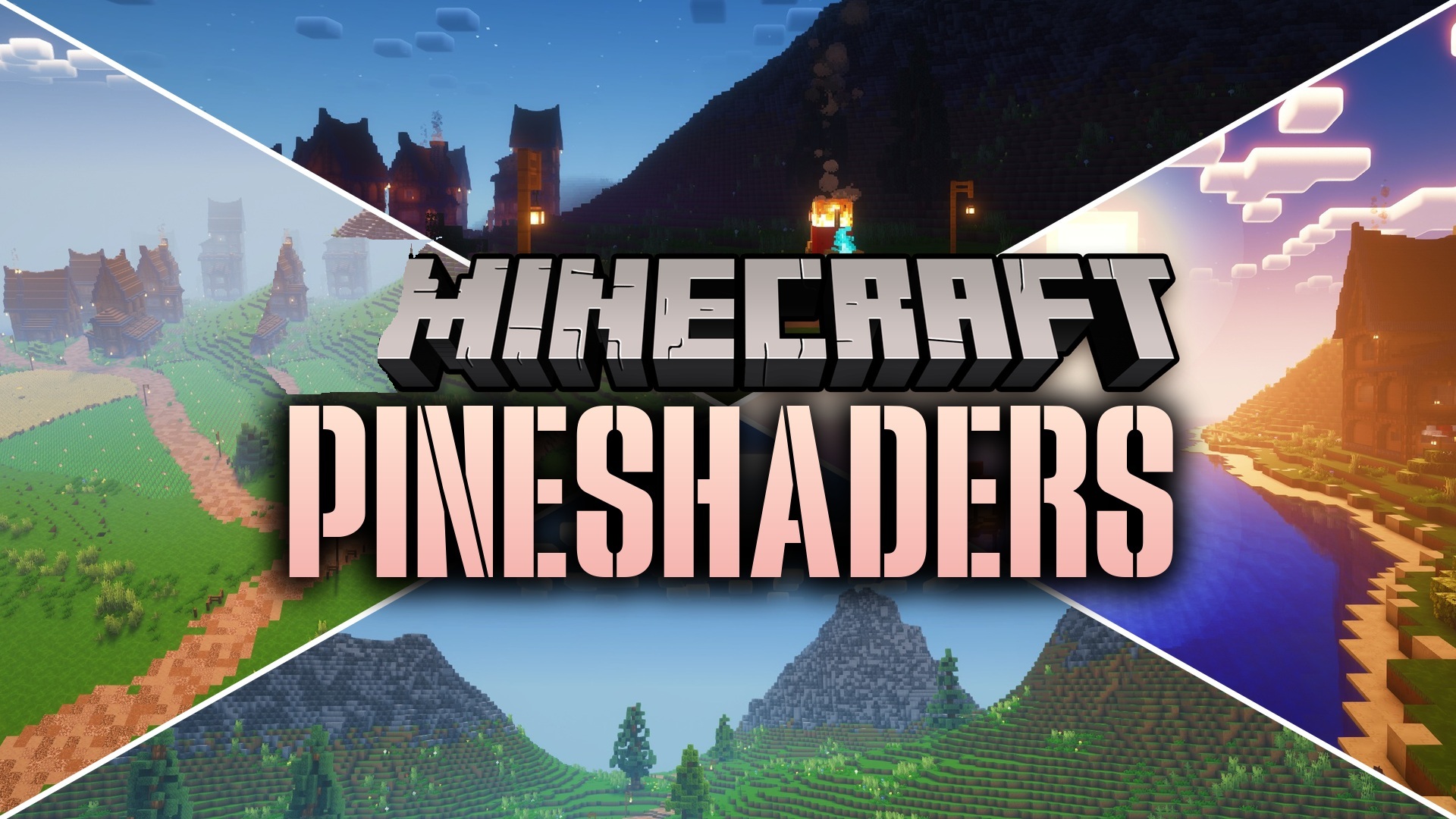
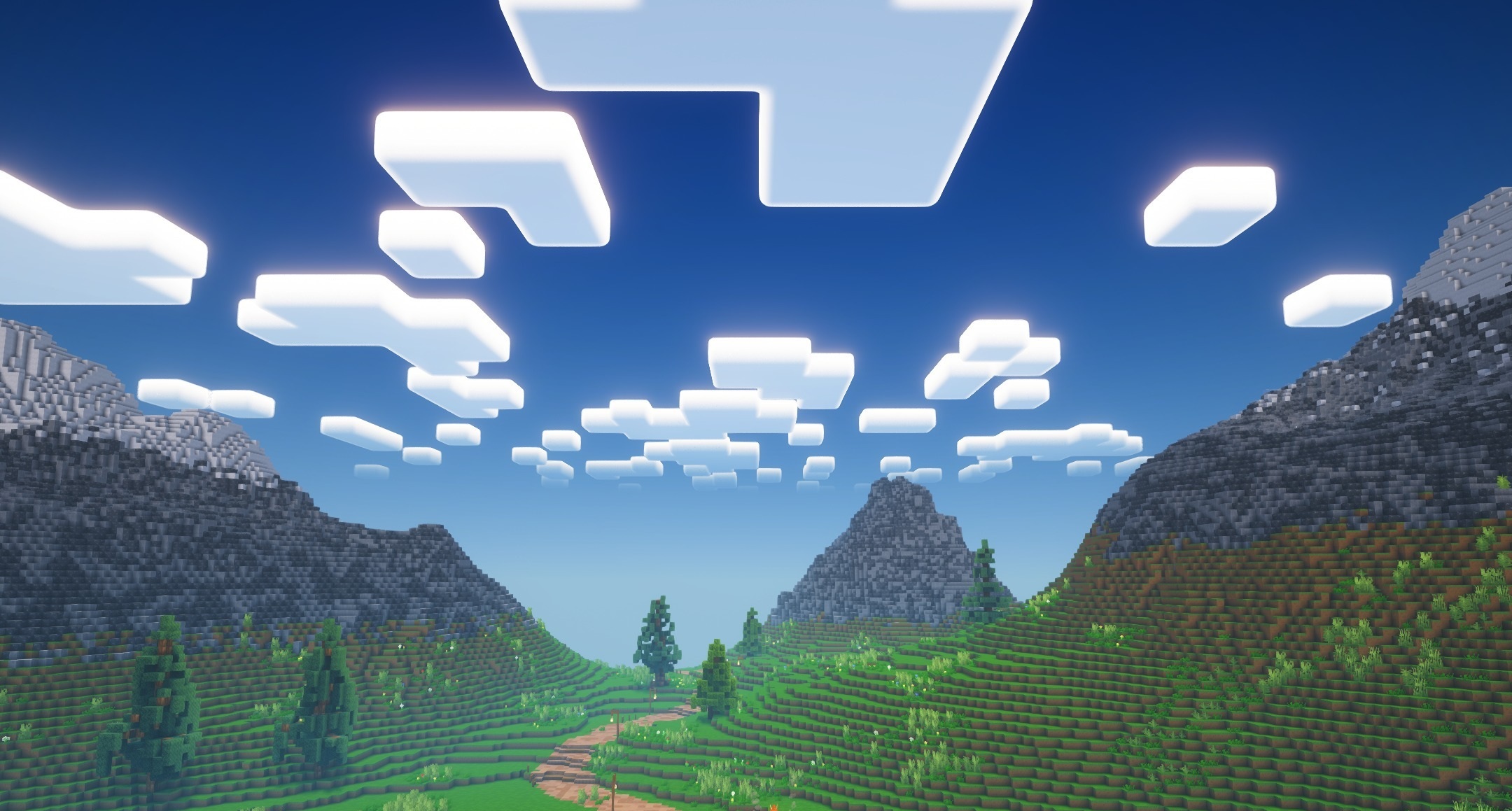
PineShaders colors the world in cool green tones inspired by coniferous forests. The shader is based on Complementary Shaders but makes the lighting softer and calmer. Daylight gets a cooler tint, while shadows from trees and buildings become less harsh.
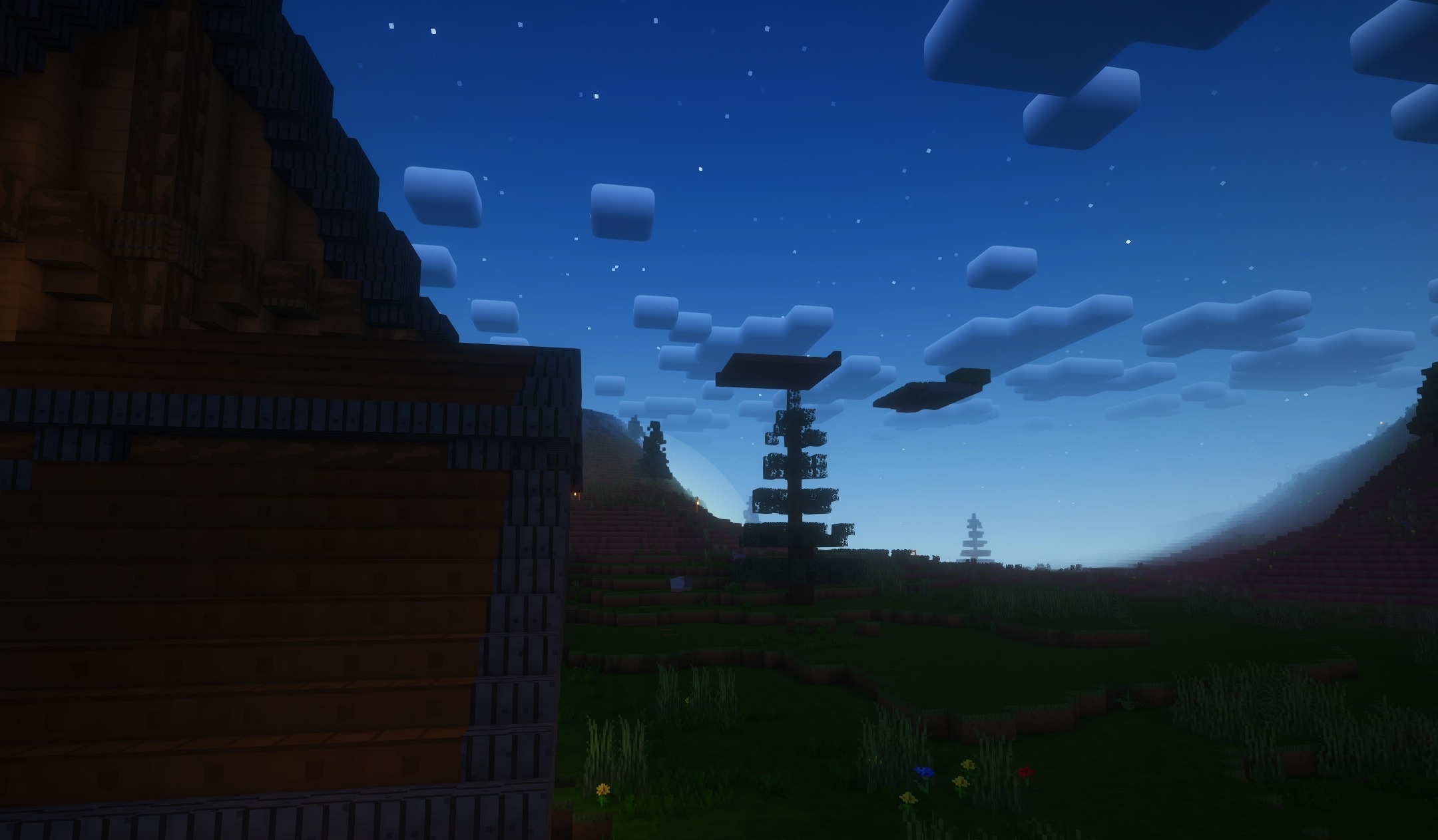
This is particularly noticeable in forests, plains, and mountains, where familiar landscapes look fresher and more natural. At the same time, block textures remain clearly visible and are not lost under strong effects. The shader is designed for entry-level and mid-range graphics cards, so the improved lighting does not require a powerful computer and is suitable for regular survival gameplay.
How to install a shader:
First step: download the shader package from the link below.
Second step: Unpack the downloaded archive and copy the PineShaders folder to c:\Users\User\AppData\Roaming\.minecraft\shaderpacks\(if this folder does not exist, create it yourself) (For Windows)
Third step: In the game, go to Settings, then to Graphics Settings. Select the "shaders" section and activate the shader pack of your choice.
Comments (0)