



Pixelated Shaders for Minecraft 26.2
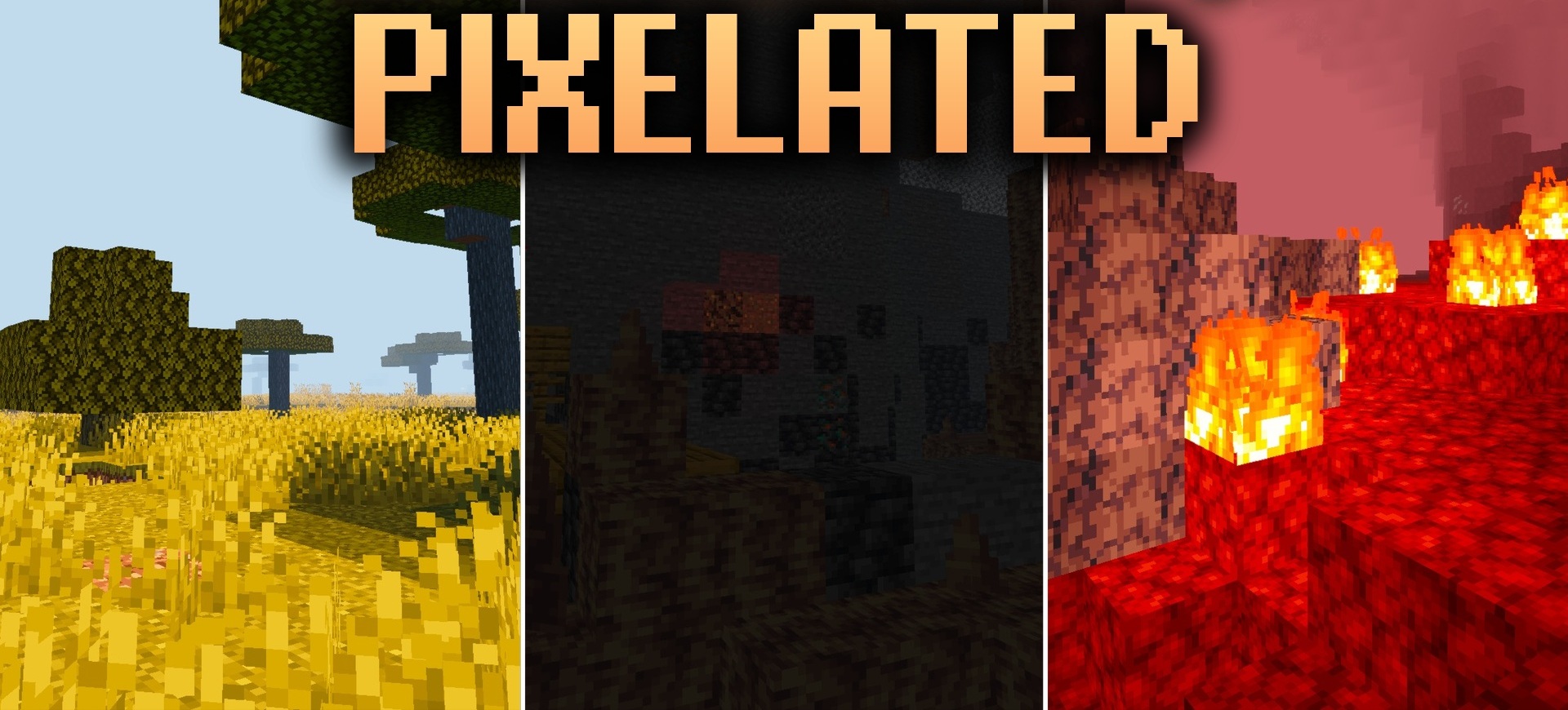
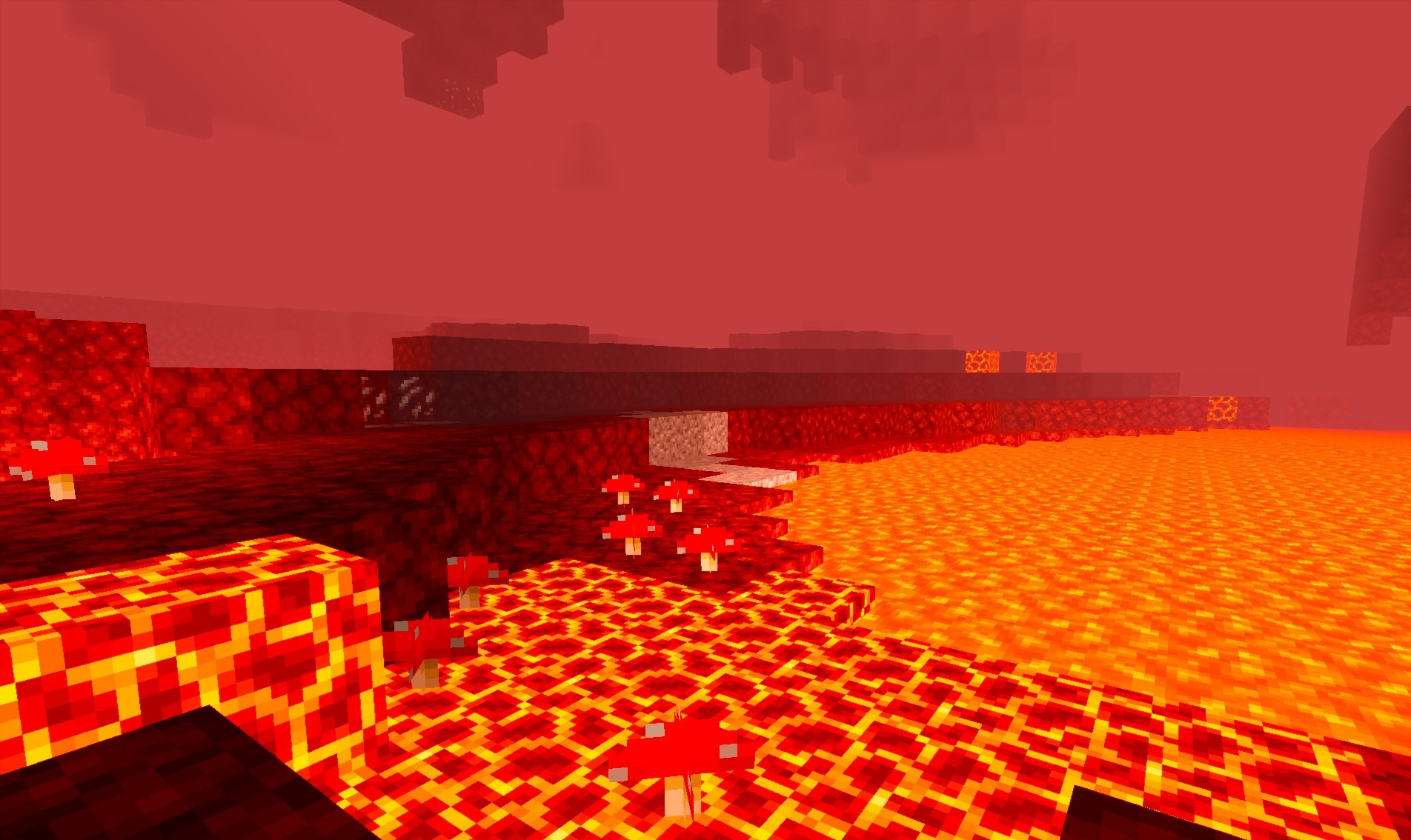
Pixelated Shaders preserves the angular vanilla style while softening the lighting and color palette. Harsh shades become calmer, while daylight is distributed across blocks more evenly. Thanks to this, items and surfaces remain easy to distinguish, but the image is less tiring due to sharp changes in brightness.
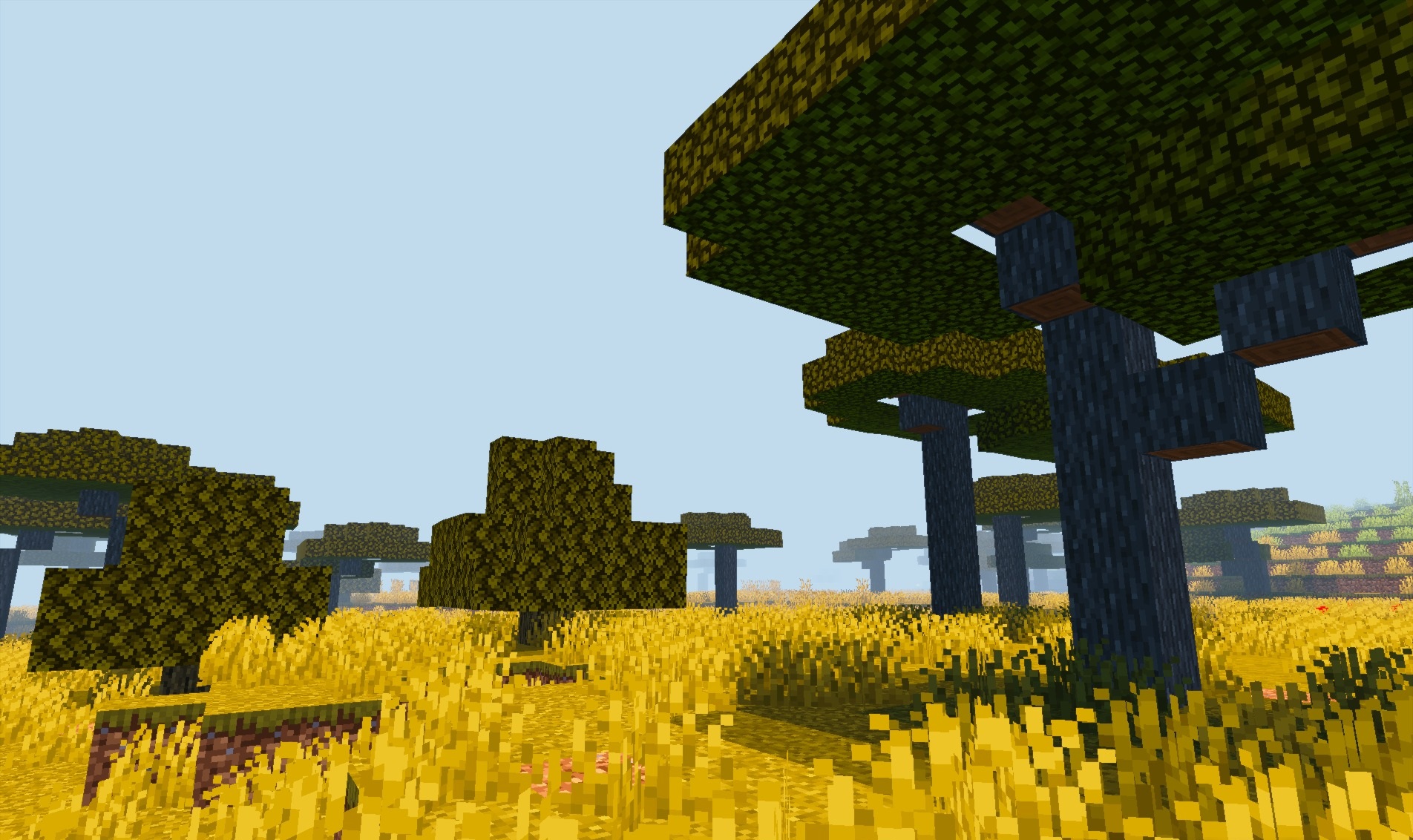
The shader does not add heavy reflections, complex water, or volumetric effects, so it can run stably on older PCs and laptops. Its goal is to carefully bring standard lighting to a cleaner and softer appearance without turning Minecraft into a visually different game.
How to install a shader:
First step: download the shader package from the link below.
Second step: Unpack the downloaded archive and copy the Pixelated Shaders folder to c:\Users\User\AppData\Roaming\.minecraft\shaderpacks\(if this folder does not exist, create it yourself) (For Windows)
Third step: In the game, go to Settings, then to Graphics Settings. Select the "shaders" section and activate the shader pack of your choice.
Comments (0)