



PlunderPixel’s Reimagined Shaders for Minecraft 26.2
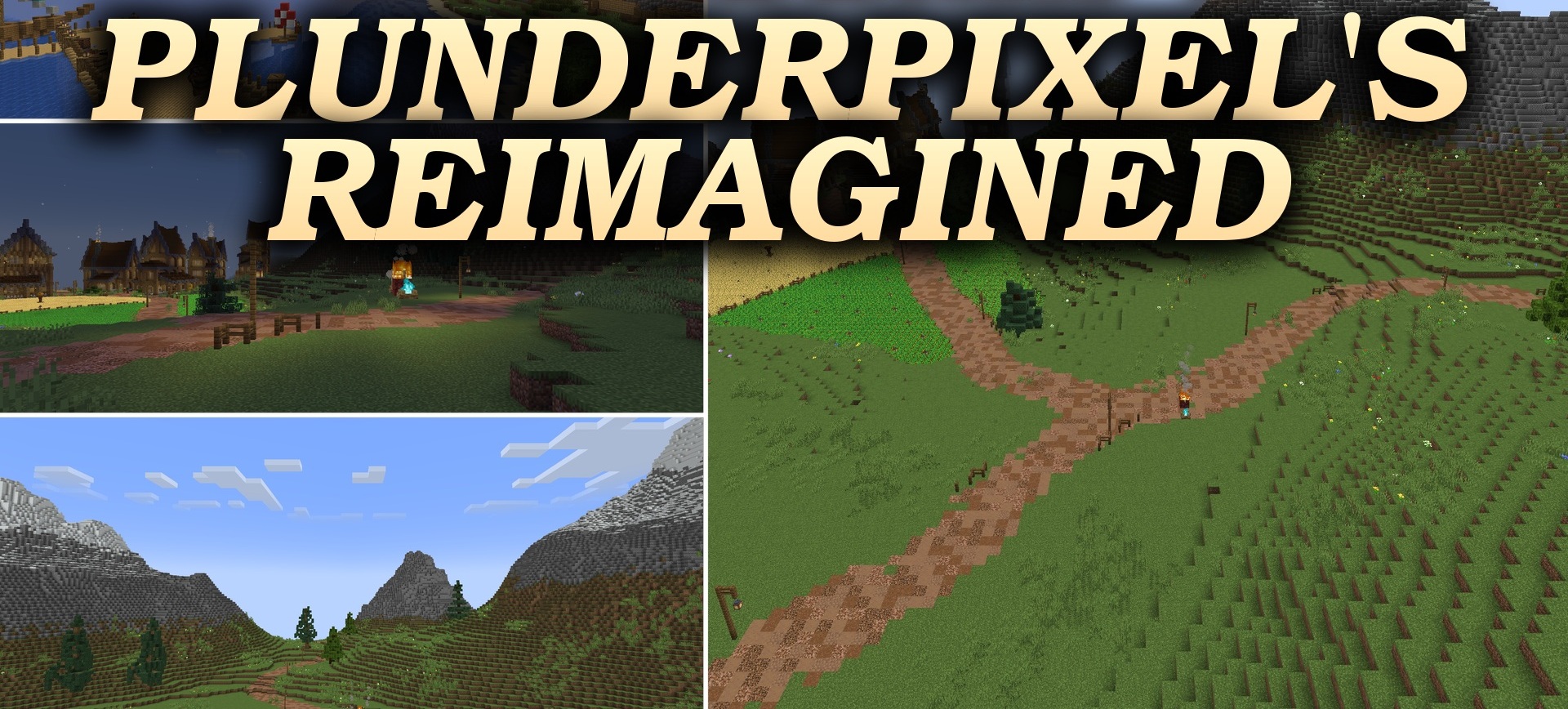
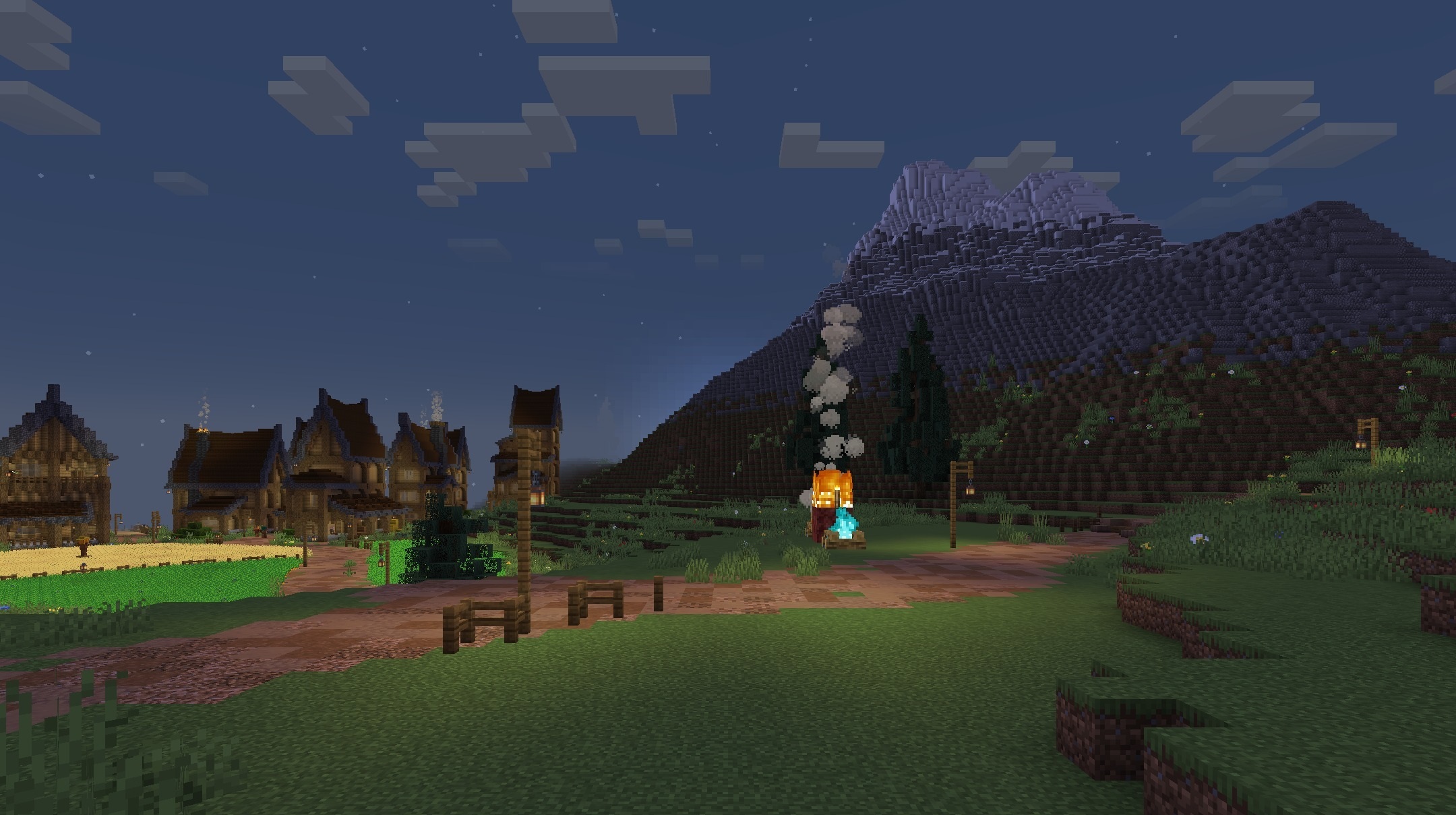
PlunderPixel’s Reimagined Shaders brings back the visual style of older realistic shaders but adapts it to modern versions of Minecraft. Sunlight and moonlight now fall on blocks differently, while deep shadows slowly move with the time of day. Sunrises and sunsets color the sky in bright shades, making the change of day more noticeable.
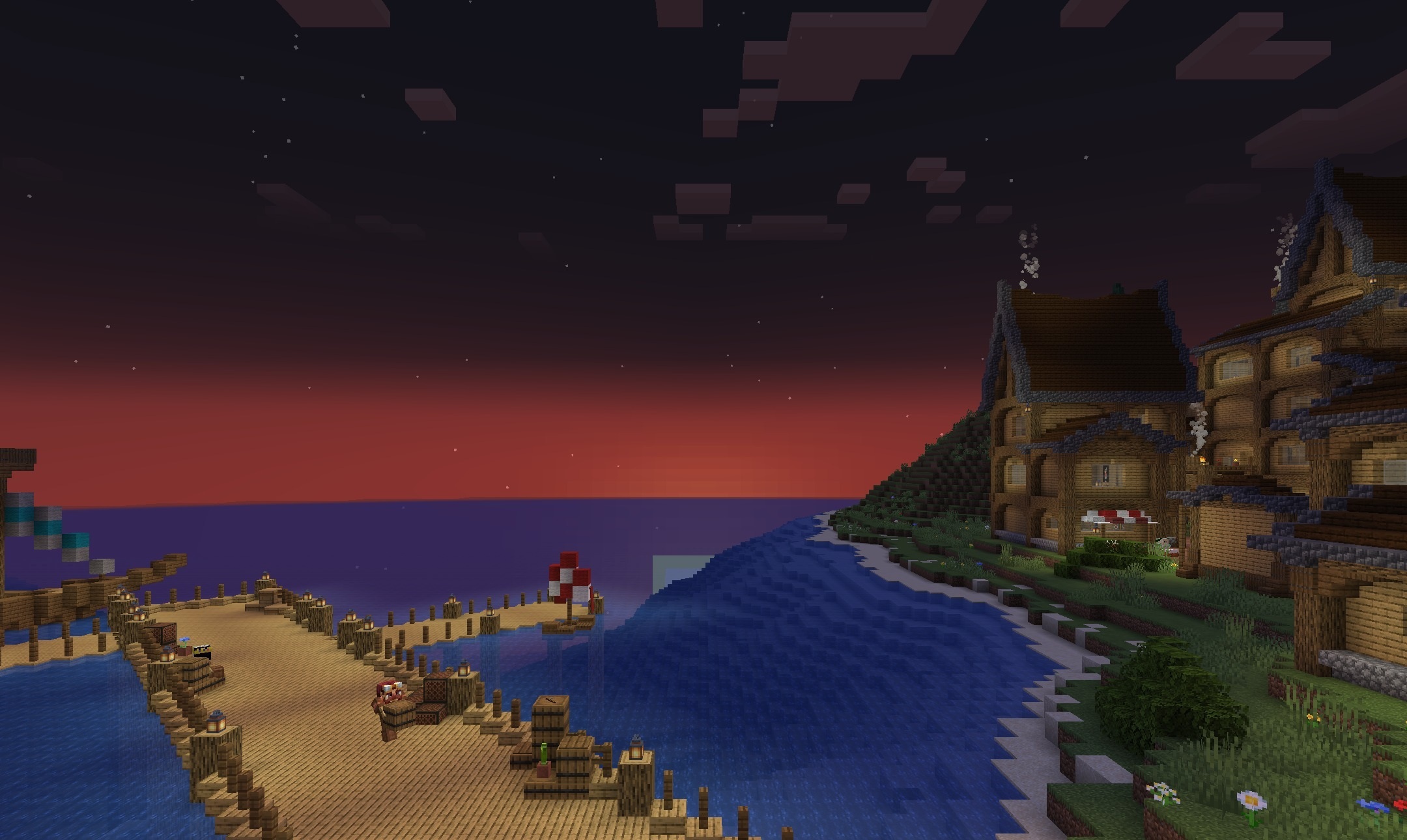
Water becomes clearer and gains reflections that are easy to see on lakes and open sea areas. The changed lighting direction emphasizes the shape of items, structures, and uneven terrain. The pack recreates a familiar realistic image with an expressive sky, water, and contrasting shadows.
How to install a shader:
First step: download the shader package from the link below.
Second step: Unpack the downloaded archive and copy the PlunderPixel’s Reimagined Shaders folder to c:\Users\User\AppData\Roaming\.minecraft\shaderpacks\(if this folder does not exist, create it yourself) (For Windows)
Third step: In the game, go to Settings, then to Graphics Settings. Select the "shaders" section and activate the shader pack of your choice.
Comments (0)