



Pyvtron VX Shaders for Minecraft 26.2
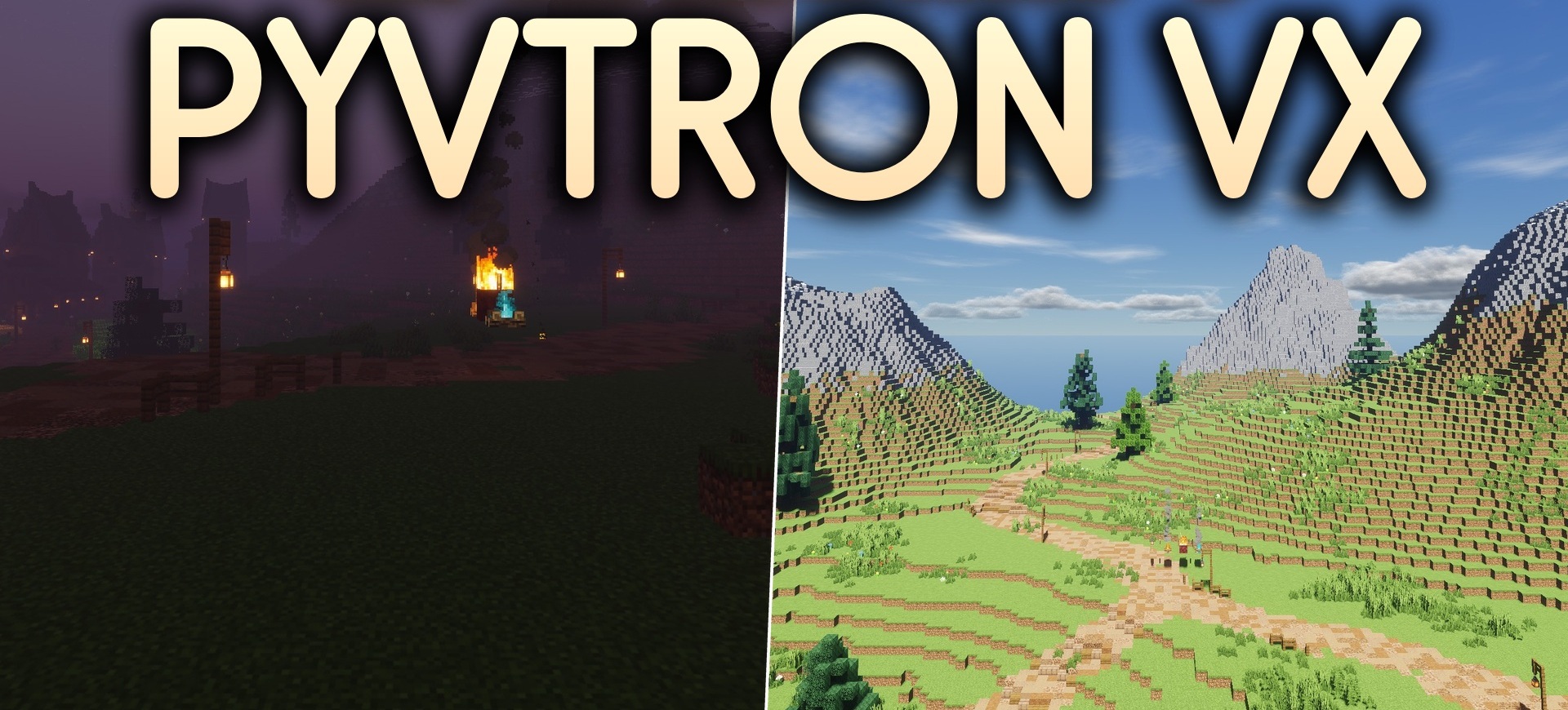
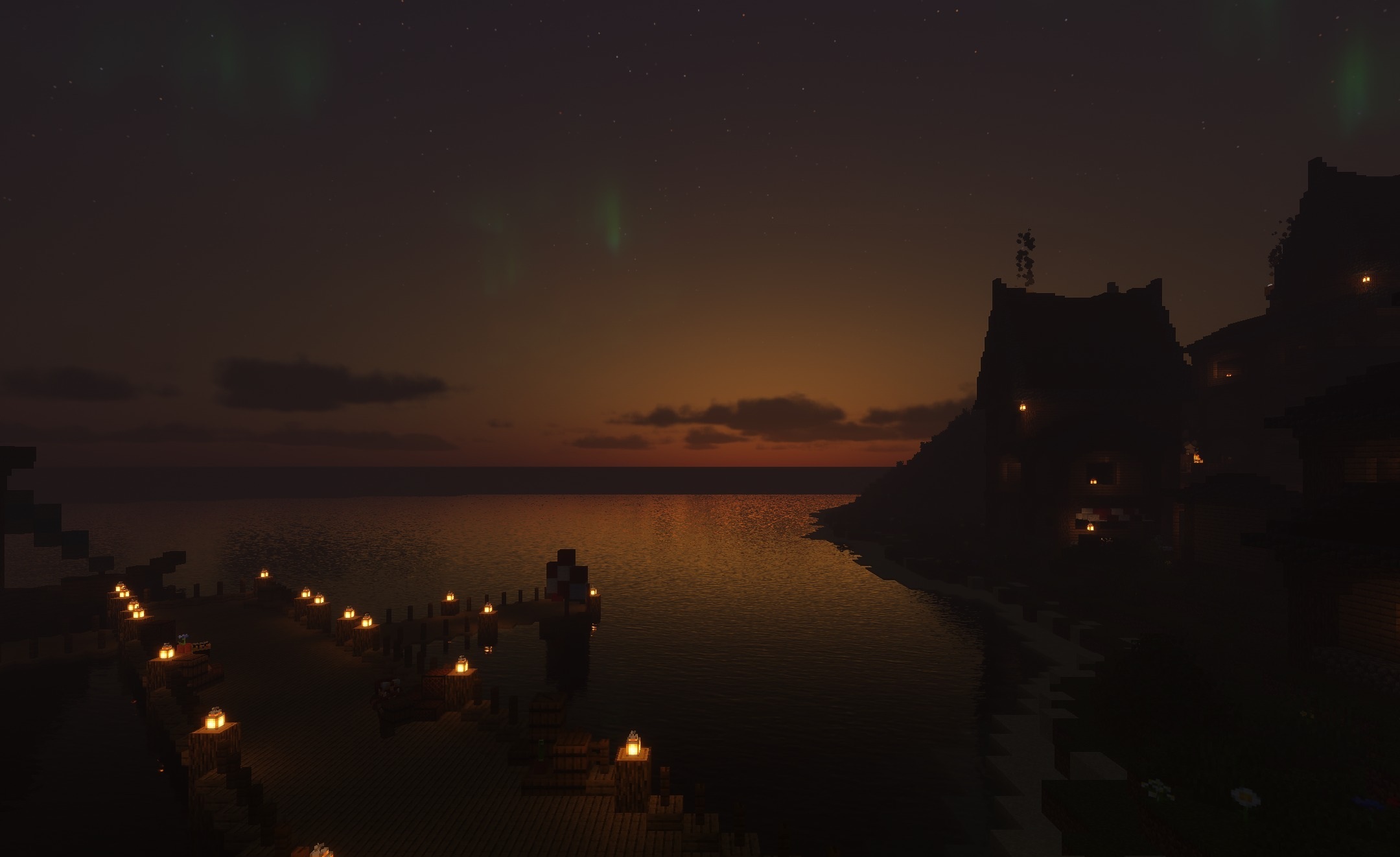
Pyvtron VX Shaders offers realistic lighting with a slight fantasy touch. Shadows from mobs, trees, and buildings gain a clear shape, while color processing makes sunsets, forests, and underground areas more expressive.
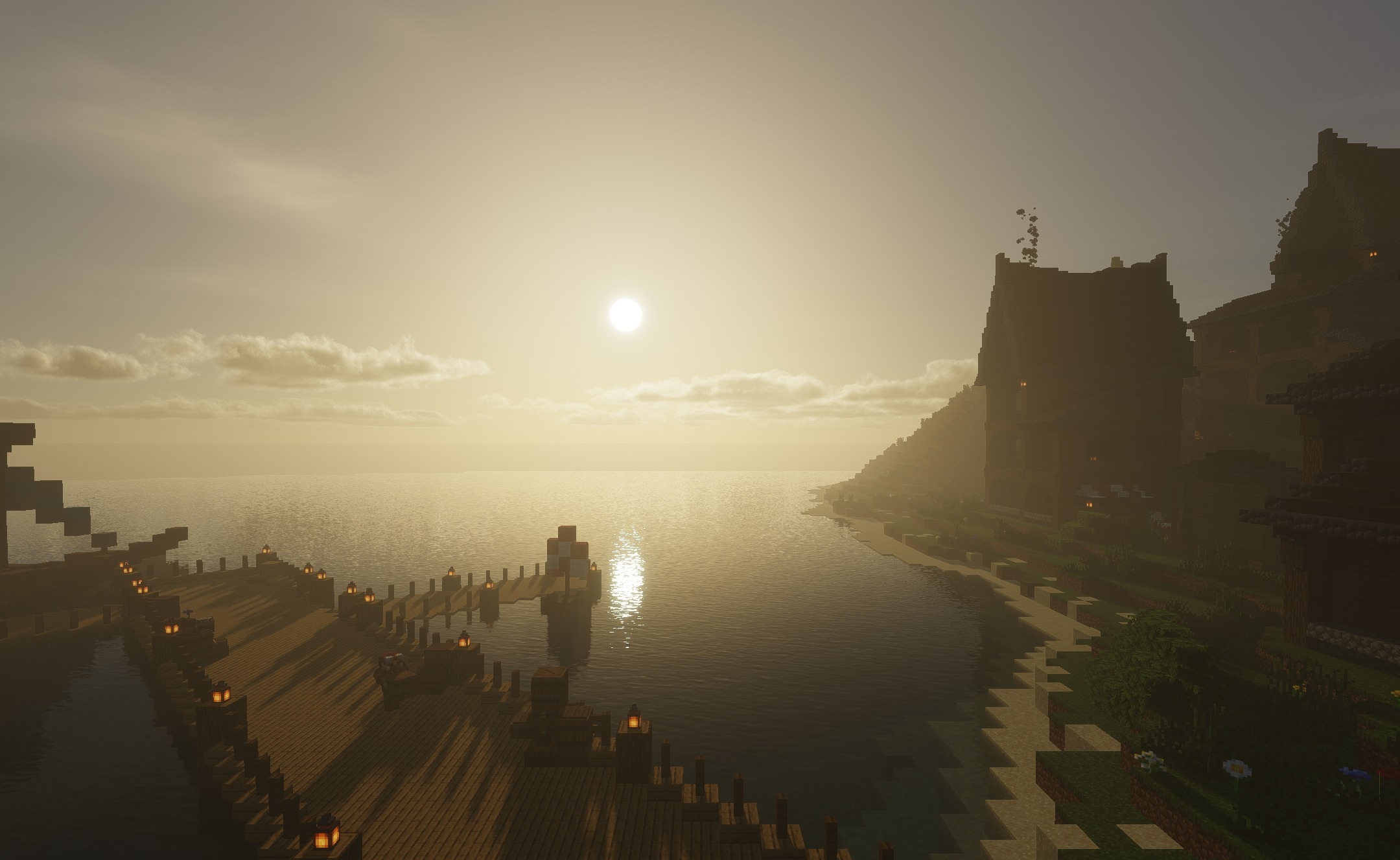
Support for physically based rendering allows compatible textures to reflect light differently, showing shine, roughness, and surface depth. Thanks to PBR effects, metal, stone, and wet blocks look more convincing, especially near multiple light sources. The shader is not designed exclusively for the most expensive graphics cards: its settings maintain a reasonable balance between quality and performance.
How to install a shader:
First step: download the shader package from the link below.
Second step: Unpack the downloaded archive and copy the Pyvtron VX Shaders folder to c:\Users\User\AppData\Roaming\.minecraft\shaderpacks\(if this folder does not exist, create it yourself) (For Windows)
Third step: In the game, go to Settings, then to Graphics Settings. Select the "shaders" section and activate the shader pack of your choice.
Comments (0)