



Raincore Shaders for Minecraft 26.2
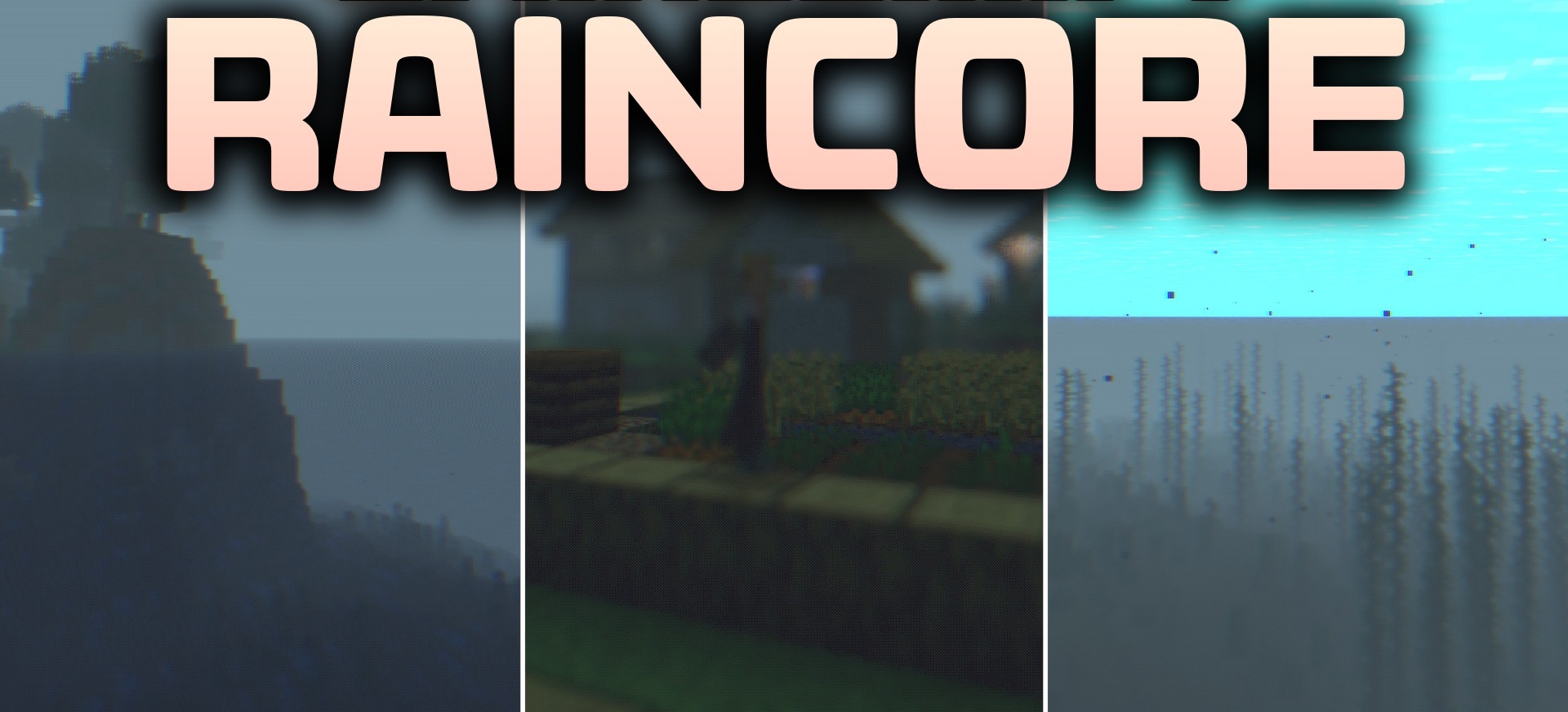
Raincore Shaders creates a nostalgic feeling of a familiar yet slightly magical world. It combines a more natural distribution of light with bright fantasy shades, making ordinary landscapes resemble places from an old dream.
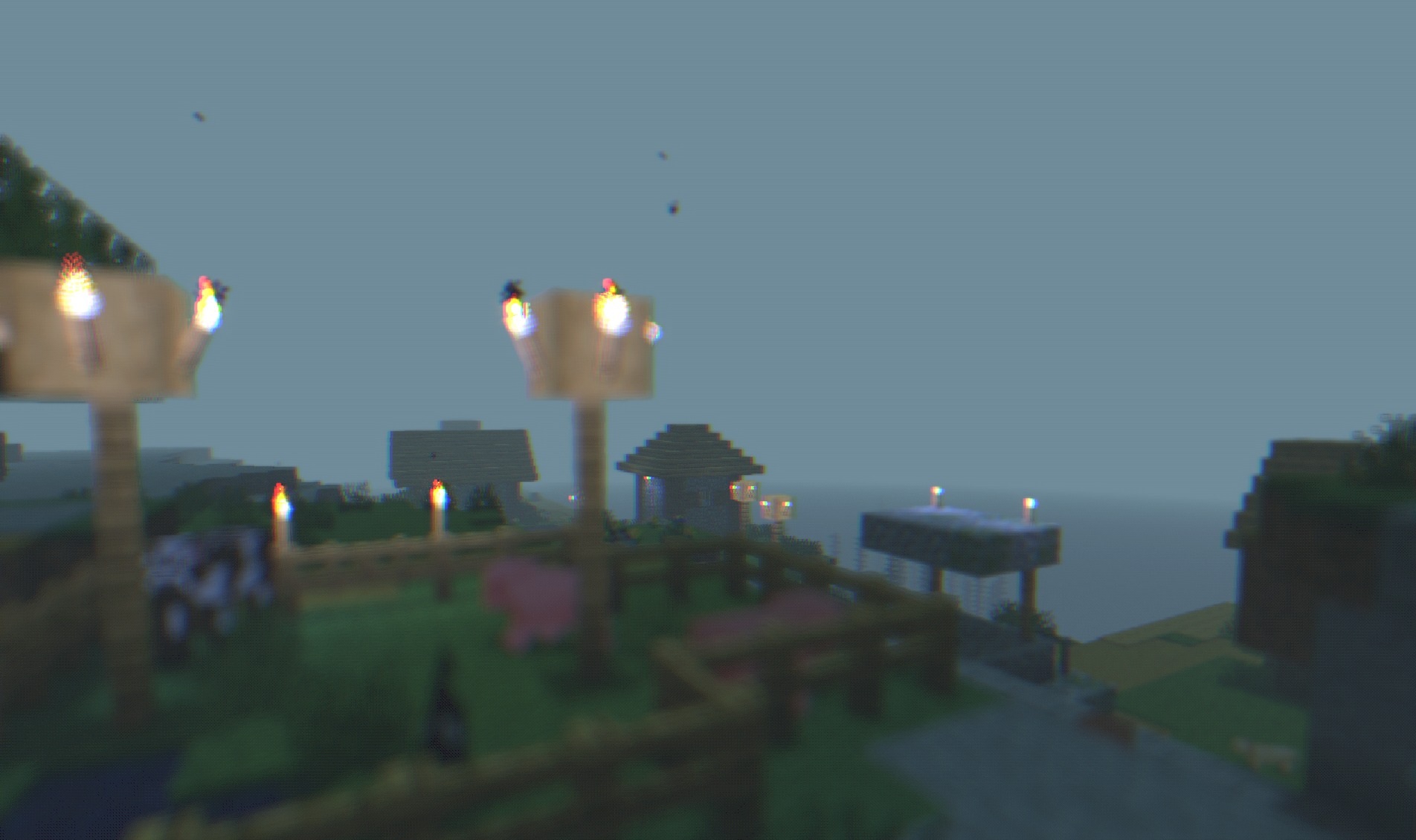
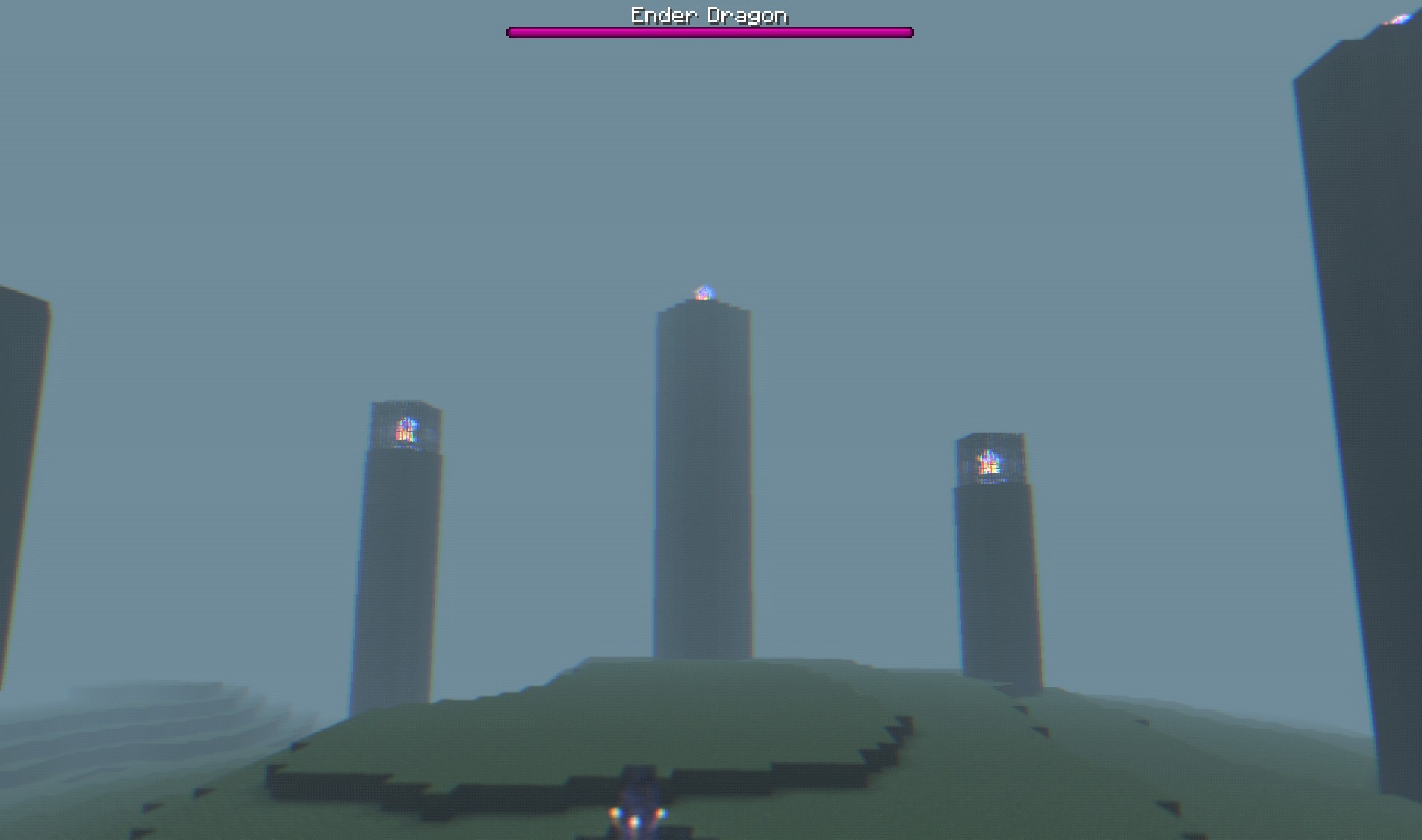
The sky receives its own color treatment, while shadows become part of the overall magical palette rather than simply dark areas. Despite the change in atmosphere, the standard block-based structure remains clearly recognizable: houses, forests, and fields do not lose their familiar outlines. The pack is primarily focused on mood rather than technical realism.
How to install a shader:
First step: download the shader package from the link below.
Second step: Unpack the downloaded archive and copy the Raincore Shaders folder to c:\Users\User\AppData\Roaming\.minecraft\shaderpacks\(if this folder does not exist, create it yourself) (For Windows)
Third step: In the game, go to Settings, then to Graphics Settings. Select the "shaders" section and activate the shader pack of your choice.
Comments (2)