



Realistic Vista Shaders for Minecraft 26.2
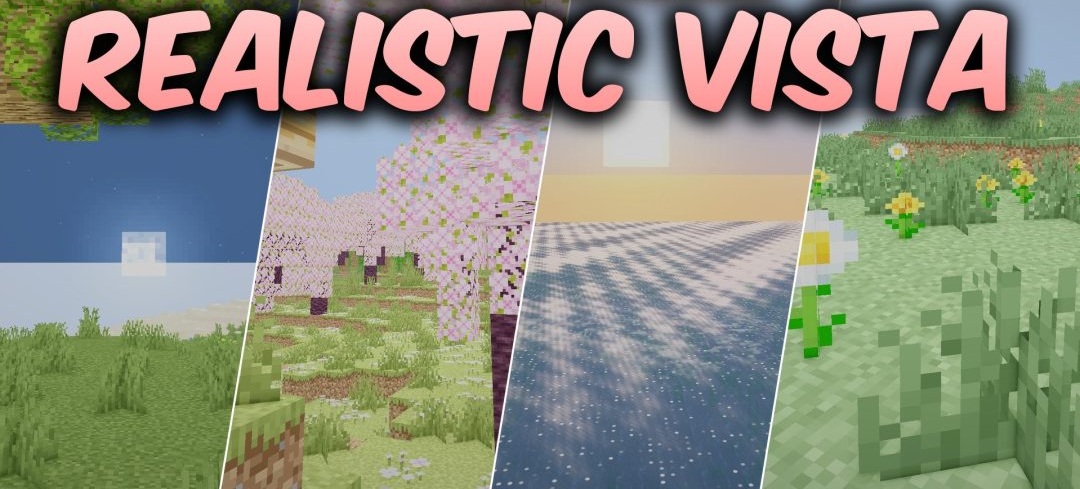
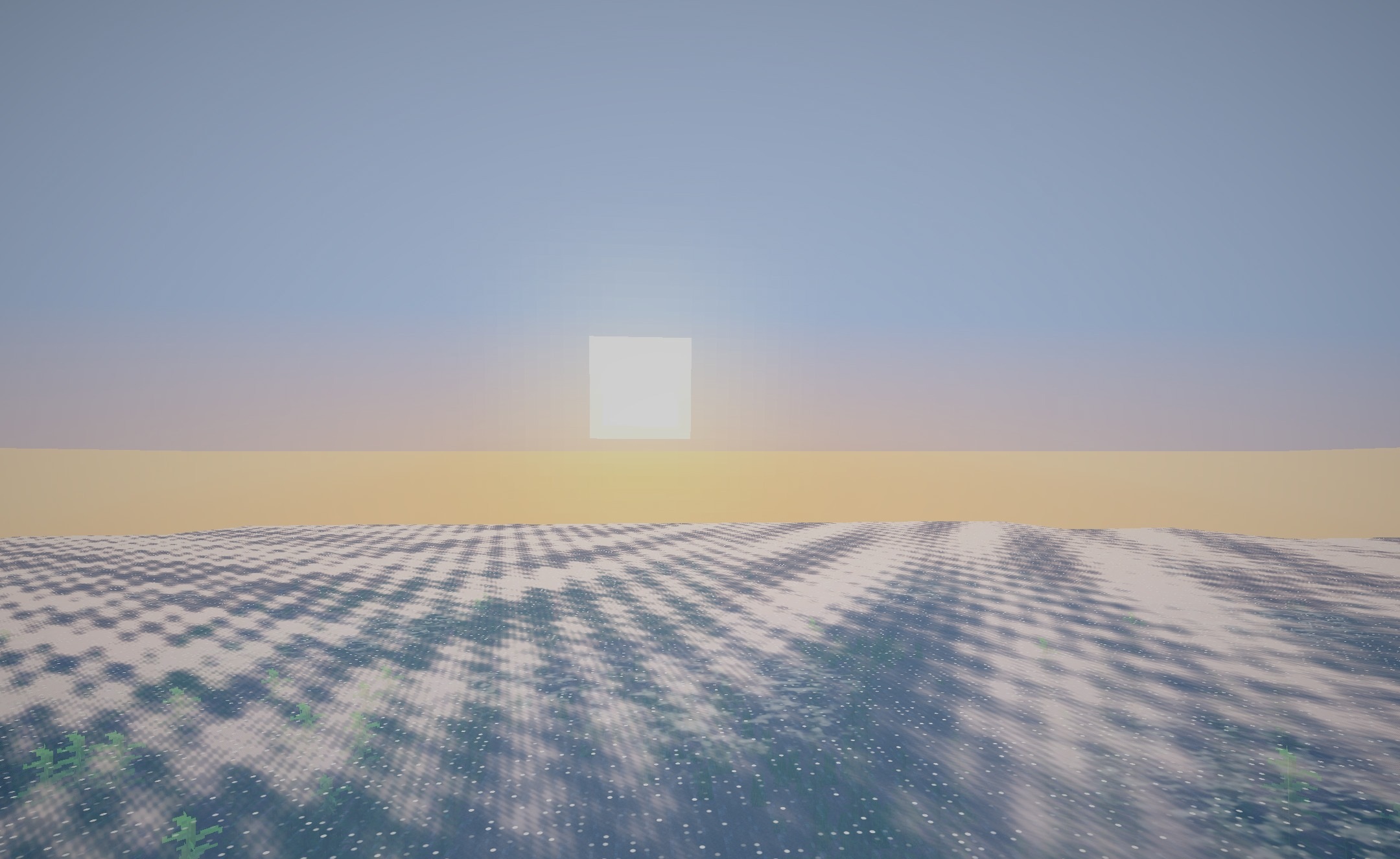
The main changes in Realistic Vista Shaders are focused on lighting, water, and lava. Oceans, rivers, and small bodies of water receive color gradients that depend on depth, making shallow water visually different from deeper areas. Surfaces are complemented by reflections, while terrain and structures cast soft shadows.
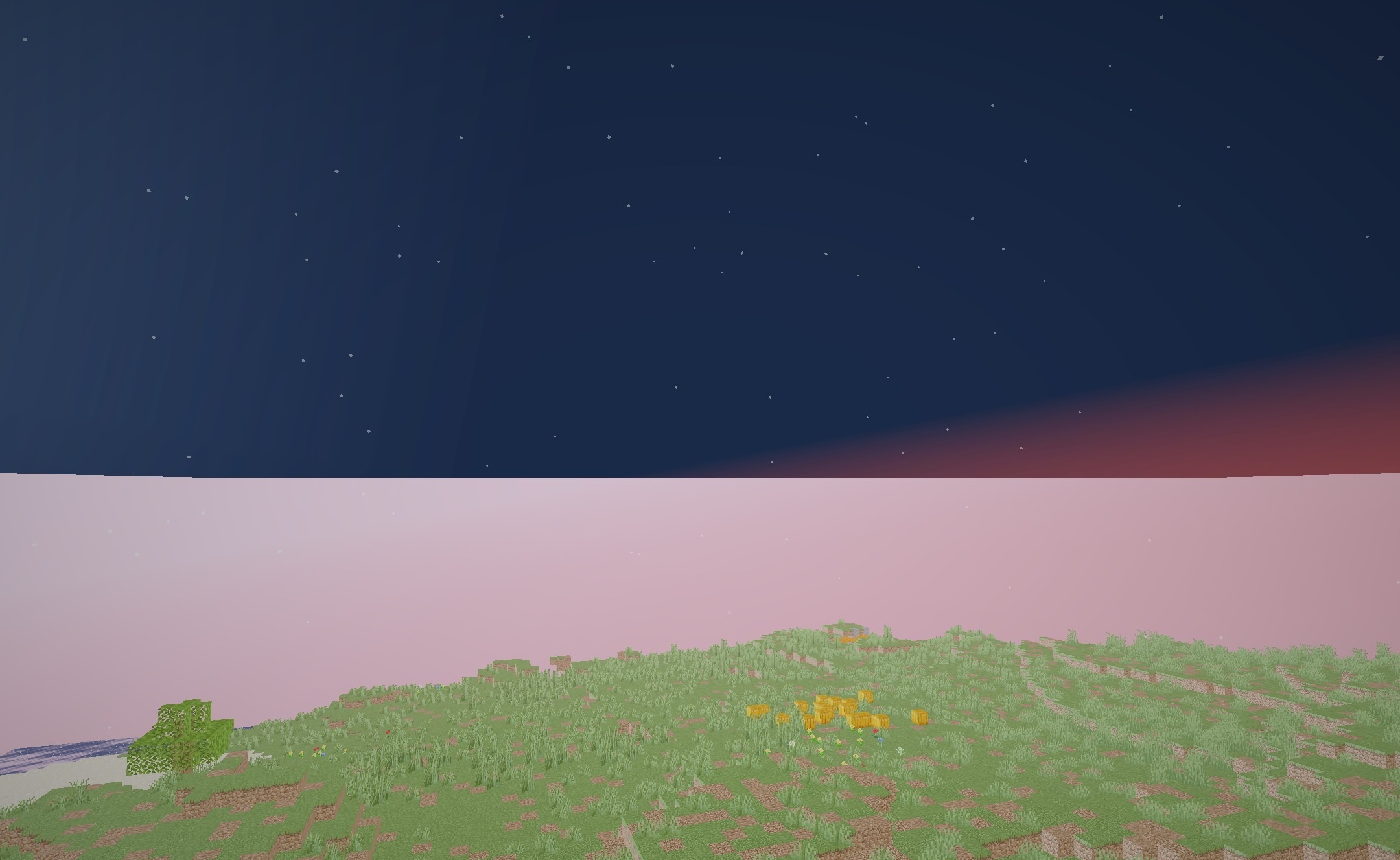
Lava is designed differently: a cracked stone crust appears over the molten mass, with a bright glow breaking through it and illuminating the surrounding caves. Despite the semi-realistic processing of liquids and light, the pack is also designed for entry-level hardware and does not require high performance for its basic effects.
How to install a shader:
First step: download the shader package from the link below.
Second step: Unpack the downloaded archive and copy the Realistic Vista Shaders folder to c:\Users\User\AppData\Roaming\.minecraft\shaderpacks\(if this folder does not exist, create it yourself) (For Windows)
Third step: In the game, go to Settings, then to Graphics Settings. Select the "shaders" section and activate the shader pack of your choice.
Comments (0)