



RealisticLite Shaders for Minecraft 26.2
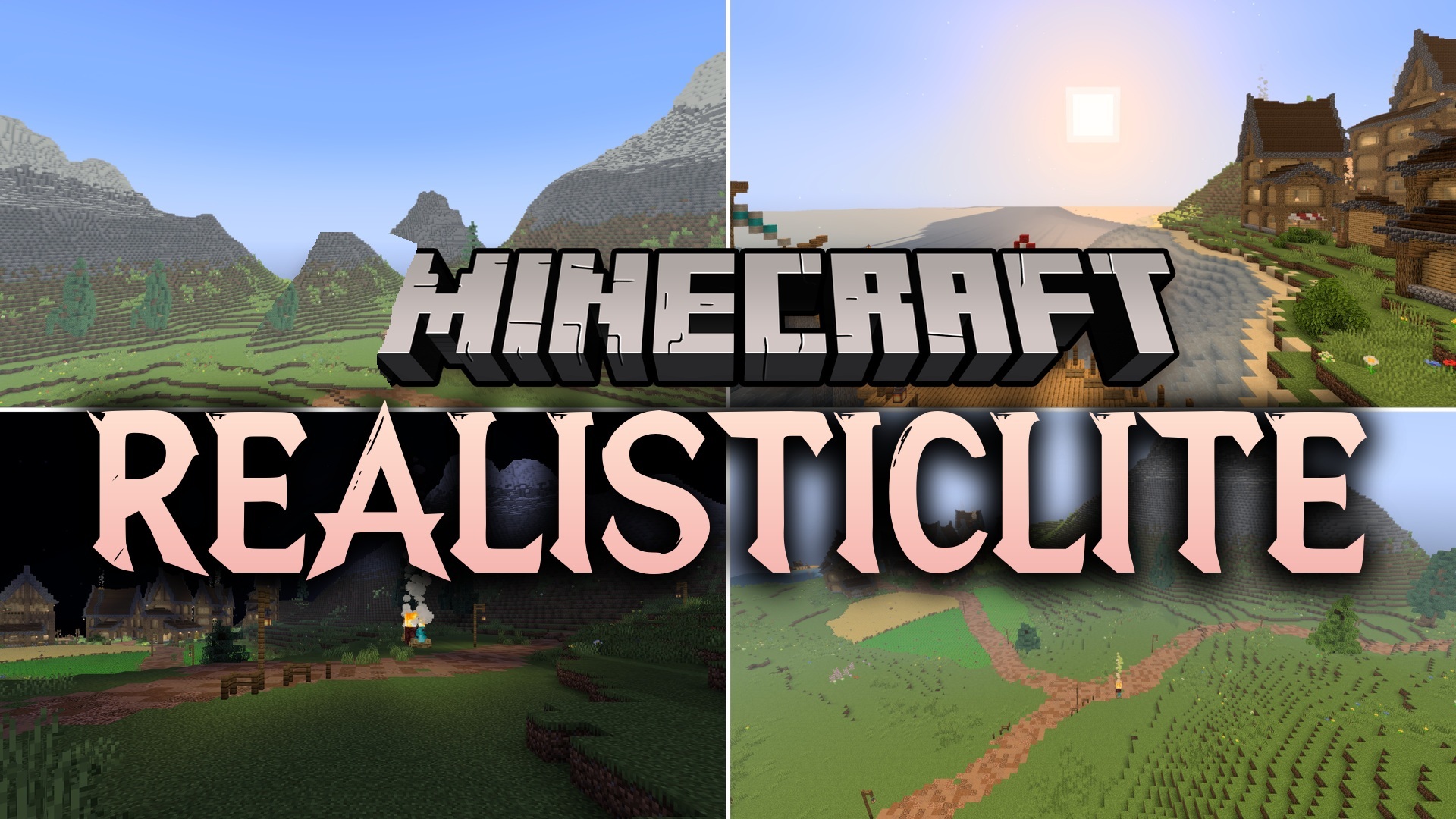
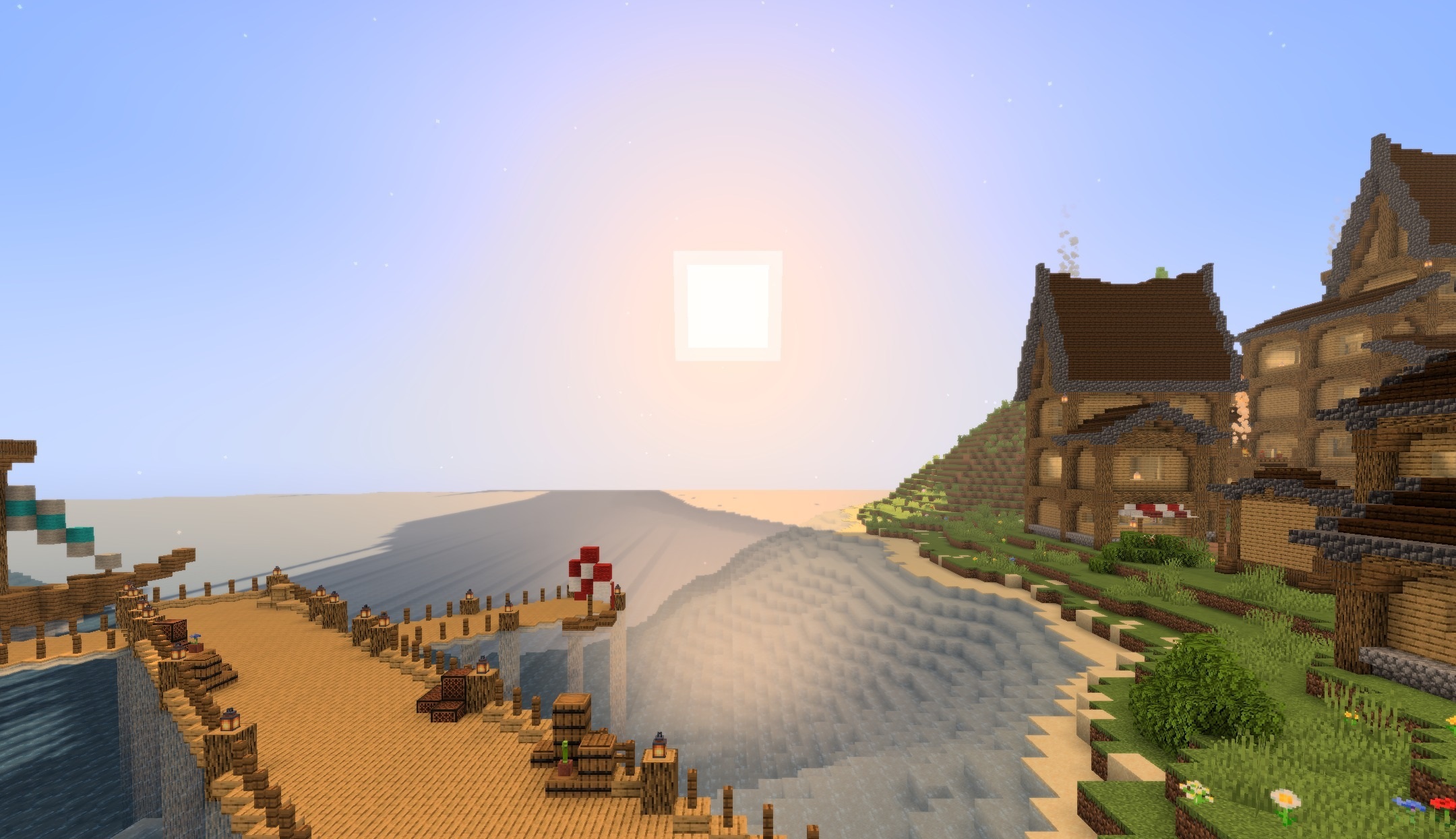
RealisticLite Shaders improves daylight, water, and shadows without significantly increasing the performance load. Blocks and mobs receive soft, natural shading, while the overall brightness remains balanced, preventing the image from looking overexposed.
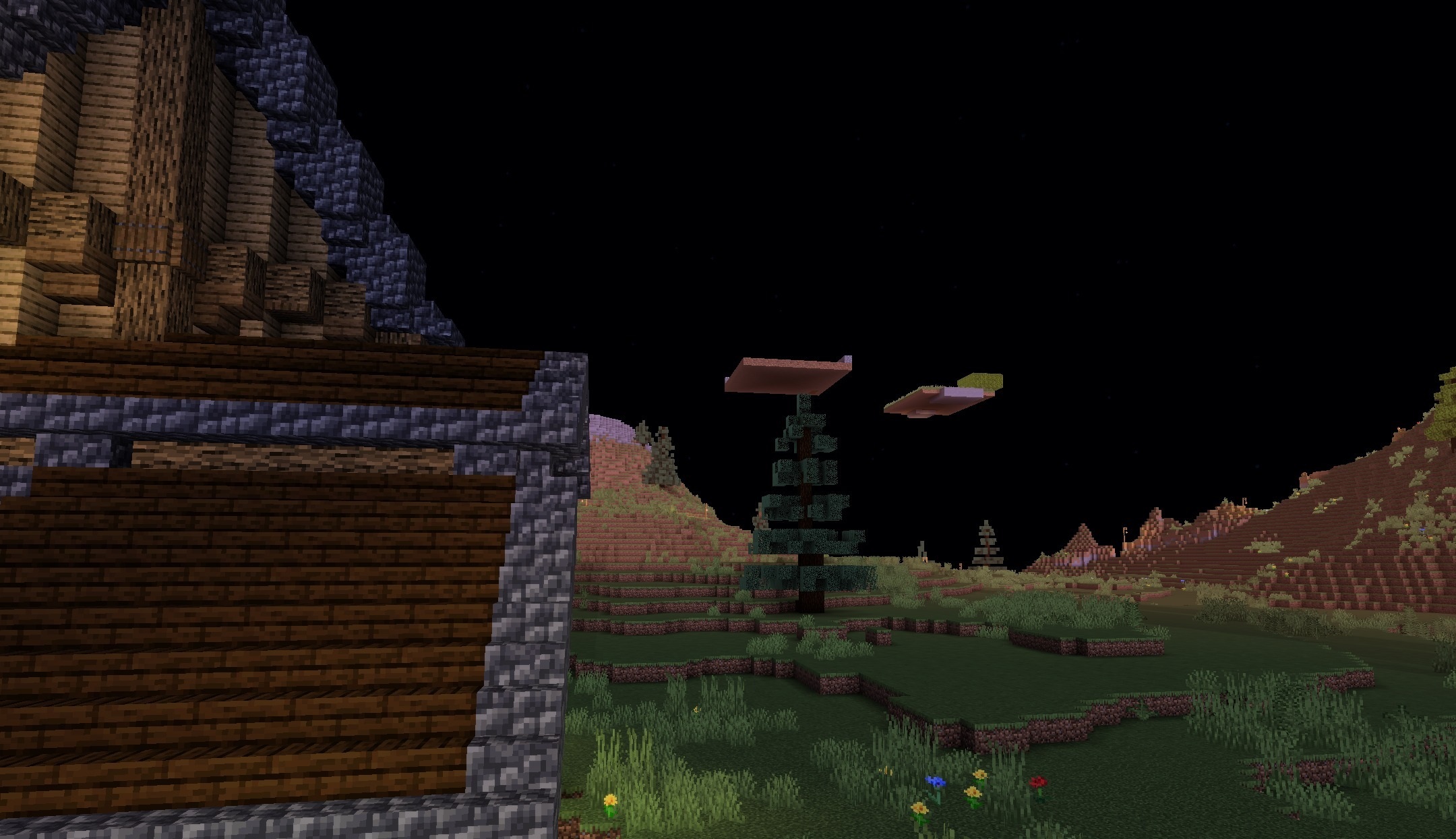
Nighttime areas and caves become slightly brighter, making exploration easier without constantly straining the eyes. The shader works through Iris and is designed to maintain a stable frame rate during regular gameplay. It does not change the standard textures and preserves Minecraft’s familiar color palette. This option is well suited for players who want a touch of realism without heavy reflections.
How to install a shader:
First step: download the shader package from the link below.
Second step: Unpack the downloaded archive and copy the RealisticLite Shaders folder to c:\Users\User\AppData\Roaming\.minecraft\shaderpacks\(if this folder does not exist, create it yourself) (For Windows)
Third step: In the game, go to Settings, then to Graphics Settings. Select the "shaders" section and activate the shader pack of your choice.
Comments (0)