



REM Shaders for Minecraft 26.2
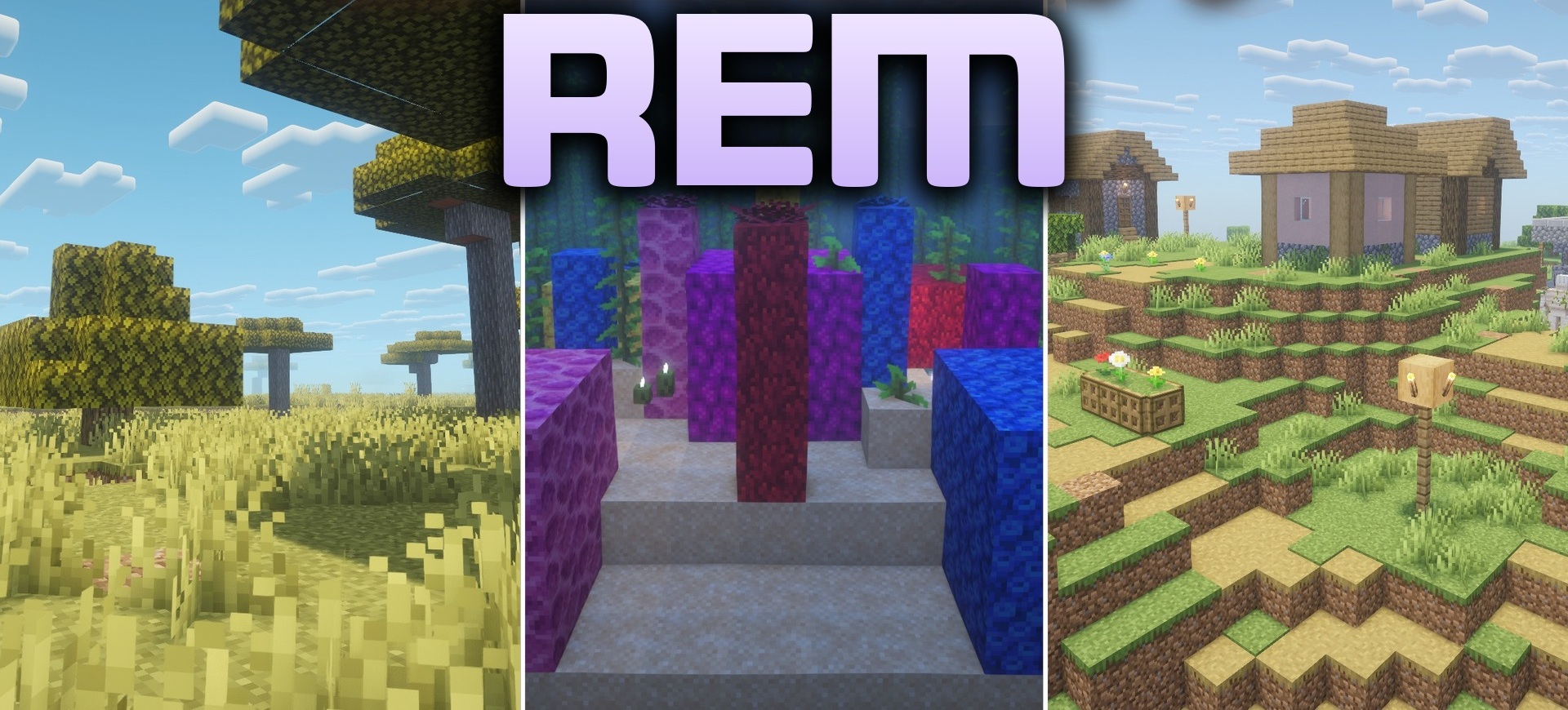
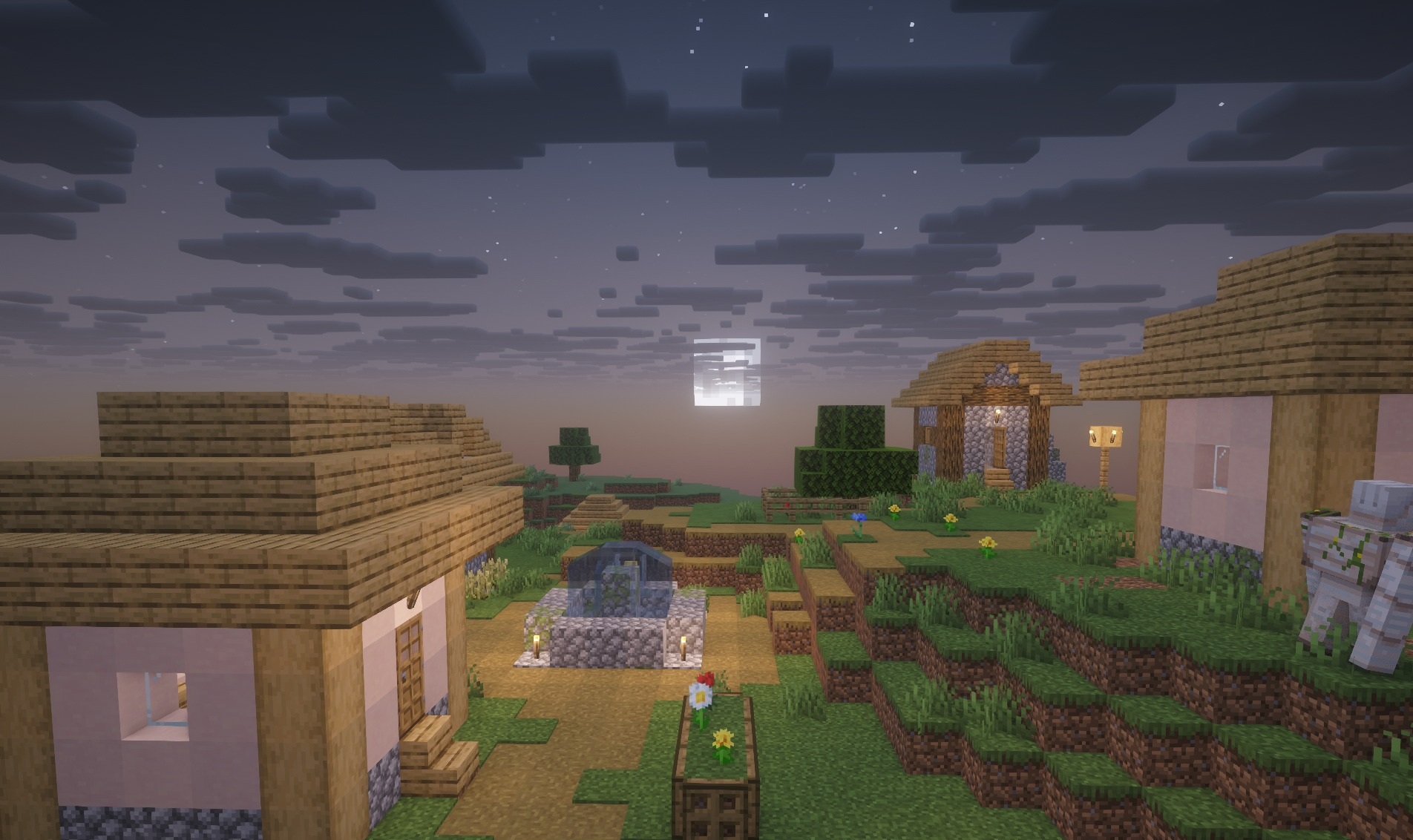
Soft warm light forms almost the entire atmosphere of REM Shaders. Light sources receive a subtle glow, sharp shadow boundaries are smoothed out, and biomes are covered with a hazy autumn tint. Because of this, even familiar forests and plains acquire a calmer color scheme with muted contrast.
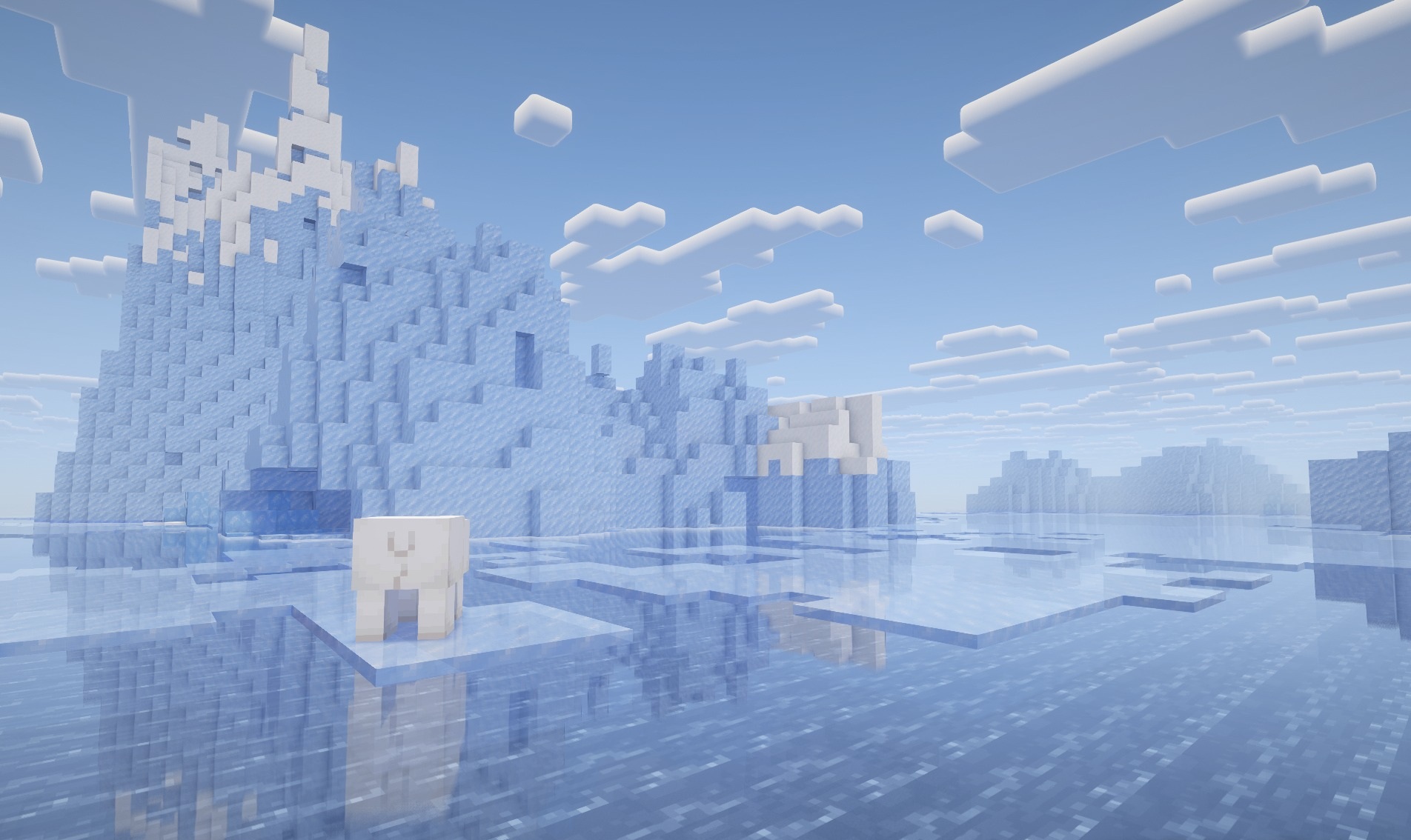
The shader combines realistic light distribution with fantasy processing but does not move the image too far away from its vanilla foundation. The pack remains fairly lightweight and does not require a powerful system, so it works across a wide range of computers. The main emphasis is placed not on a technical demonstration of reflections but on the overall softness of the image, warmth, and diffused lighting.
How to install a shader:
First step: download the shader package from the link below.
Second step: Unpack the downloaded archive and copy the REM Shaders folder to c:\Users\User\AppData\Roaming\.minecraft\shaderpacks\(if this folder does not exist, create it yourself) (For Windows)
Third step: In the game, go to Settings, then to Graphics Settings. Select the "shaders" section and activate the shader pack of your choice.
Comments (0)