



Renford Tomlinson Shaders for Minecraft 26.2
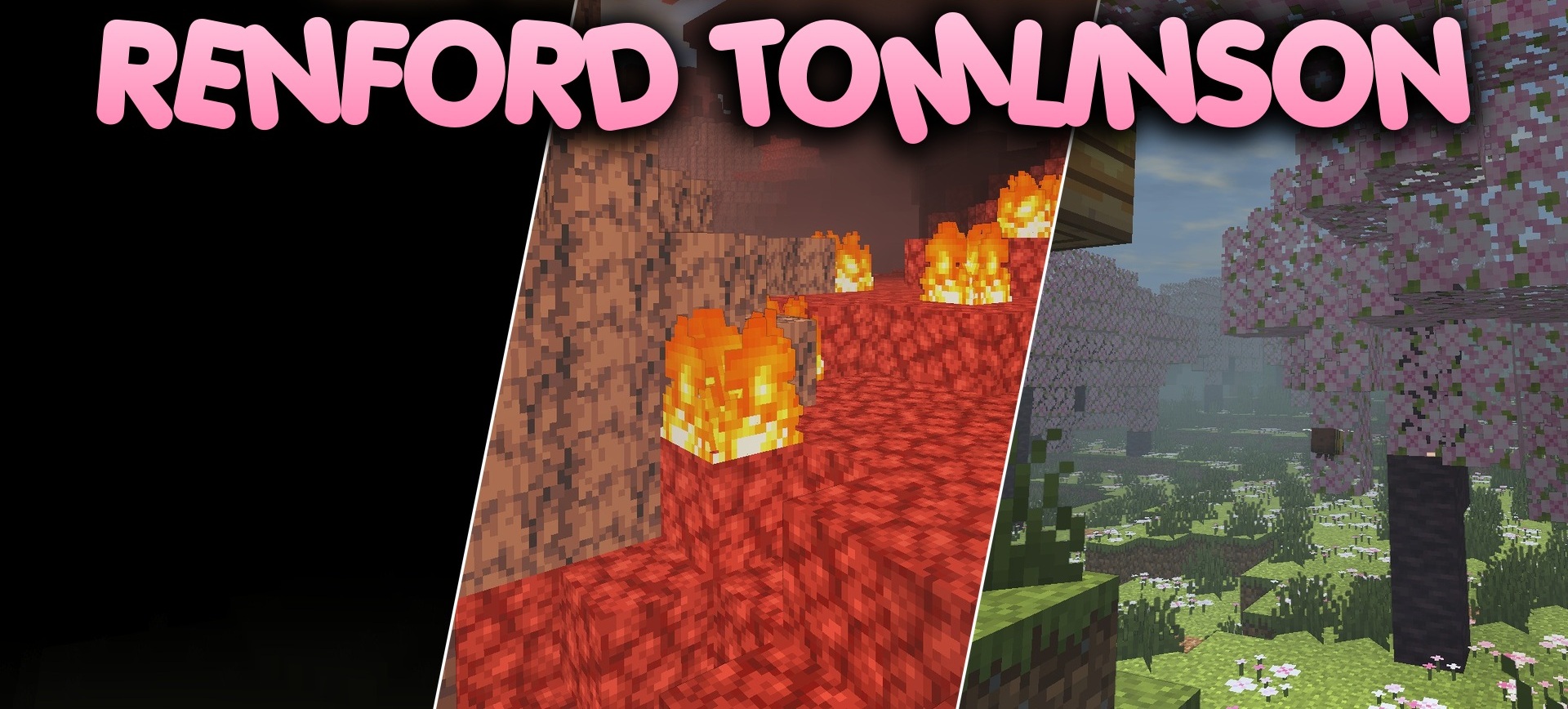
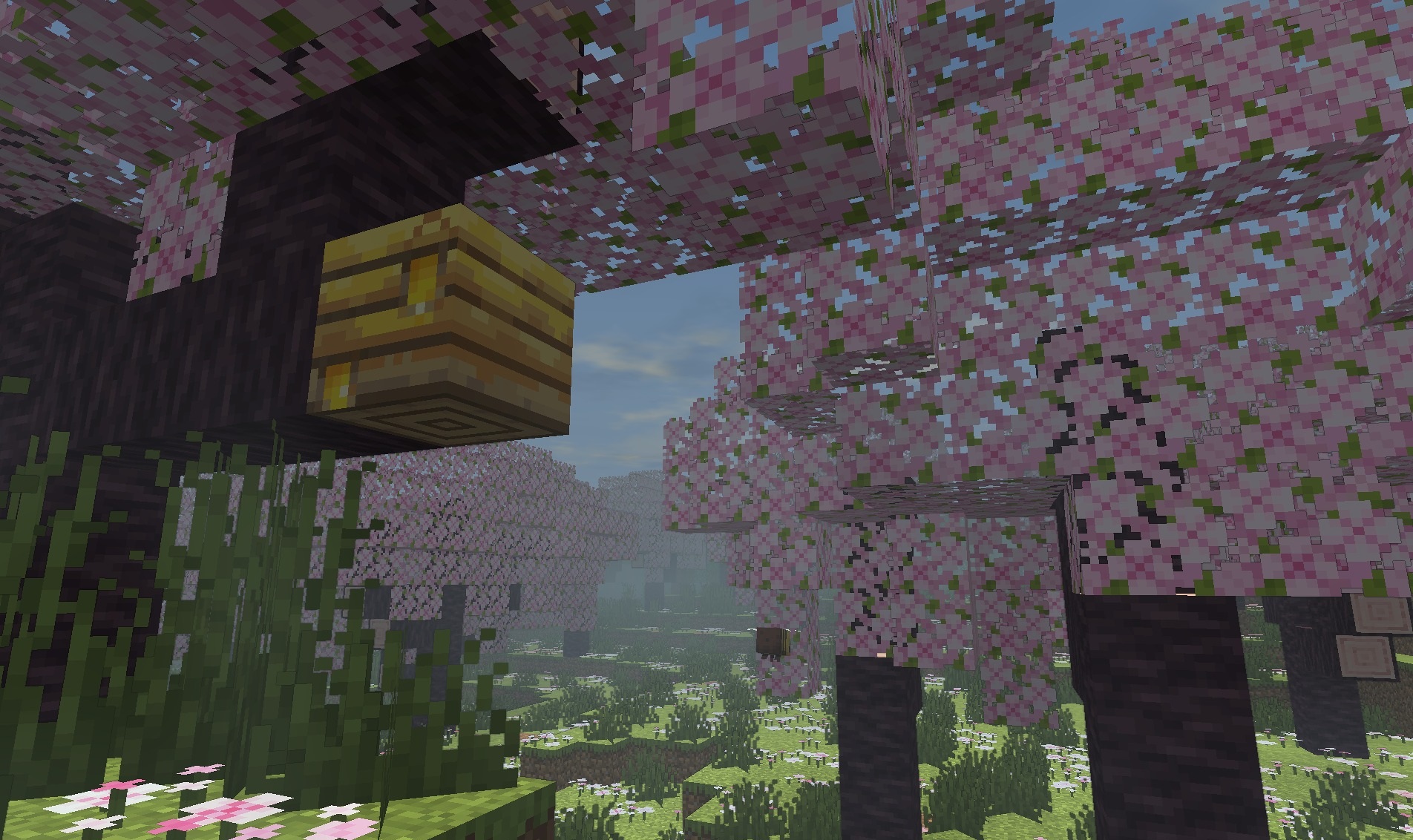
Dark color correction and high contrast form the basis of Renford Tomlinson Shaders. Illuminated surfaces receive saturated shades and bright highlights, while shadows become deep and dense.
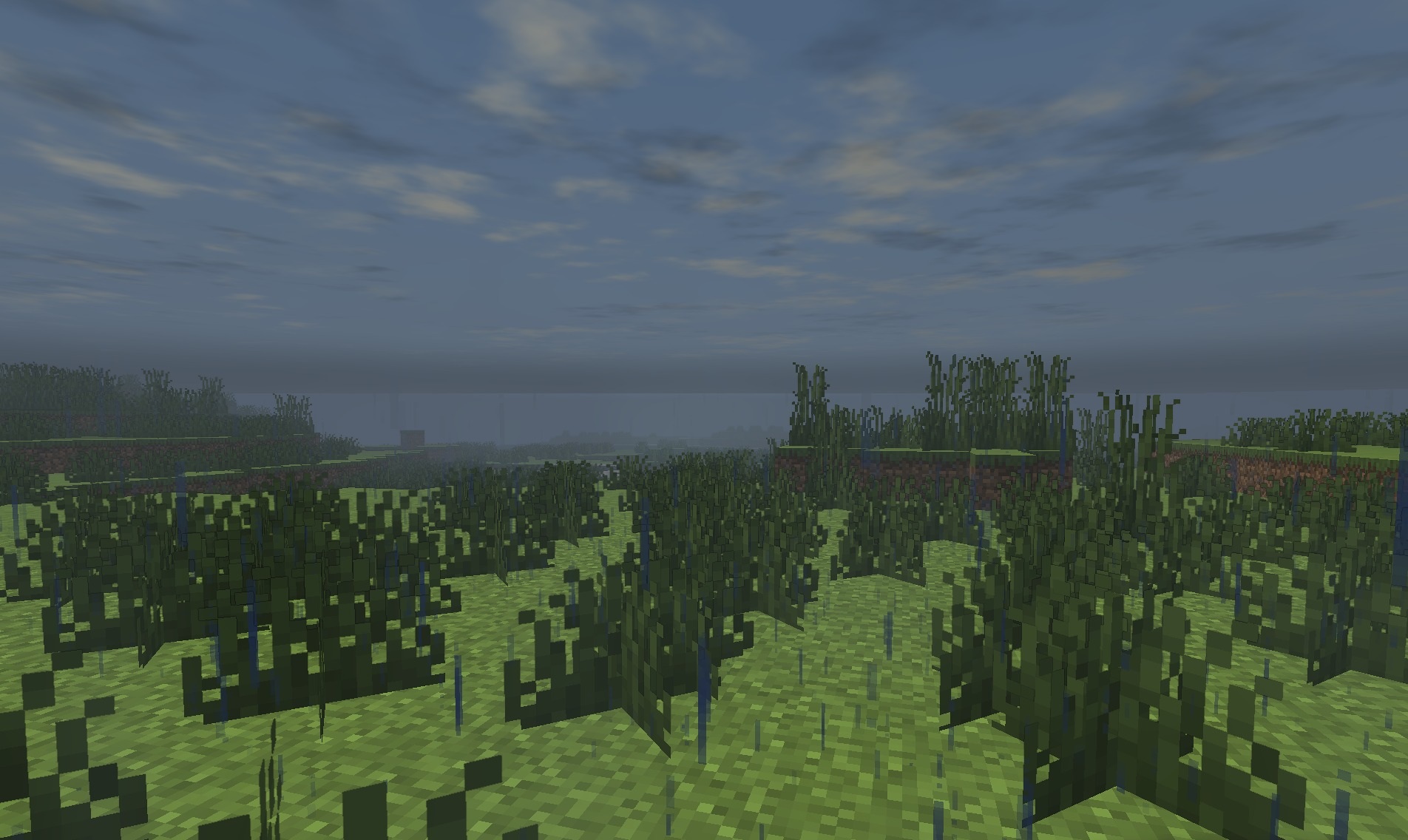
In caves and nighttime locations, the difference becomes even stronger: darkness hides a significant part of the environment, while individual light sources reveal small areas of space. At the same time, the pack does not abandon the vanilla foundation and preserves the recognizable colors and shapes of blocks. The combination of realistic light behavior with fantasy processing creates a cinematic image.
How to install a shader:
First step: download the shader package from the link below.
Second step: Unpack the downloaded archive and copy the Renford Tomlinson Shaders folder to c:\Users\User\AppData\Roaming\.minecraft\shaderpacks\(if this folder does not exist, create it yourself) (For Windows)
Third step: In the game, go to Settings, then to Graphics Settings. Select the "shaders" section and activate the shader pack of your choice.
Comments (0)