



Retro VHS Screen Shaders for Minecraft 26.2
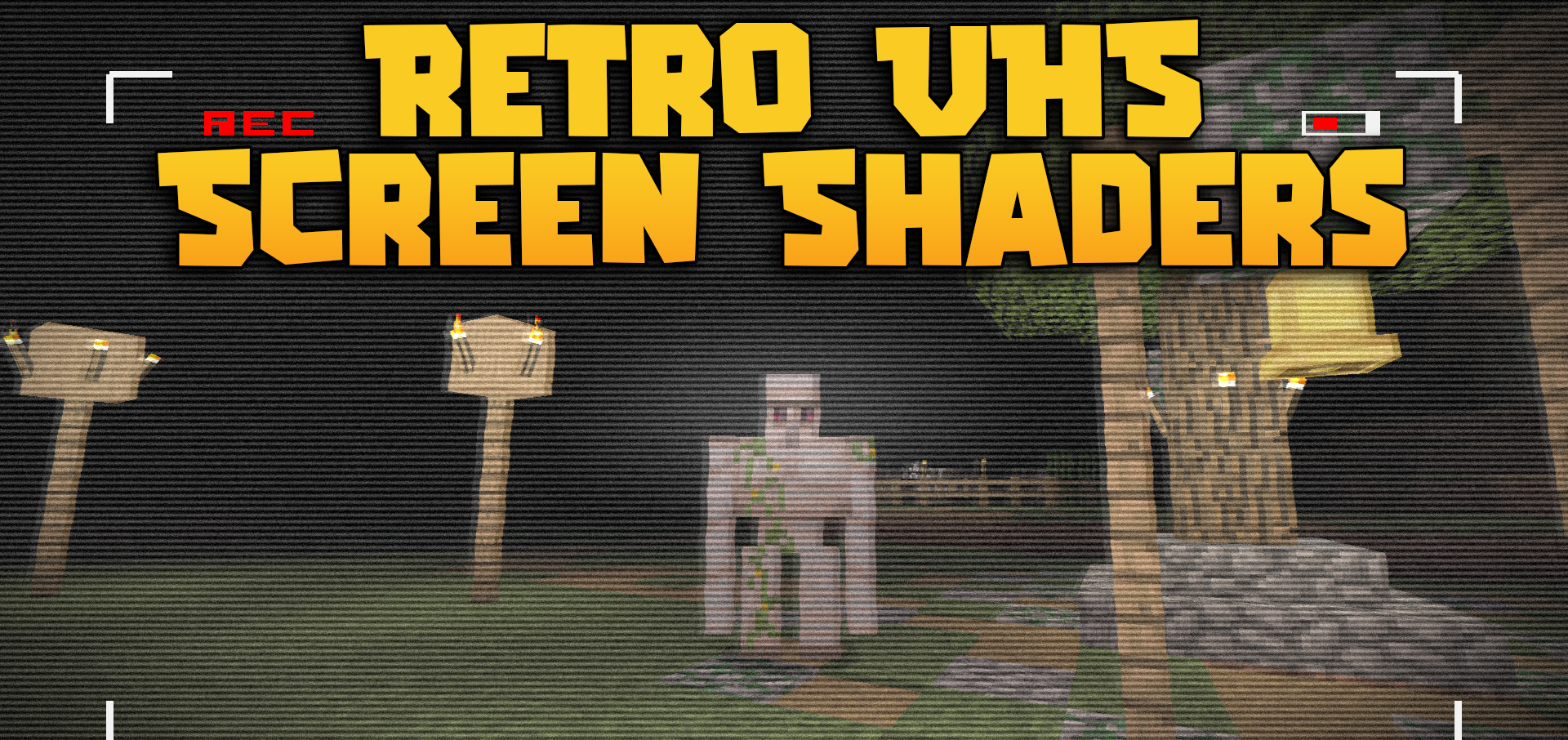
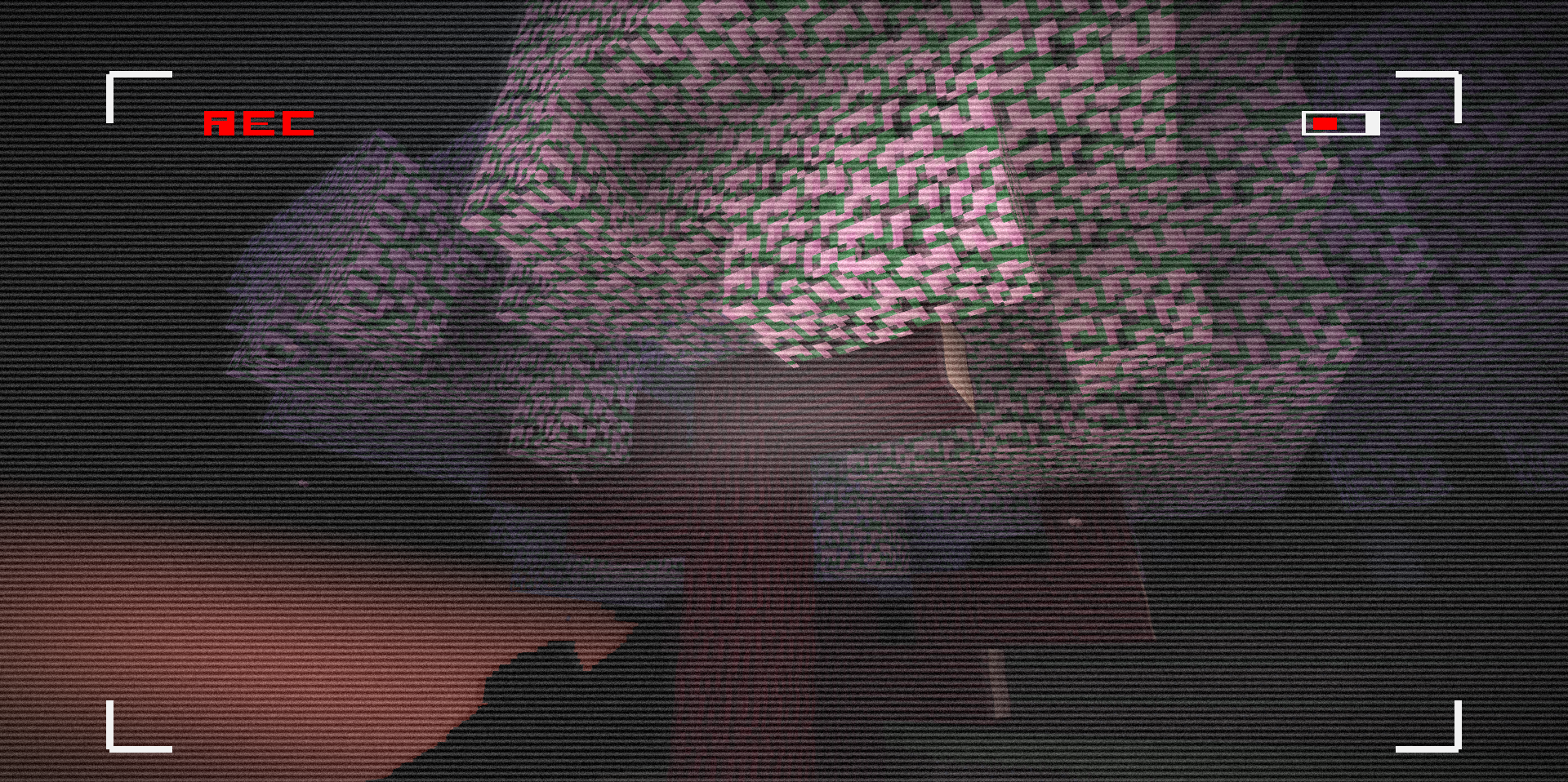
Retro VHS Screen Shaders turns the Minecraft image into footage from an old video camera. Grain appears on the screen, the colors and lighting change, and a red recording indicator flashes in the corner. The image begins to look not like a clean game render, but like a fragment from a magnetic tape: slightly dirty, noisy, and unstable.
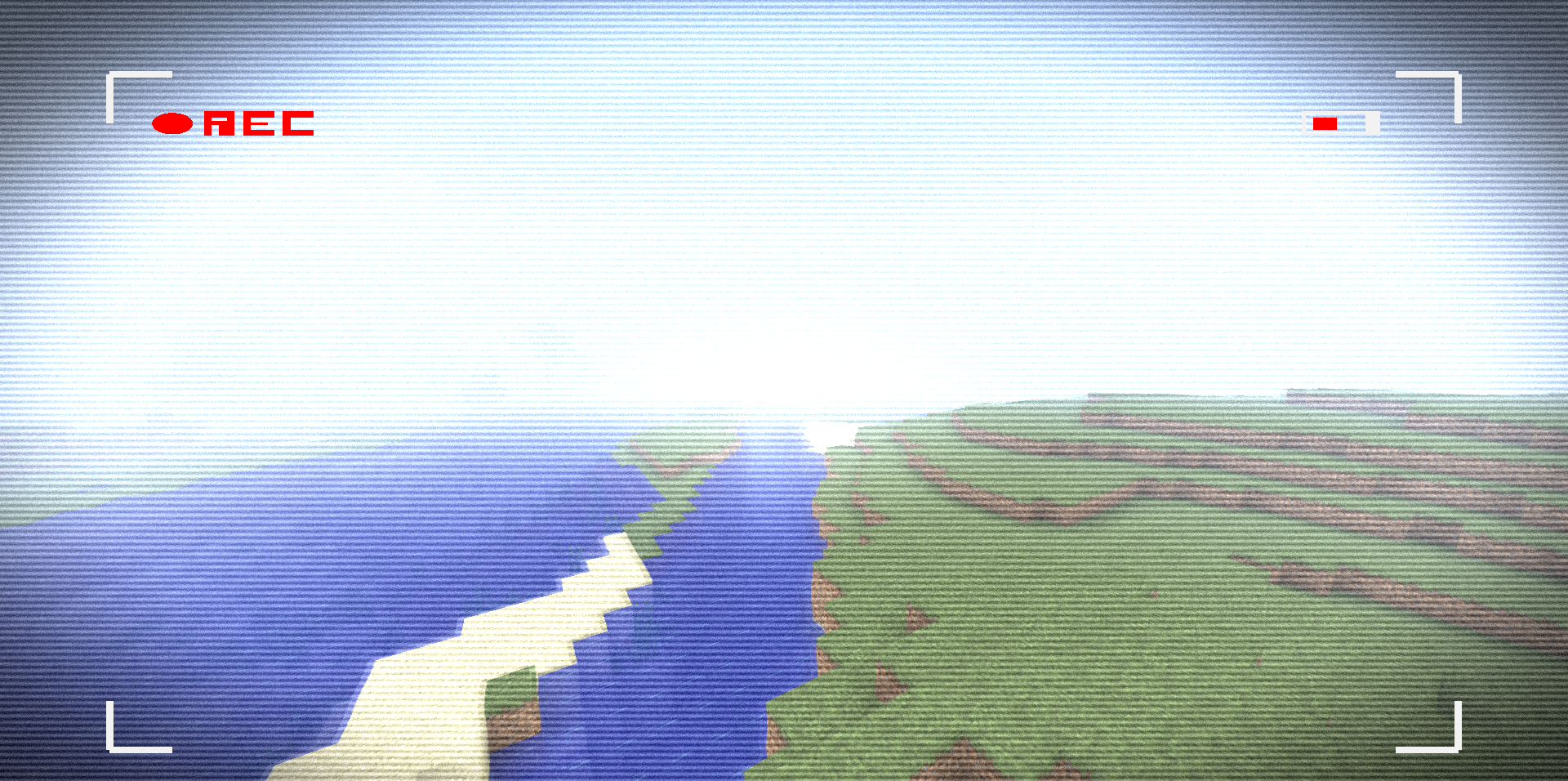
This filter transforms dark locations, old maps, abandoned buildings, and scenes with minimal lighting. The shader does not add realistic water, shadows, or volumetric clouds because its purpose is different: to apply a retro recording style to the entire screen.
How to install a shader:
First step: download the shader package from the link below.
Second step: Unpack the downloaded archive and copy the Retro VHS Screen Shaders folder to c:\Users\User\AppData\Roaming\.minecraft\shaderpacks\(if this folder does not exist, create it yourself) (For Windows)
Third step: In the game, go to Settings, then to Graphics Settings. Select the "shaders" section and activate the shader pack of your choice.
Comments (0)