



Serendipity Shaders for Minecraft 26.2
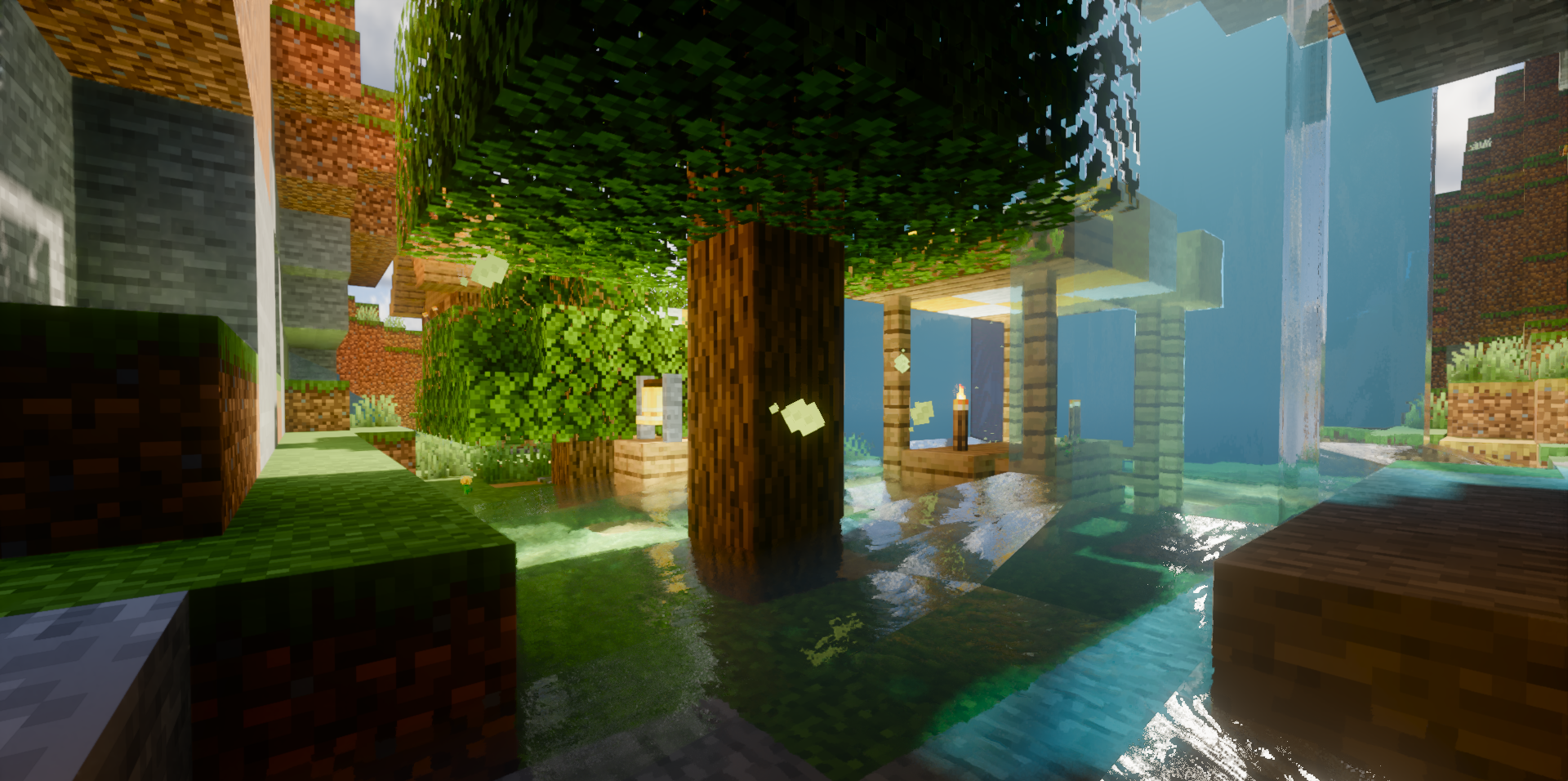
The semi-realistic style here is built not around a single effect, but around a combination of lighting, water, sky, and wet surfaces. Serendipity Shaders adds natural shadows, screen-space reflections, a soft glow around bright light sources, and deeper corners through ambient occlusion.
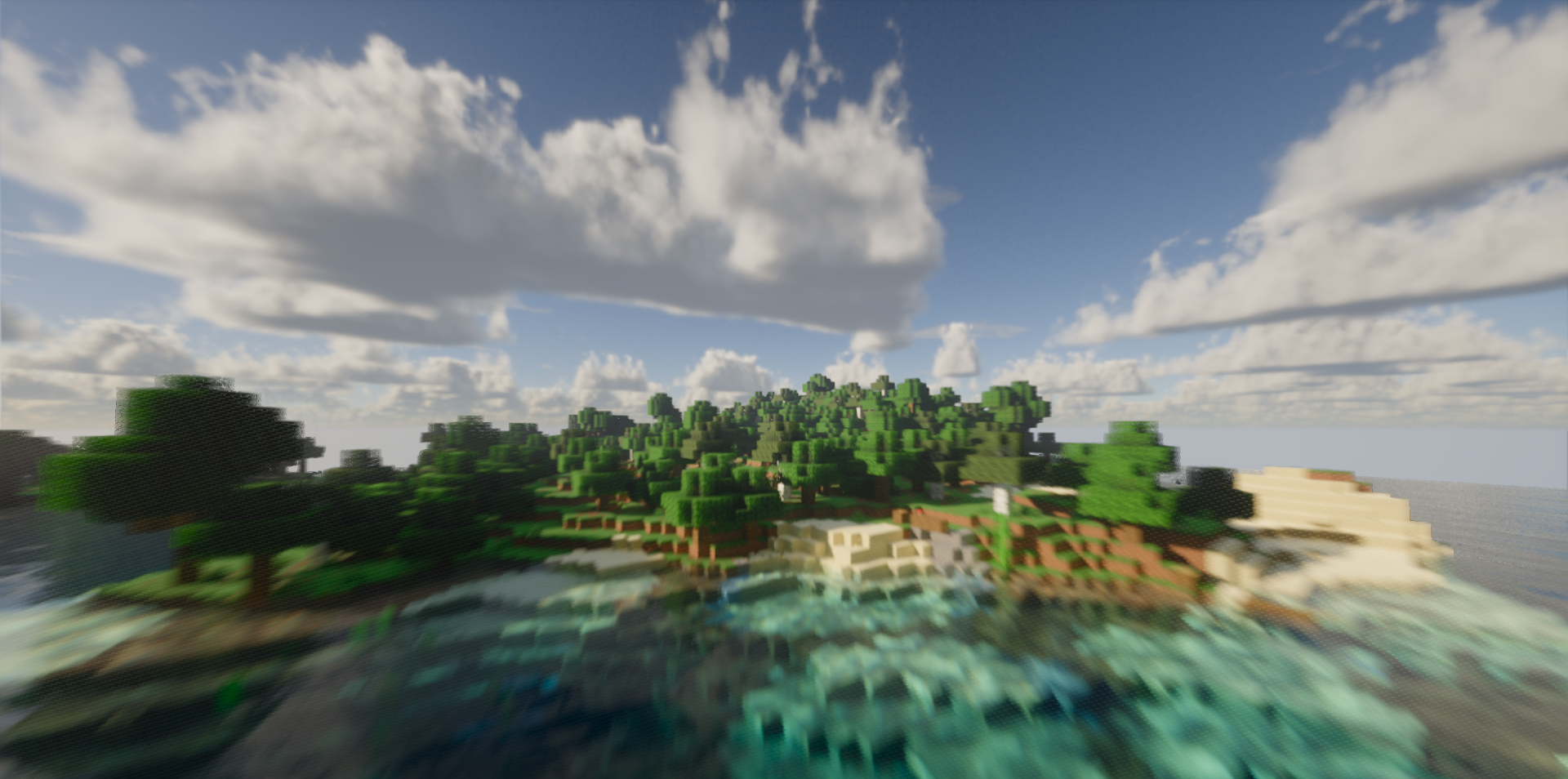
During thunderstorms, puddles appear on the ground, while wet blocks begin to reflect the sky. Water receives waves and clear reflections, making lakes and rivers look more three-dimensional. The sky combines flat and fluffy volumetric clouds, while color correction makes the image softer without excessive contrast. There is parallax for certain blocks, edge anti-aliasing, and mirror-like reflections on glossy materials.
How to install a shader:
First step: download the shader package from the link below.
Second step: Unpack the downloaded archive and copy the Serendipity Shaders folder to c:\Users\User\AppData\Roaming\.minecraft\shaderpacks\(if this folder does not exist, create it yourself) (For Windows)
Third step: In the game, go to Settings, then to Graphics Settings. Select the "shaders" section and activate the shader pack of your choice.
Comments (0)