



Shaderific Vanilla Shaders for Minecraft 26.2
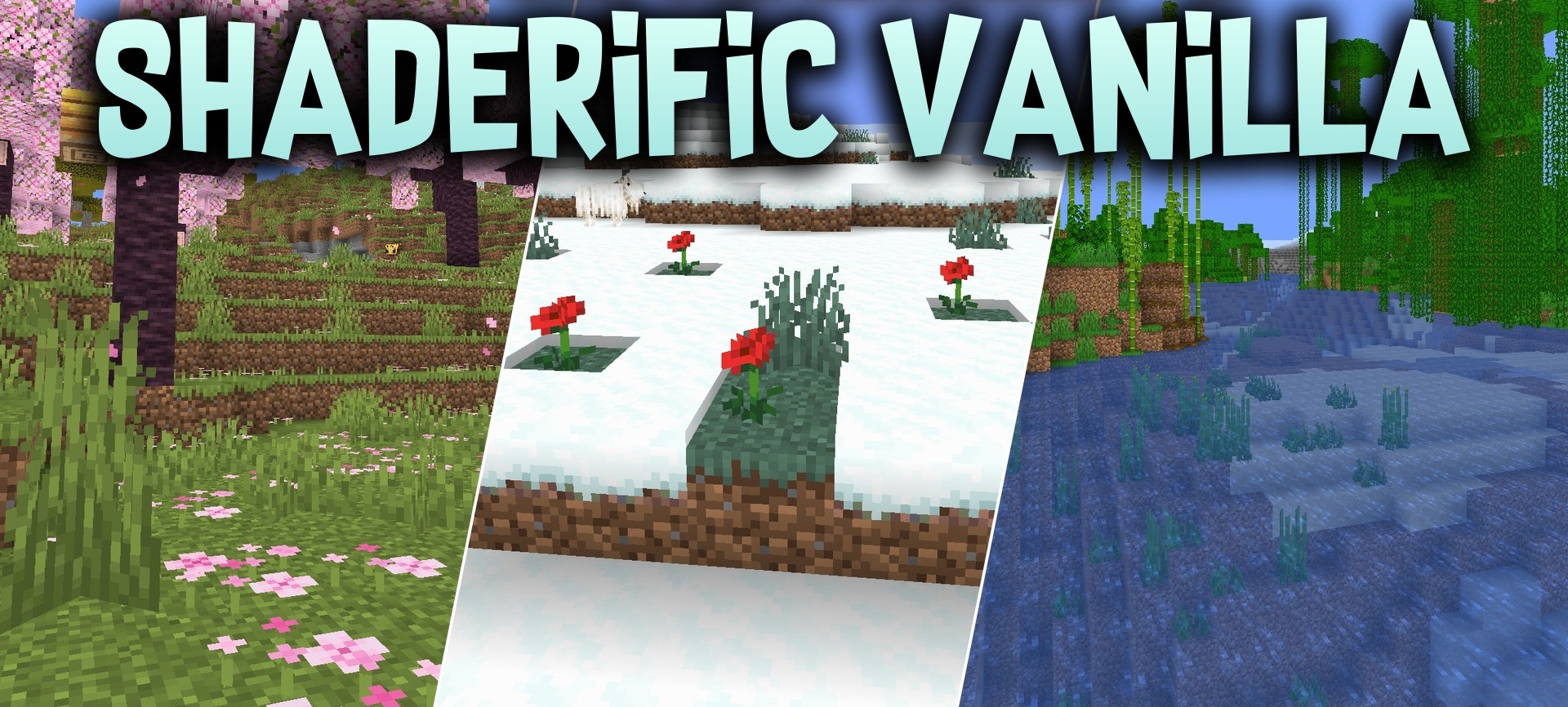
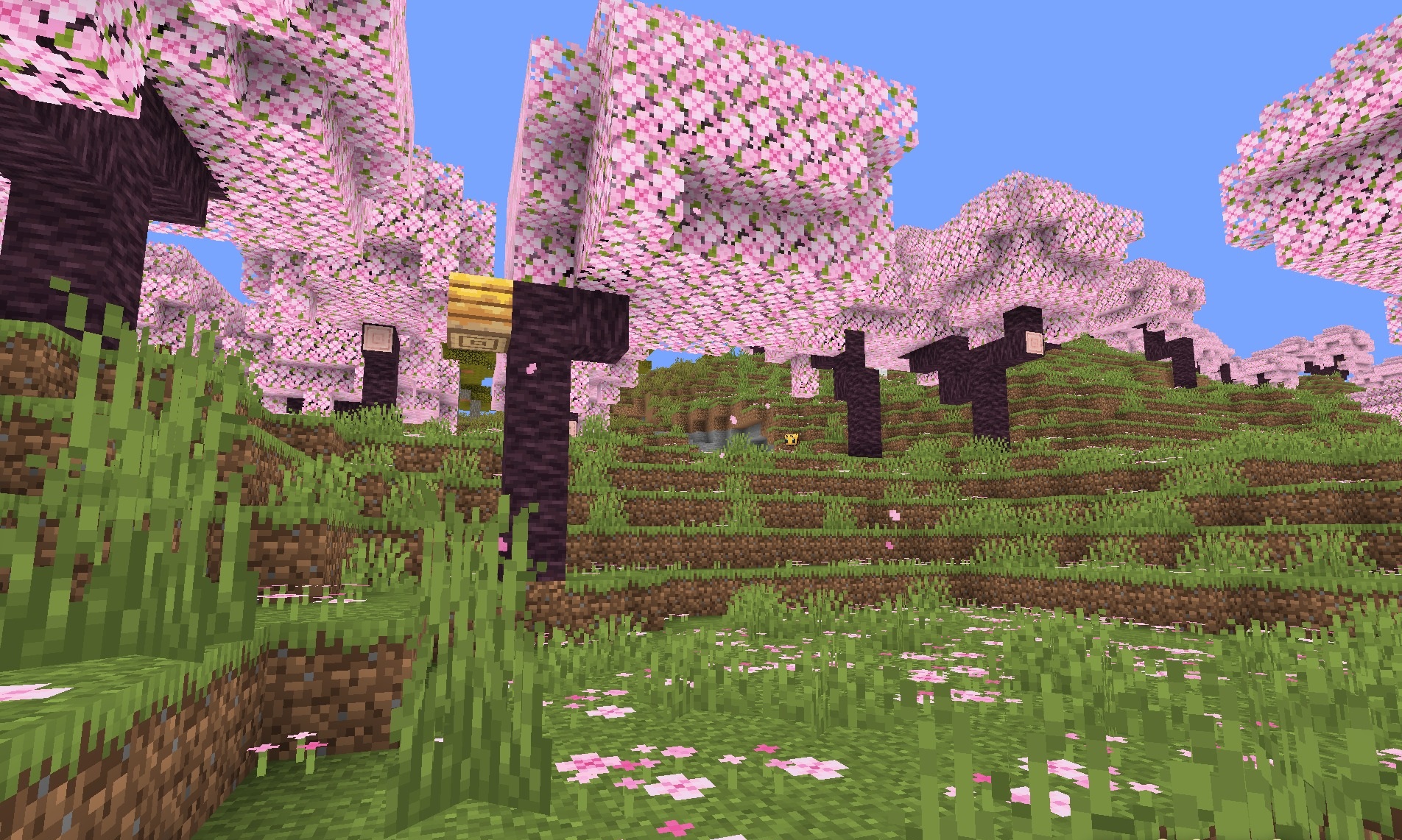
Shaderific Vanilla Shaders slightly stylizes the standard graphics without overloading them with complex effects. Bright light sources receive a soft glow, while leaves, tall grass, and crops begin to sway smoothly as if moved by the wind.
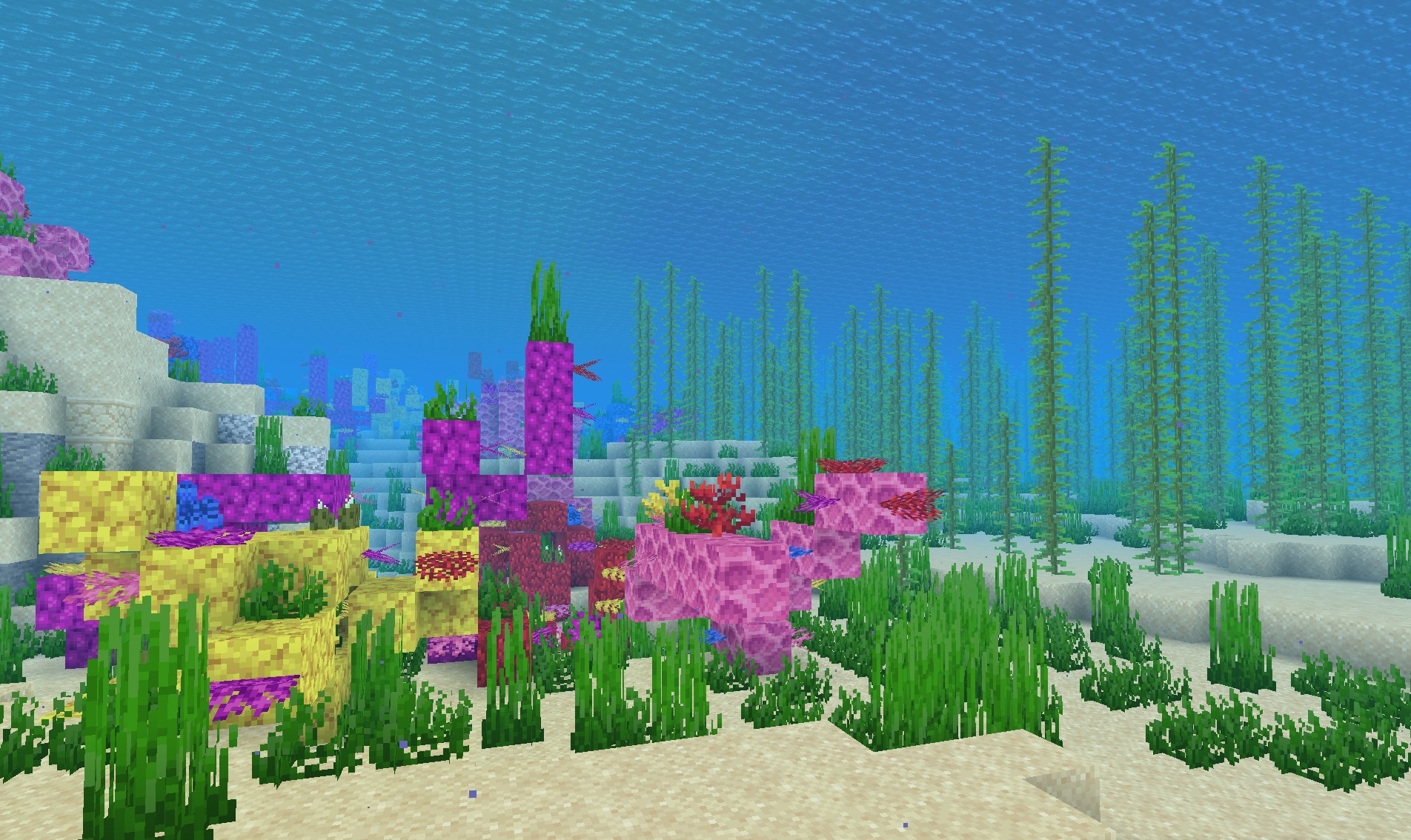
The overall image becomes slightly more cartoon-like, but the angular shapes of blocks and familiar colors remain unchanged. The shader is designed for the built-in Fabulous graphics mode and does not require a powerful computer, making it suitable for older or budget systems. The main result is a slightly livelier and softer vanilla world without complex reflections or heavy effects.
How to install a shader:
First step: download the shader package from the link below.
Second step: Unpack the downloaded archive and copy the Shaderific Vanilla Shaders folder to c:\Users\User\AppData\Roaming\.minecraft\shaderpacks\(if this folder does not exist, create it yourself) (For Windows)
Third step: In the game, go to Settings, then to Graphics Settings. Select the "shaders" section and activate the shader pack of your choice.
Comments (0)