



Silva Pro Shaders for Minecraft 26.2
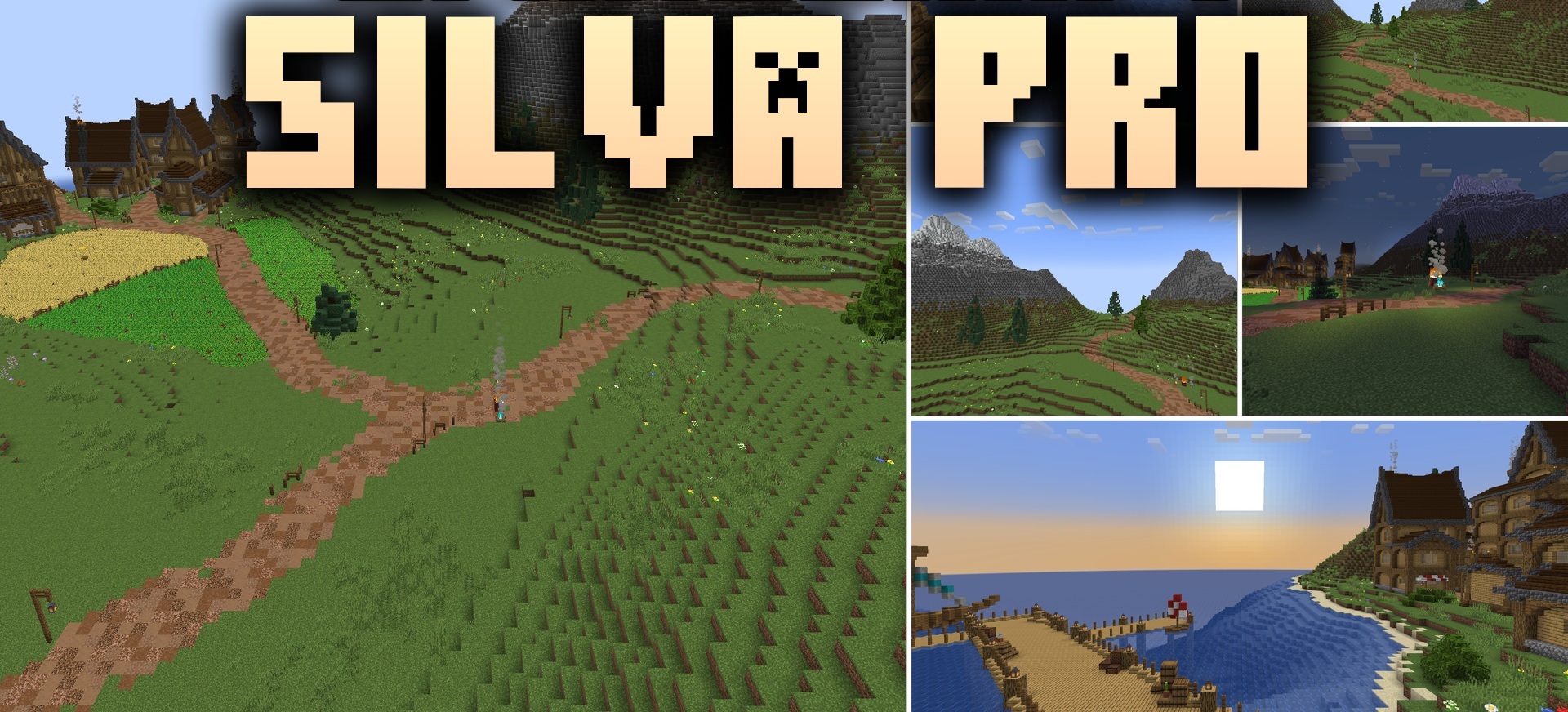
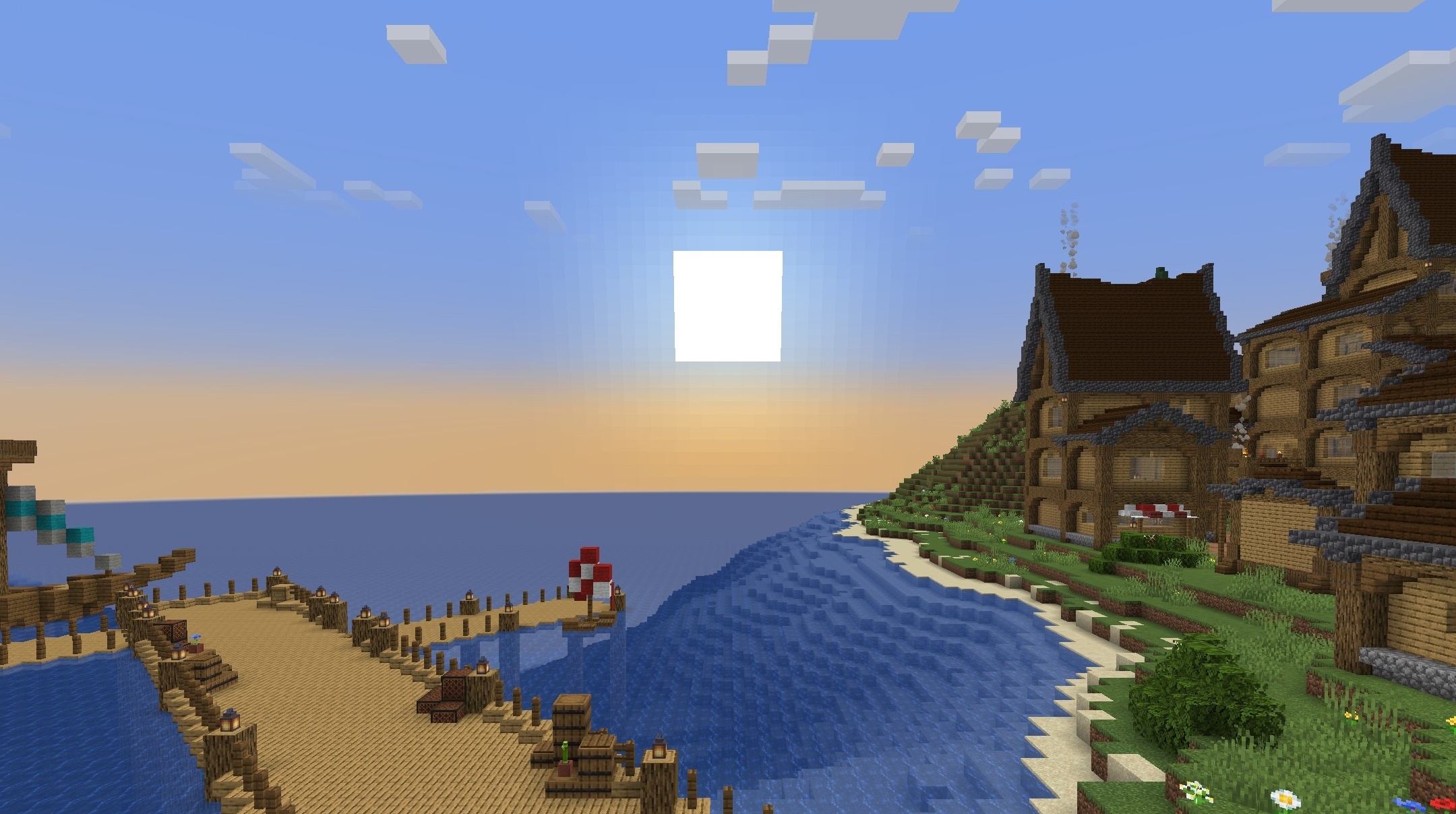
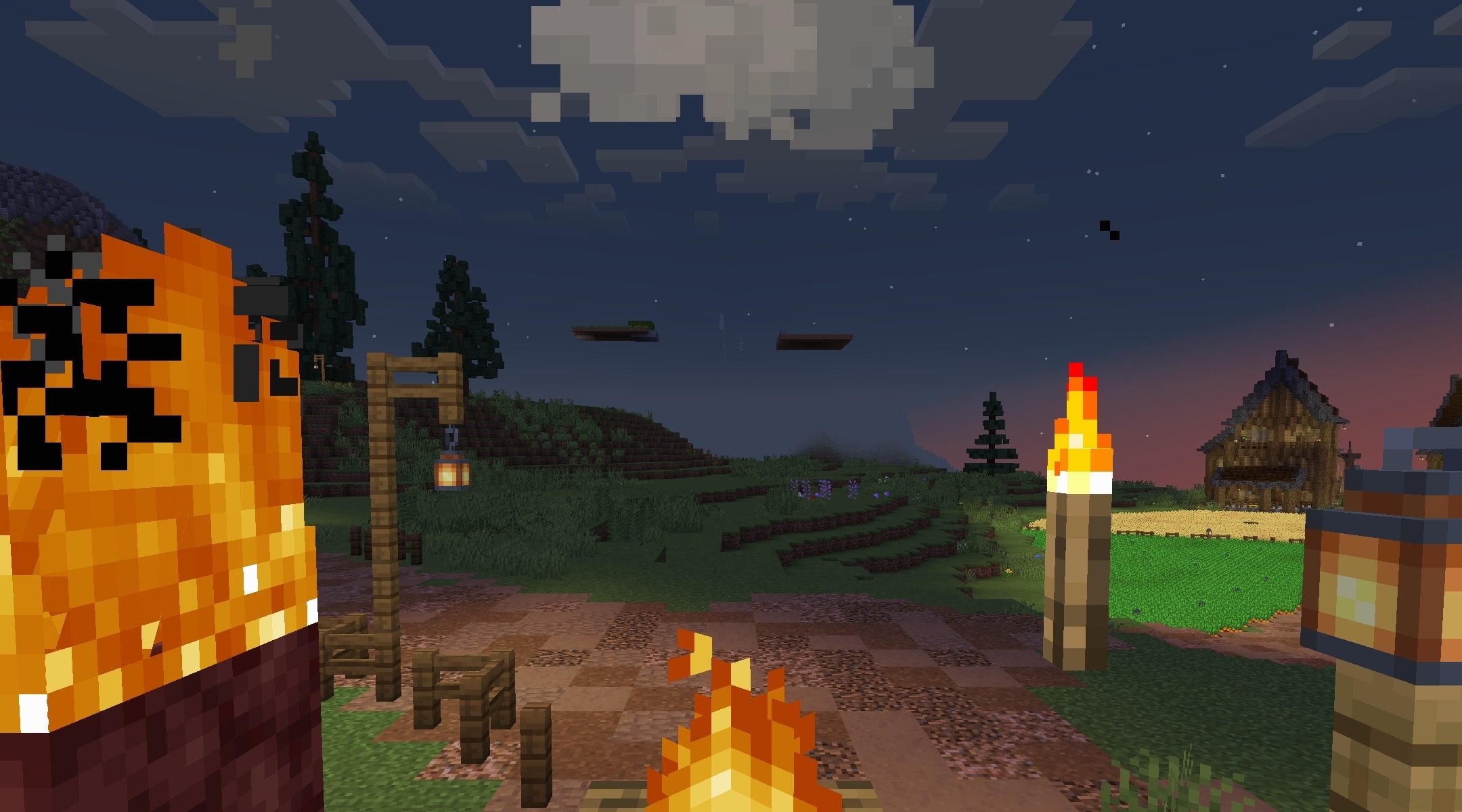
Silva Pro Shaders improves water, the sky, the sun, and shadows while preserving the lightweight feel of the standard graphics. During the day, the world becomes brighter, sunsets receive more expressive shades, and at night there is still enough visibility for normal travel. Leaves, grass, and the water surface move slightly, making the environment feel less static.
Shadows remain soft and do not require complex calculations, so the pack is also designed for entry-level and mid-range computers. In caves, the image does not become excessively dark, which is convenient when gathering resources. The result is clean vanilla lighting with a small number of atmospheric effects.
How to install a shader:
First step: download the shader package from the link below.
Second step: Unpack the downloaded archive and copy the Silva Pro Shaders folder to c:\Users\User\AppData\Roaming\.minecraft\shaderpacks\(if this folder does not exist, create it yourself) (For Windows)
Third step: In the game, go to Settings, then to Graphics Settings. Select the "shaders" section and activate the shader pack of your choice.
Comments (0)