



Skylumine Shaders for Minecraft 26.2
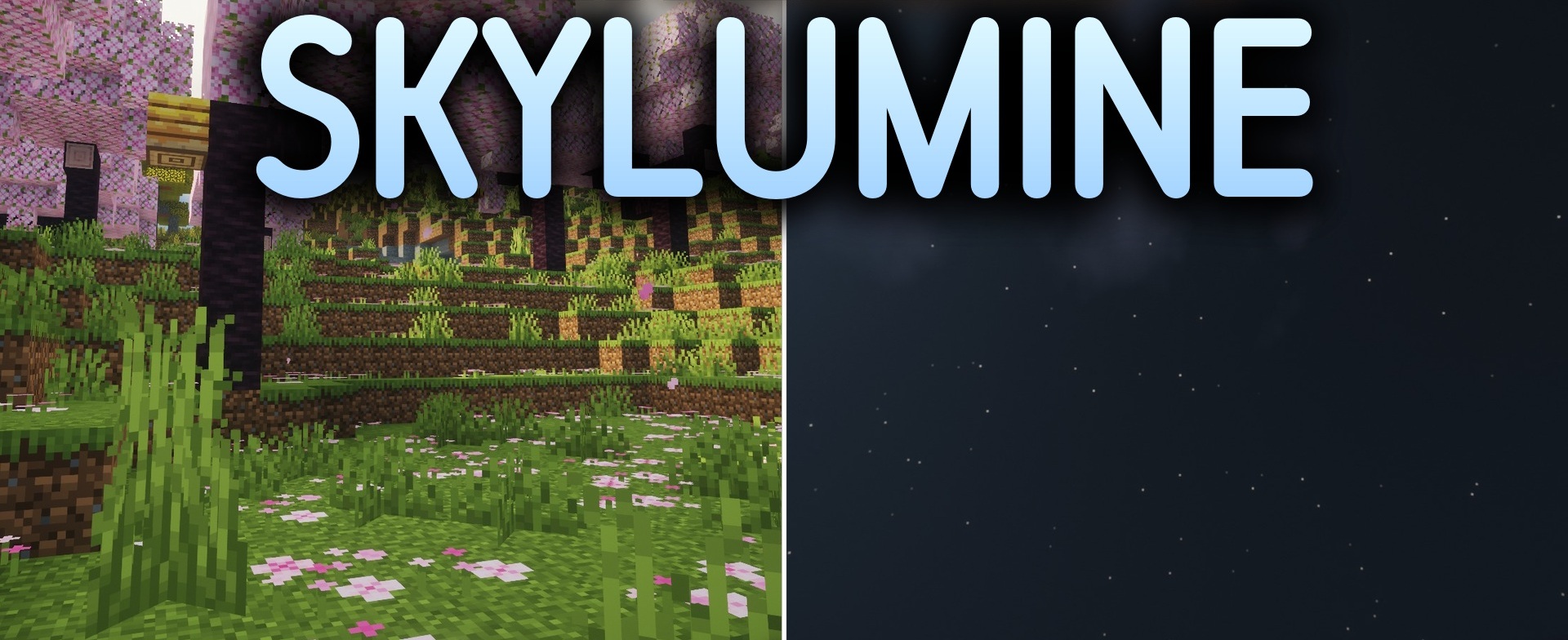
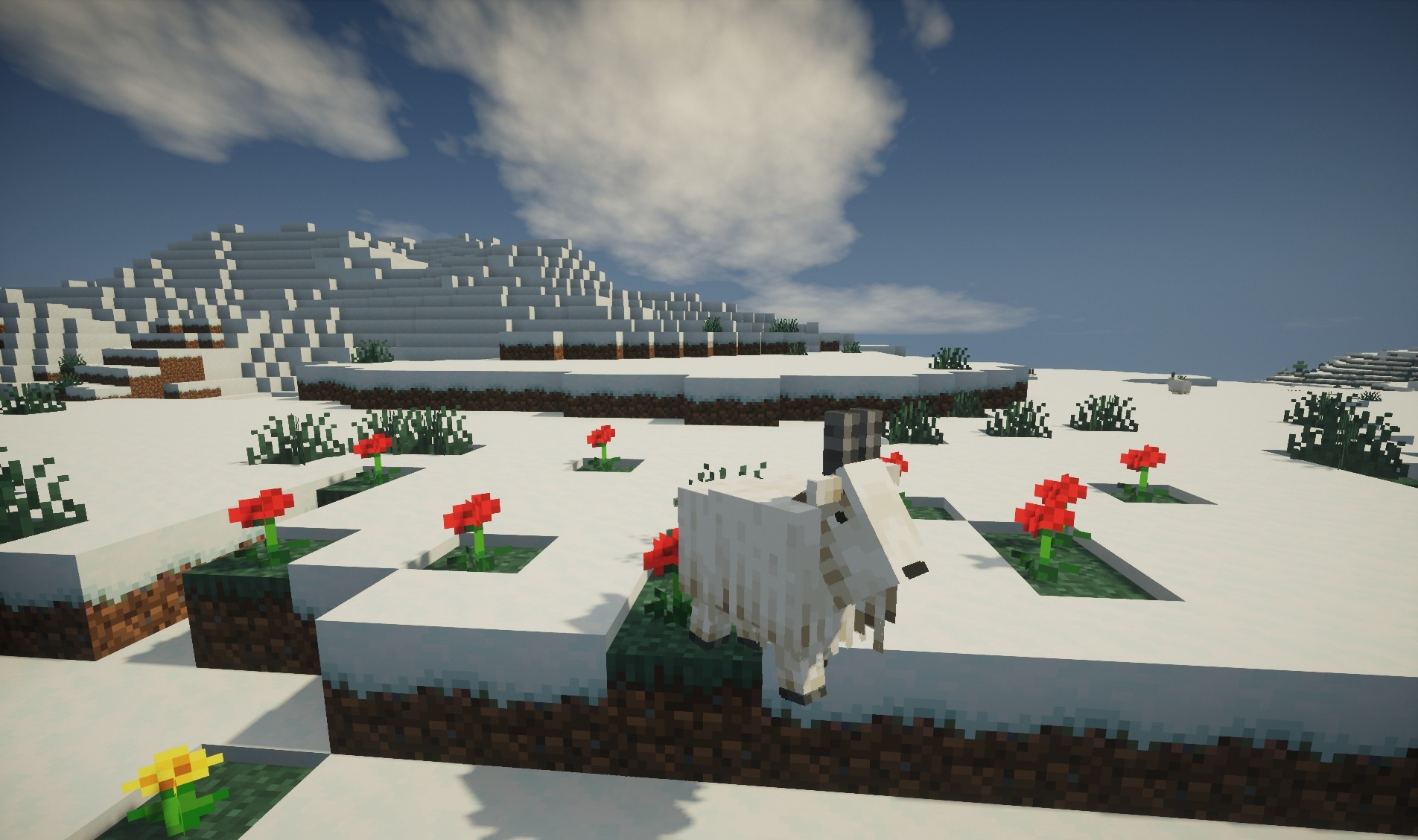
Skylumine Shaders combines light fantasy styling with realistic changes to lighting and water. Daytime and nighttime lighting becomes softer, shadows become deeper, while water surfaces receive smooth waves and clear reflections.
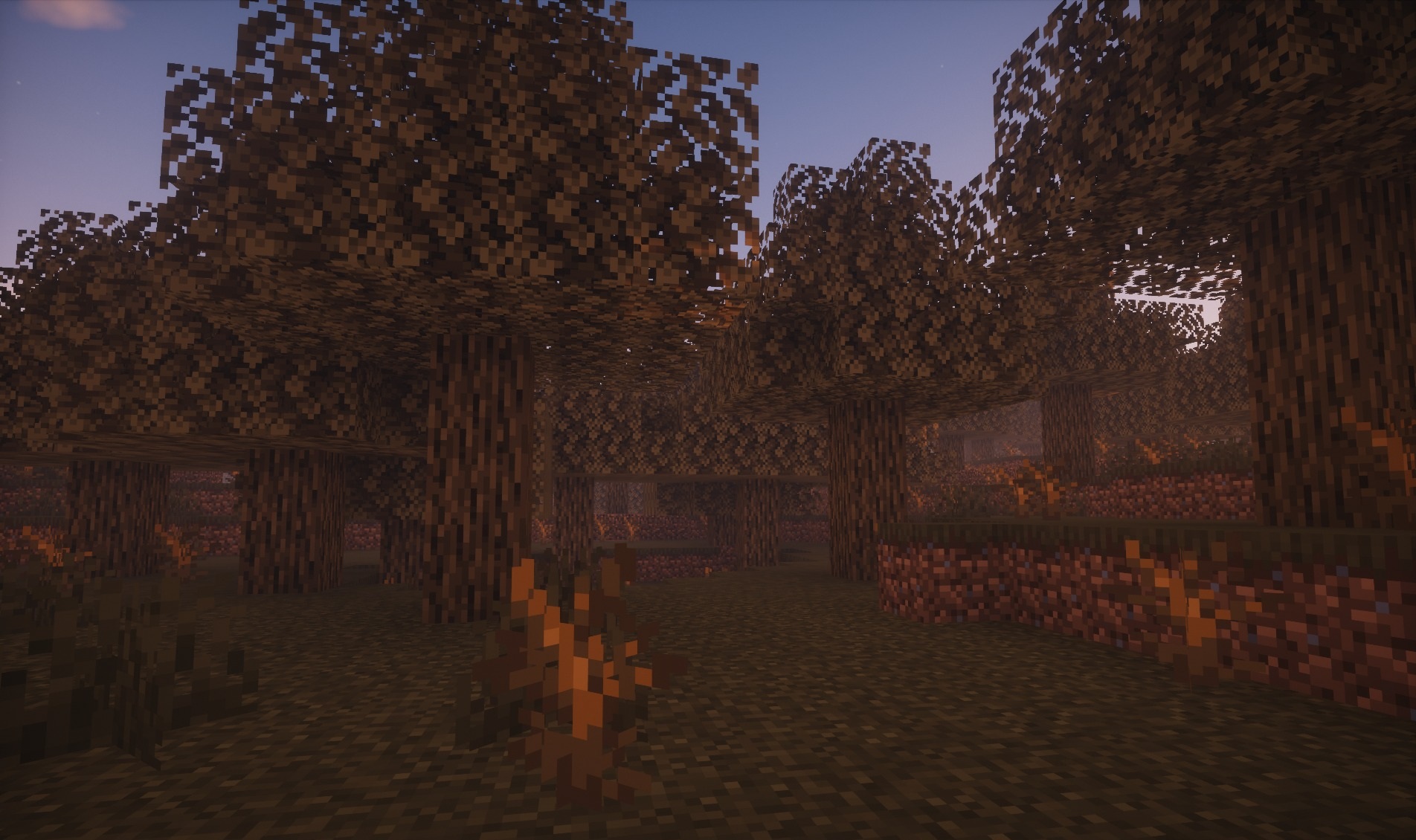
At the same time, caves do not turn into nearly black spaces: the brightness level is adjusted so that the player can still notice the surroundings and approaching monsters. The shader is designed for a low performance load and supports high frame rates on relatively weak systems. Standard textures and colors remain recognizable, so existing buildings do not look out of place.
How to install a shader:
First step: download the shader package from the link below.
Second step: Unpack the downloaded archive and copy the Skylumine Shaders folder to c:\Users\User\AppData\Roaming\.minecraft\shaderpacks\(if this folder does not exist, create it yourself) (For Windows)
Third step: In the game, go to Settings, then to Graphics Settings. Select the "shaders" section and activate the shader pack of your choice.
Comments (0)