



Slight Shaders for Minecraft 26.2
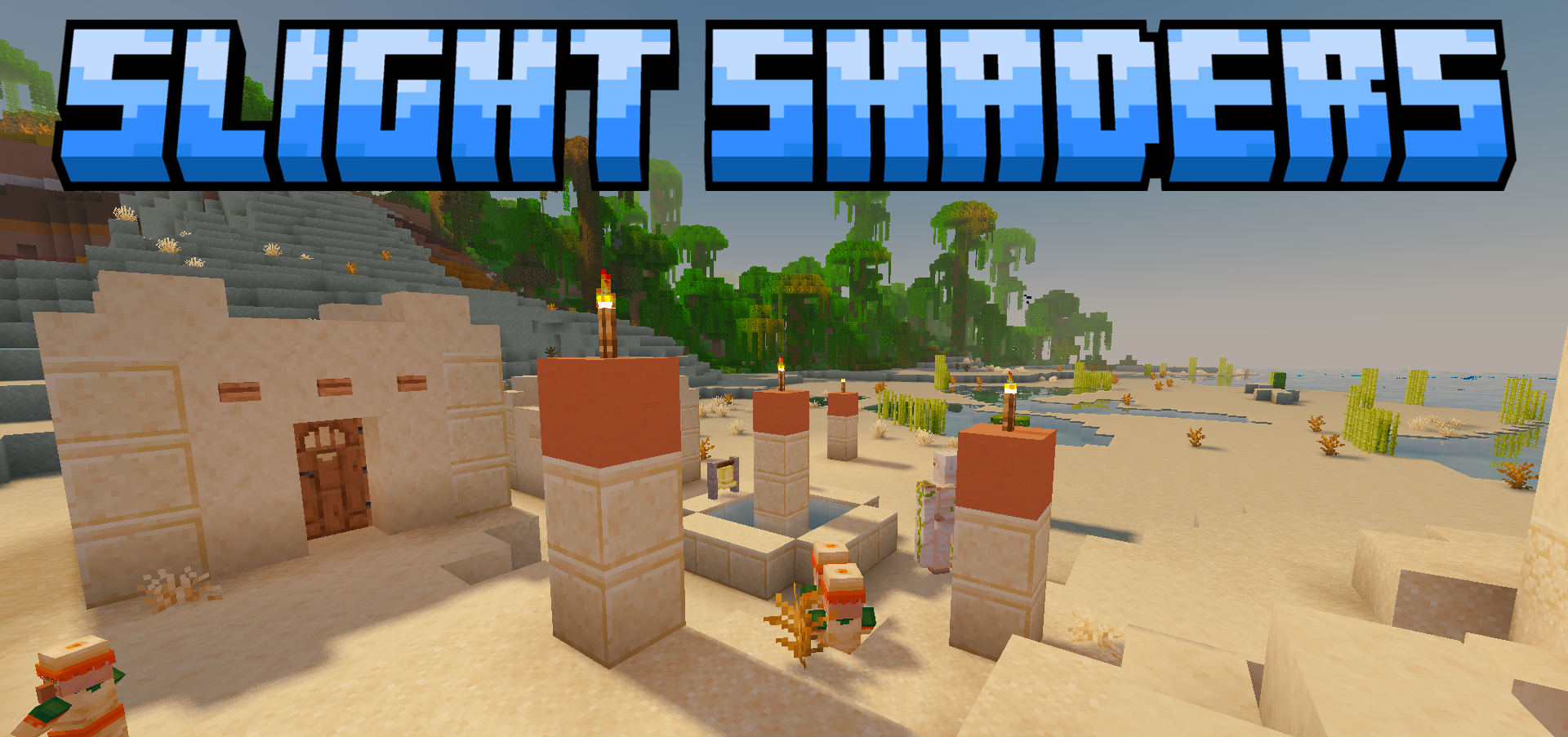
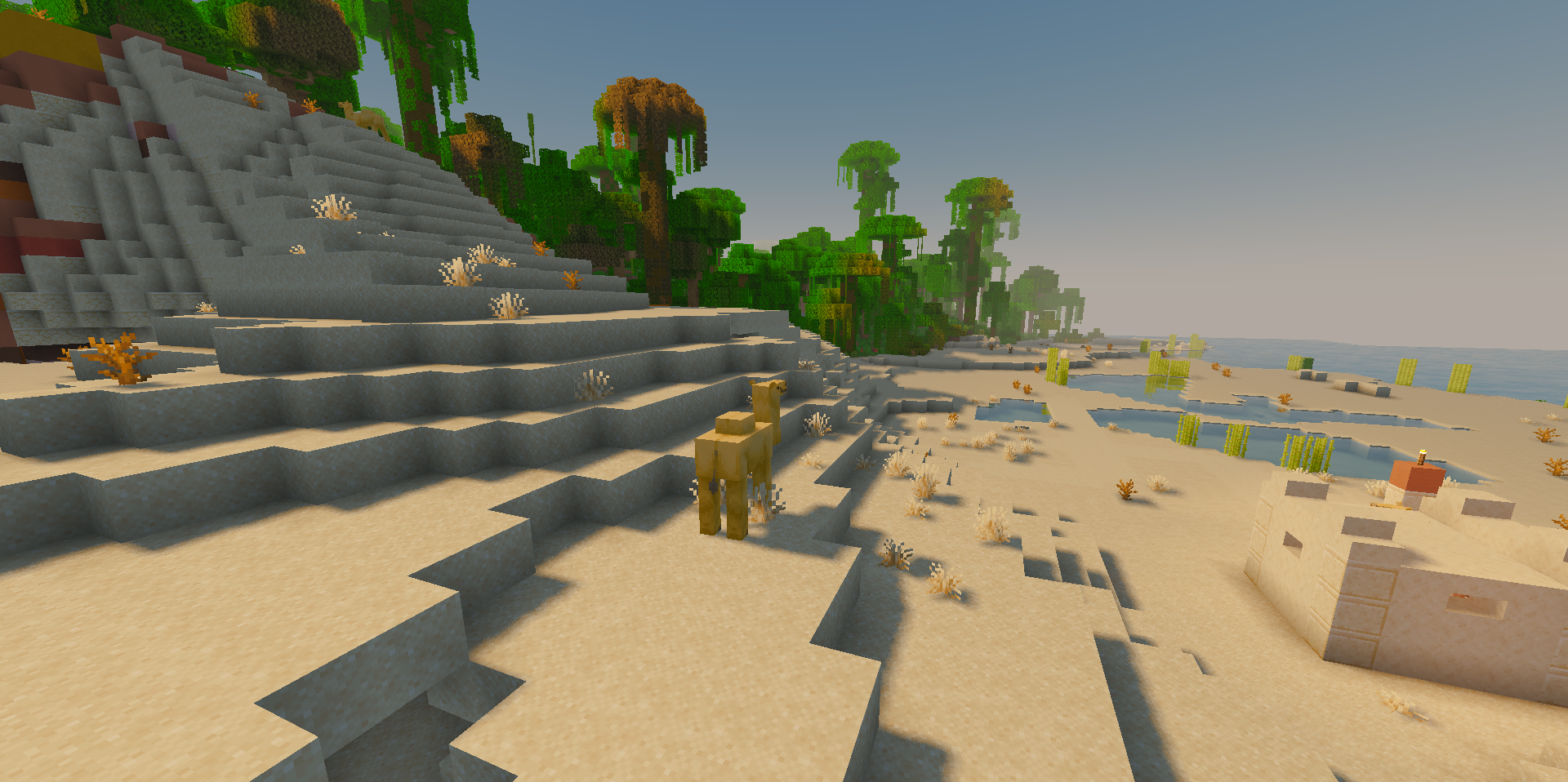
A small lighting overhaul can significantly change the feeling of the world, even without heavy effects. Slight Shaders adds clear shadows to the landscape, gentle waves to the water, and a three-color shift in the sky’s shades depending on the time of day.
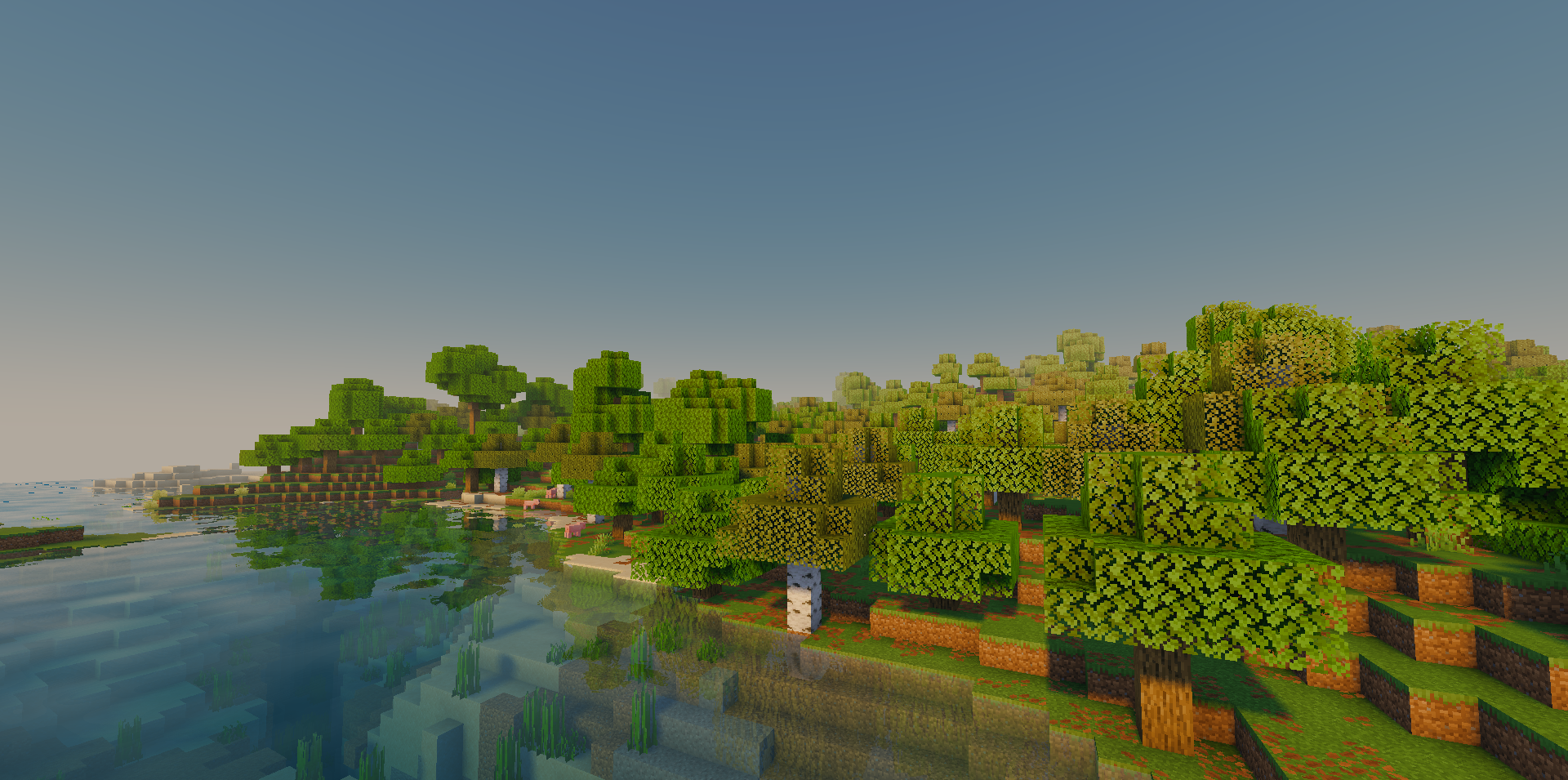
Glowing blocks and items begin to look brighter thanks to emissive textures, while soft light scattering passes through leaves, flowers, and certain mobs. Some materials receive reflections, making the world’s surfaces more varied. The shader works not only in the Overworld: the Nether and the End also receive their own lighting changes.
How to install a shader:
First step: download the shader package from the link below.
Second step: Unpack the downloaded archive and copy the Slight Shaders folder to c:\Users\User\AppData\Roaming\.minecraft\shaderpacks\(if this folder does not exist, create it yourself) (For Windows)
Third step: In the game, go to Settings, then to Graphics Settings. Select the "shaders" section and activate the shader pack of your choice.
Comments (0)