



SMAA Iris Shaders for Minecraft 26.2
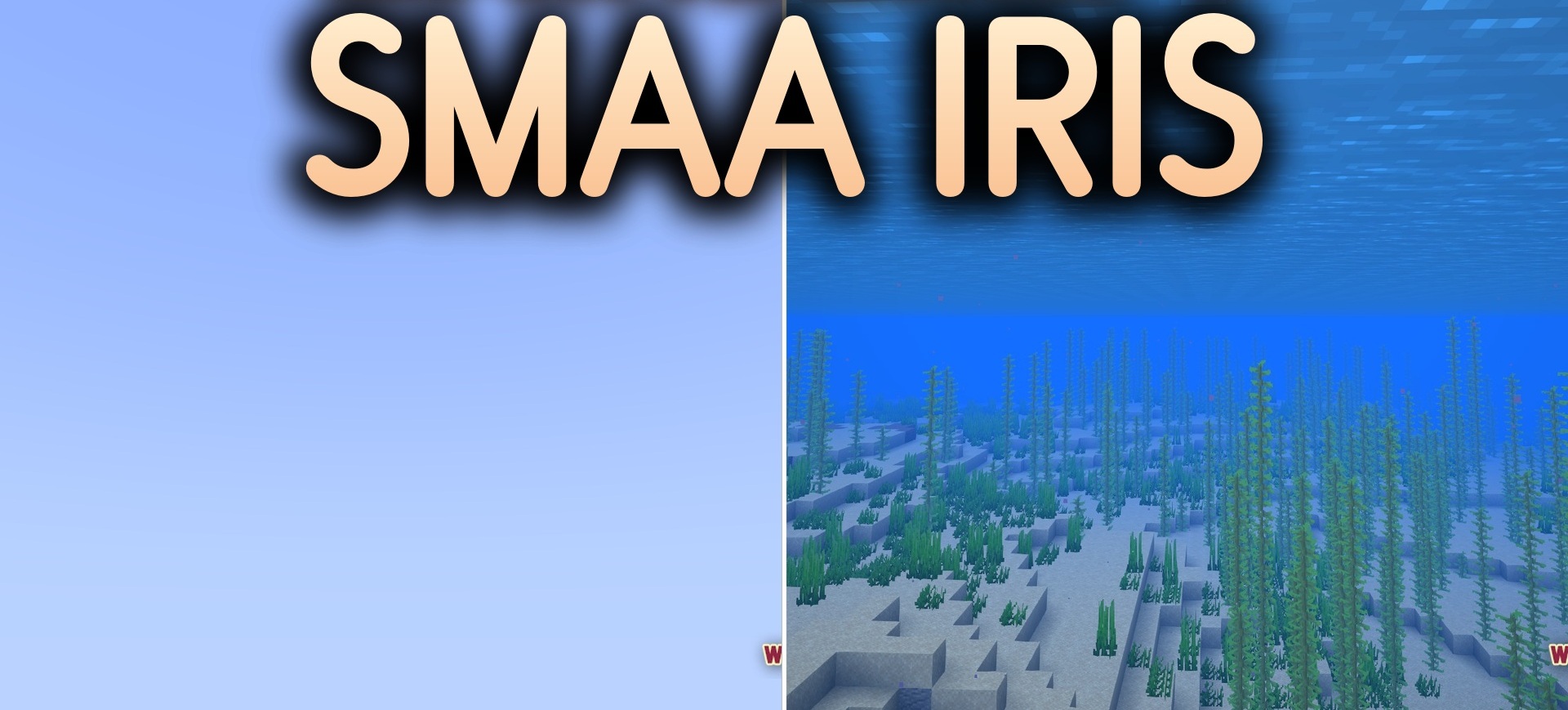
SMAA Iris Shaders removes jagged block edges without changing the rest of the graphics. This pack barely affects lighting, colors, or shadows and instead applies SMAA 1x anti-aliasing to the entire image.
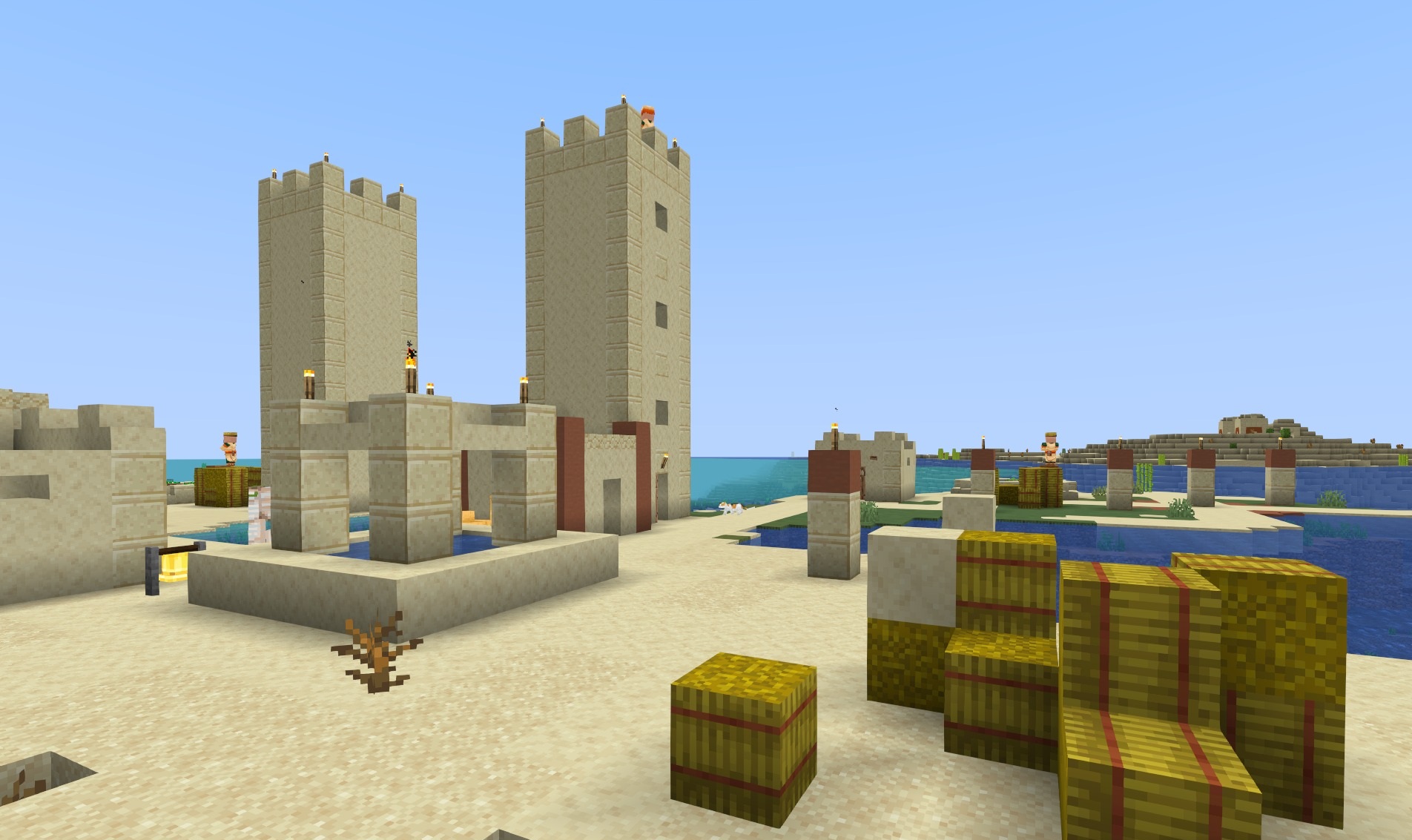
Block edges, distant structures, and thin elements become cleaner, especially when the camera is moving or objects are viewed at an angle. Water, the sky, and the standard color palette remain the same as in regular Minecraft. Thanks to its narrow specialization, the shader places almost no load on the computer and is suitable even for older systems. It is an option for players who want cleaner image outlines but do not want to change the vanilla atmosphere at all.
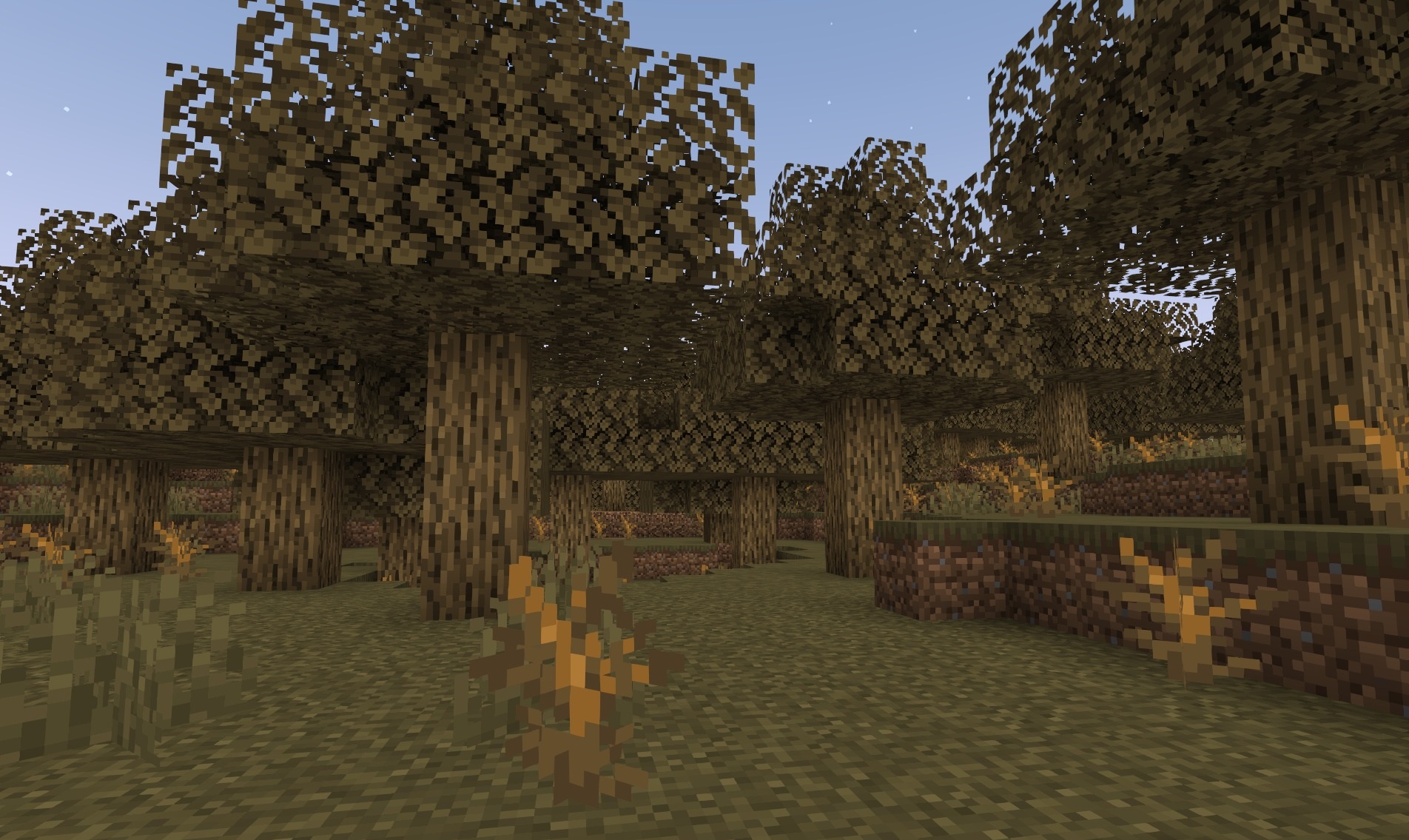
How to install a shader:
First step: download the shader package from the link below.
Second step: Unpack the downloaded archive and copy the SMAA Iris Shaders folder to c:\Users\User\AppData\Roaming\.minecraft\shaderpacks\(if this folder does not exist, create it yourself) (For Windows)
Third step: In the game, go to Settings, then to Graphics Settings. Select the "shaders" section and activate the shader pack of your choice.
Comments (0)