



Soft Memory Shaders for Minecraft 26.2
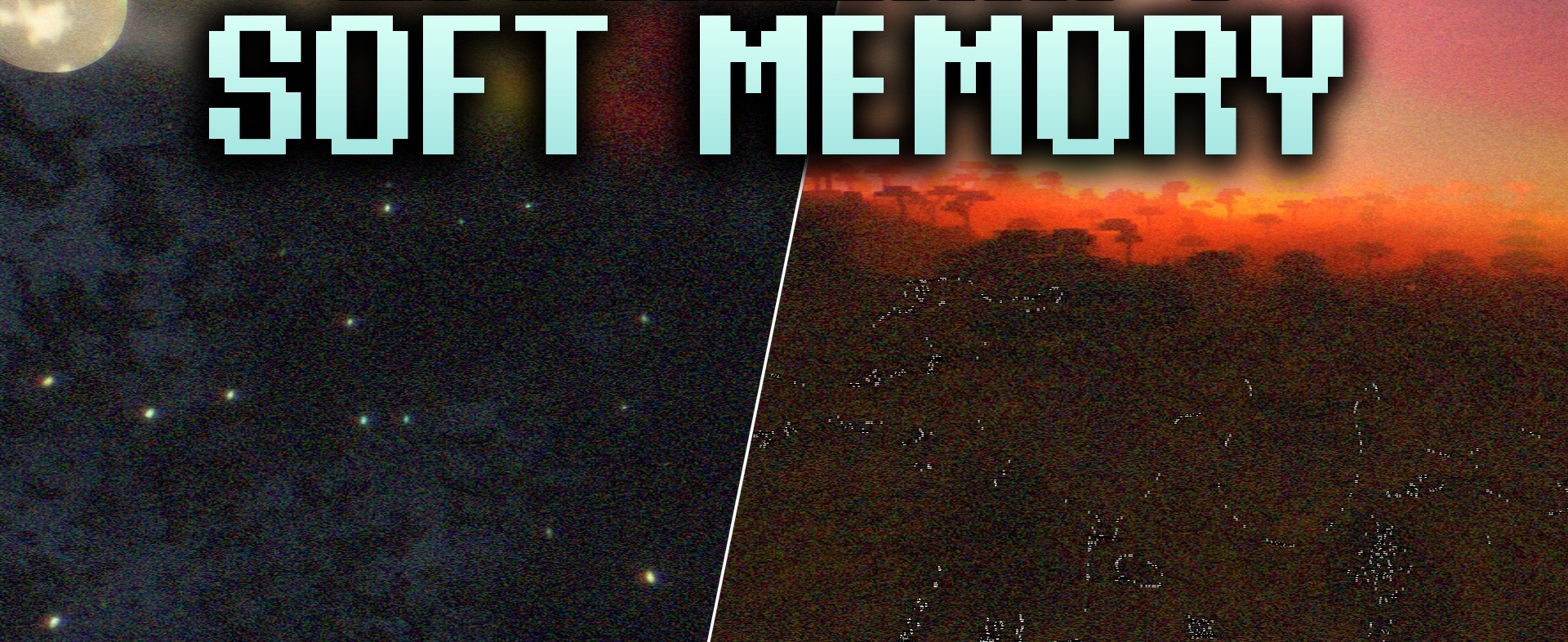
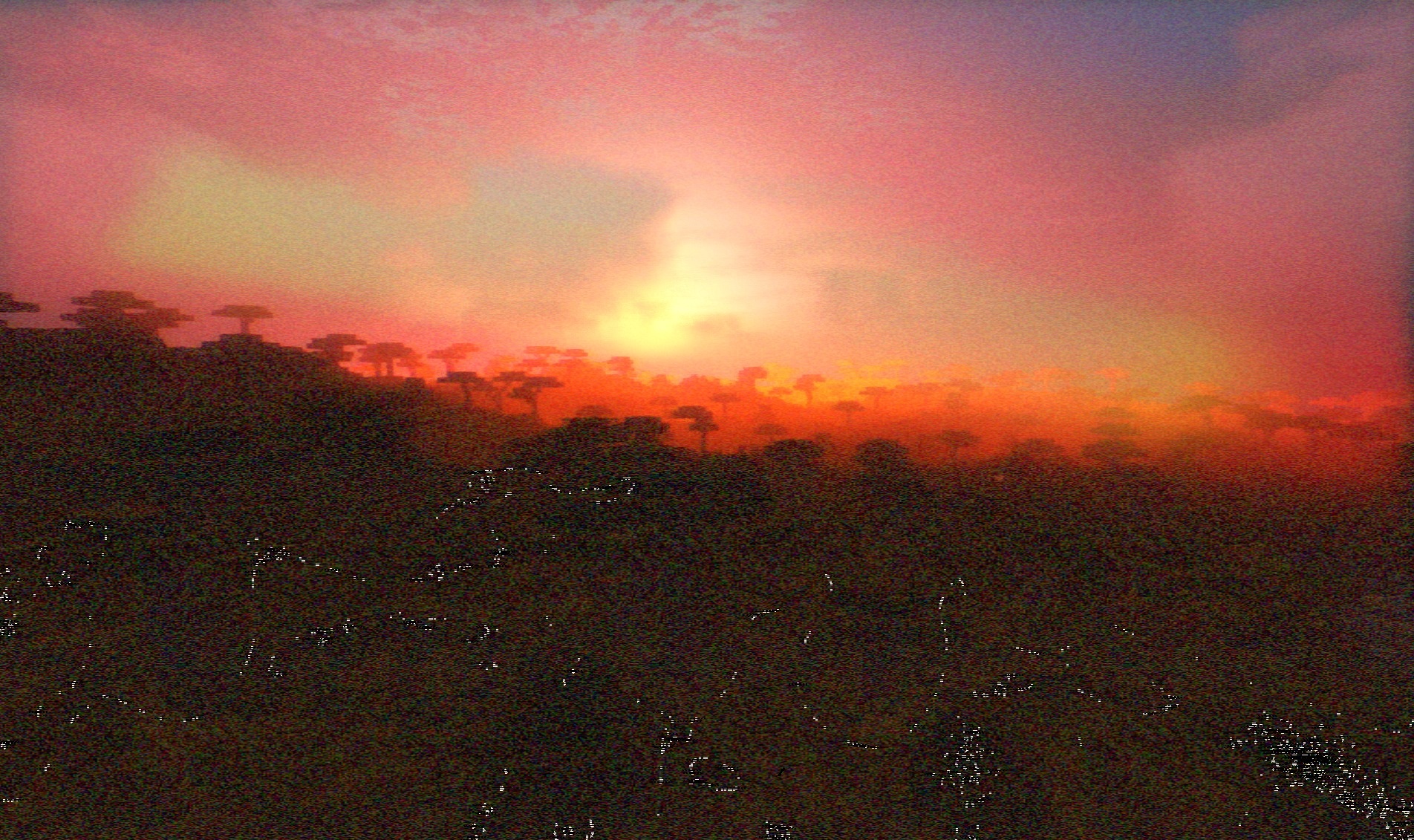
Soft Memory Shaders creates the warm, slightly blurred atmosphere of a memory. The lighting becomes softer and more realistic, but instead of cool natural tones, it uses a cozy fantasy palette. The sky and clouds receive gentle shades, while harsh shadows are smoothed out, making landscapes look calmer.
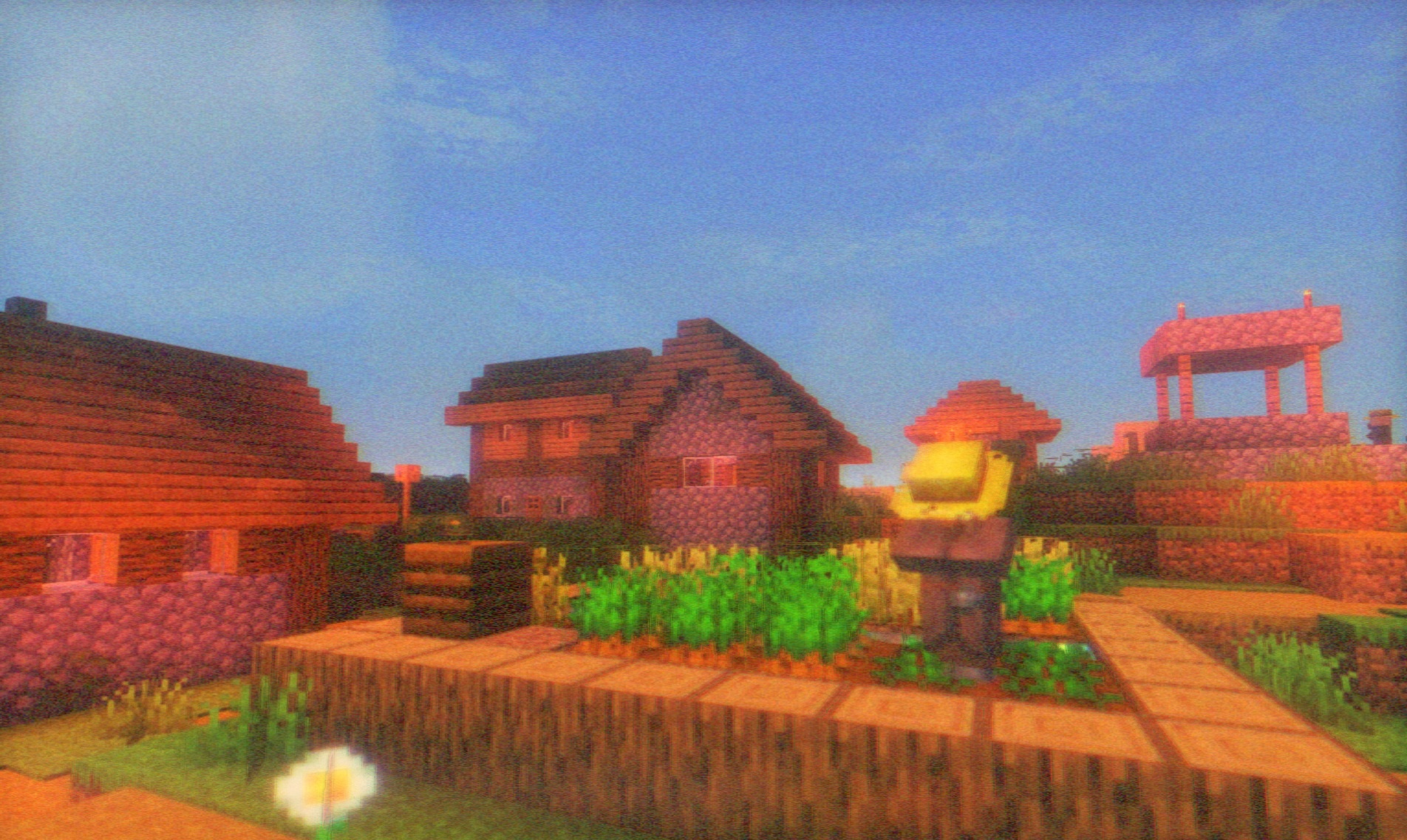
Grass, mountains, and buildings receive a warm tone reminiscent of old adventure games or fairy-tale illustrations. The pack does not try to impress with complex reflections or aggressive contrast; its purpose is rather to change the mood of the familiar world. The shader creates a soft, nostalgic image without harsh lighting transitions.
How to install a shader:
First step: download the shader package from the link below.
Second step: Unpack the downloaded archive and copy the Soft Memory Shaders folder to c:\Users\User\AppData\Roaming\.minecraft\shaderpacks\(if this folder does not exist, create it yourself) (For Windows)
Third step: In the game, go to Settings, then to Graphics Settings. Select the "shaders" section and activate the shader pack of your choice.
Comments (1)