



SoftShade Shaders for Minecraft 26.2
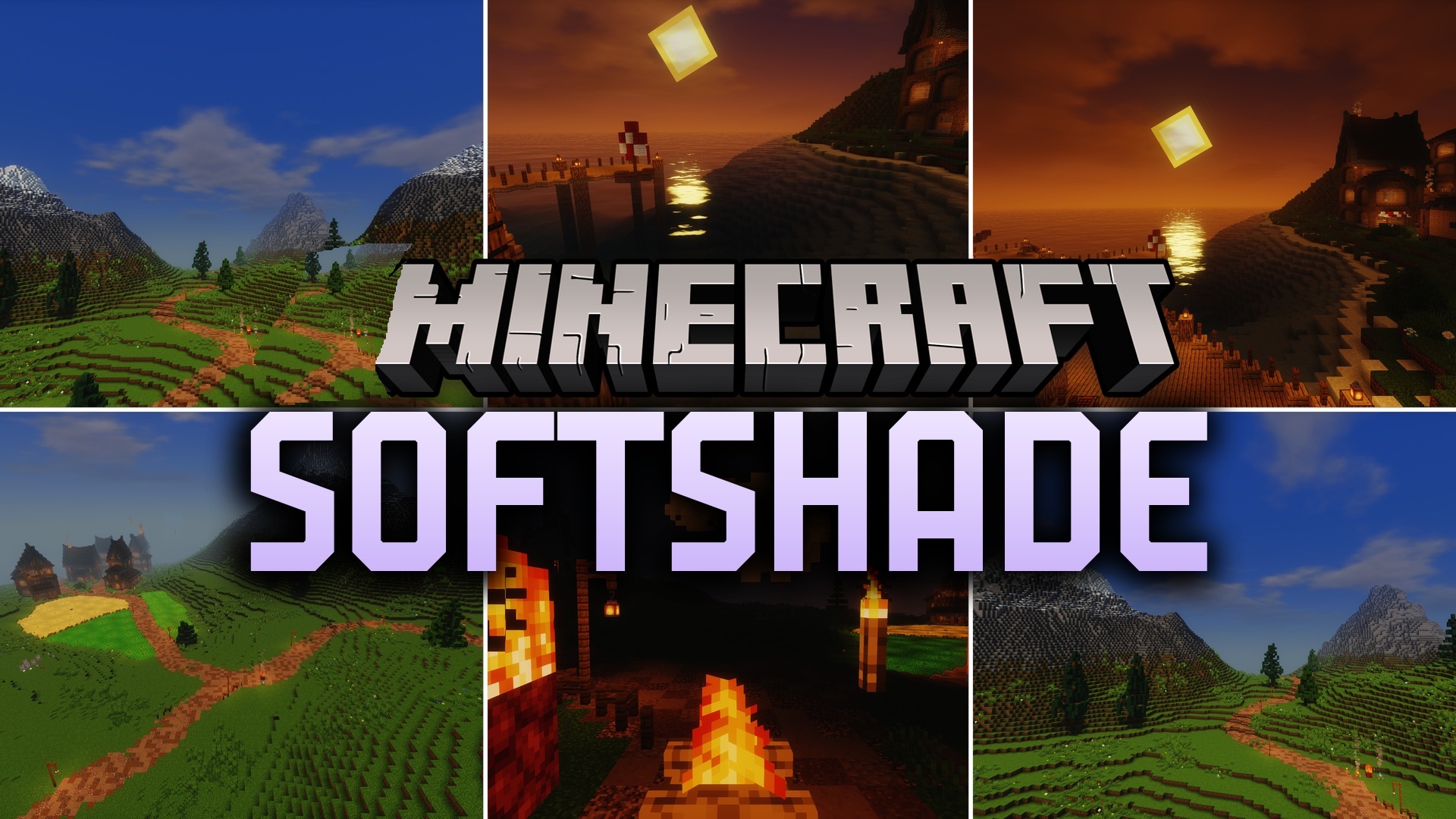
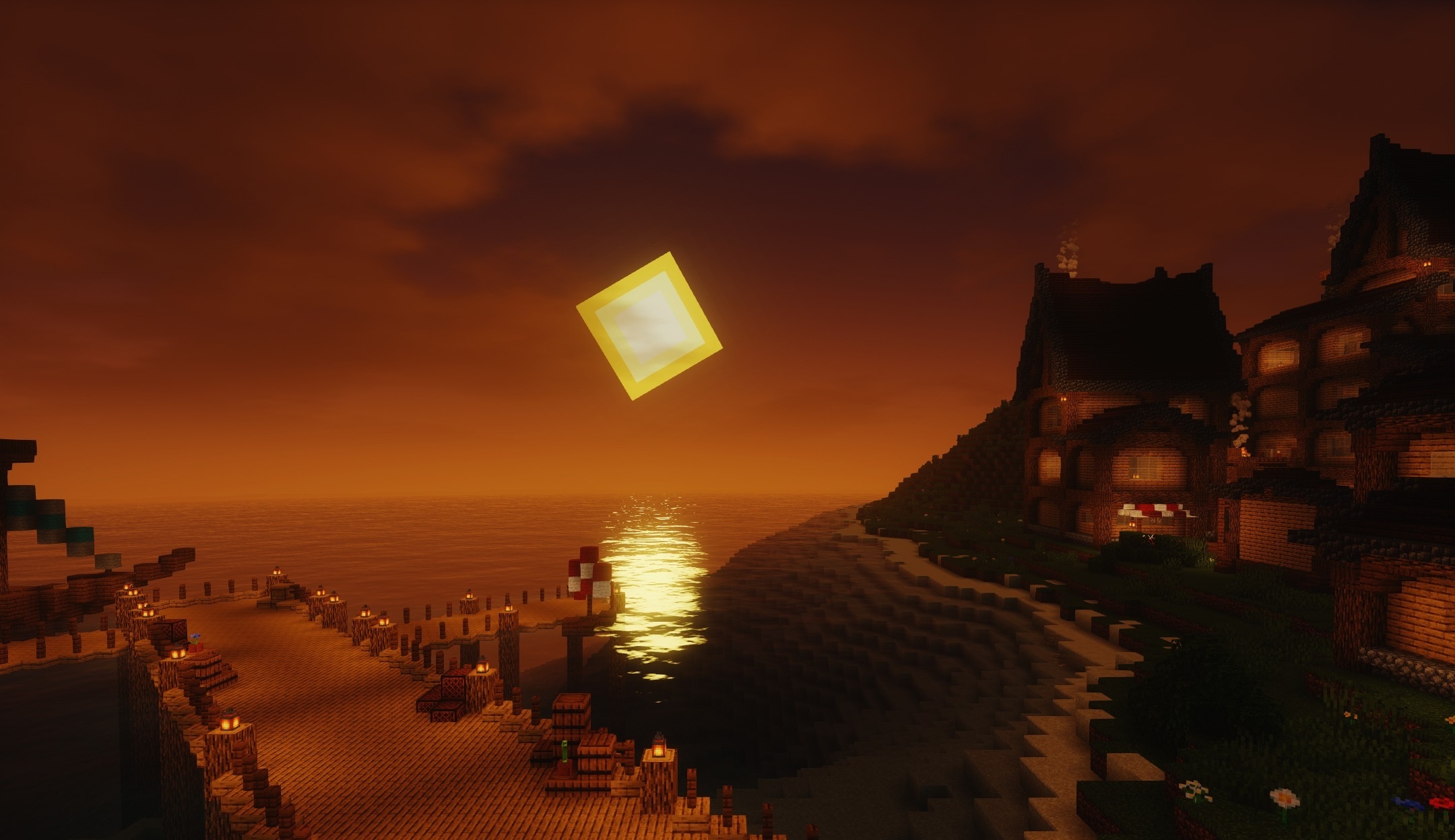
SoftShade Shaders makes the lighting soft and slightly fairy-tale-like without overloading the scene with bright highlights. Blocks retain their familiar shapes and textures but receive smoother light transitions and additional depth. The overall palette becomes calmer, so long building sessions or world exploration are less tiring for the eyes.
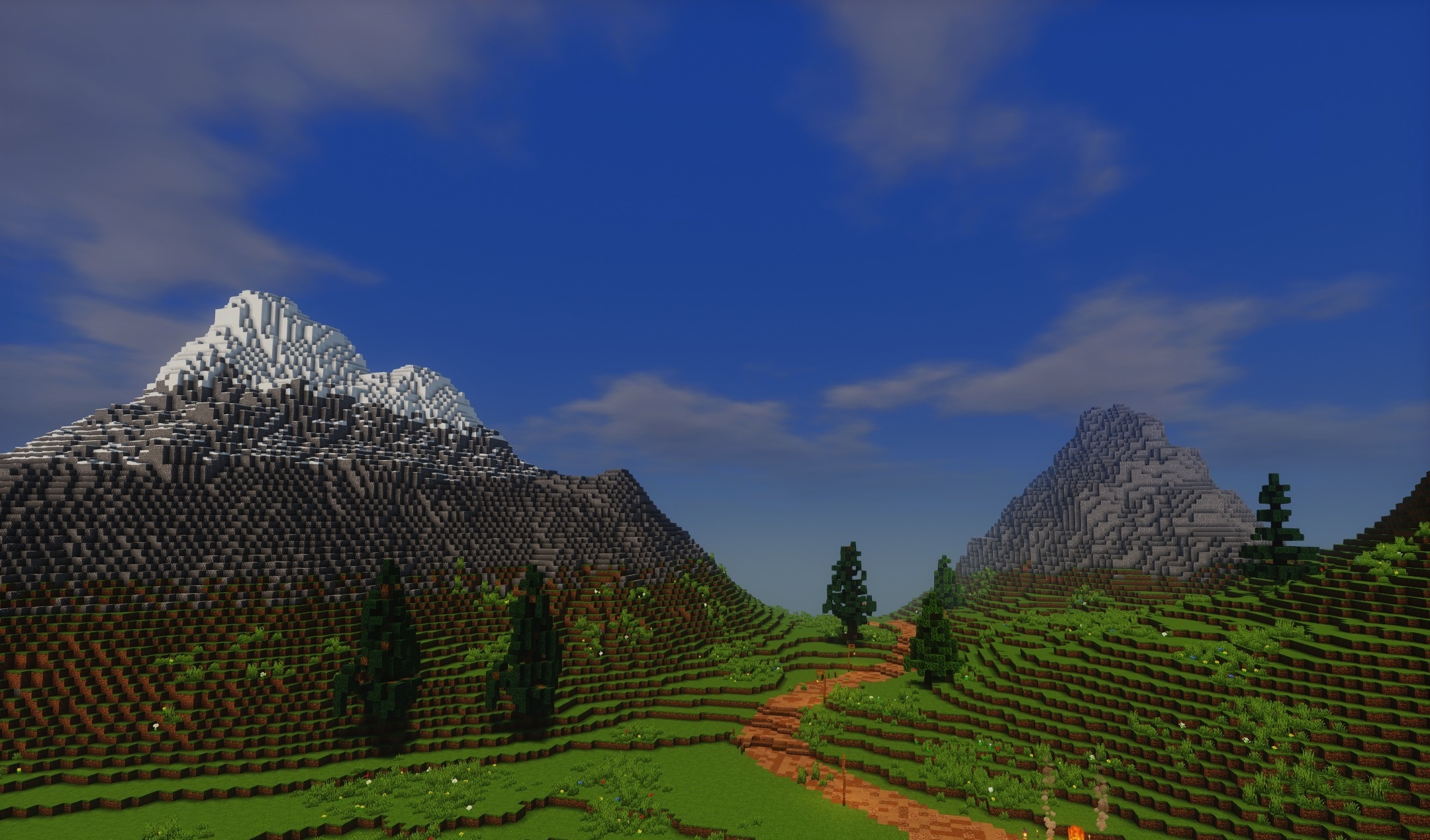
The shader is focused on stable frame rates and is suitable for budget computers where heavy packs perform poorly. There are no excessively dark shadows or dazzling reflections that make it difficult to navigate the environment. Its main goal is to create a neat fantasy atmosphere.
How to install a shader:
First step: download the shader package from the link below.
Second step: Unpack the downloaded archive and copy the SoftShade Shaders folder to c:\Users\User\AppData\Roaming\.minecraft\shaderpacks\(if this folder does not exist, create it yourself) (For Windows)
Third step: In the game, go to Settings, then to Graphics Settings. Select the "shaders" section and activate the shader pack of your choice.
Comments (0)