



SpectraDrox Ultra Shaders for Minecraft 26.2
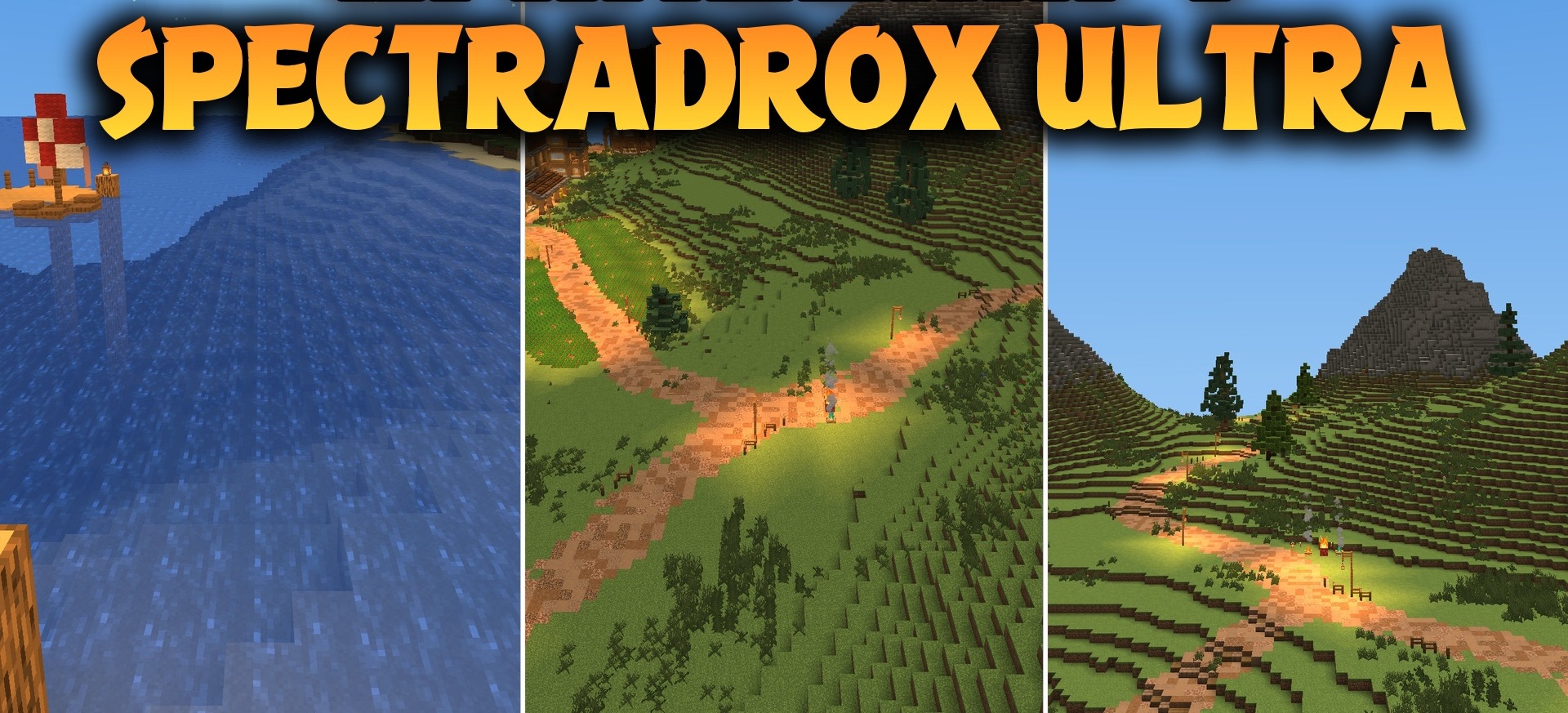
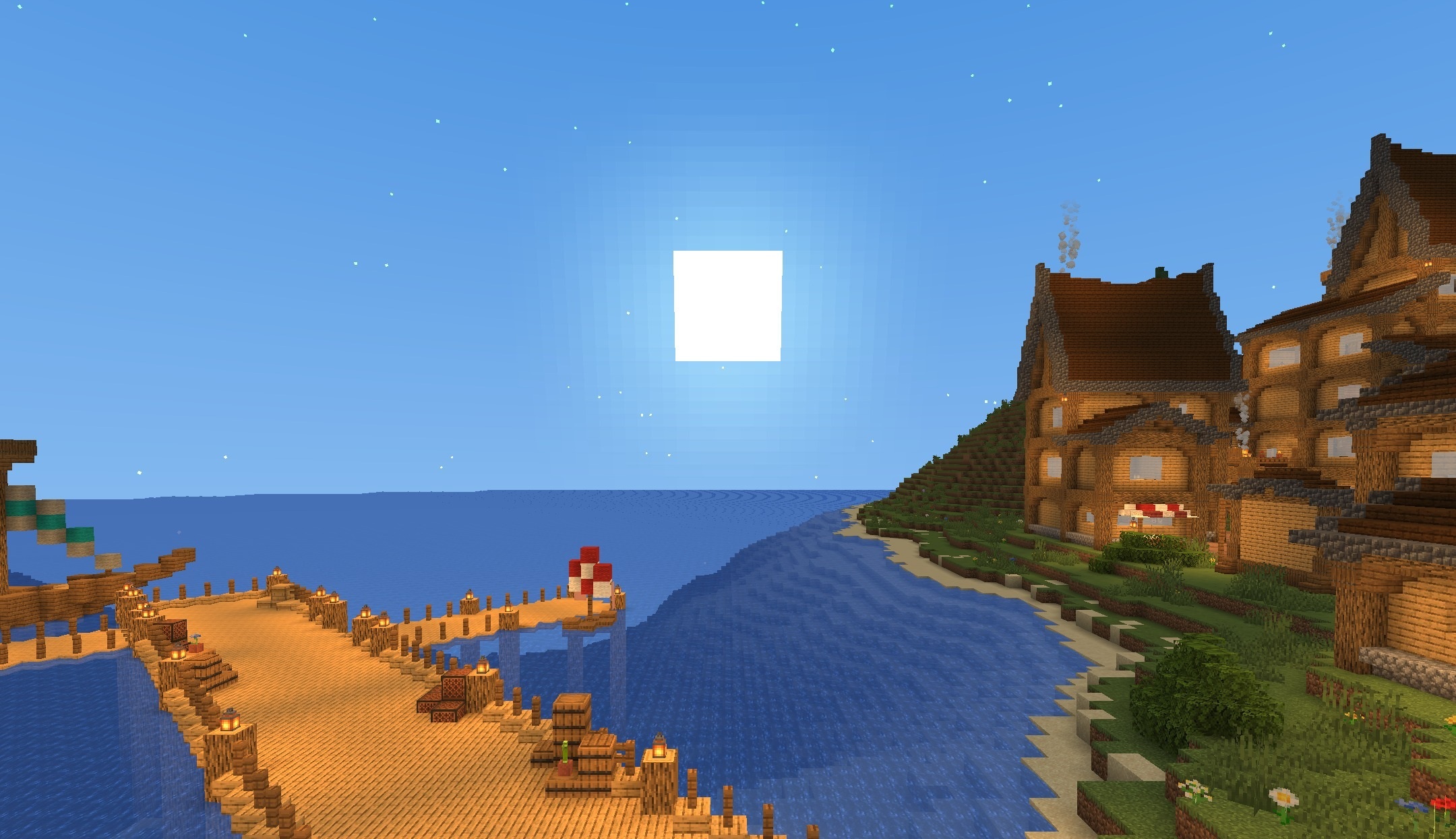
SpectraDrox Ultra Shaders offers a combination of saturated colors and high performance. Sunlight becomes cleaner, the contrast between illuminated and shaded areas becomes more pronounced, while grass, water, and the sky receive a fresher palette.
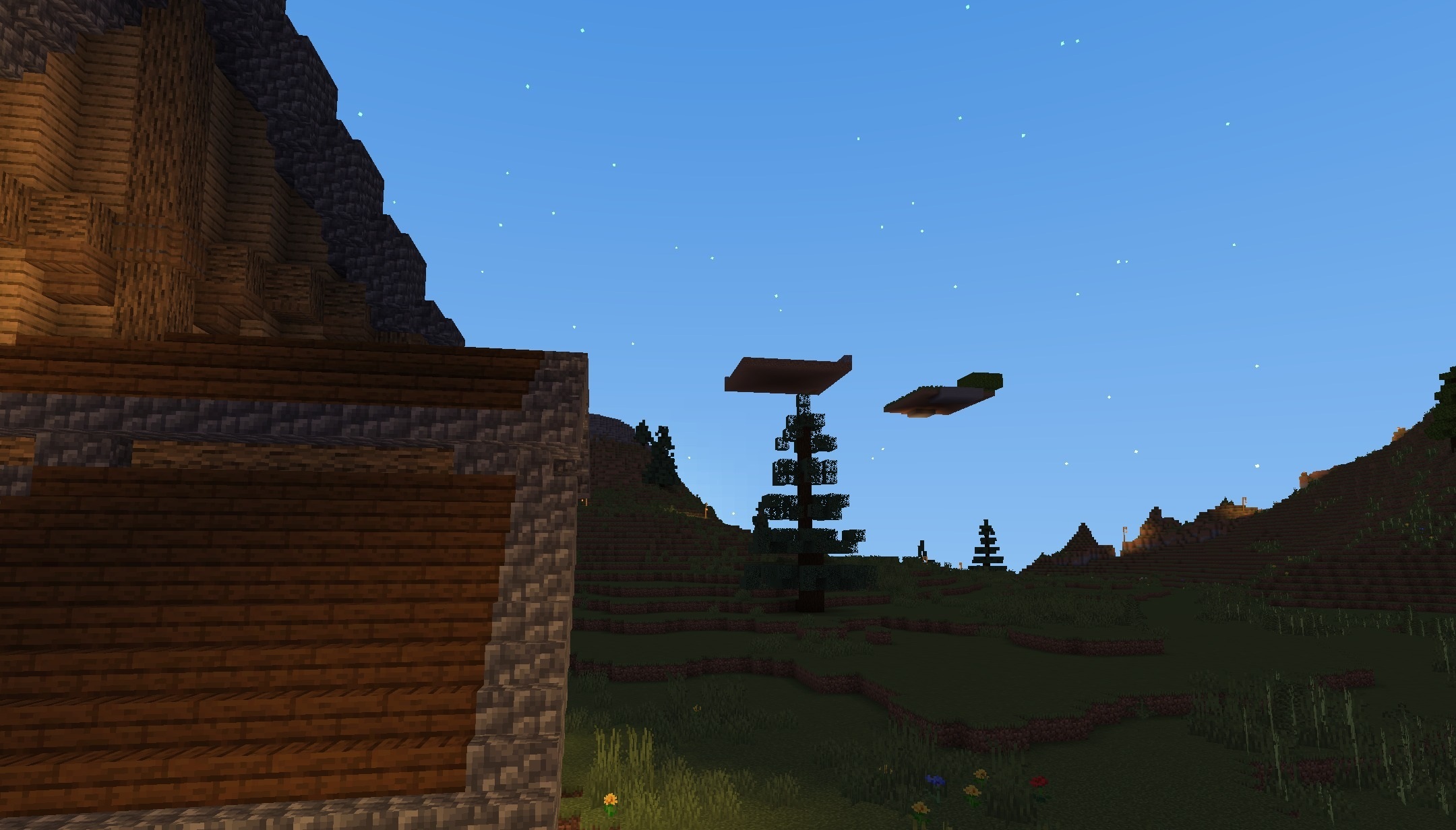
Soft shadows appear beneath trees and buildings, adding depth without making the image too heavy or dark. The shader is optimized for different computer configurations and tries to maintain a high frame rate even during active world exploration. Block textures remain close to the standard ones, so the visual update does not make navigation more difficult.
How to install a shader:
First step: download the shader package from the link below.
Second step: Unpack the downloaded archive and copy the SpectraDrox Ultra Shaders folder to c:\Users\User\AppData\Roaming\.minecraft\shaderpacks\(if this folder does not exist, create it yourself) (For Windows)
Third step: In the game, go to Settings, then to Graphics Settings. Select the "shaders" section and activate the shader pack of your choice.
Comments (0)