



Spring Chun Shaders for Minecraft 26.2

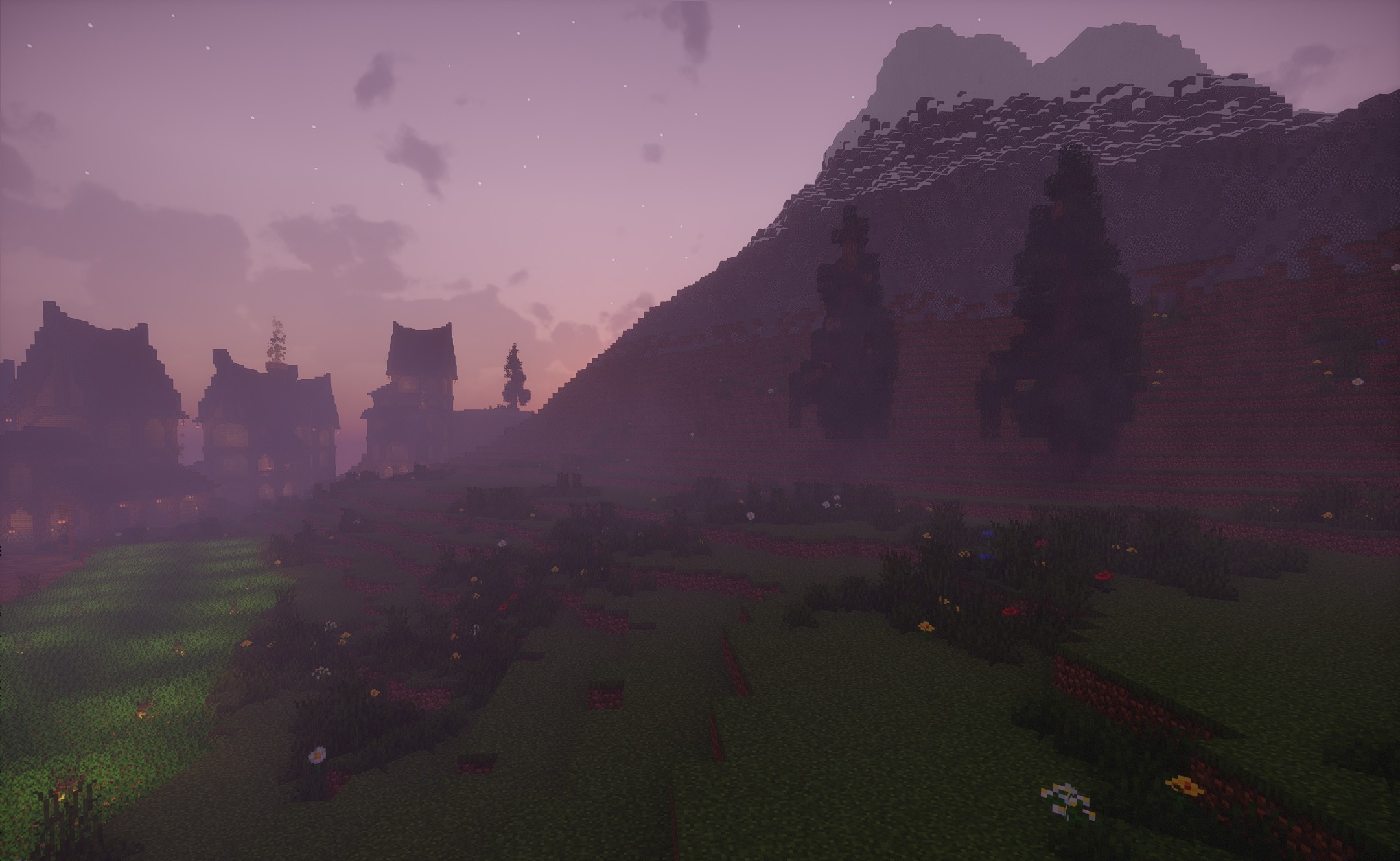
Spring Chun Shaders fills the world with soft spring lighting and warm shades. The sky becomes clear and bright, greenery looks fresher, and sunlight creates the feeling of a clear day even in familiar biomes. The shader combines realistic lighting with a fantasy palette, so the image does not become too strict or cold.
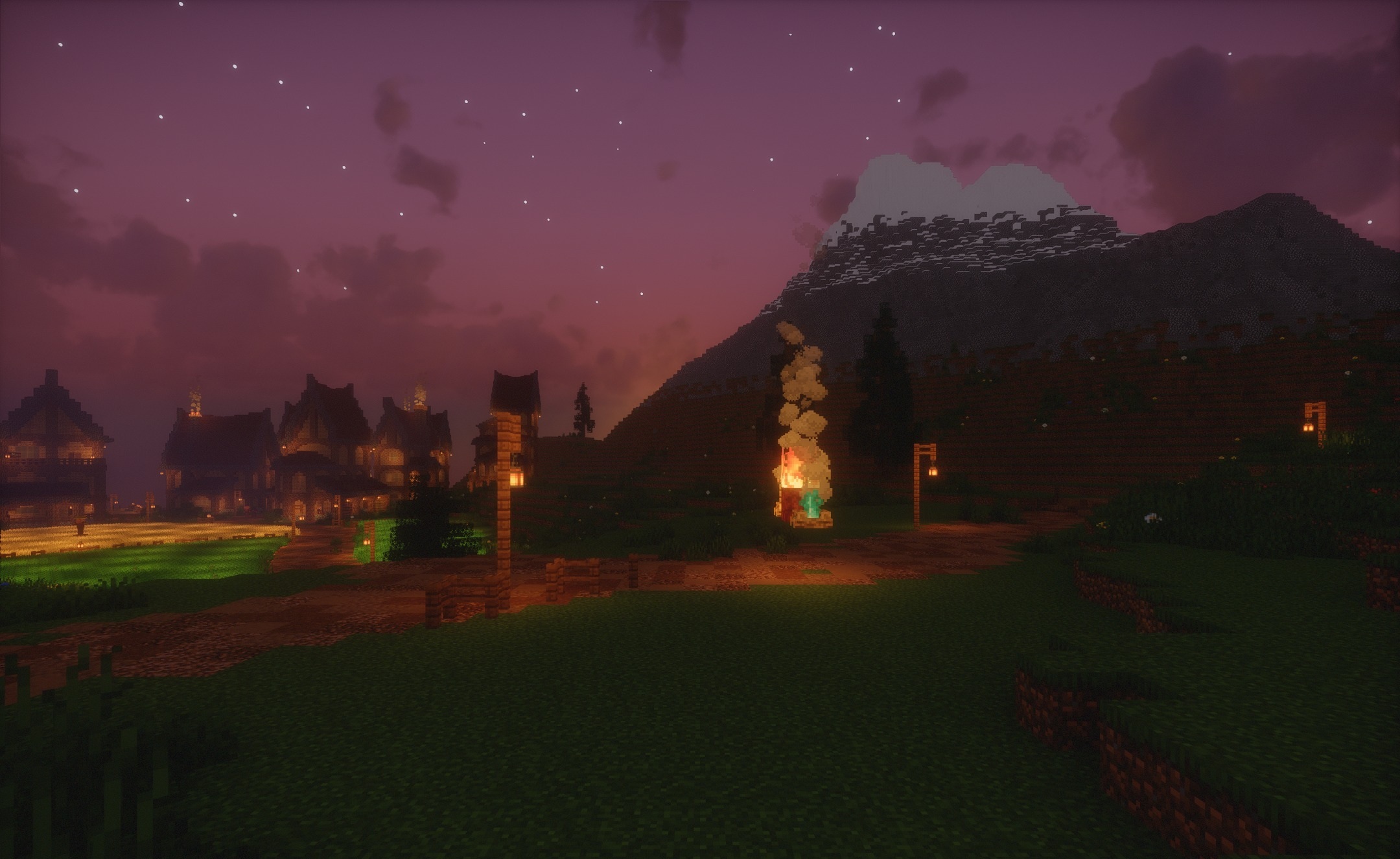
Shadows from characters, trees, and structures are softened and better match the overall visual style. Flower fields, cherry groves, and villages among green plains are transformed. The spring atmosphere remains in different parts of the world, turning ordinary walks into a bright and peaceful journey without excessively heavy effects.
How to install a shader:
First step: download the shader package from the link below.
Second step: Unpack the downloaded archive and copy the Spring Chun Shaders folder to c:\Users\User\AppData\Roaming\.minecraft\shaderpacks\(if this folder does not exist, create it yourself) (For Windows)
Third step: In the game, go to Settings, then to Graphics Settings. Select the "shaders" section and activate the shader pack of your choice.
Comments (0)