



StarShaders for Minecraft 26.2
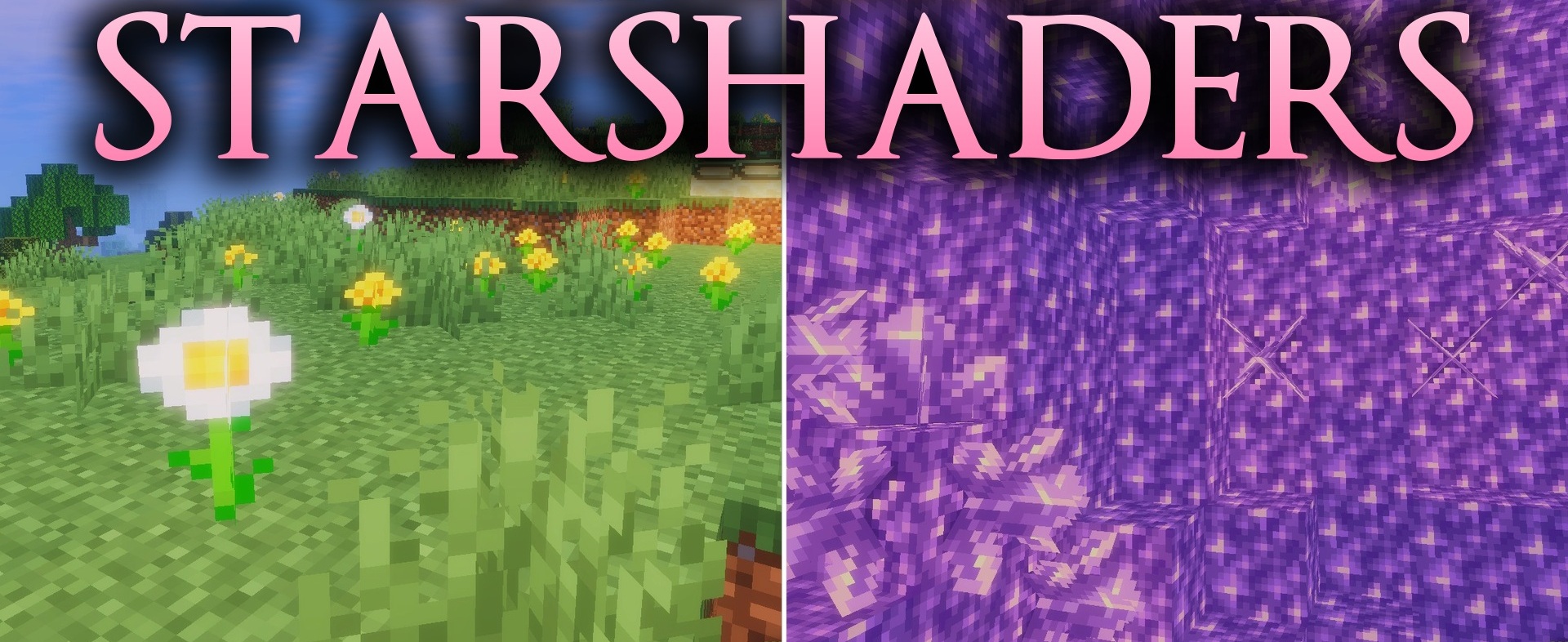
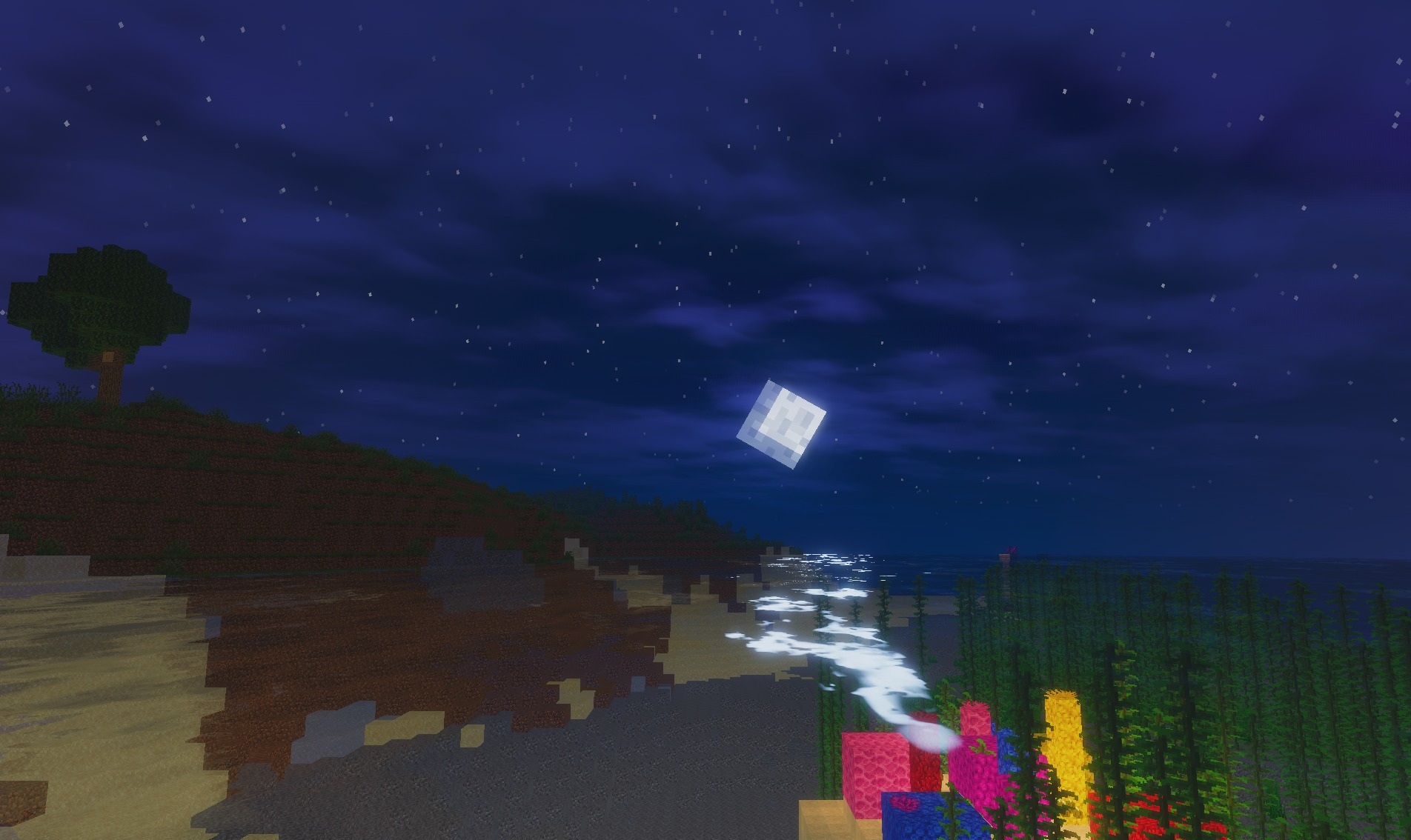
The fantasy appearance in StarShaders is combined with lightweight rendering. Water receives a reflective surface and smooth wave animation, while the standard sky is replaced with a softer version featuring reworked clouds. The lighting uses a saturated palette that changes the perception of familiar biomes without affecting their basic textures.
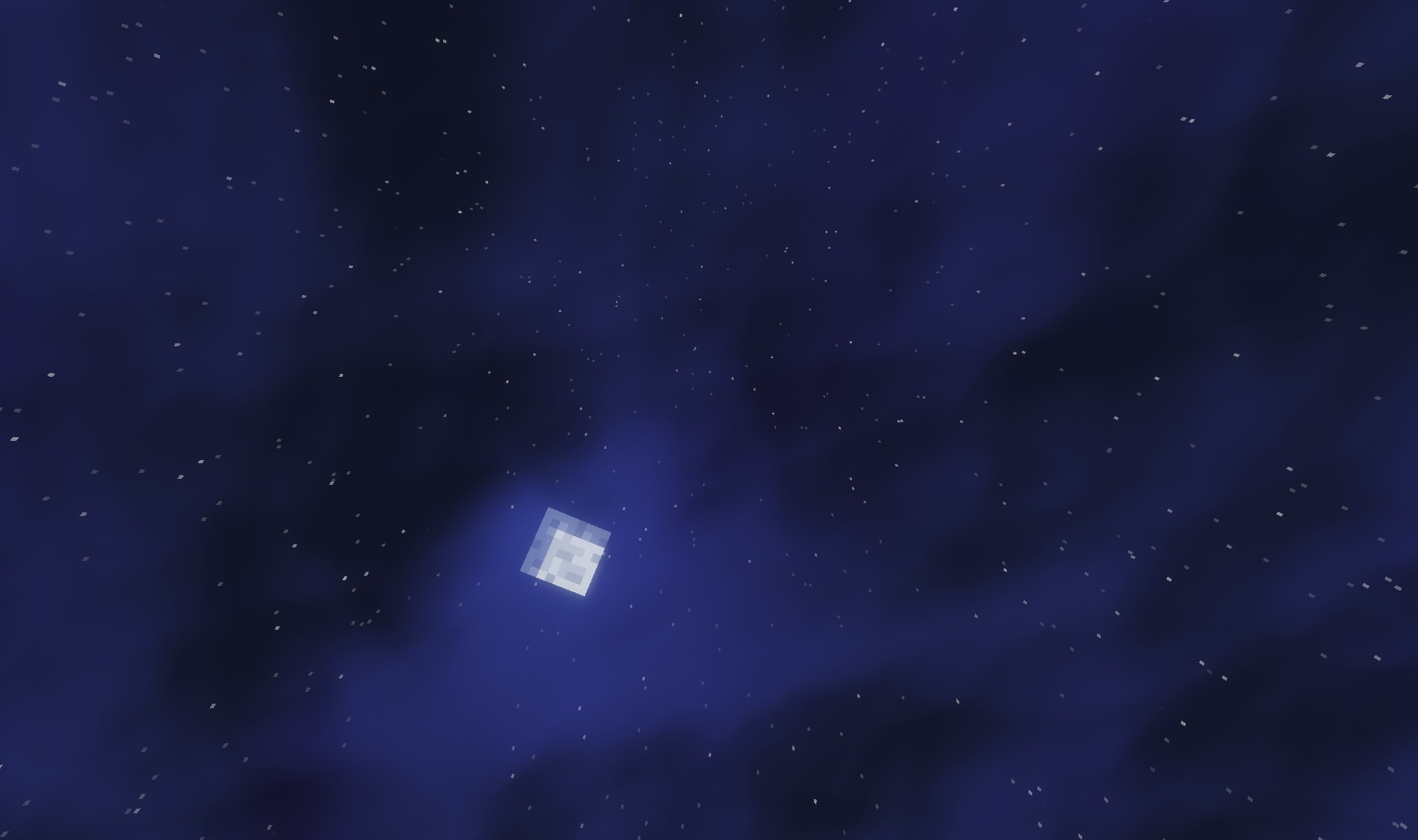
During development, the main emphasis was placed on a high frame rate: the pack avoids heavy graphics technologies and can run on old computers and weak devices. Despite the simplified technical side, it retains the key elements of a full shader.
How to install a shader:
First step: download the shader package from the link below.
Second step: Unpack the downloaded archive and copy the StarShaders folder to c:\Users\User\AppData\Roaming\.minecraft\shaderpacks\(if this folder does not exist, create it yourself) (For Windows)
Third step: In the game, go to Settings, then to Graphics Settings. Select the "shaders" section and activate the shader pack of your choice.
Comments (0)