



SwiftShade Shaders for Minecraft 26.2
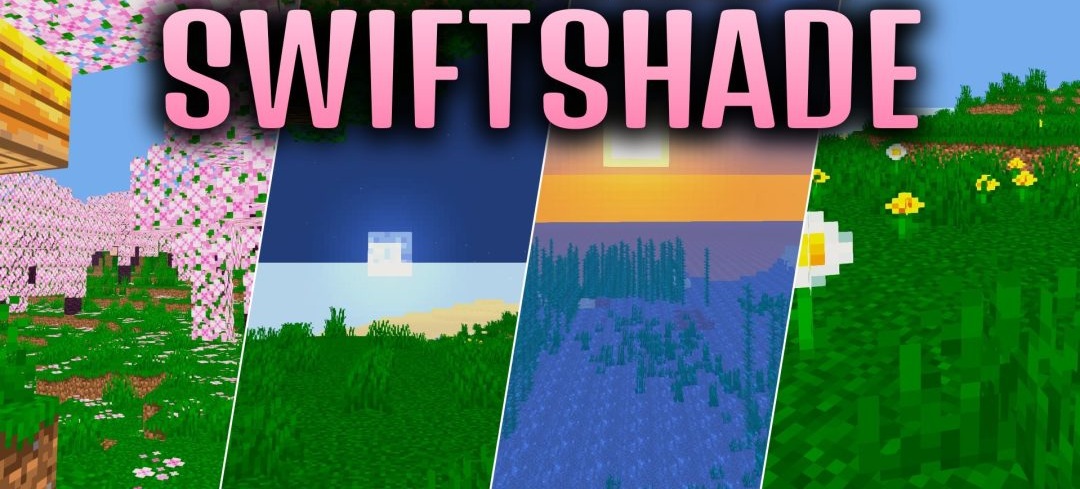
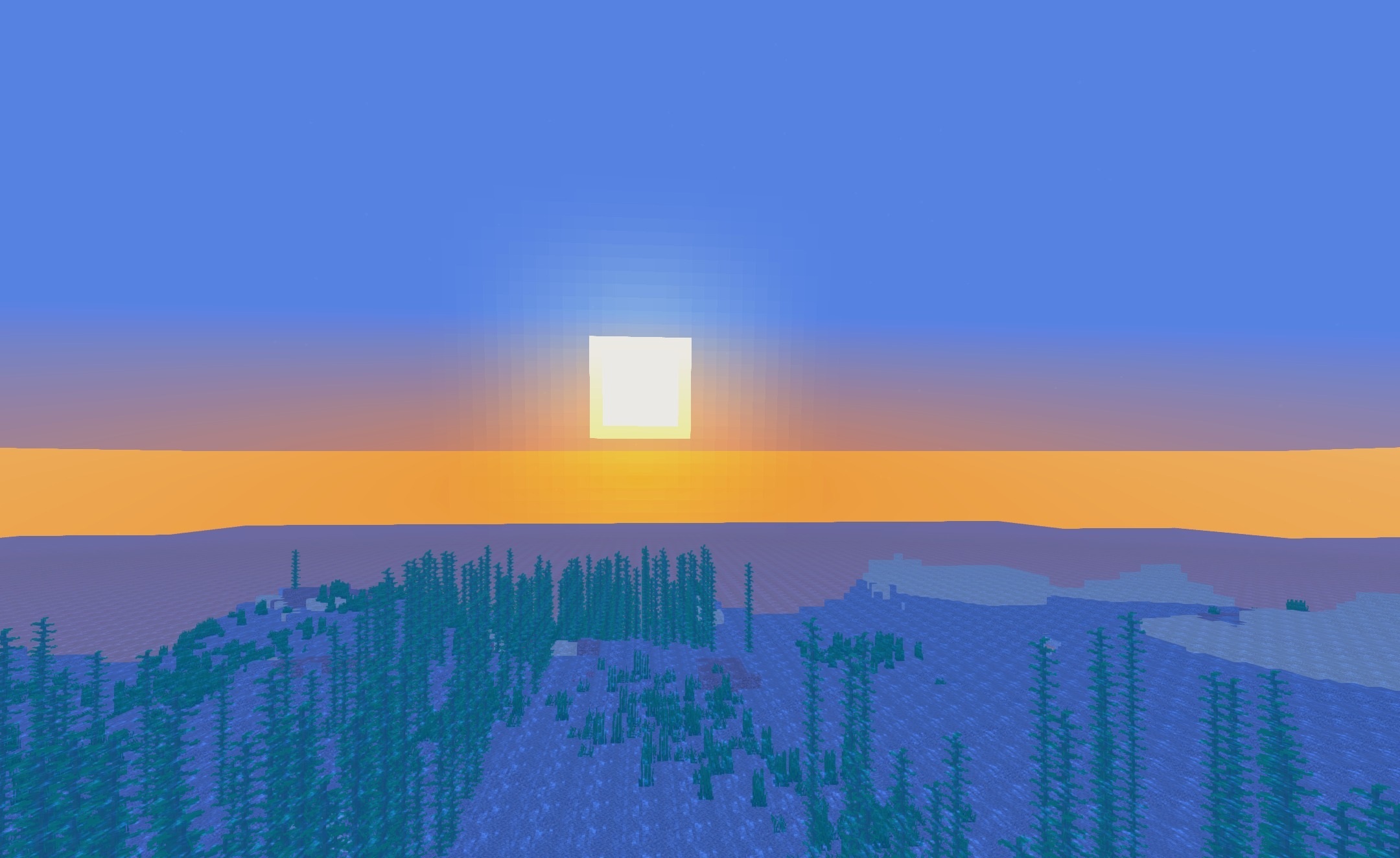
SwiftShade Shaders changes the color processing of the world without burdening it with a large number of heavy graphical effects. Grass and foliage receive a deep dark emerald shade, while the other colors become more saturated and are separated from each other more clearly. Light atmospheric fog softens distant views without blocking visibility, which is important during fast movement and PvP battles.
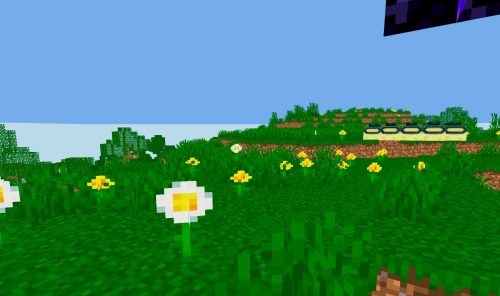
The pack is focused on maintaining a high frame rate, so it is also designed for budget and low-end computers. Even during dynamic battles, the visual processing should not cause sharp performance drops.
How to install a shader:
First step: download the shader package from the link below.
Second step: Unpack the downloaded archive and copy the SwiftShade Shaders folder to c:\Users\User\AppData\Roaming\.minecraft\shaderpacks\(if this folder does not exist, create it yourself) (For Windows)
Third step: In the game, go to Settings, then to Graphics Settings. Select the "shaders" section and activate the shader pack of your choice.
Comments (0)