



Terminator Vision Shaders for Minecraft 26.2
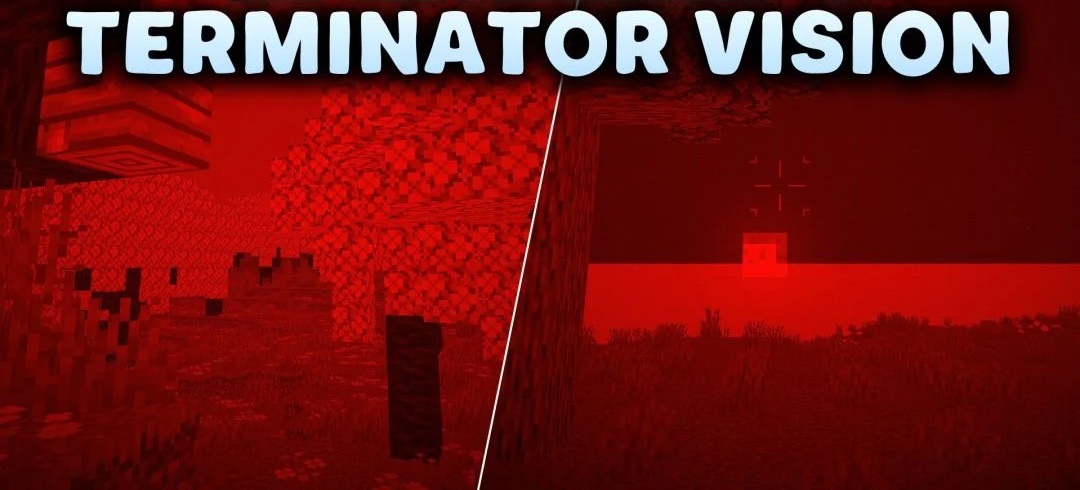
The entire world is tinted red after enabling Terminator Vision Shaders, which imitates the display of the T-800 cyborg. A characteristic color filter is layered over the standard scene, while the image is complemented by thin scanlines and digital artifacts.
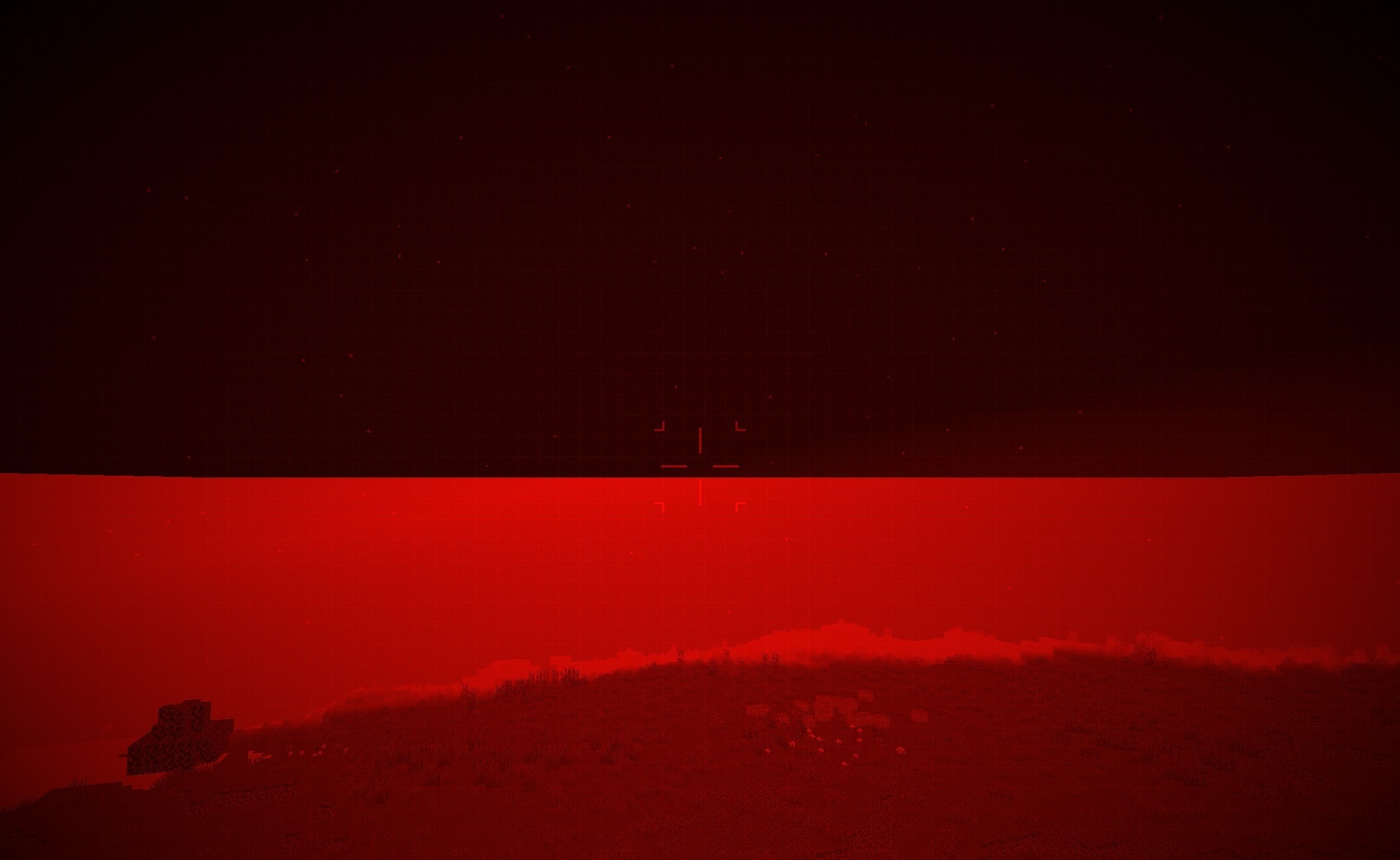
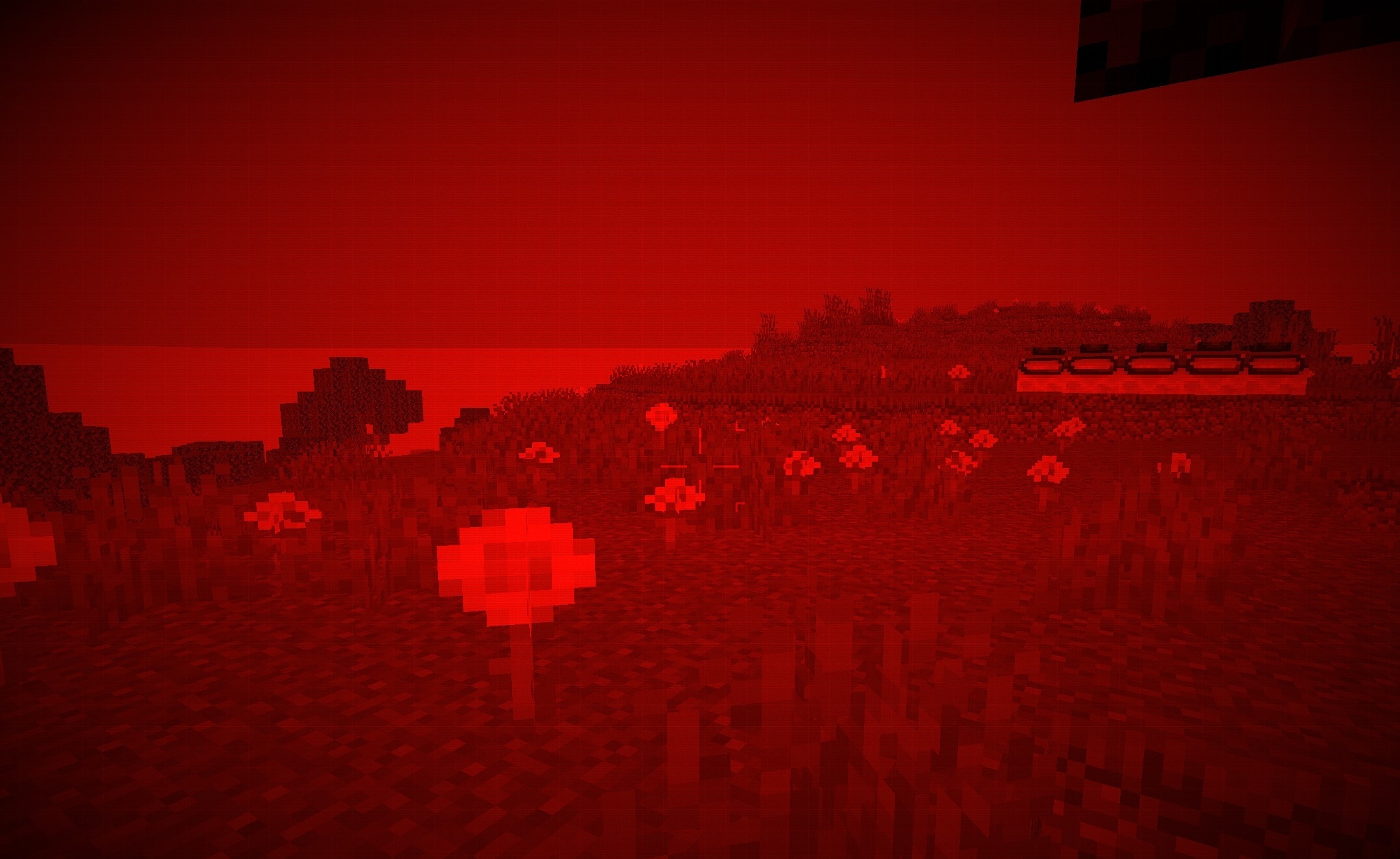
The effect applies to blocks, mobs, and the landscape, so even ordinary exploration of the world looks like observation through a mechanical vision system. At the same time, the geometry of objects remains clearly distinguishable beneath the red processing, while the game interface continues to perform its usual functions. Resource-intensive realistic shadows or reflections are not used to create the effect.
How to install a shader:
First step: download the shader package from the link below.
Second step: Unpack the downloaded archive and copy the Terminator Vision Shaders folder to c:\Users\User\AppData\Roaming\.minecraft\shaderpacks\(if this folder does not exist, create it yourself) (For Windows)
Third step: In the game, go to Settings, then to Graphics Settings. Select the "shaders" section and activate the shader pack of your choice.
Comments (0)