



The Cursed Shaders for Minecraft 26.2
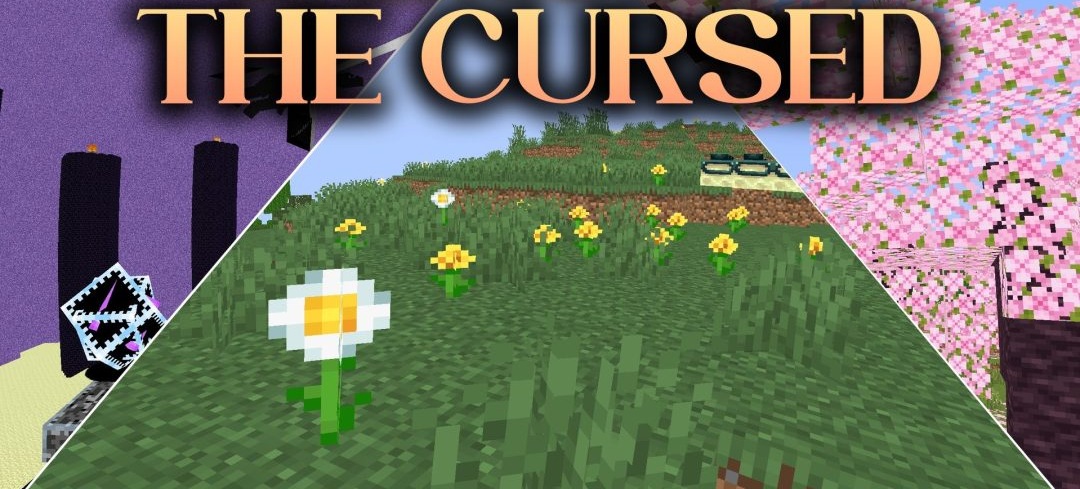
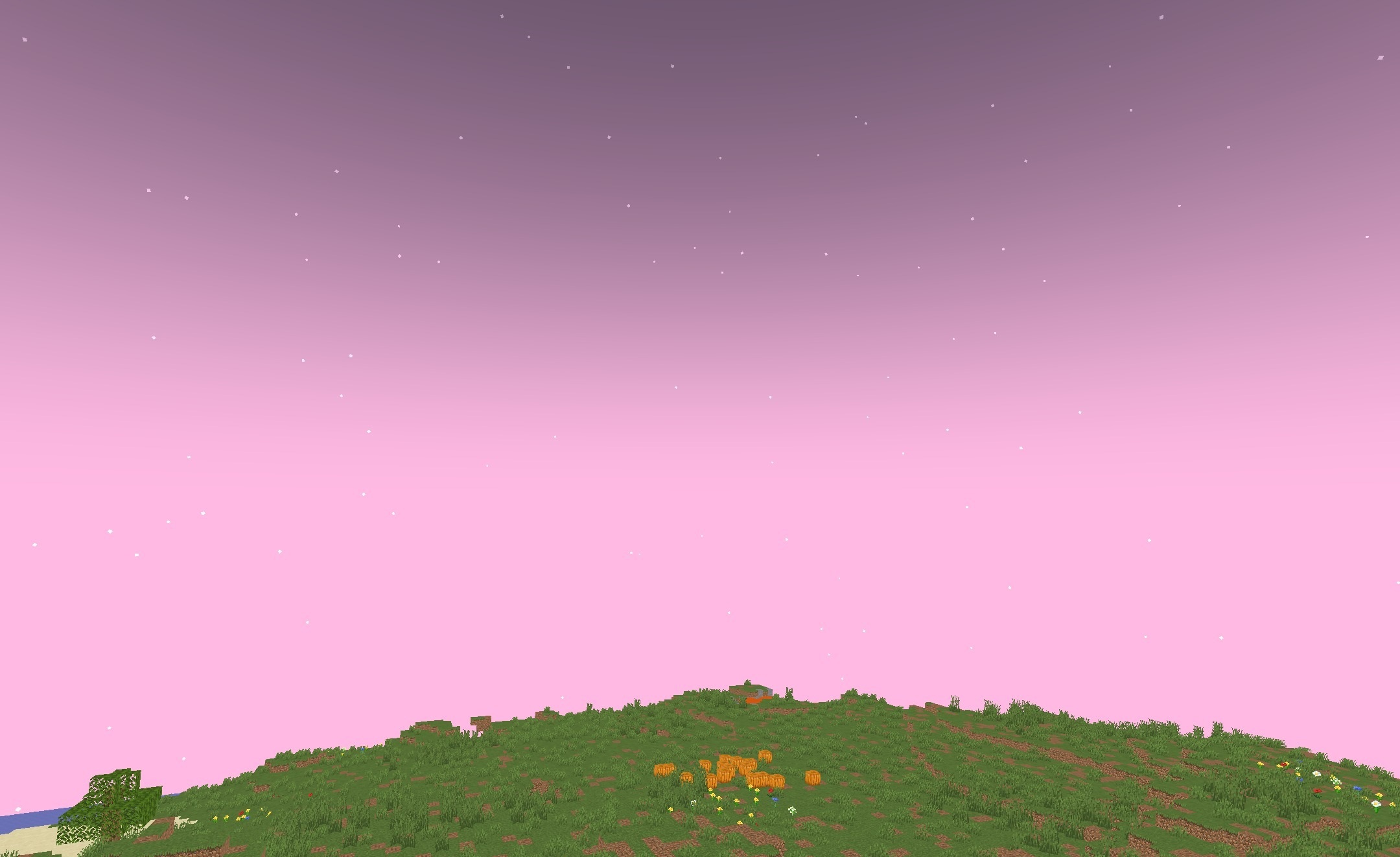
The Cursed Shaders deliberately rejects realistic visuals and turns Minecraft’s familiar lighting into a strange visual nightmare. The colors of biomes and blocks take on fantastical shades, while the standard distribution of light is changed so that familiar places look unusual and at times ominous.
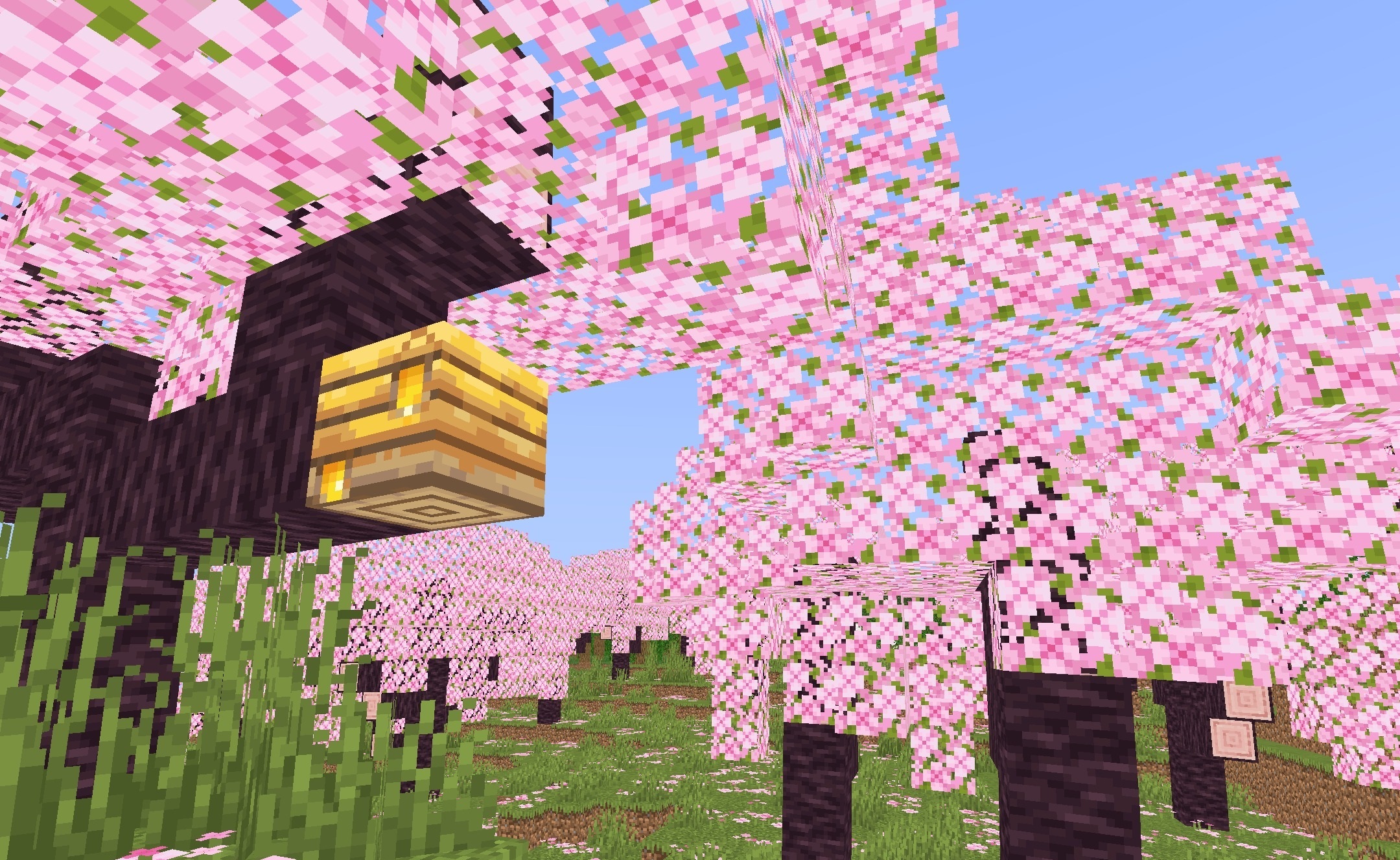
The effect extends to the regular landscape, so even well-known forests, plains, and structures gain a different mood without changing their geometry. The shader works through Iris and includes several performance settings. For less powerful computers, “potato,” “low,” and “medium” profiles are available, allowing the load on the system to be reduced.
How to install a shader:
First step: download the shader package from the link below.
Second step: Unpack the downloaded archive and copy the The Cursed Shaders folder to c:\Users\User\AppData\Roaming\.minecraft\shaderpacks\(if this folder does not exist, create it yourself) (For Windows)
Third step: In the game, go to Settings, then to Graphics Settings. Select the "shaders" section and activate the shader pack of your choice.
Comments (0)