



TheShader Shaders for Minecraft 26.2
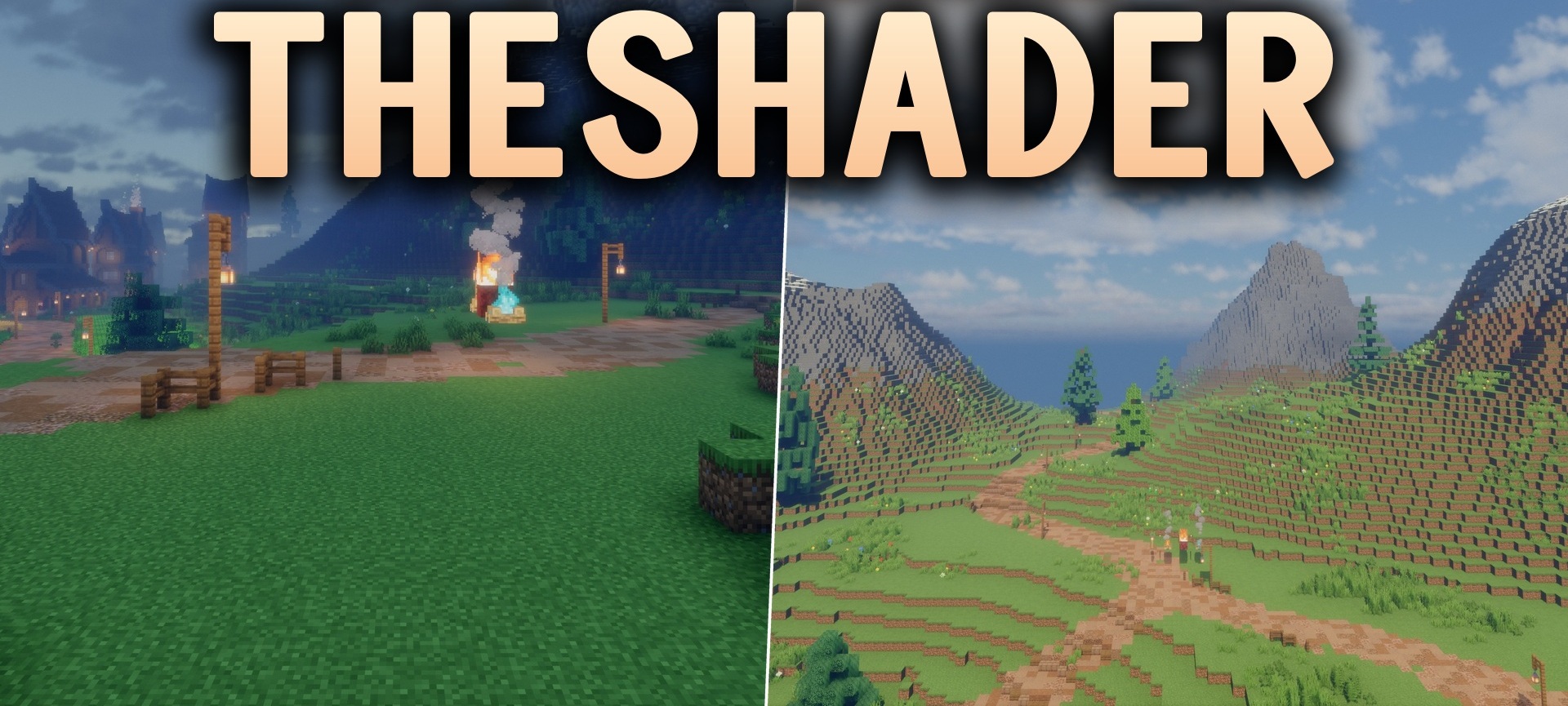
TheShader Shaders changes the lighting, color palette, and perception of the time of day. During the day, sunlight highlights the shapes of mountains and buildings more brightly, while in the evening shadows become longer and more noticeable. The shades of water, the sky, and surrounding blocks have also been reworked, making the world look more realistic while retaining its recognizable forms.
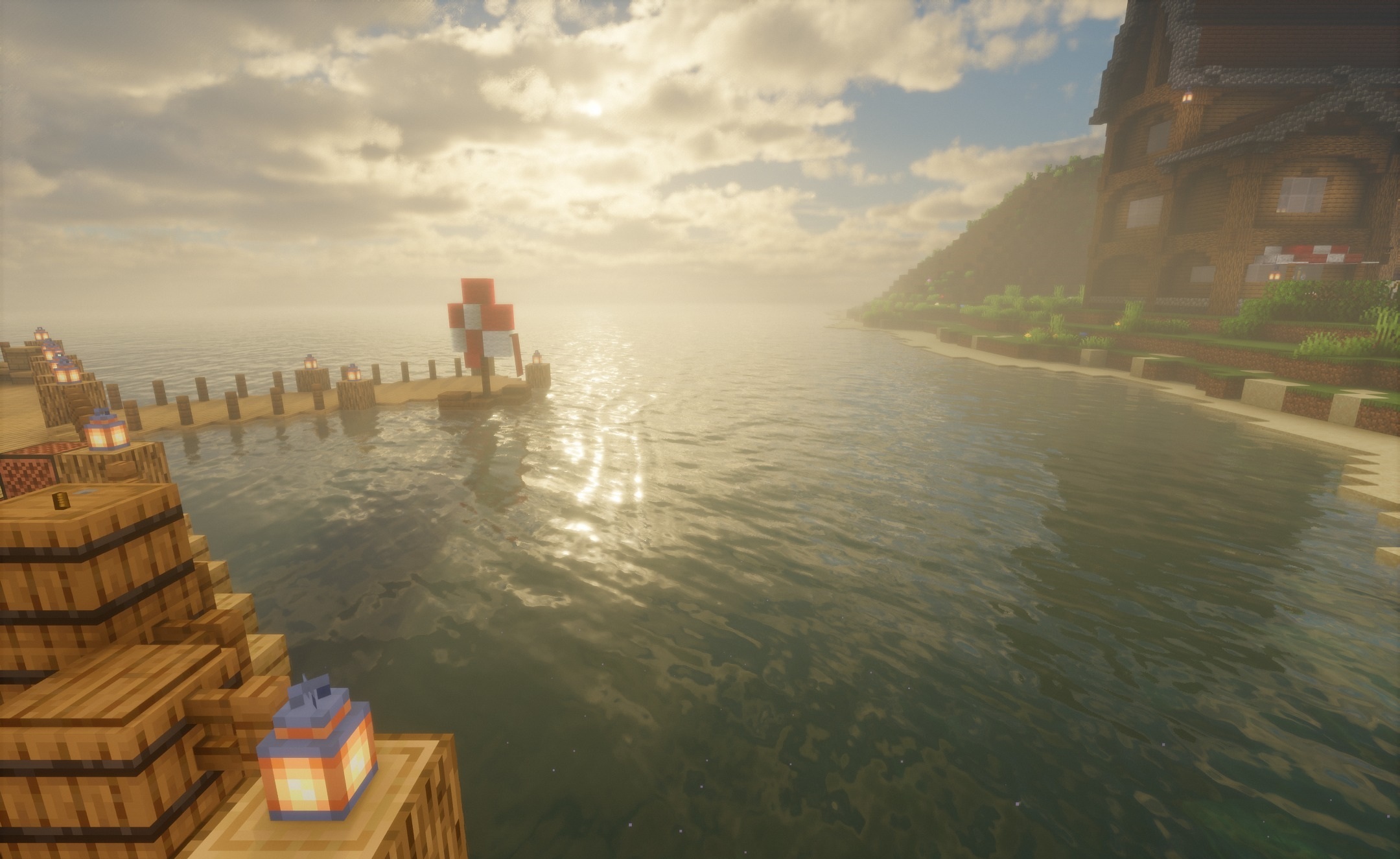
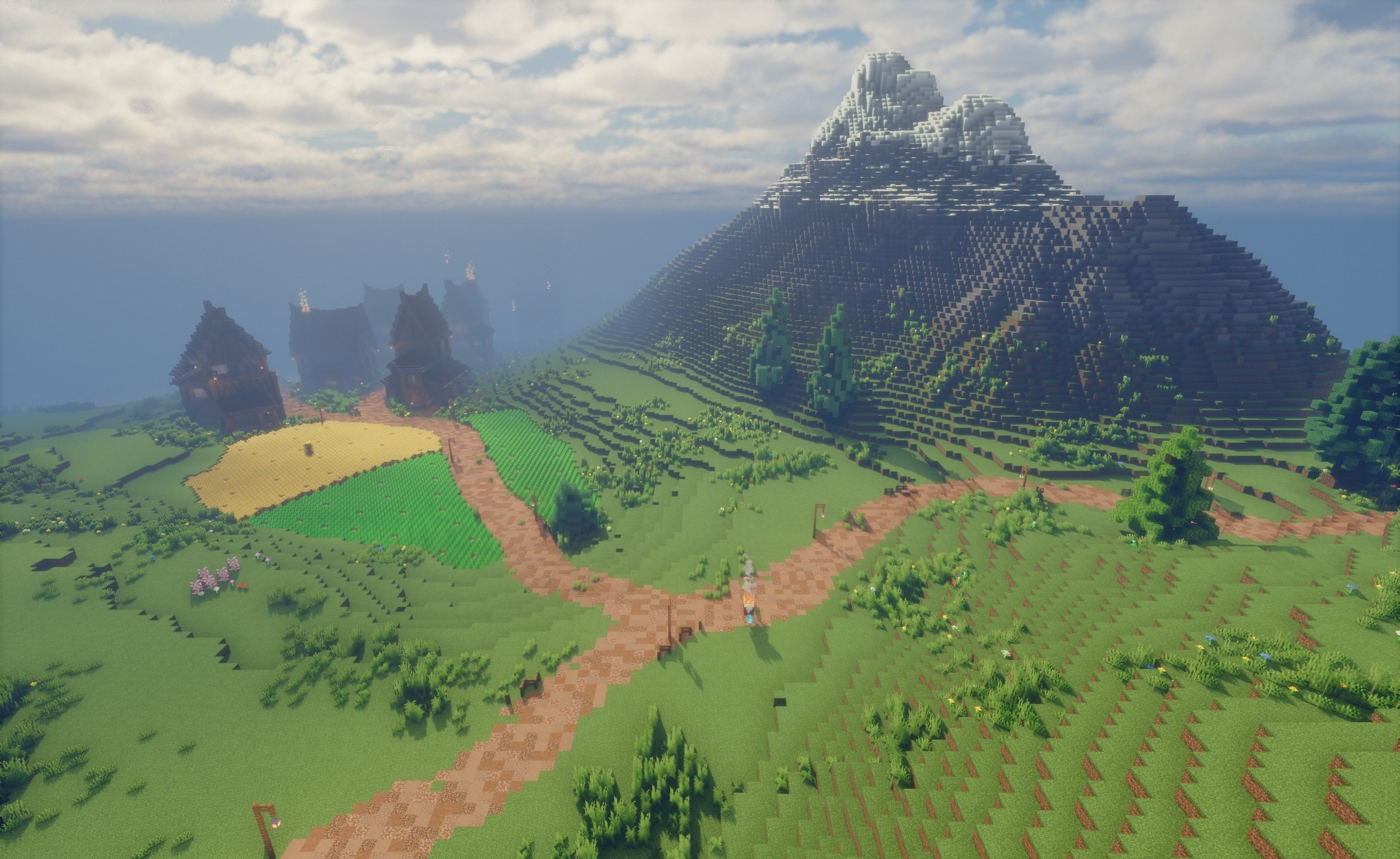
The shader is used as the main visual pack for the LRM modpack and is configured with its environment in mind. Moonlight differs from daylight not only in brightness but also in its overall shade, giving nighttime journeys their own mood. The most noticeable features are the expressive shadows from trees, large structures, and uneven terrain.
How to install a shader:
First step: download the shader package from the link below.
Second step: Unpack the downloaded archive and copy the TheShader Shaders folder to c:\Users\User\AppData\Roaming\.minecraft\shaderpacks\(if this folder does not exist, create it yourself) (For Windows)
Third step: In the game, go to Settings, then to Graphics Settings. Select the "shaders" section and activate the shader pack of your choice.
Comments (0)