



TrueLight FX Shaders for Minecraft 26.2
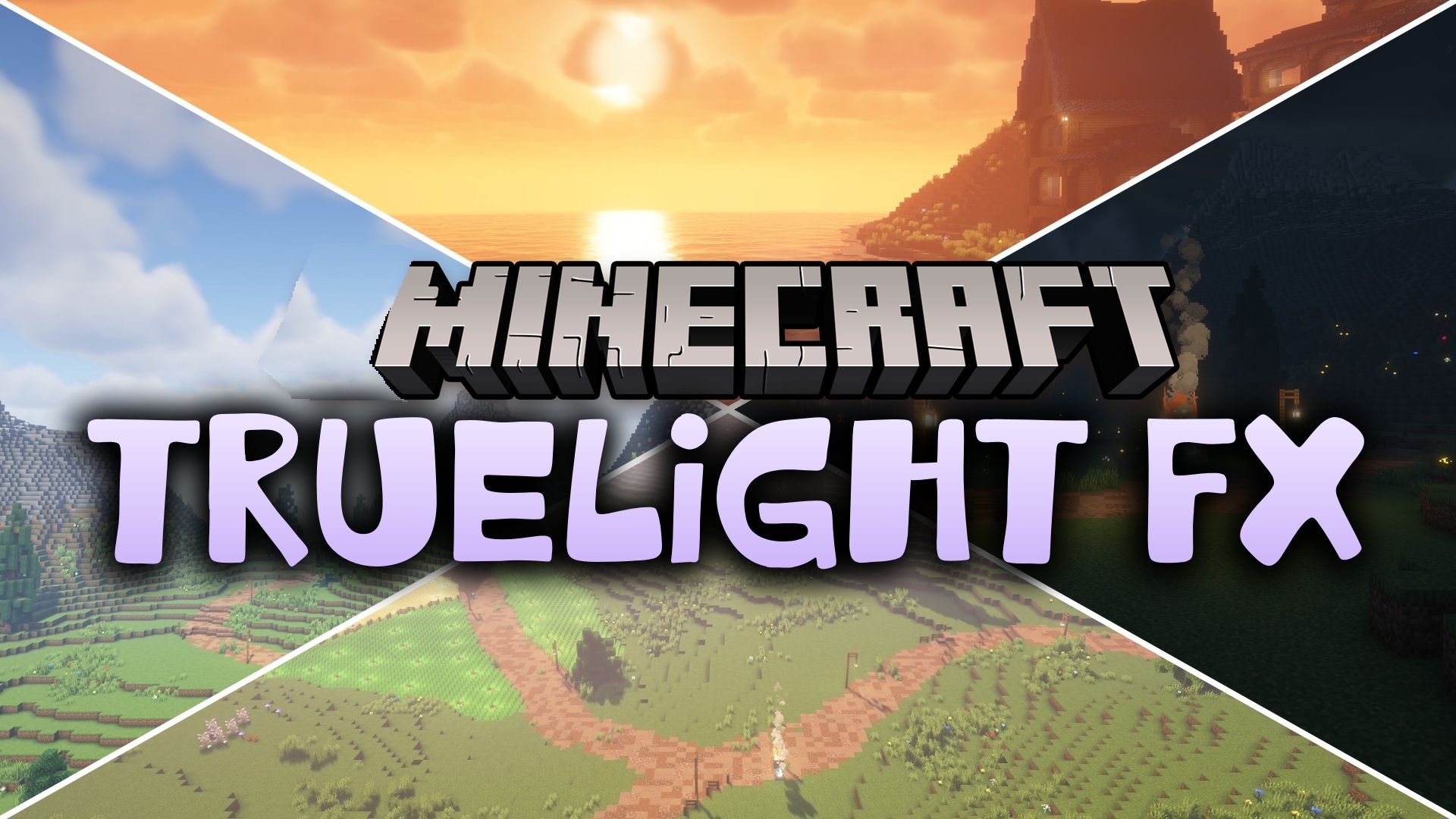
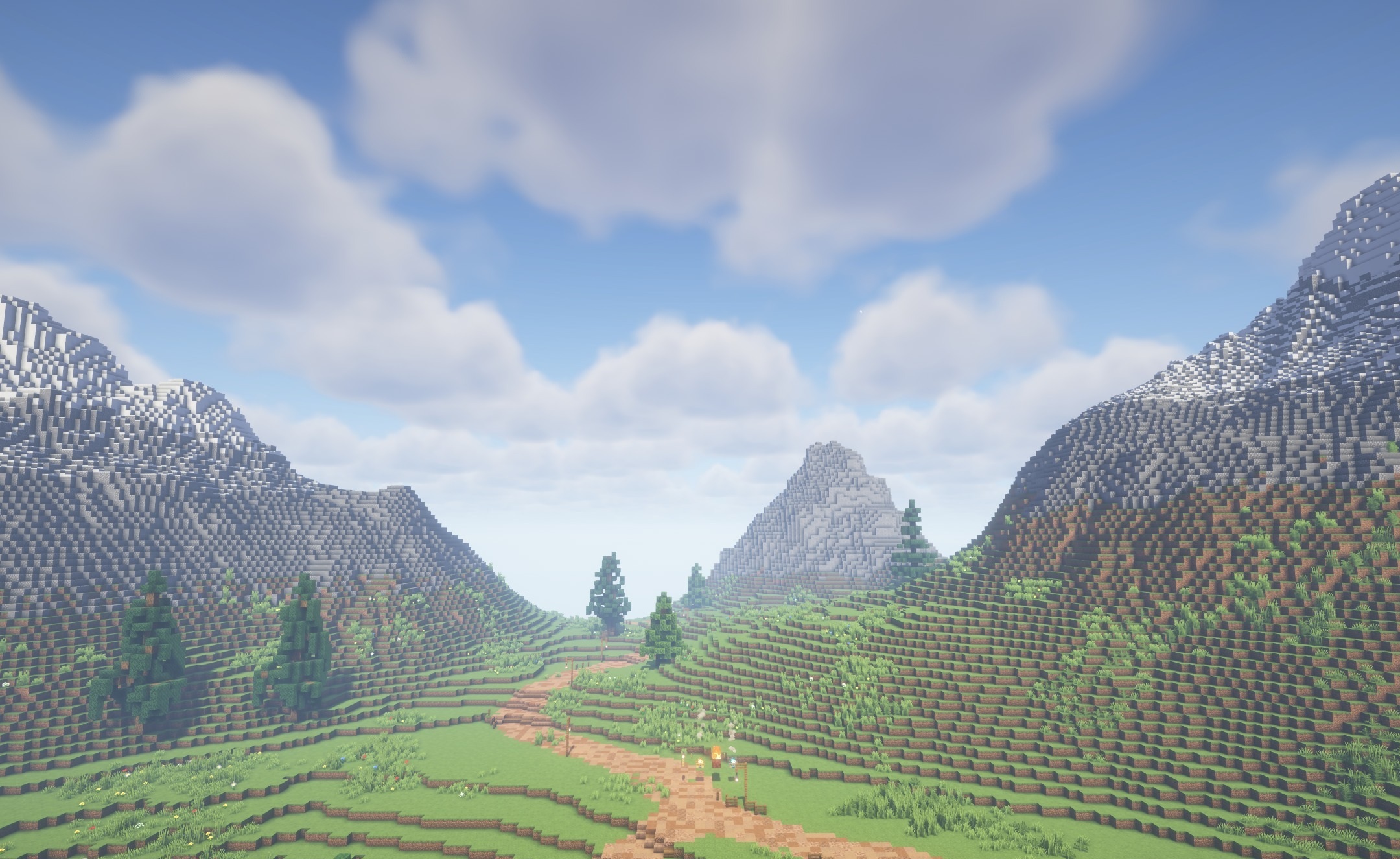
TrueLight FX Shaders allows you to preserve the standard blocky image and control the lighting quality yourself. The shader adds natural sunlight and moonlight, more noticeable shadows, and smooth brightness changes without reworking the world's textures.
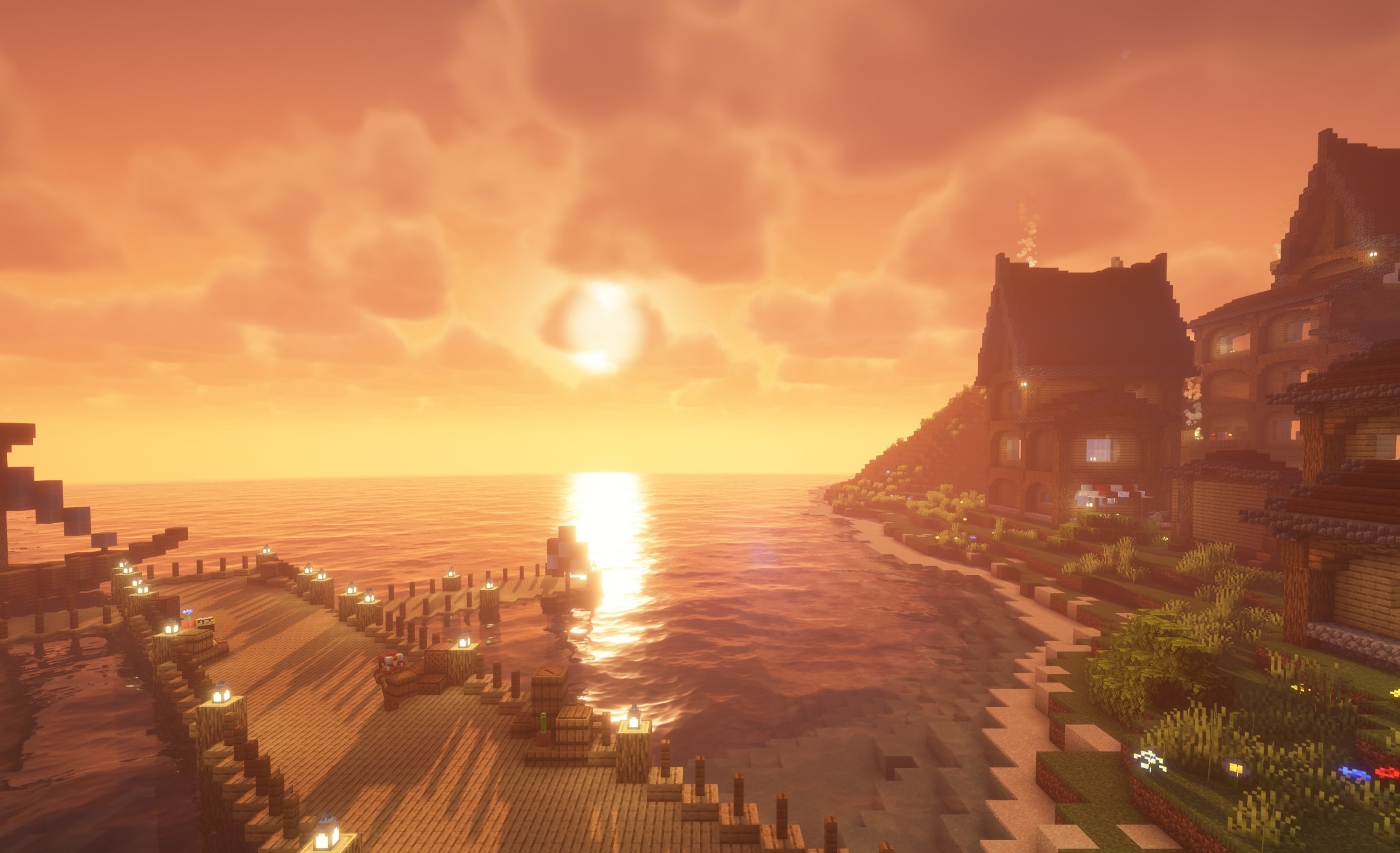
A large settings menu makes it possible to adjust visual effects separately and adapt them to the computer's performance. On a low-end device, you can disable demanding settings, while on a more powerful one, you can increase the quality of shadows and lighting. Thanks to this, the same pack is suitable for different configurations. The main emphasis is on flexible customization and a natural appearance.
How to install a shader:
First step: download the shader package from the link below.
Second step: Unpack the downloaded archive and copy the TrueLight FX Shaders folder to c:\Users\User\AppData\Roaming\.minecraft\shaderpacks\(if this folder does not exist, create it yourself) (For Windows)
Third step: In the game, go to Settings, then to Graphics Settings. Select the "shaders" section and activate the shader pack of your choice.
Comments (0)