



TrueLightFX Lite Shaders for Minecraft 26.2
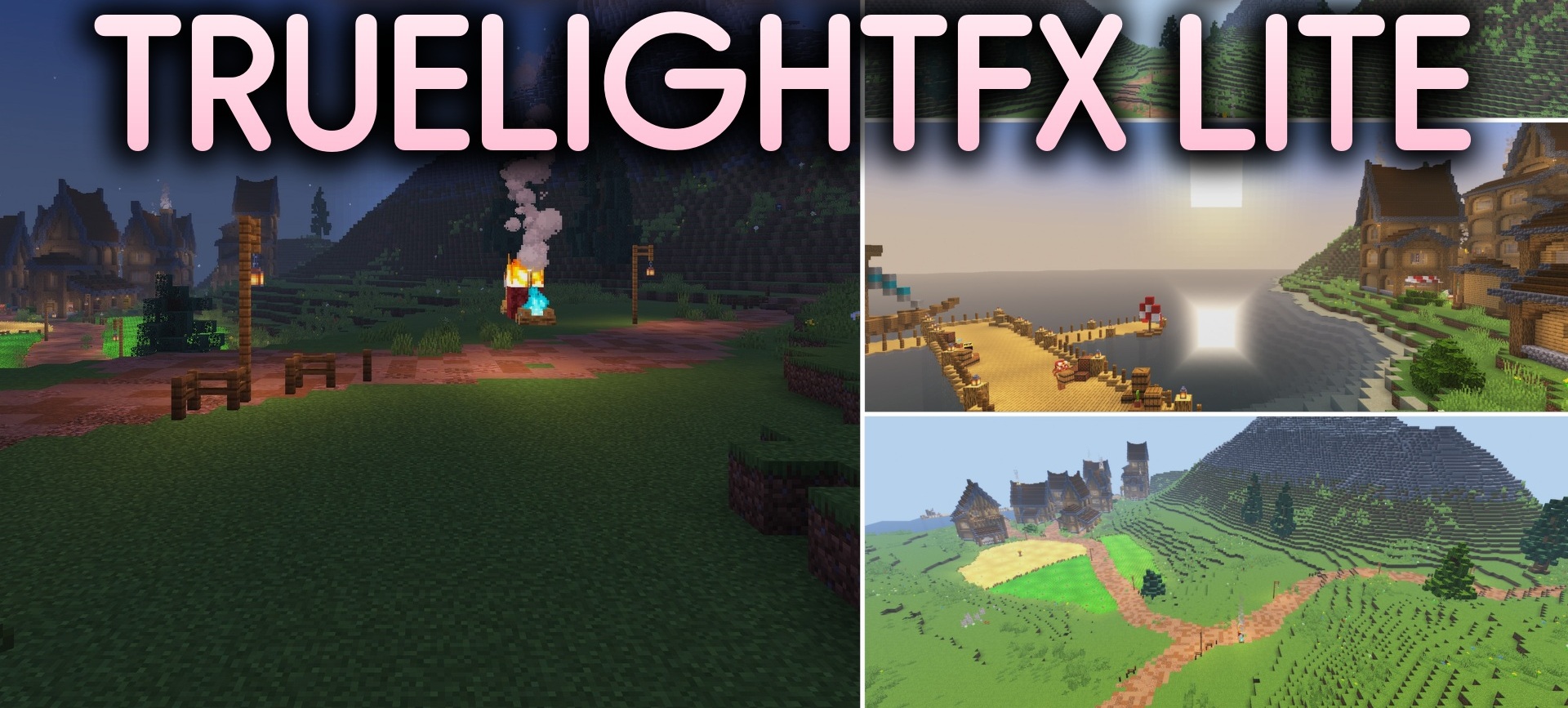
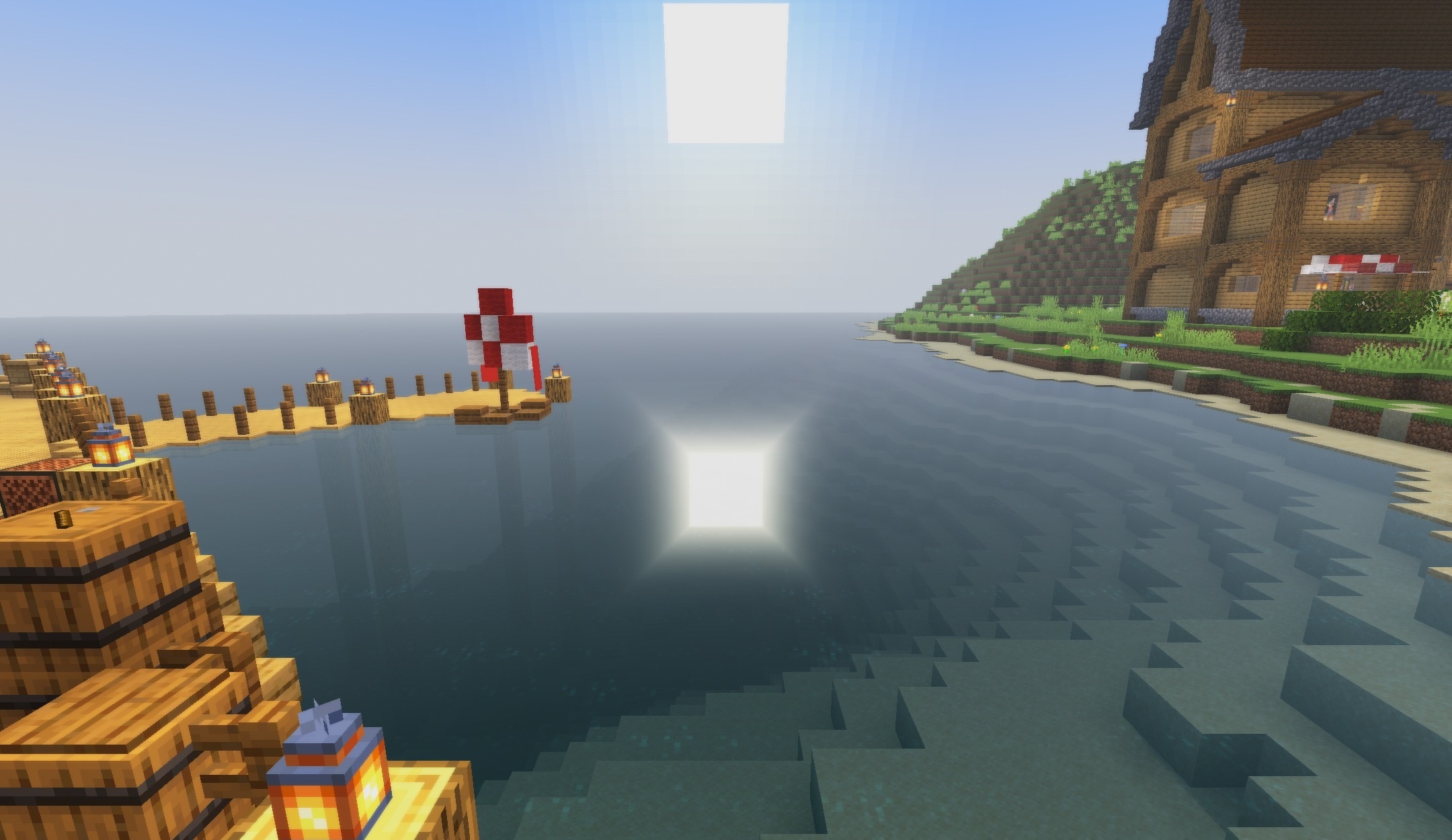
Owners of older laptops and low-end computers can also improve the lighting without a noticeable drop in performance. TrueLightFX Lite Shaders makes colors brighter, cleans up the image, and changes the distribution of sunlight across block surfaces.
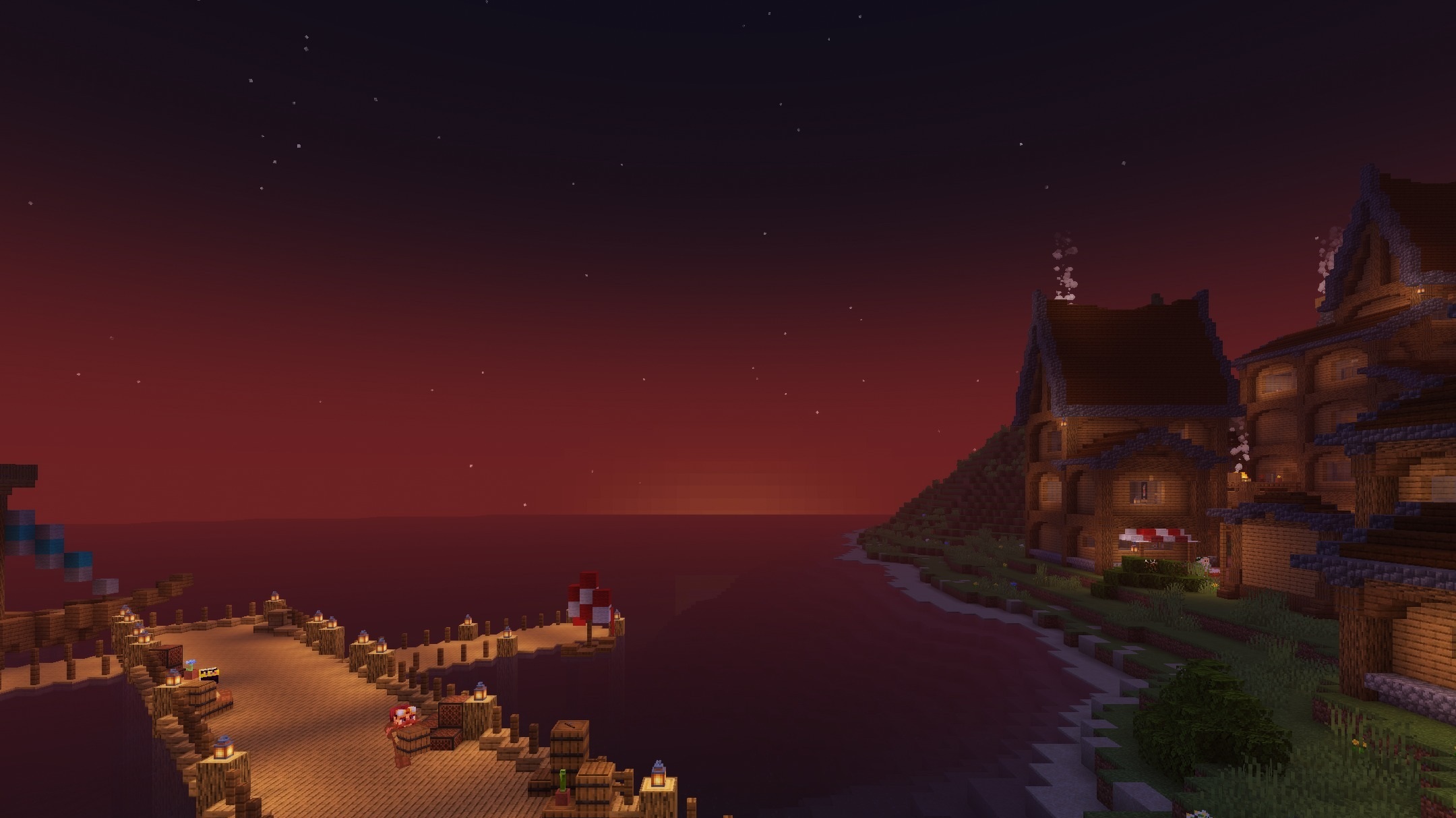
Structures stand out better against the surroundings, while the world looks more cheerful while preserving Minecraft's classic visual style. The pack does not use a large number of demanding effects, so the frame rate remains high even on inexpensive hardware. Textures, item shapes, and the overall palette remain recognizable.
How to install a shader:
First step: download the shader package from the link below.
Second step: Unpack the downloaded archive and copy the TrueLightFX Lite Shaders folder to c:\Users\User\AppData\Roaming\.minecraft\shaderpacks\(if this folder does not exist, create it yourself) (For Windows)
Third step: In the game, go to Settings, then to Graphics Settings. Select the "shaders" section and activate the shader pack of your choice.
Comments (0)