



Vanilla Remake Shaders for Minecraft 26.2
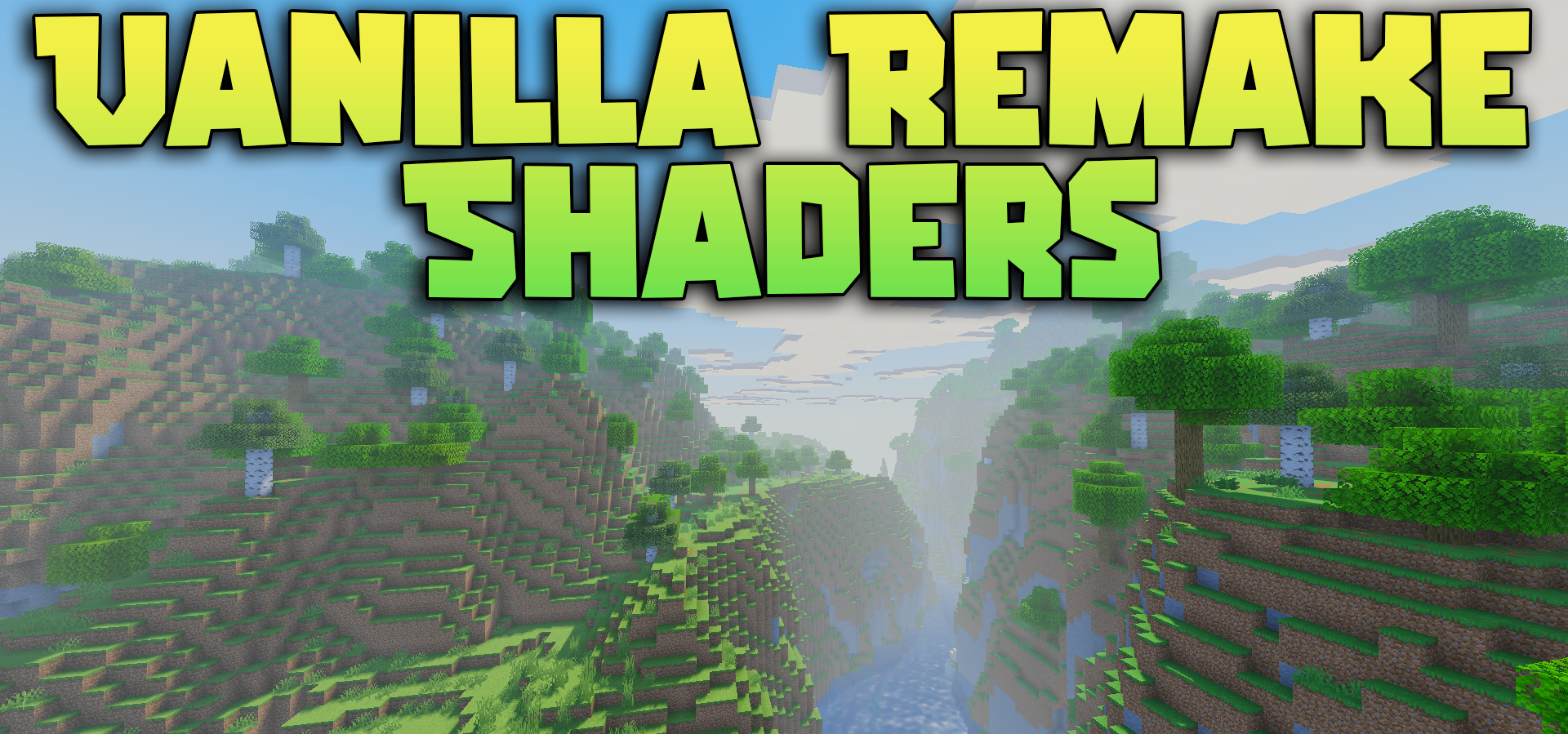
There is no attempt here to turn Minecraft into a realistic simulator with a completely different artistic direction. Vanilla Remake Shaders improves the vanilla foundation itself: the blocky style remains central, but the lighting, colors, and sky become more expressive.
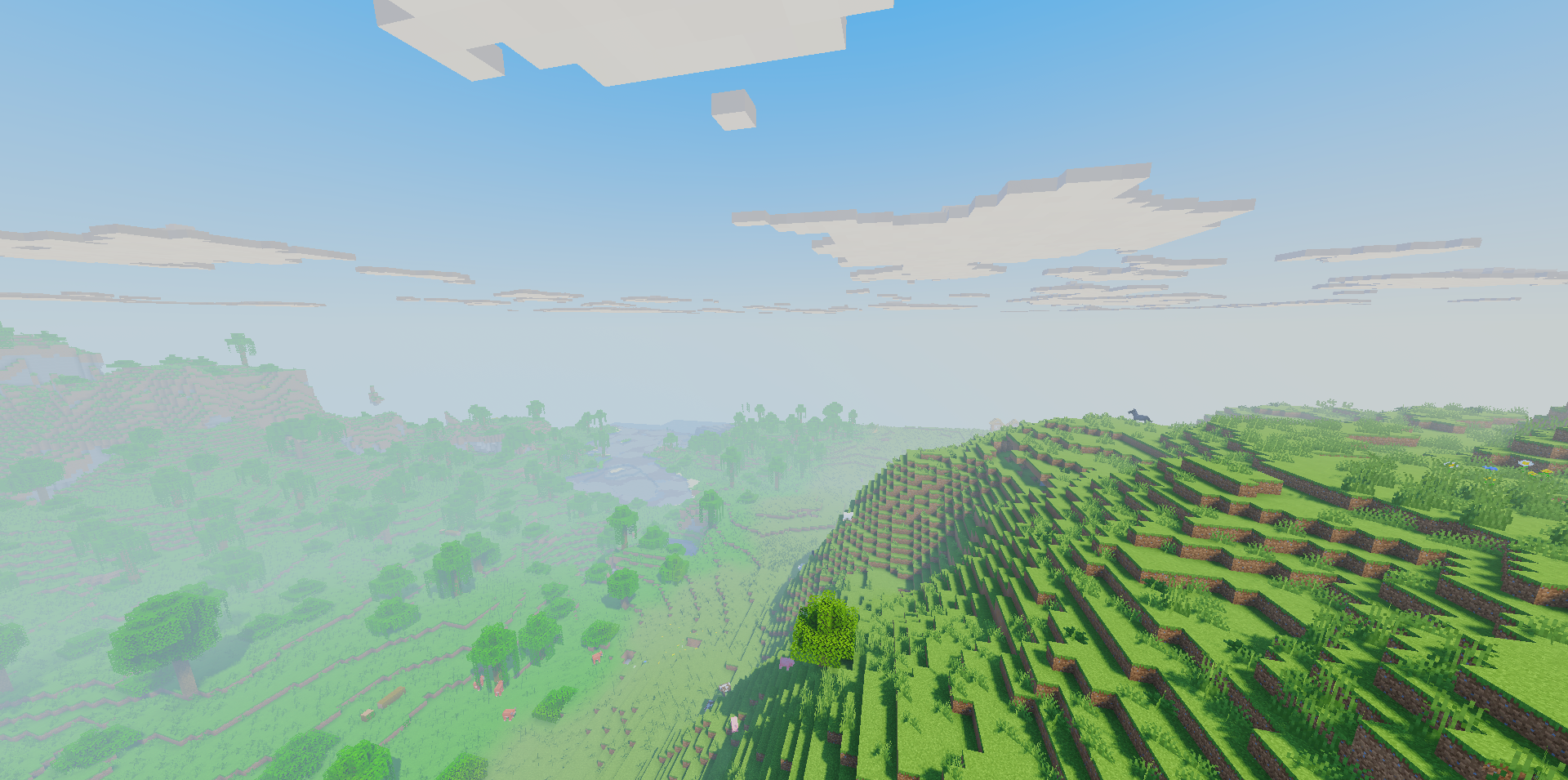
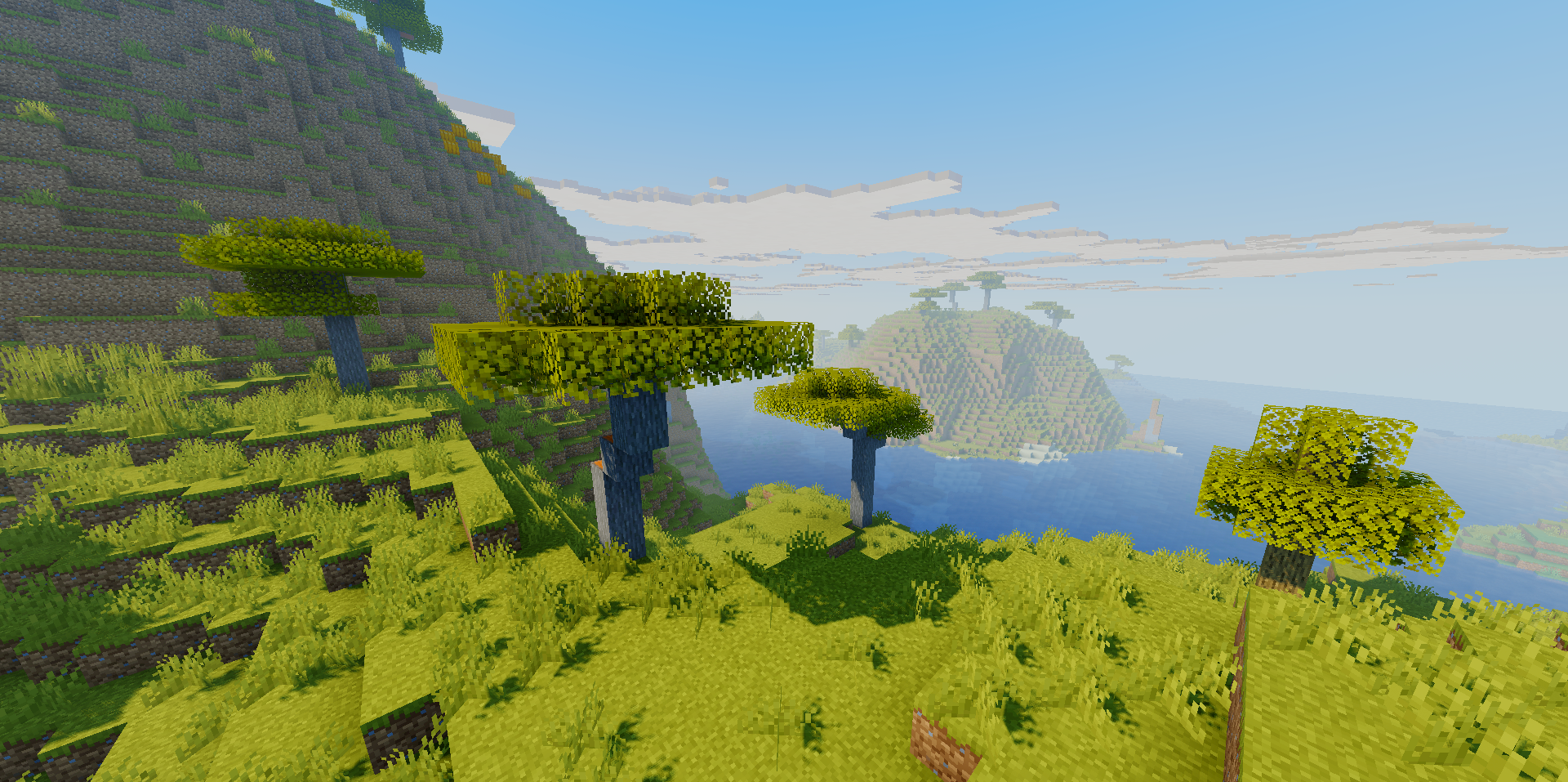
The cinematic ACES tone map helps preserve bright areas without overexposure and makes the shades look more natural. The clouds remain square and stylized, while the sun and moon also retain shapes close to the game’s familiar aesthetic. Beautiful light rays appear from above, while the scene receives a softer and more refined color presentation.
How to install a shader:
First step: download the shader package from the link below.
Second step: Unpack the downloaded archive and copy the Vanilla Remake Shaders folder to c:\Users\User\AppData\Roaming\.minecraft\shaderpacks\(if this folder does not exist, create it yourself) (For Windows)
Third step: In the game, go to Settings, then to Graphics Settings. Select the "shaders" section and activate the shader pack of your choice.
Comments (0)